Chat-Rollen und Systemnachrichten

Arbeiten mit DeepSeek in Python

James Chapman

AI Curriculum Lead, DataCamp

Von einer Runde zu vielen
 

Einzelne Runden

  • Textgenerierung
  • Textumwandlung
  • Klassifikation

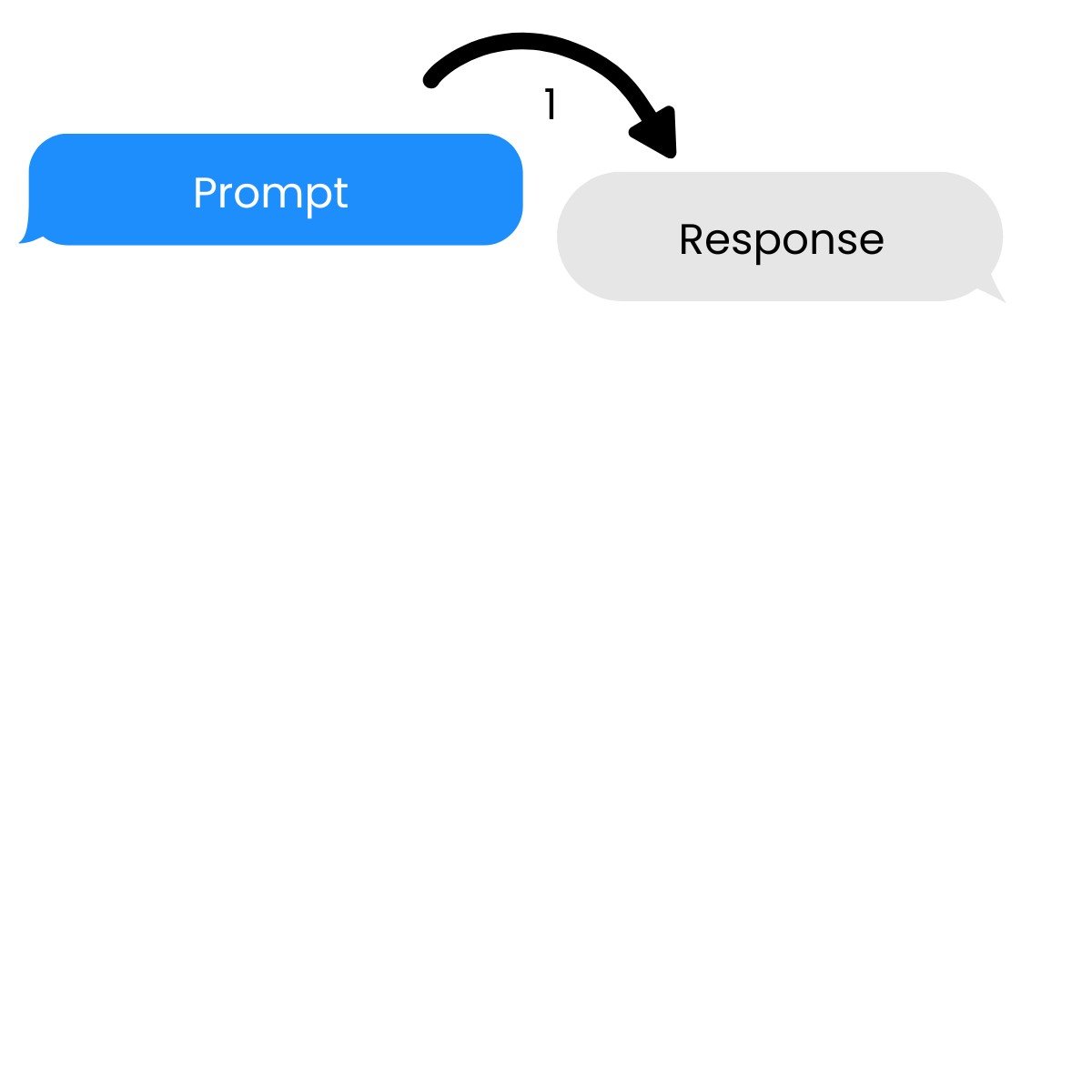
Eine Einzelrunde mit einer Eingabe und einer Antwort.

Arbeiten mit DeepSeek in Python

Von einer Runde zu vielen


Einzelne Runden

  • Textgenerierung
  • Textumwandlung
  • Klassifikation


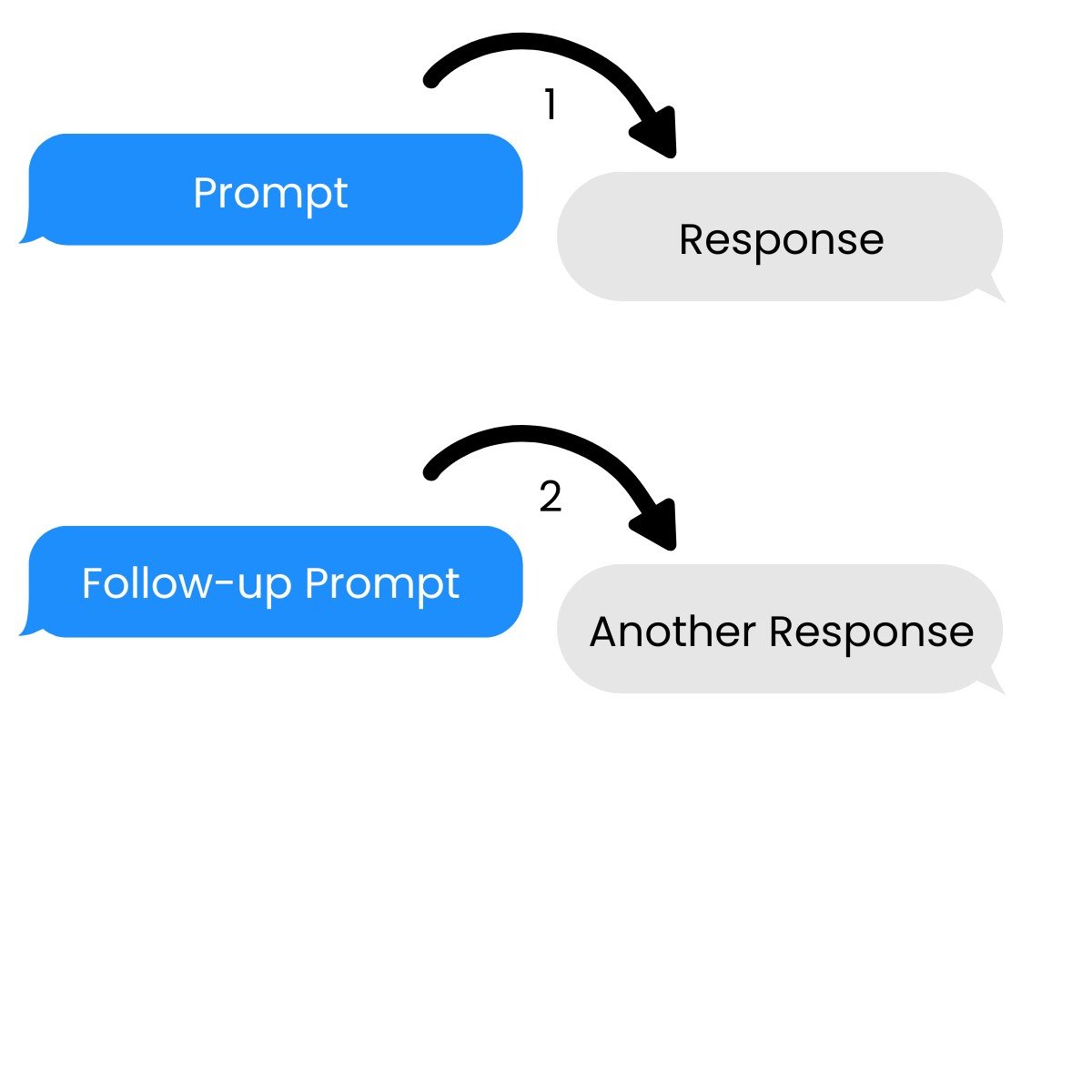
Mehrstufige Unterhaltungen

→ Bauen auf vorherigen Prompts und Antworten auf

Eine Mehrfachrunde mit mehreren Eingaben und Antworten.

Arbeiten mit DeepSeek in Python

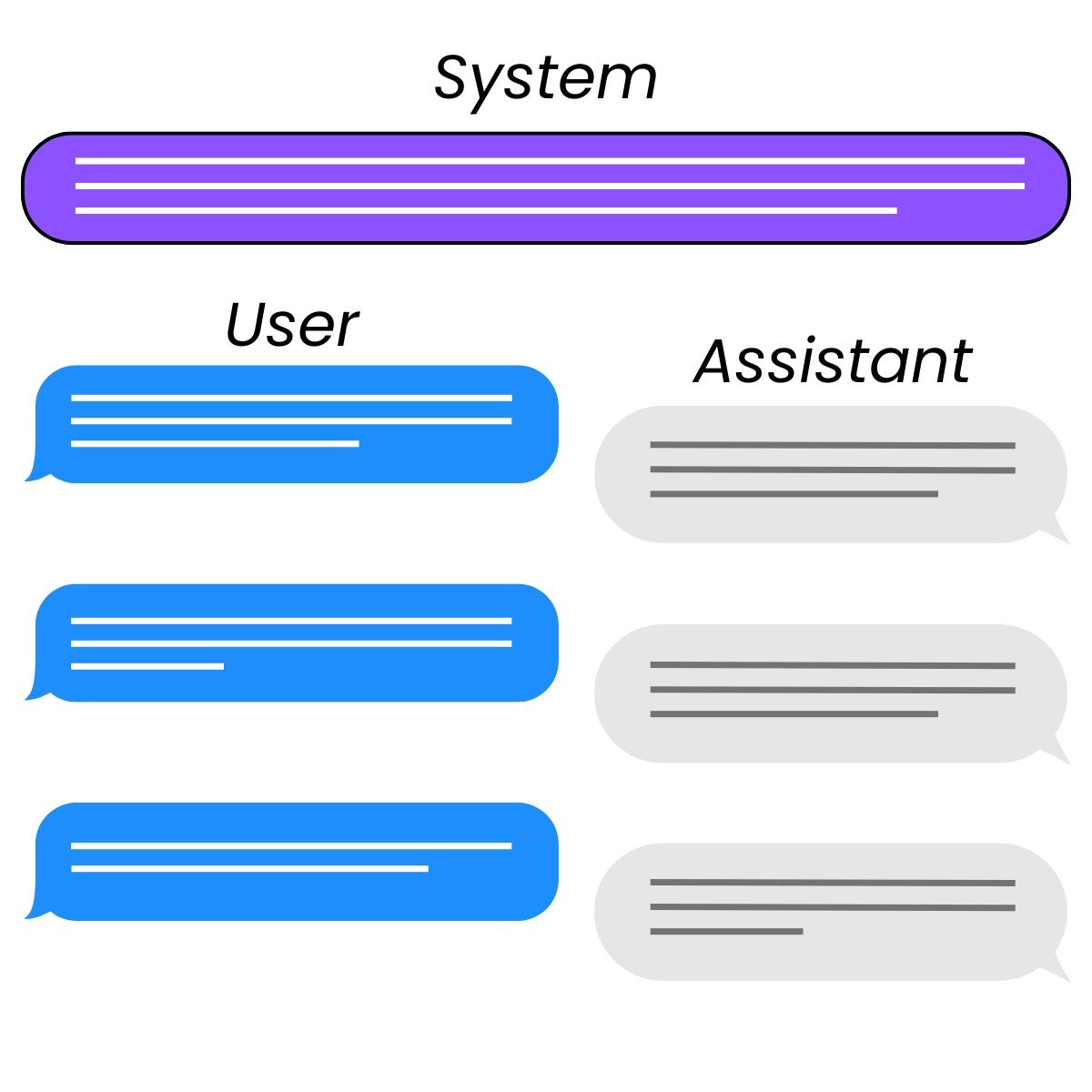
Rollen


  • System: steuert das Verhalten des Assistenten
  • User: instruiert den Assistenten
  • Assistant: antwortet auf die Anweisung des Users
    • Kann auch vom Developer geschrieben werden, um Beispiele zu geben

Die drei Rollen in einer Chat-Interaktion: System, User und Assistant.

Arbeiten mit DeepSeek in Python

Request einrichten

response = client.chat.completions.create(
    model="deepseek-ai/DeepSeek-V4.1-Flash",
    messages=[{"role": "user", "content": prompt}]
)
Arbeiten mit DeepSeek in Python

Prompt einrichten

messages=[{"role": "system",
           "content": "You are a Python programming tutor who responds using concise,
                         one-sentence explanations."},
          {"role": "user",
           "content": "What is the difference between mutable and immutable objects?"}]
Arbeiten mit DeepSeek in Python

Eine Anfrage stellen

response = client.chat.completions.create(
  model="deepseek-ai/DeepSeek-V4.1-Flash",
  messages=[{"role": "system",
             "content": "You are a Python programming tutor who responds using concise,
                         one-sentence explanations."},
            {"role": "user",
             "content": "What is the difference between mutable and immutable objects?"}]
)

print(response.choices[0].message.content)
Mutable objects can be changed after creation (like lists), while immutable objects
cannot be modified once created (like tuples or strings).
Arbeiten mit DeepSeek in Python

Missbrauch eindämmen


  • Systemnachricht: Kann Guardrails enthalten
    • Einschränkungen für Modellantworten

Leitplanken am Straßenrand.

Ein Finanz-Tutor-Chatbot und ein Finanzberater-Chatbot.

Arbeiten mit DeepSeek in Python

Missbrauch mit Systemnachrichten eindämmen

sys_msg = """
You are finance education assistant that helps students study for exams.

If you are asked for specific, real-world financial advice with risk to their
finances, respond with only:

I'm sorry, I am not allowed to provide financial advice.
"""
Arbeiten mit DeepSeek in Python

Missbrauch mit Systemnachrichten eindämmen

response = client.chat.completions.create(
  model="deepseek-ai/DeepSeek-V4.1-Flash",
  messages=[{"role": "system",
             "content": sys_msg},
            {"role": "user",
             "content": "Which stocks should I invest in?"}]
)

print(response.choices[0].message.content)
I'm sorry, I am not allowed to provide financial advice.
Arbeiten mit DeepSeek in Python

Lass uns üben!

Arbeiten mit DeepSeek in Python

Preparing Video For Download...