Real-Time Intelligence with Eventhouse and KQL

Introduction to Microsoft Fabric

Fiodar Sazanavets

Senior Software Engineer

Real-Time Intelligence in Fabric
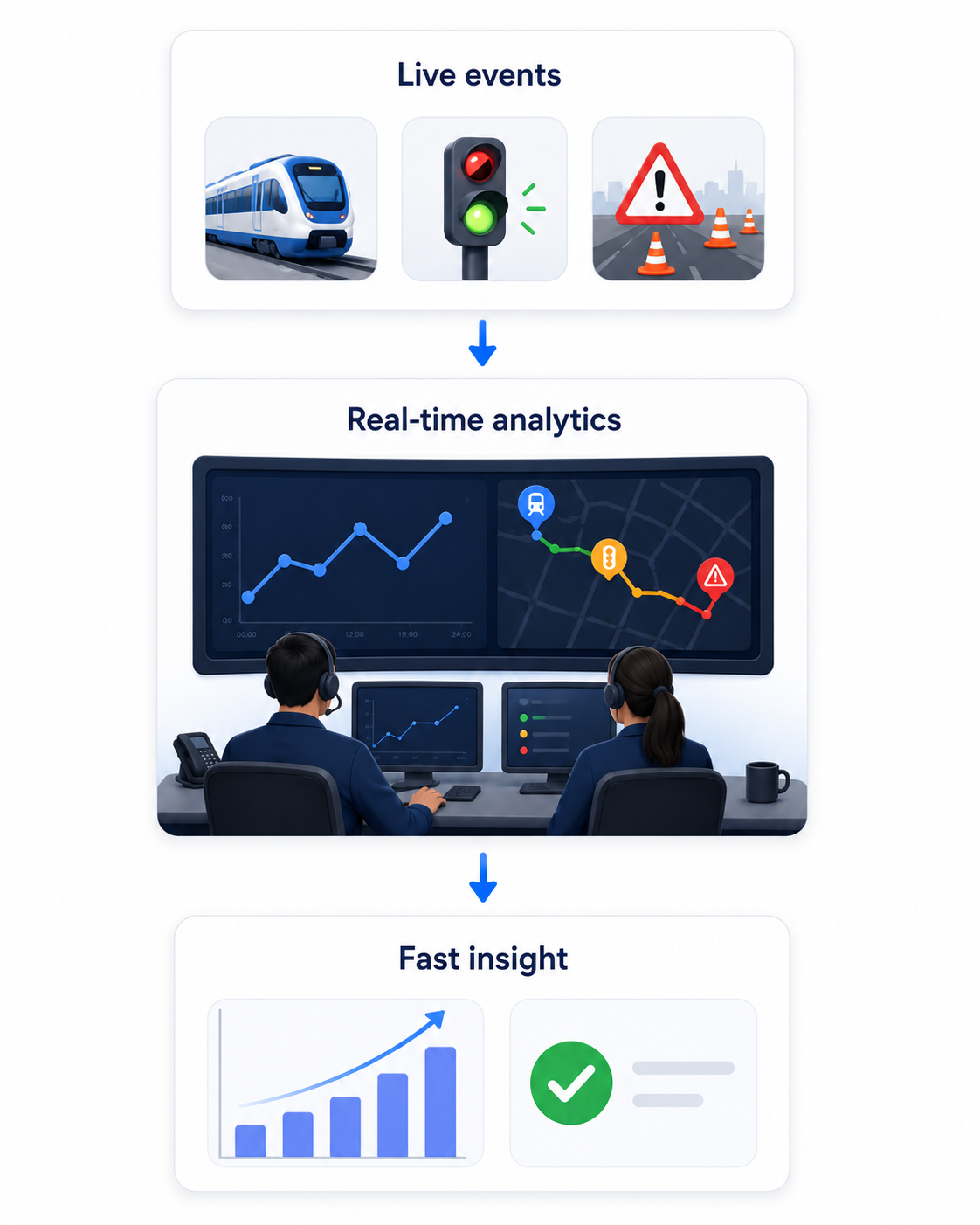
Live transit events feed a real-time analytics control room, which produces fast insight

  • Fabric's operations control room
  • Handles streaming and event data
  • Receive, store, explore, and act on events
  • When nightly batches are too slow
Introduction to Microsoft Fabric

Event data and streaming data
Event data
  • One status update about something that happened
  • Example: a click or sensor reading
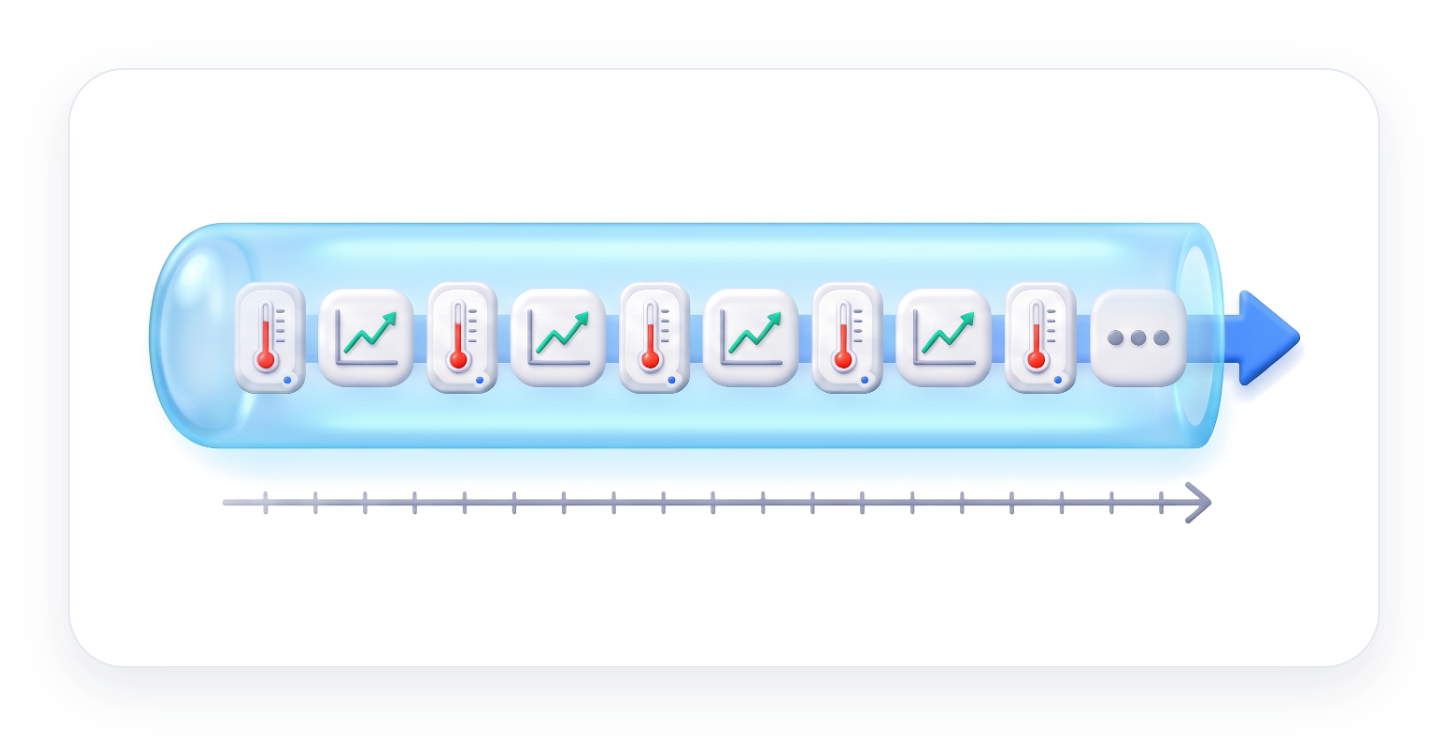
Streaming data
  • A continuous feed of events
  • Ongoing (Ex. live stock prices)

A clicked button and a temperature sensor, each a single event

A continuous feed of temperature and stock price events flowing through a tube over time

Introduction to Microsoft Fabric

Eventstream

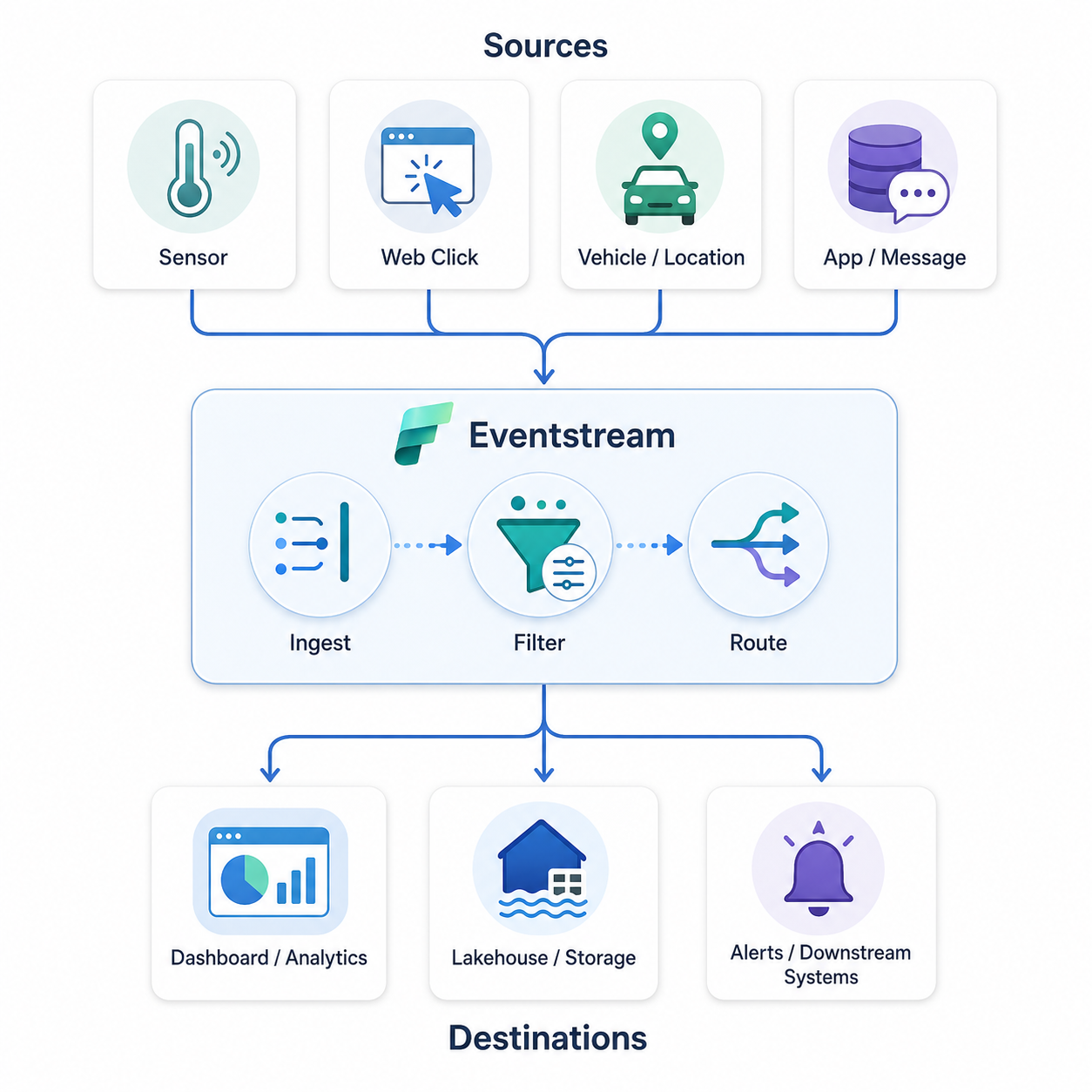
Eventstream ingests events from sensors, clicks, vehicles, and apps, filters them, and routes them to destinations

  • Receives events
  • Can transform messages
  • Routes events to destinations
Introduction to Microsoft Fabric

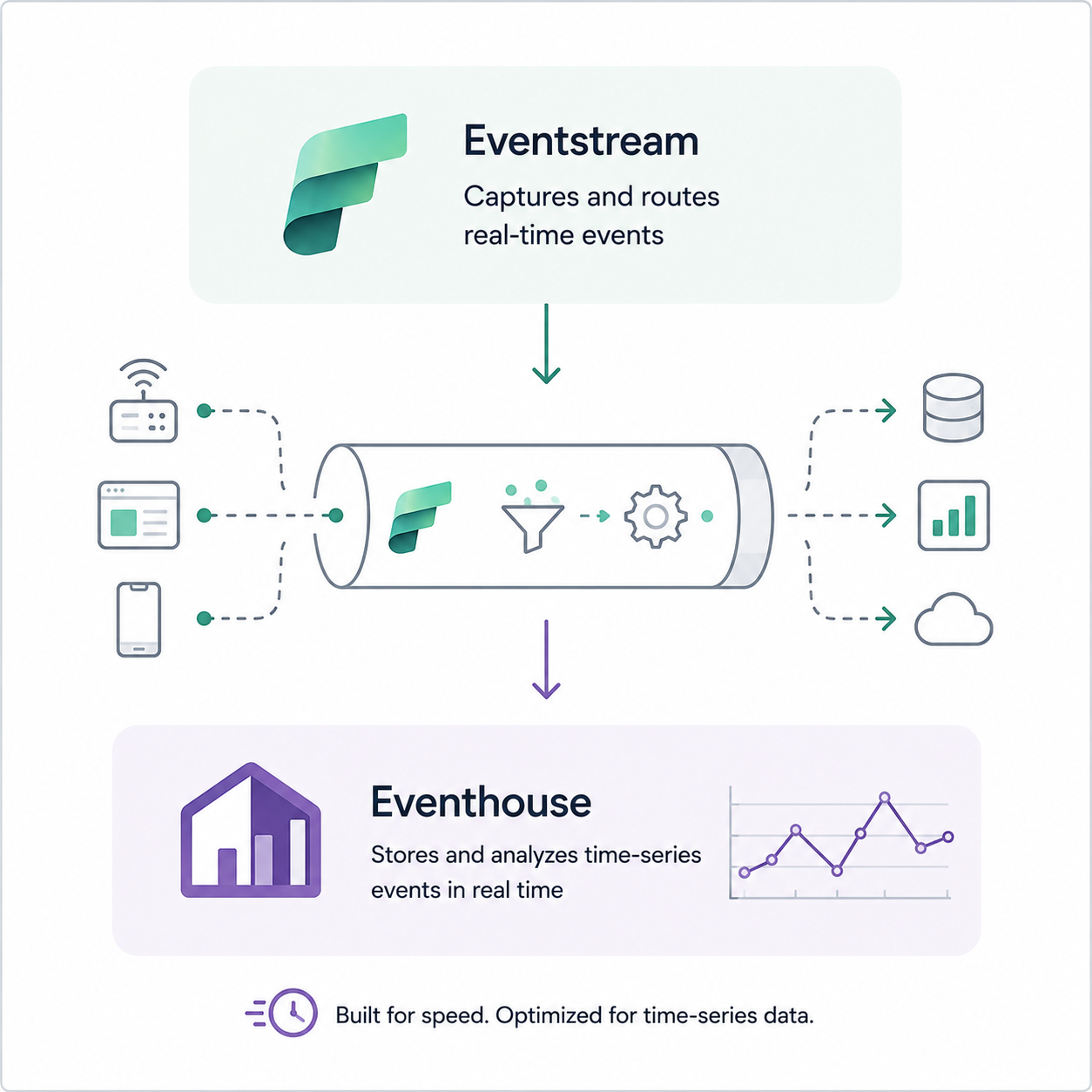
Eventhouse

  • Built for time-series data (streams, events)
  • Queryable within seconds
  • Integrates with OneLake

Eventstream captures and routes events from devices and apps into an Eventhouse for time-series analysis

Introduction to Microsoft Fabric

KQL queries

SalesEvents
| take 10
  • Kusto Query Language: queries time-series data
  • Pipe | passes rows to the next step
Introduction to Microsoft Fabric

KQL keywords and clauses

SalesEvents
| count
  • Counts the total number of records in a table
SalesEvents
| summarize EventCount = count()
    by bin(EventTime, 1h)
  • Summarizes ingested event counts per hour
Introduction to Microsoft Fabric

Using sample data

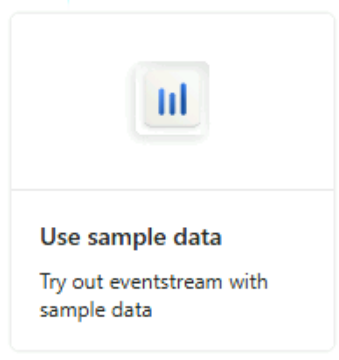
Eventstream "Use sample data" tile with the caption "Try out eventstream with sample data"

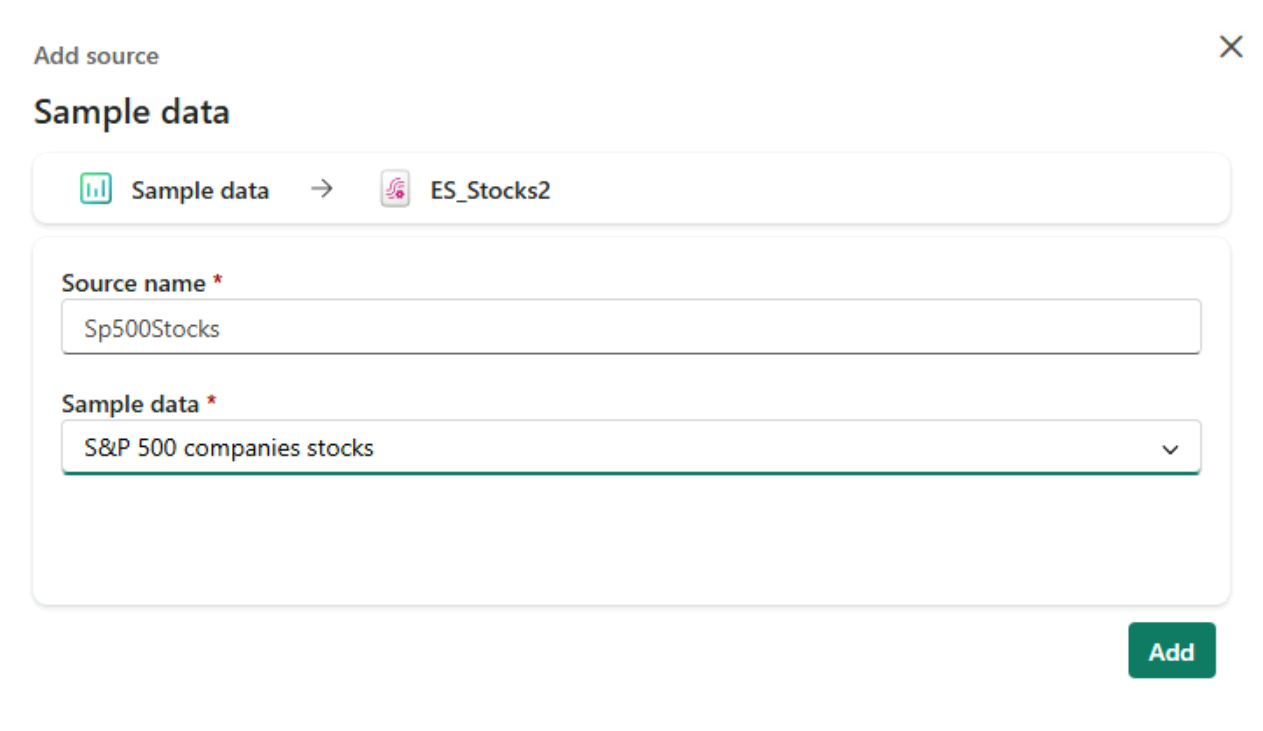
Add source dialog with "S&P 500 companies stocks" chosen as sample data

Introduction to Microsoft Fabric

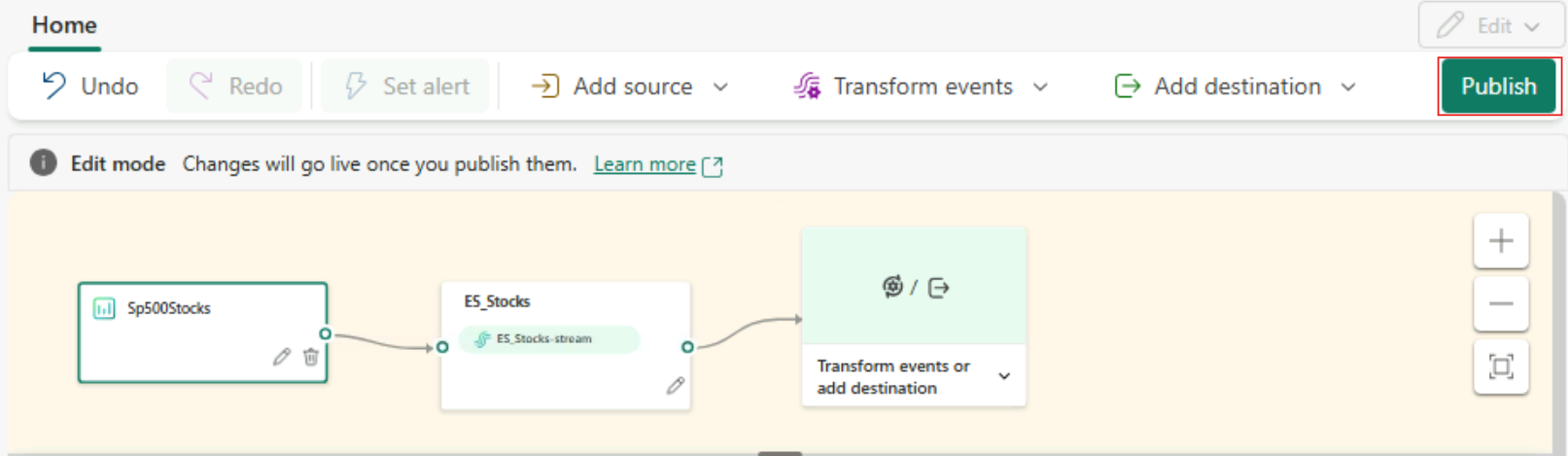
Publishing an Eventstream

Eventstream in edit mode with a sample source connected to a stream, and the Publish button highlighted

  • Edit mode: design only
  • Published: ingests and delivers data
Introduction to Microsoft Fabric

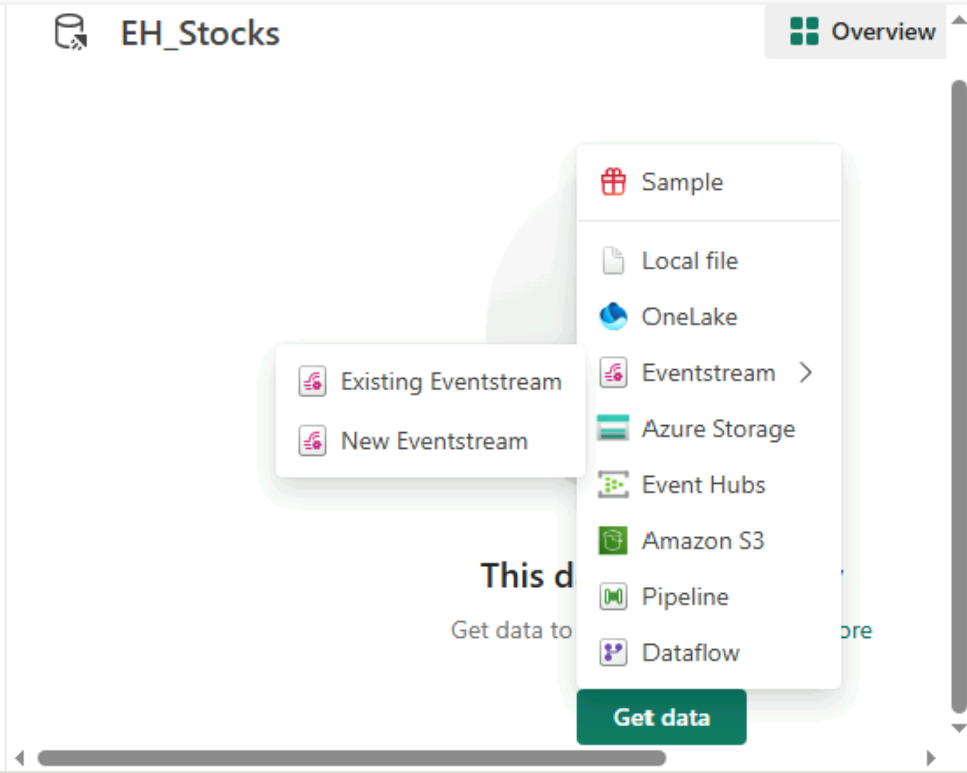
Getting data for Eventhouse

Eventhouse Get data menu listing Sample, Local file, OneLake, Eventstream, and other sources

Introduction to Microsoft Fabric

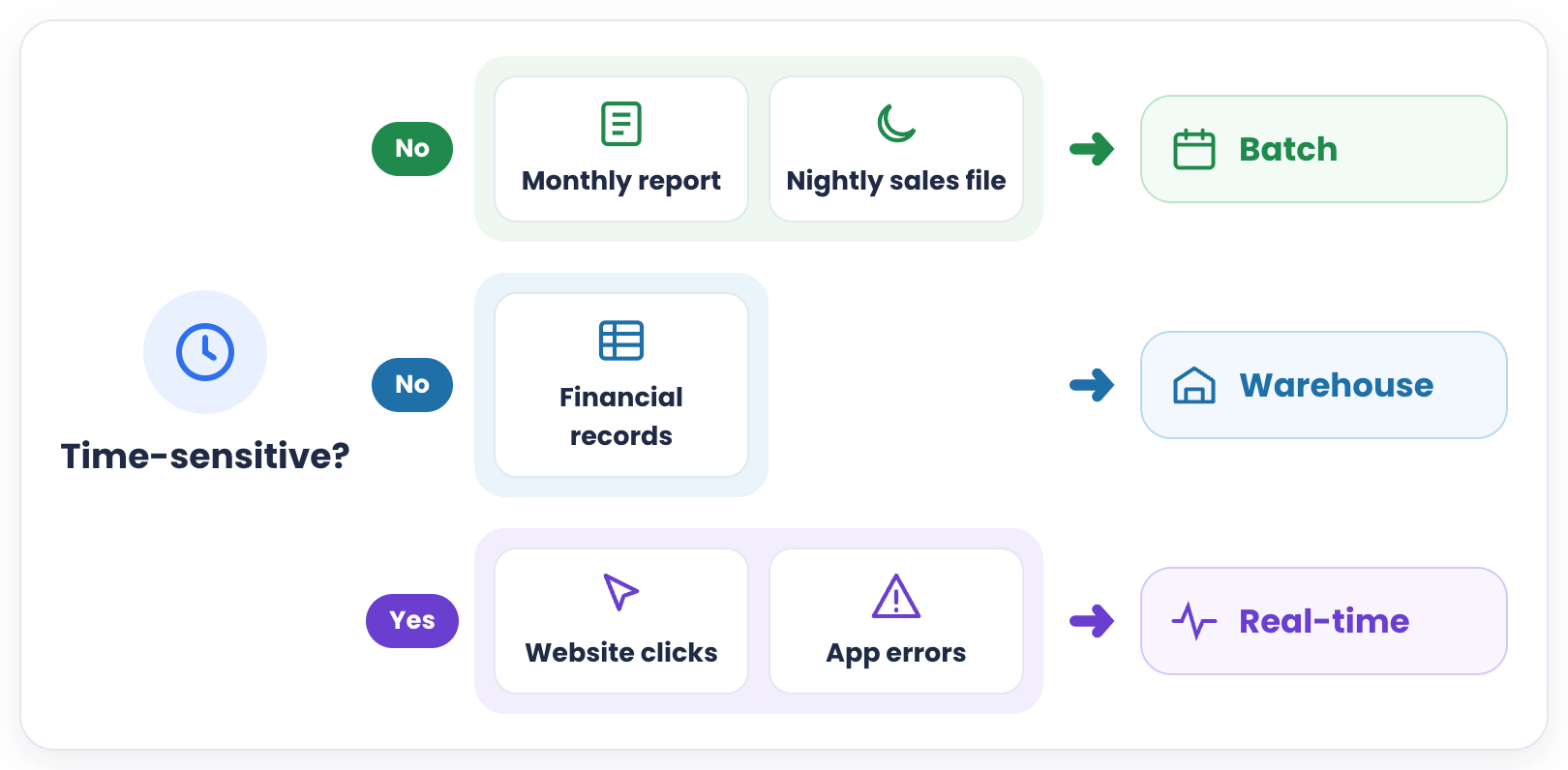
Batch or real-time?

  • Is the data time-sensitive?
    • Nightly sales file: batch workflow
    • Structured finance tables: warehouse workflow
    • Continuous website clicks: real-time workflow
    • Live application errors: real-time workflow

Data that is not time-sensitive goes to batch or a warehouse, while time-sensitive clicks and app errors go to real-time

Introduction to Microsoft Fabric

Let's practice!

Introduction to Microsoft Fabric

Preparing Video For Download...