Writing and testing Lambda code

Serverless Applications with AWS Lambda

Claudio Canales

Senior DevOps Engineer

Why testing and logging matter
  • Real events are messy and come in many shapes.
  • Testing catches errors before users do.
  • Logs are your "black box" for debugging.

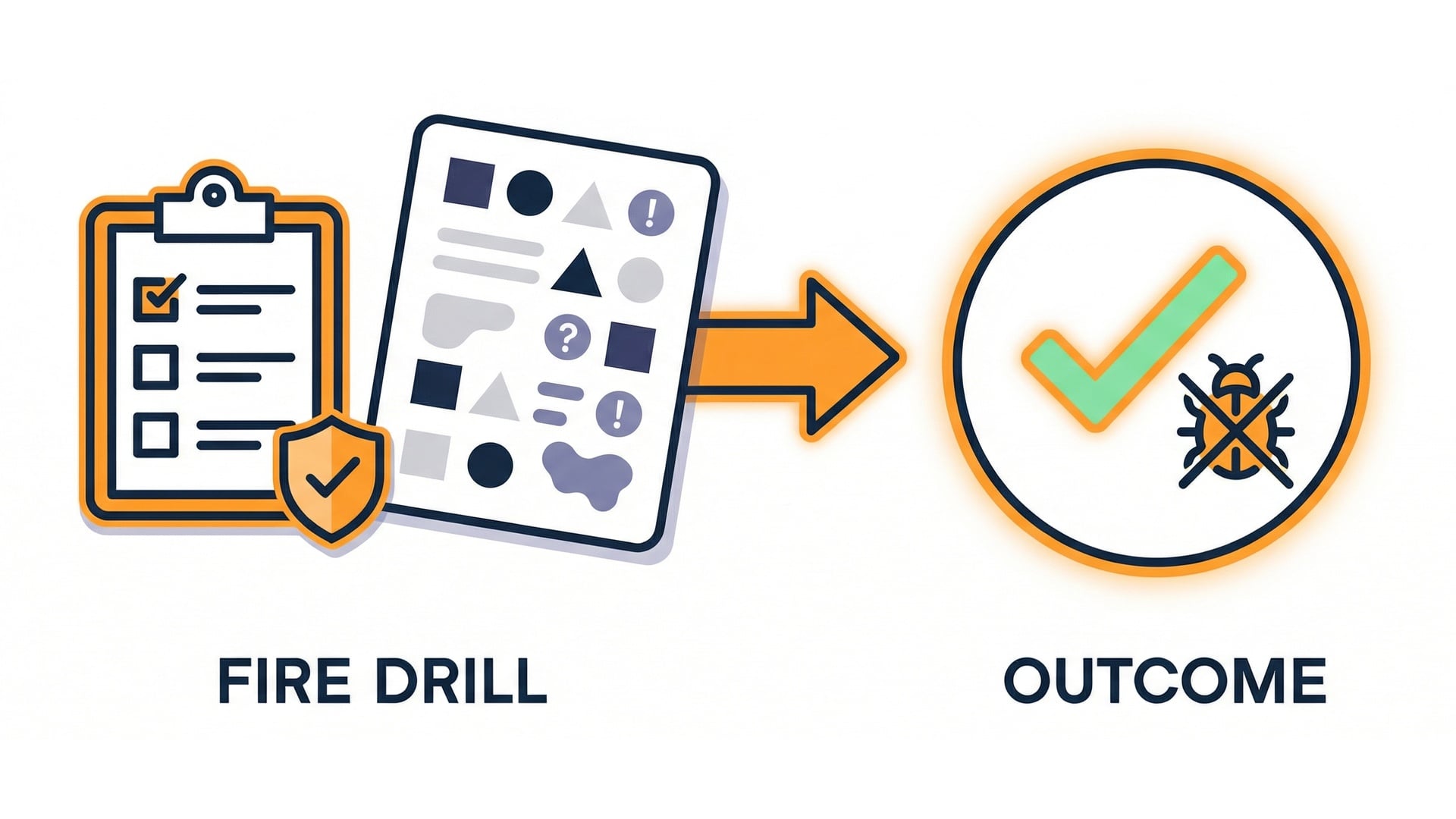
Testing is a fire drill

Serverless Applications with AWS Lambda

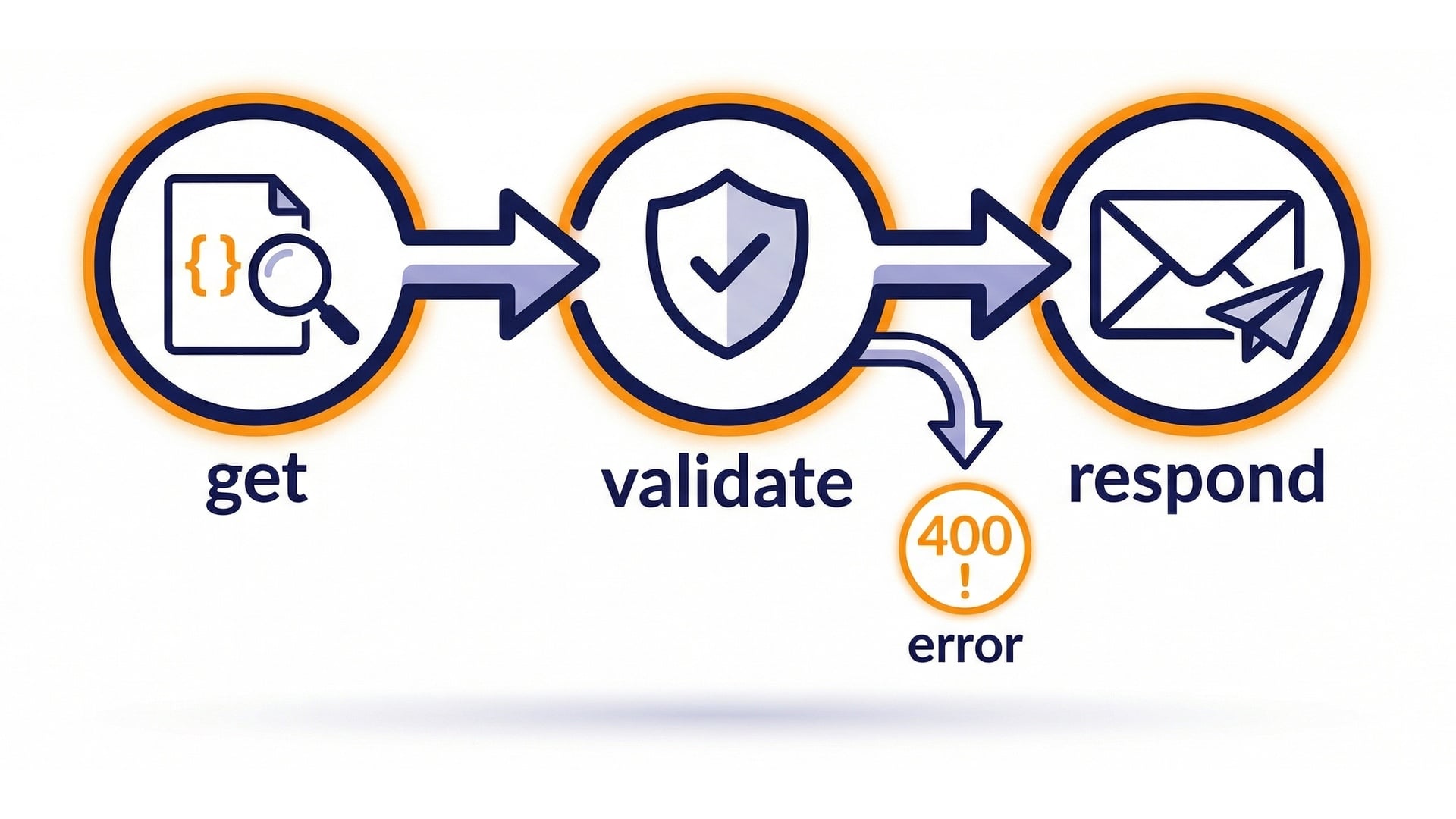
One flow to remember

Core flow toolkit

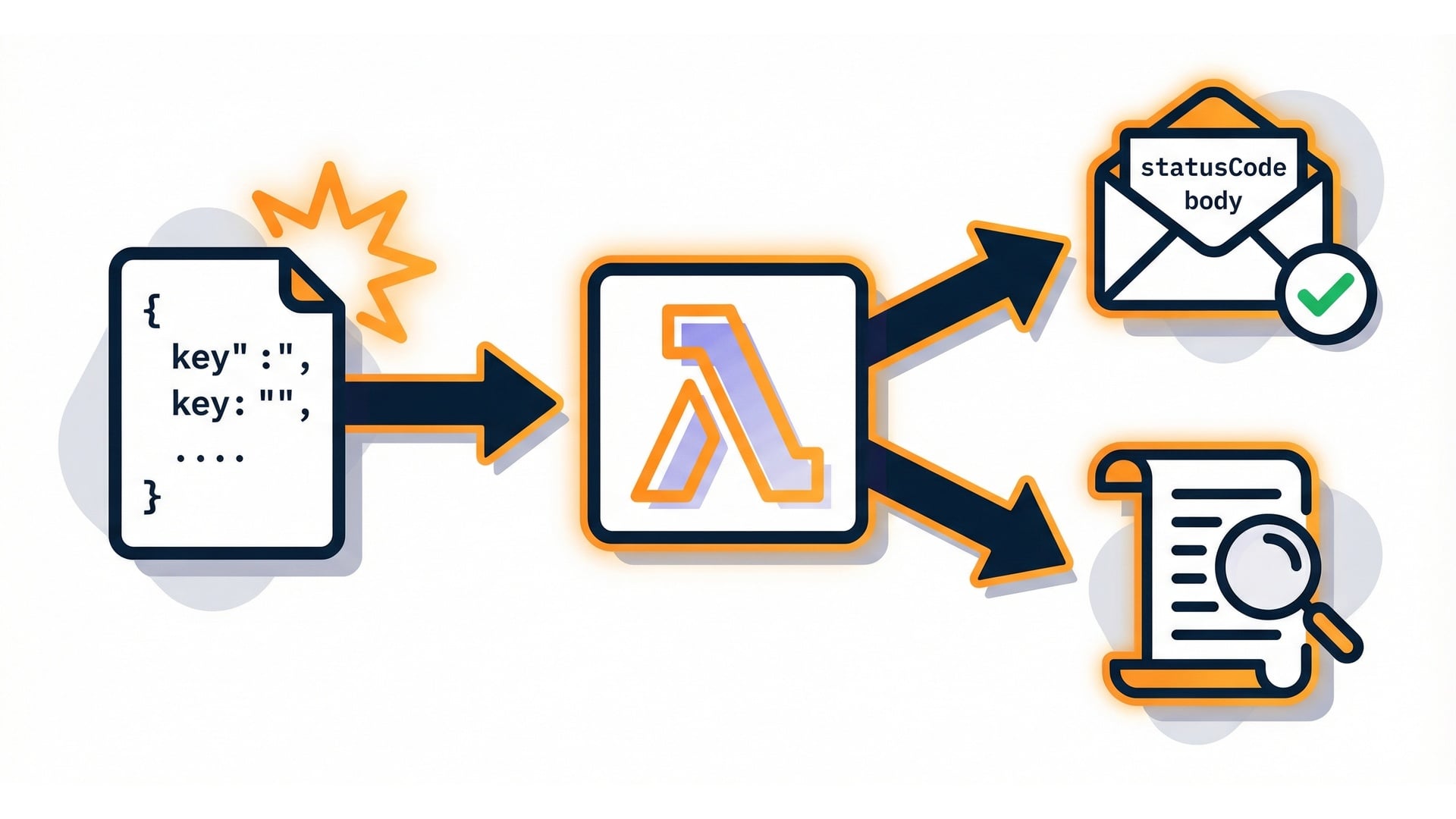
  • Event in -> handler runs -> response out.
  • Use logs + test events to debug.

Lambda invocation flow

Serverless Applications with AWS Lambda

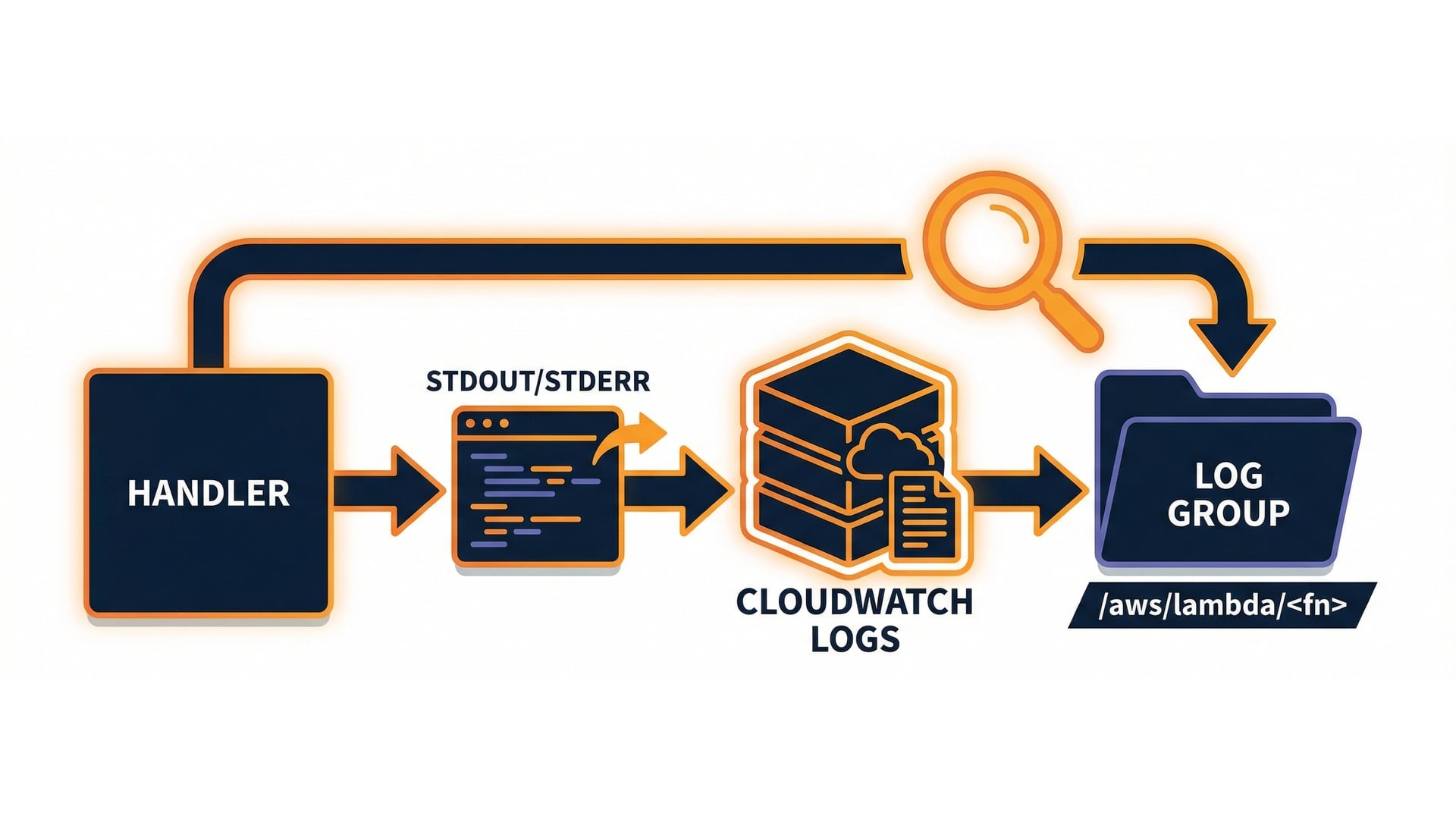
Where logs go: CloudWatch Logs

  • Lambda writes print() output and errors there by default.
  • CloudWatch Logs is AWS's log storage for services.
  • Log groups look like /aws/lambda/<function-name>.

Handler logs to CloudWatch Logs

Serverless Applications with AWS Lambda

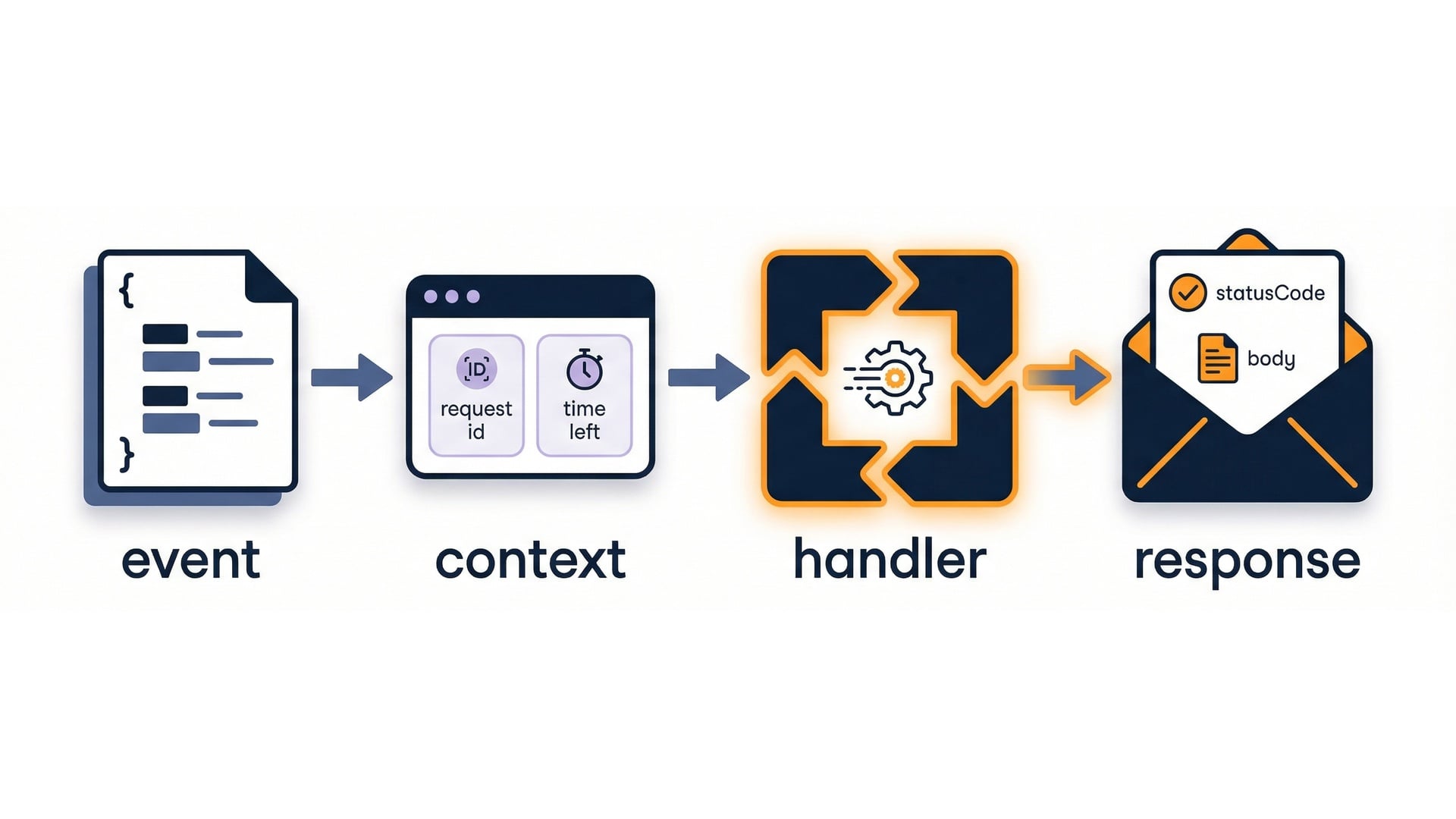
The handler contract

  • event is the input payload.
  • context provides runtime metadata.
  • Return value becomes the function response.

Handler contract: event + context -> response

Serverless Applications with AWS Lambda

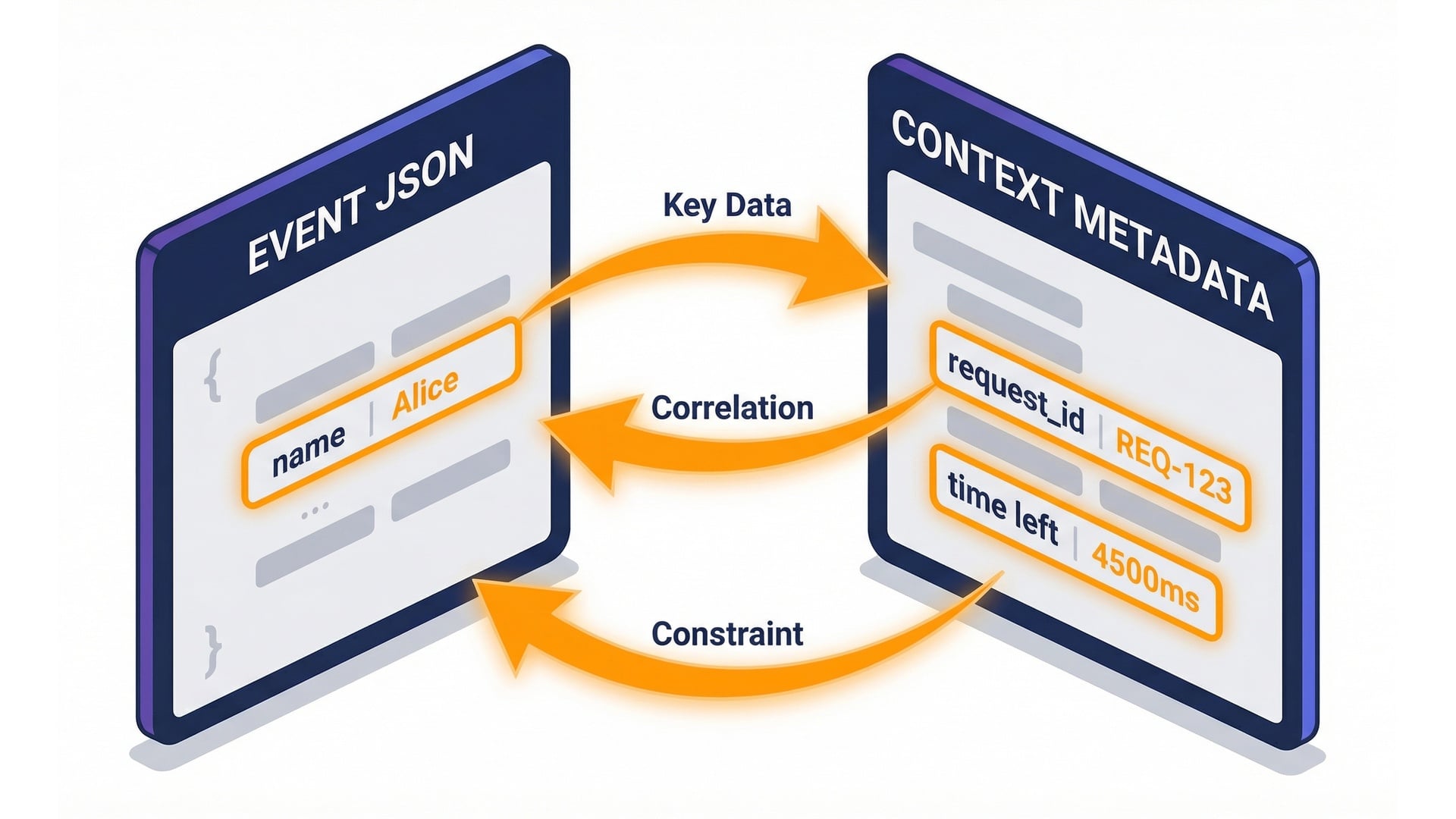
Walkthrough: event and context

def lambda_handler(event, context):
    request_id = context.aws_request_id
    time_left = context.get_remaining_time_in_millis()
    return {"statusCode": 200}

Event and context callouts

Serverless Applications with AWS Lambda

Parsing input safely

  • Prefer event.get() for optional fields.
  • Validate required inputs early.
  • Return clear errors for missing fields.

Parse safely and validate early

Serverless Applications with AWS Lambda

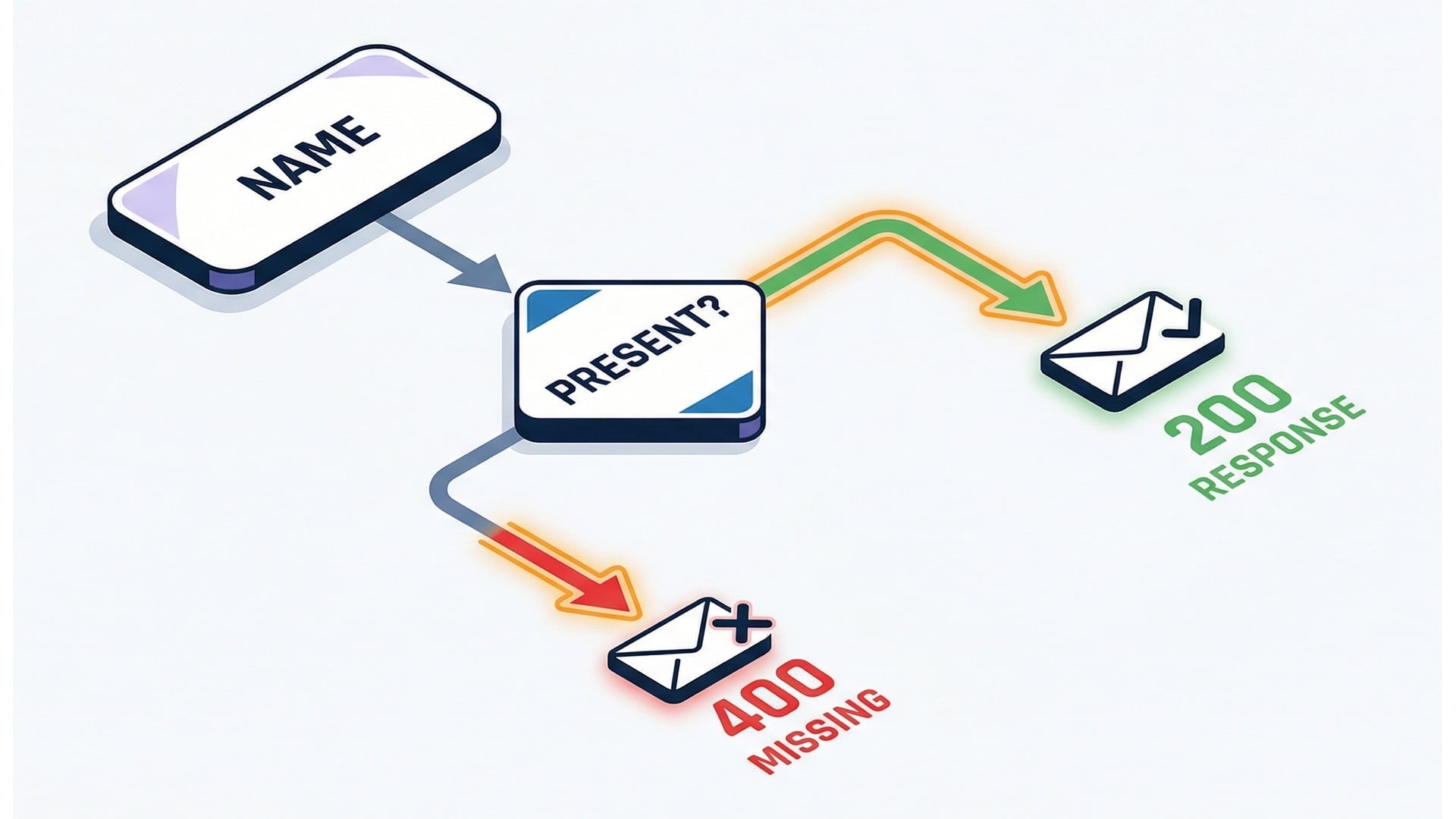
Walkthrough: validate required input

def lambda_handler(event, context):
    if not event.get("name"):
        return {"statusCode": 400, "body": "Missing: name"}
    return {"statusCode": 200, "body": f"Hello, {event.get('name')}!"}

Validation branch: 400 vs 200

Serverless Applications with AWS Lambda

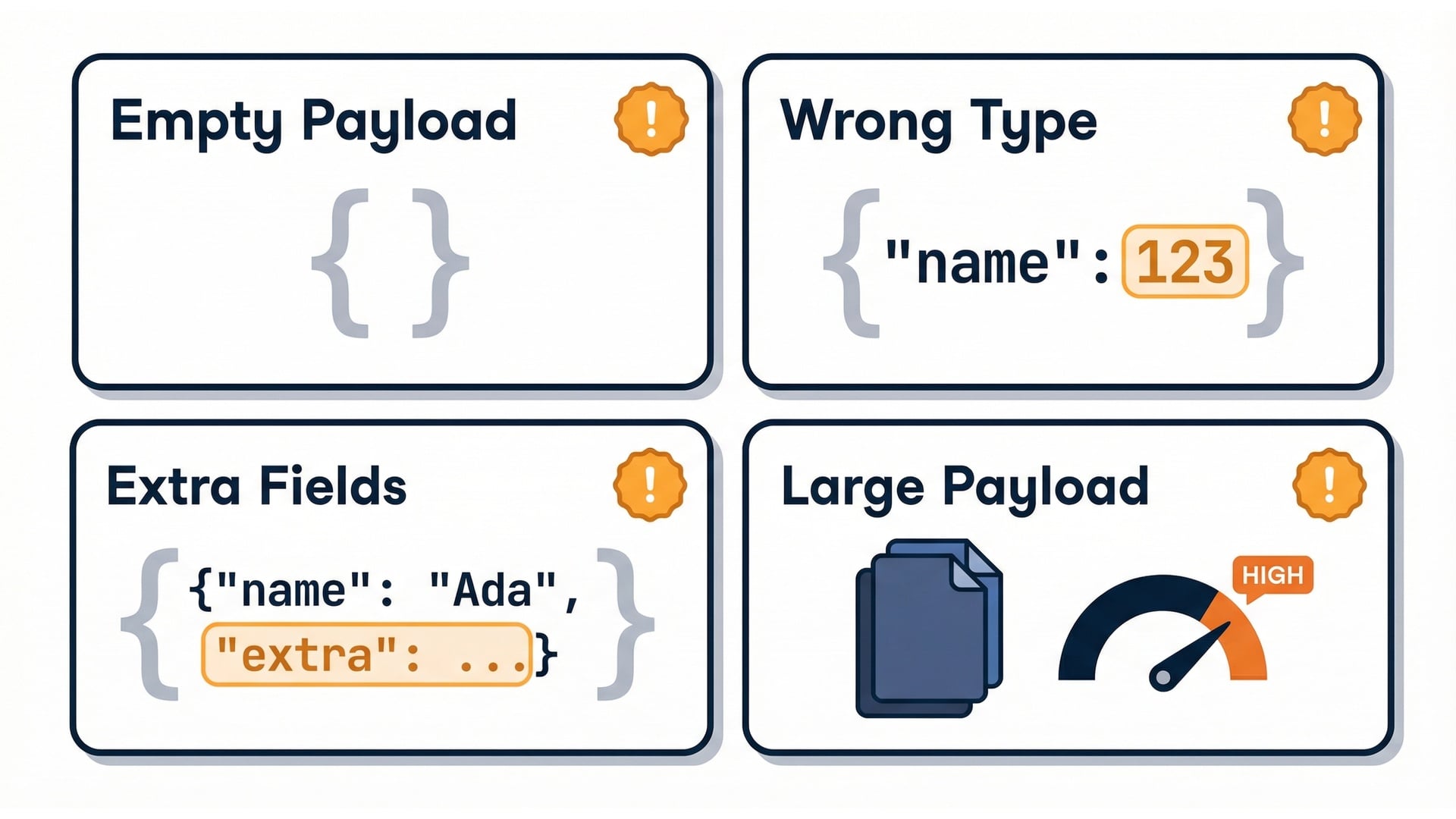
Edge cases to test

  • Missing fields (empty JSON).
  • Wrong types (name is a number).
  • Extra fields or large payloads.

Edge case payload examples

Serverless Applications with AWS Lambda

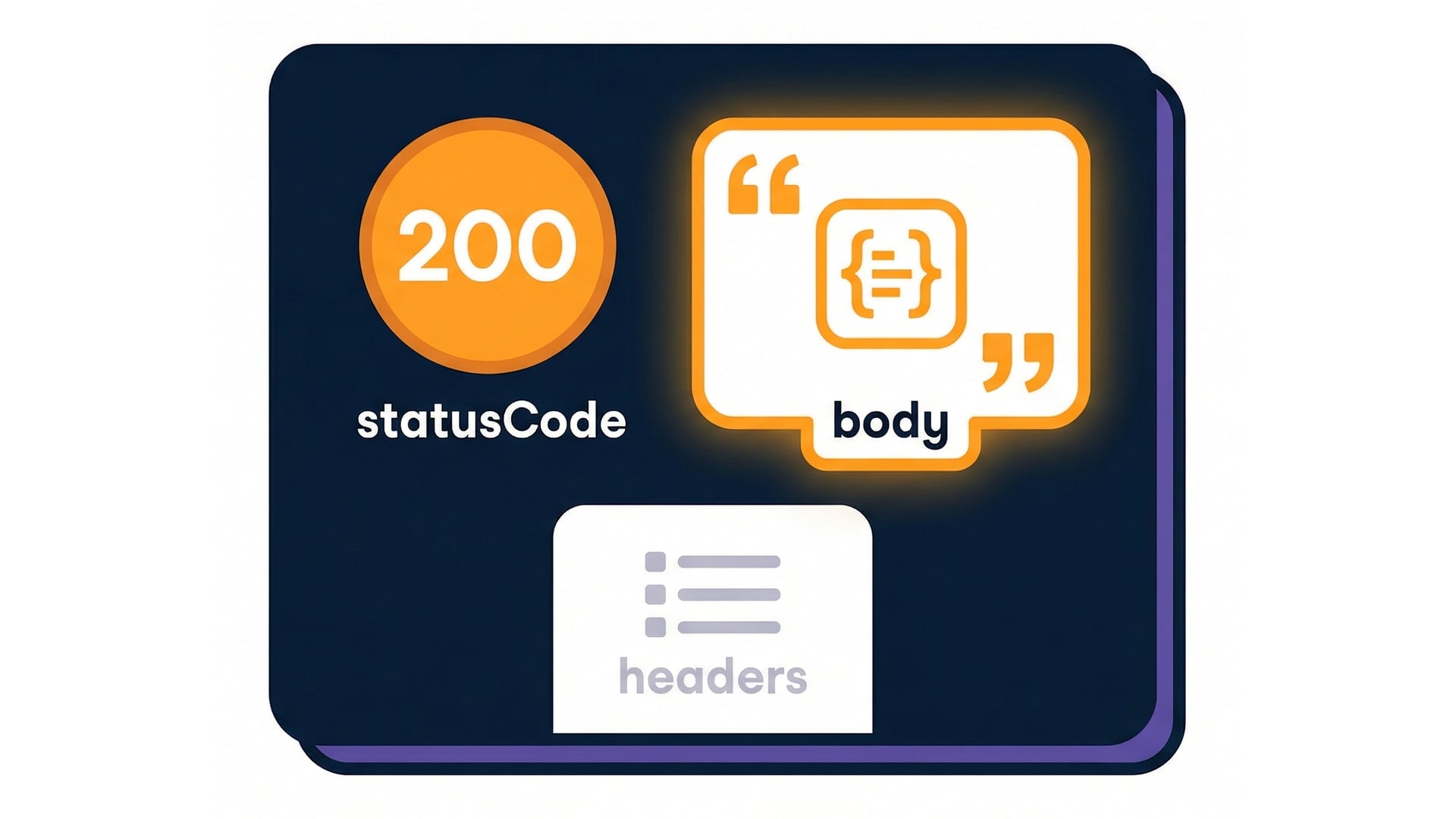
Returning a predictable response

  • Keep a consistent response shape.
  • Use statusCode for success or errors.
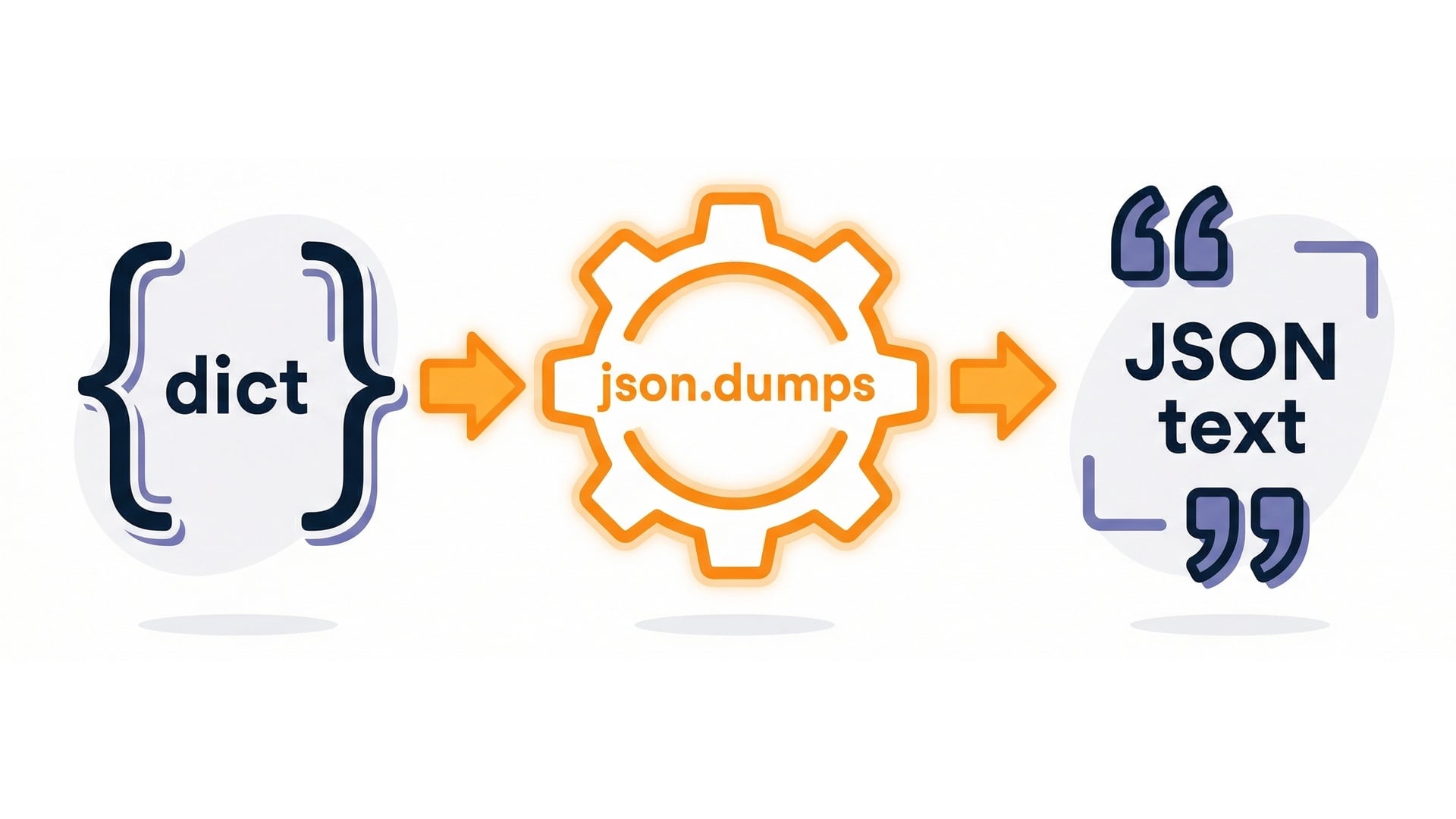
  • JSON-encode your response body.

Response envelope: statusCode + JSON body

Serverless Applications with AWS Lambda

Walkthrough: returning JSON

import json

def lambda_handler(event, context):
    body = {"message": "ok"}
    return {"statusCode": 200, "body": json.dumps(body)}

json.dumps: dict to JSON text

Serverless Applications with AWS Lambda

Logging and tracing

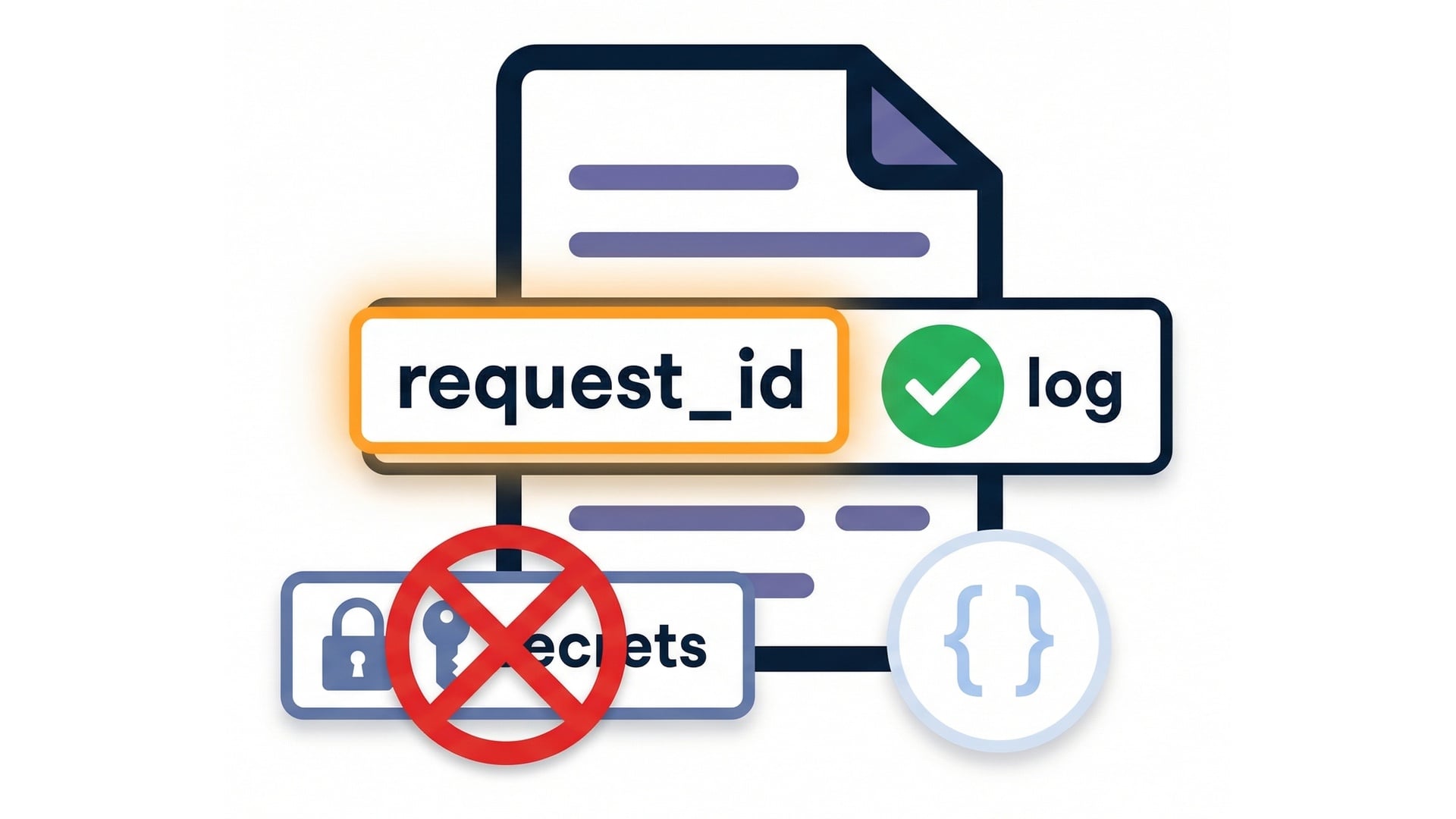
  • Log key fields (use JSON when needed).
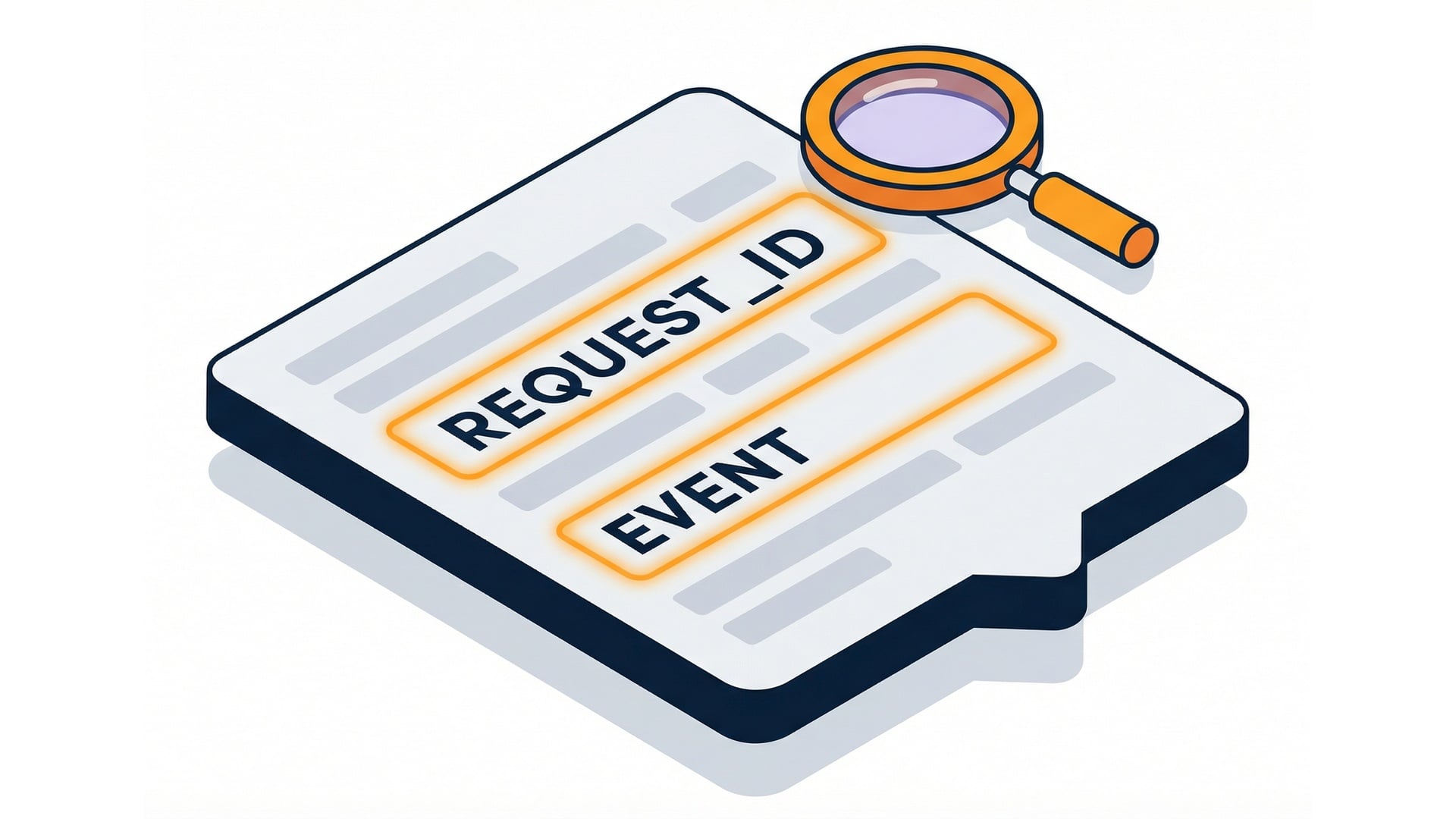
  • Include context.aws_request_id for tracing.
  • Avoid logging secrets or personal data.
  • By default, Lambda logs end up in CloudWatch Logs.

Logging best practices

Serverless Applications with AWS Lambda

Walkthrough: structured logging

import json

def lambda_handler(event, context):
    print(json.dumps({"request_id": context.aws_request_id, "event": event}))
    return {"statusCode": 200}

Structured logging JSON line

Serverless Applications with AWS Lambda

Testing with console events

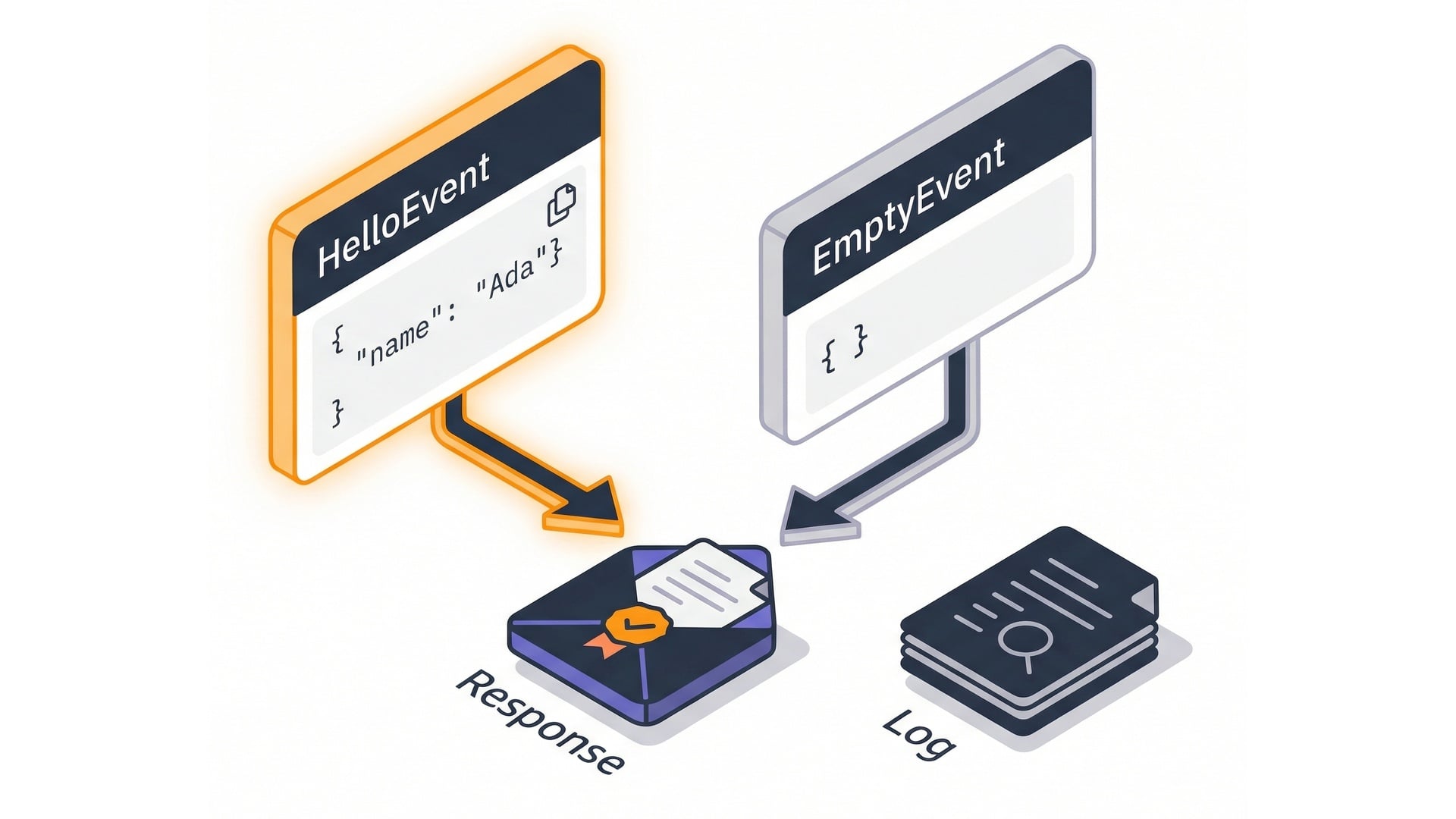
  • Create named test events.
  • Test the happy path and edge cases.
  • Review response + logs after each run.

Console test events

Serverless Applications with AWS Lambda

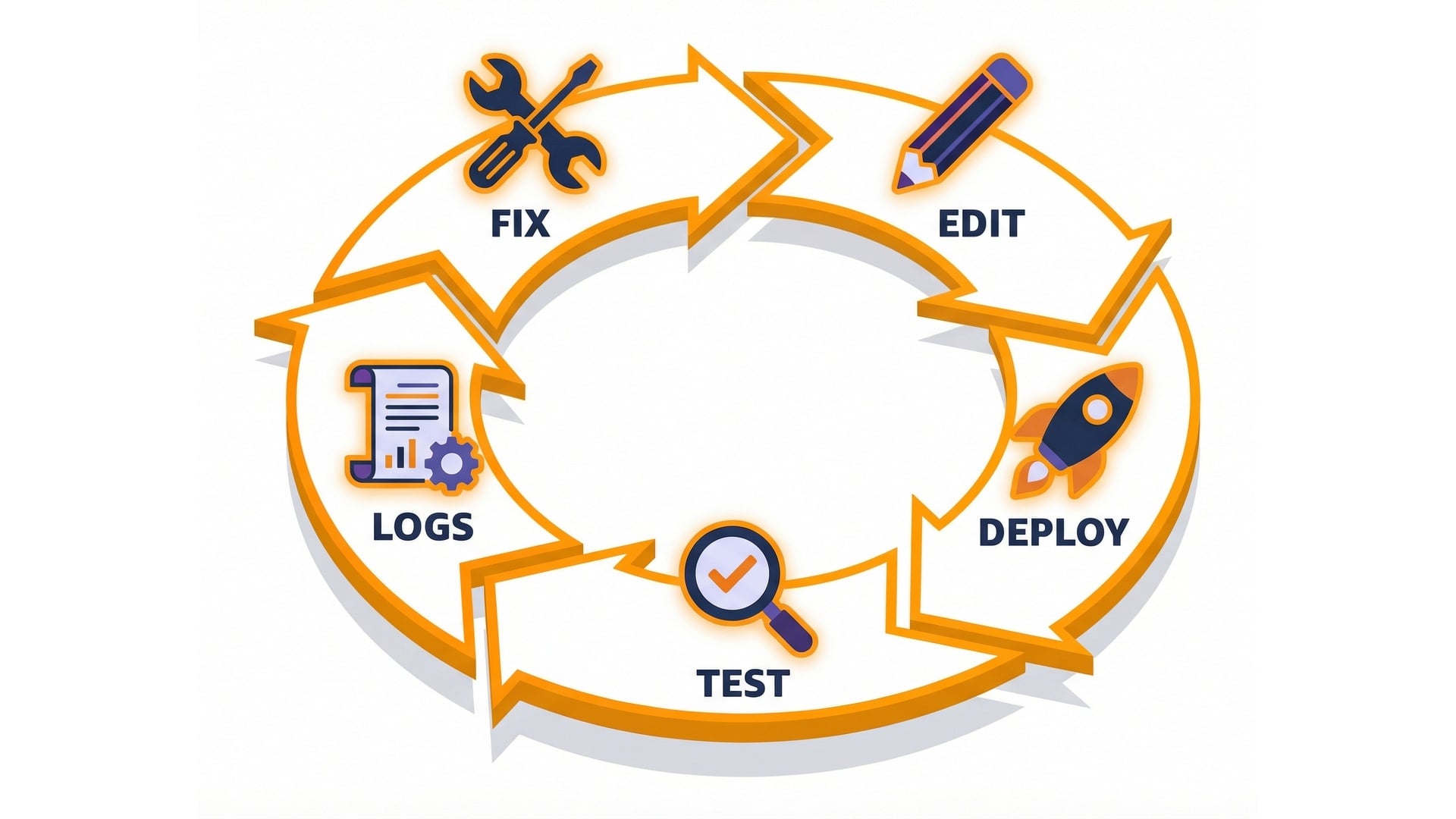
A simple debug loop

  • Make a small code change.
  • Deploy, then run a test event.
  • Read response + CloudWatch Logs.

Debug loop cycle

Serverless Applications with AWS Lambda

Let's practice!

Serverless Applications with AWS Lambda

Preparing Video For Download...