Deployment strategies: versions, aliases and traffic shifting

Serverless Applications with AWS Lambda

Claudio Canales

Senior DevOps Engineer

Why deployment strategy matters
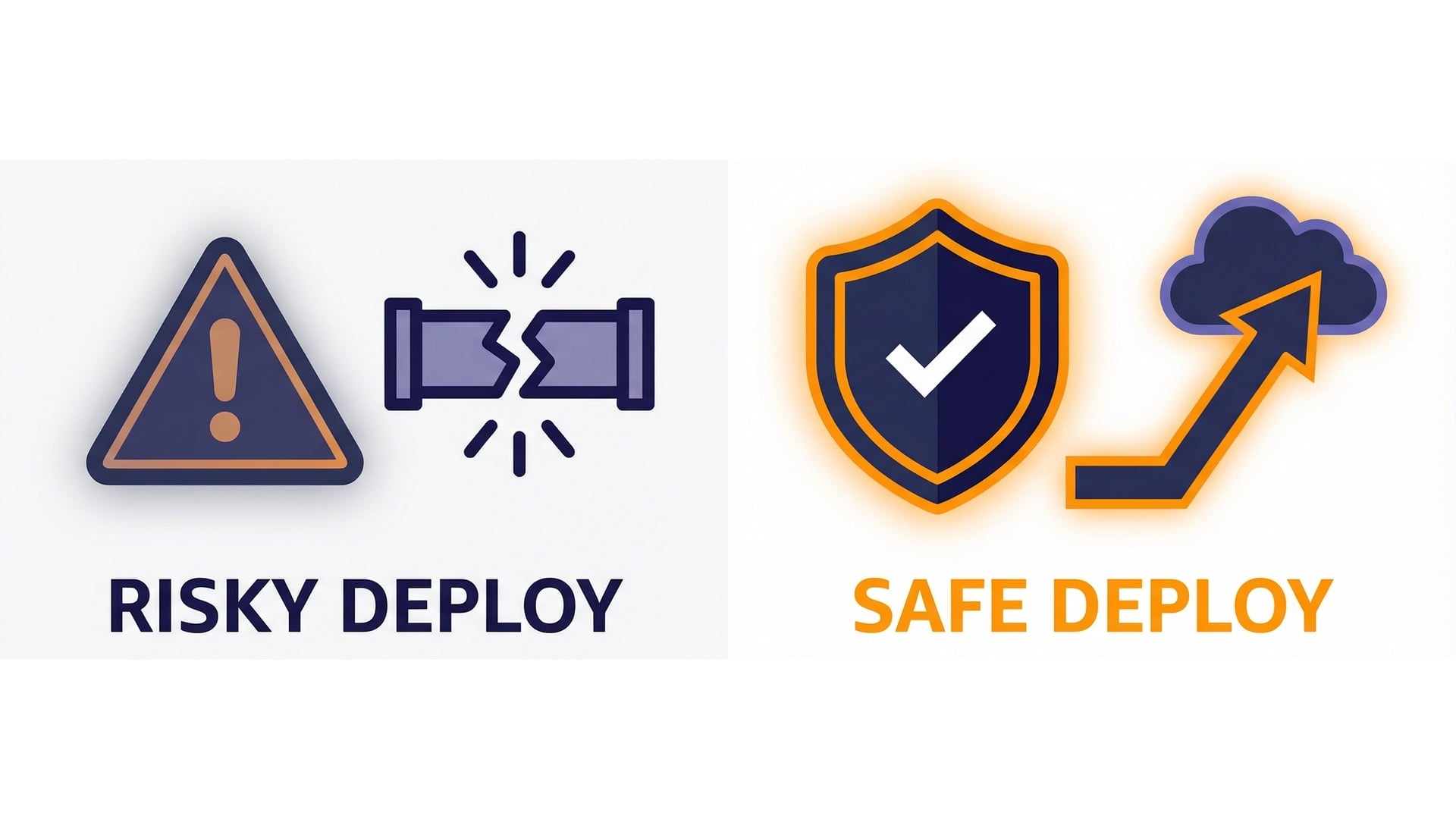
  • Detect bugs quickly.
  • Limit blast radius.
  • Recover fast.

Risky deploy vs safe deploy

Serverless Applications with AWS Lambda

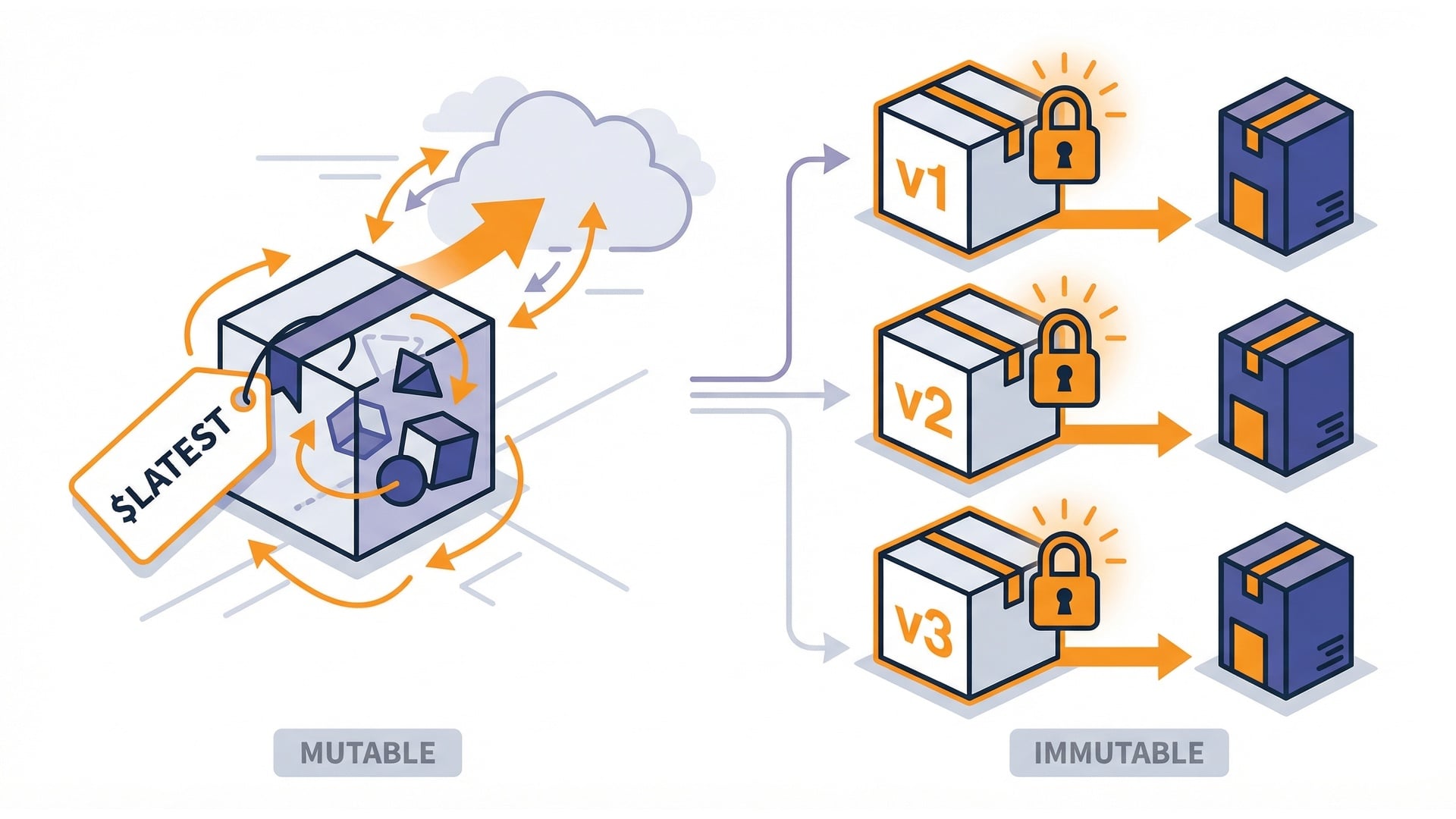
$LATEST vs published versions

$LATEST

  • Moves every time you update code.

Versions

  • Immutable snapshots.
  • Easy to pin for rollbacks and traffic splitting.

Latest vs versions

Serverless Applications with AWS Lambda

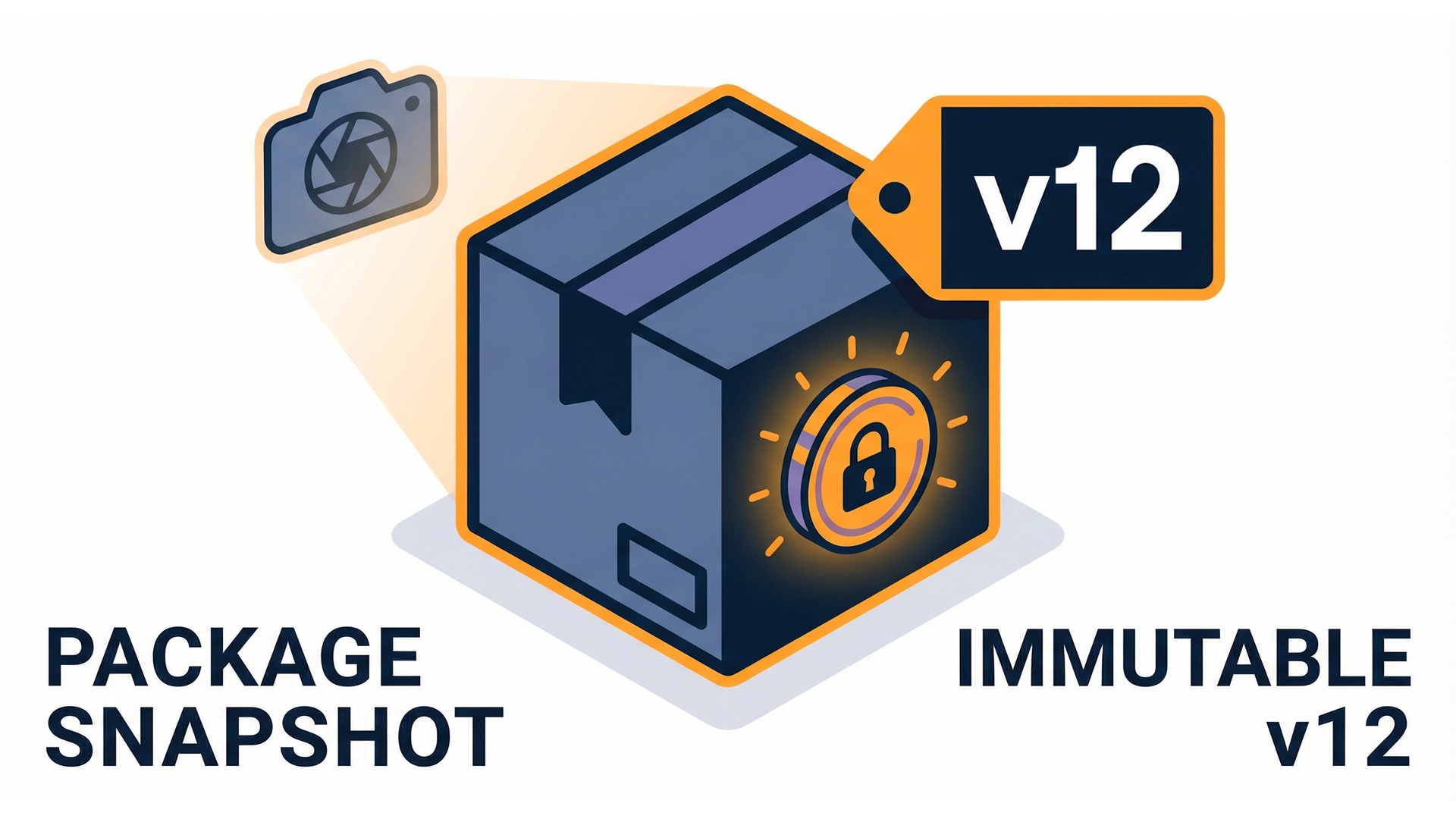
A version is an immutable snapshot

  • Treat versions like release artifacts.
  • Each captures code and configuration.
  • Once published, it doesn't change.
  • You can always return to a known-good state.

Immutable version snapshot

Serverless Applications with AWS Lambda

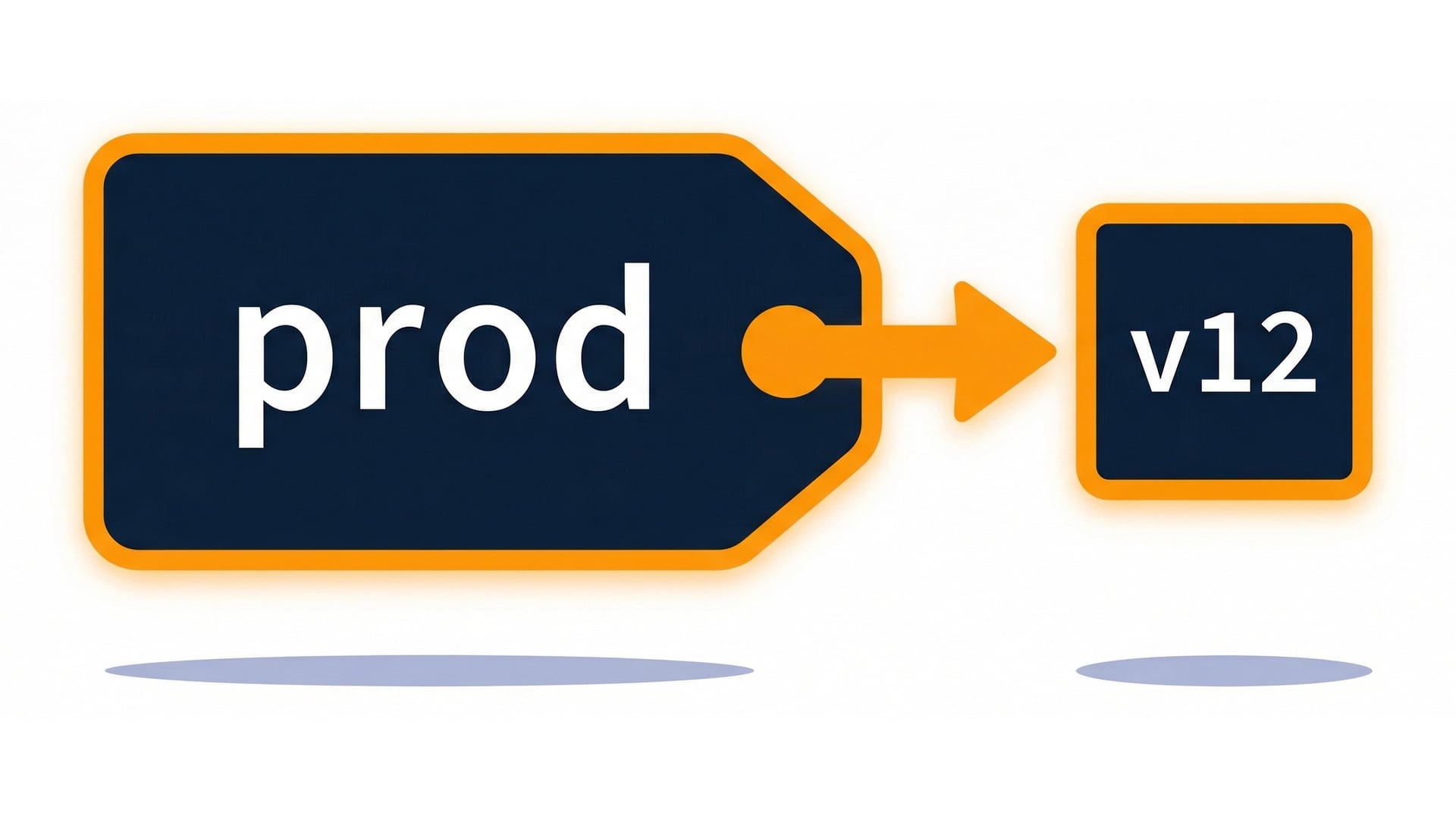
Aliases are stable pointers

  • A stable pointer.
  • Invoke the alias instead of a version.
  • Update where it points without changing callers.

Alias points to a version

Serverless Applications with AWS Lambda

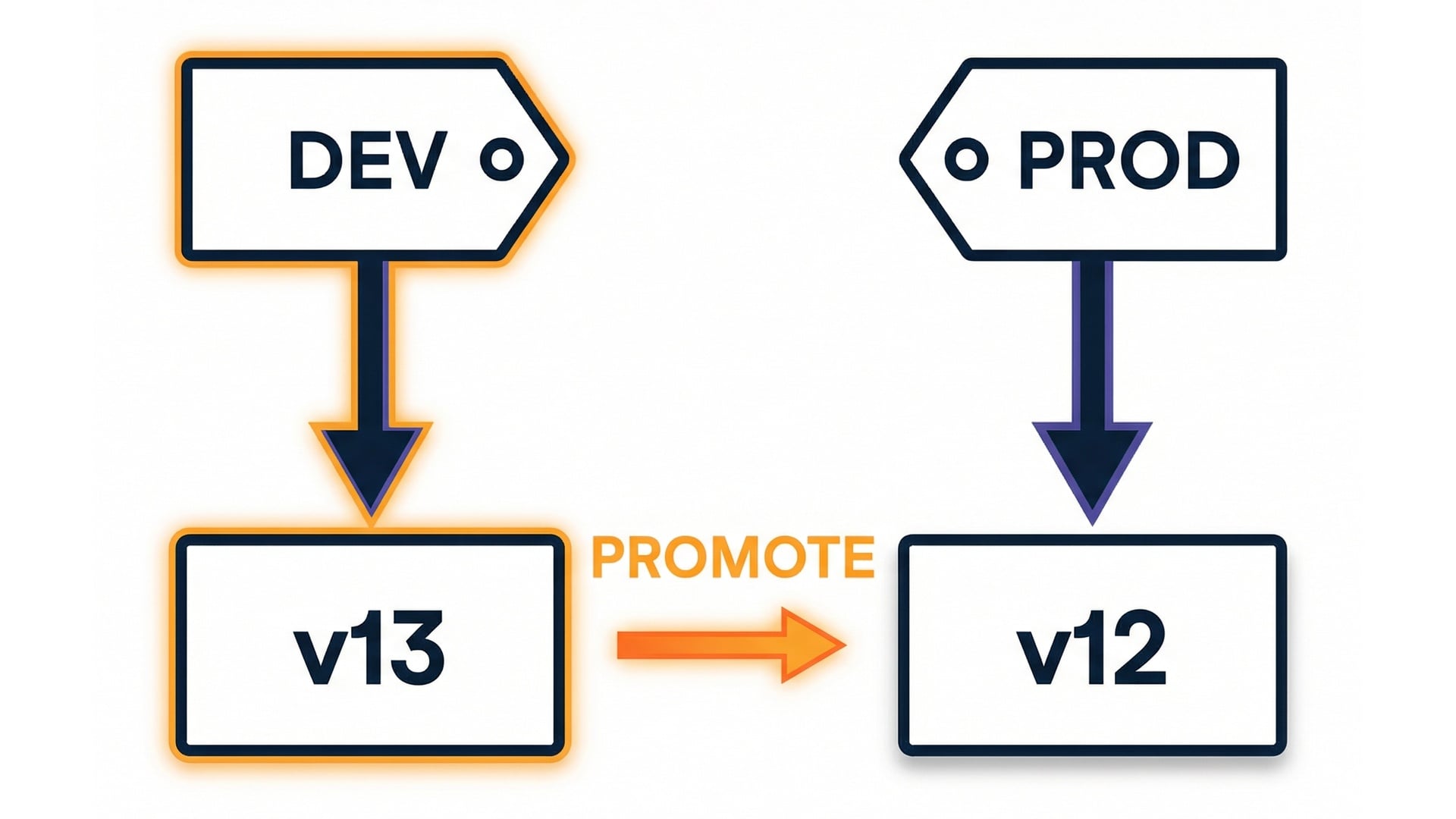
Dev and prod aliases

  • Great for environments.
  • Move dev frequently.
  • Promote to prod by moving the alias.

Dev and prod alias mapping

Serverless Applications with AWS Lambda

Traffic shifting with weighted aliases
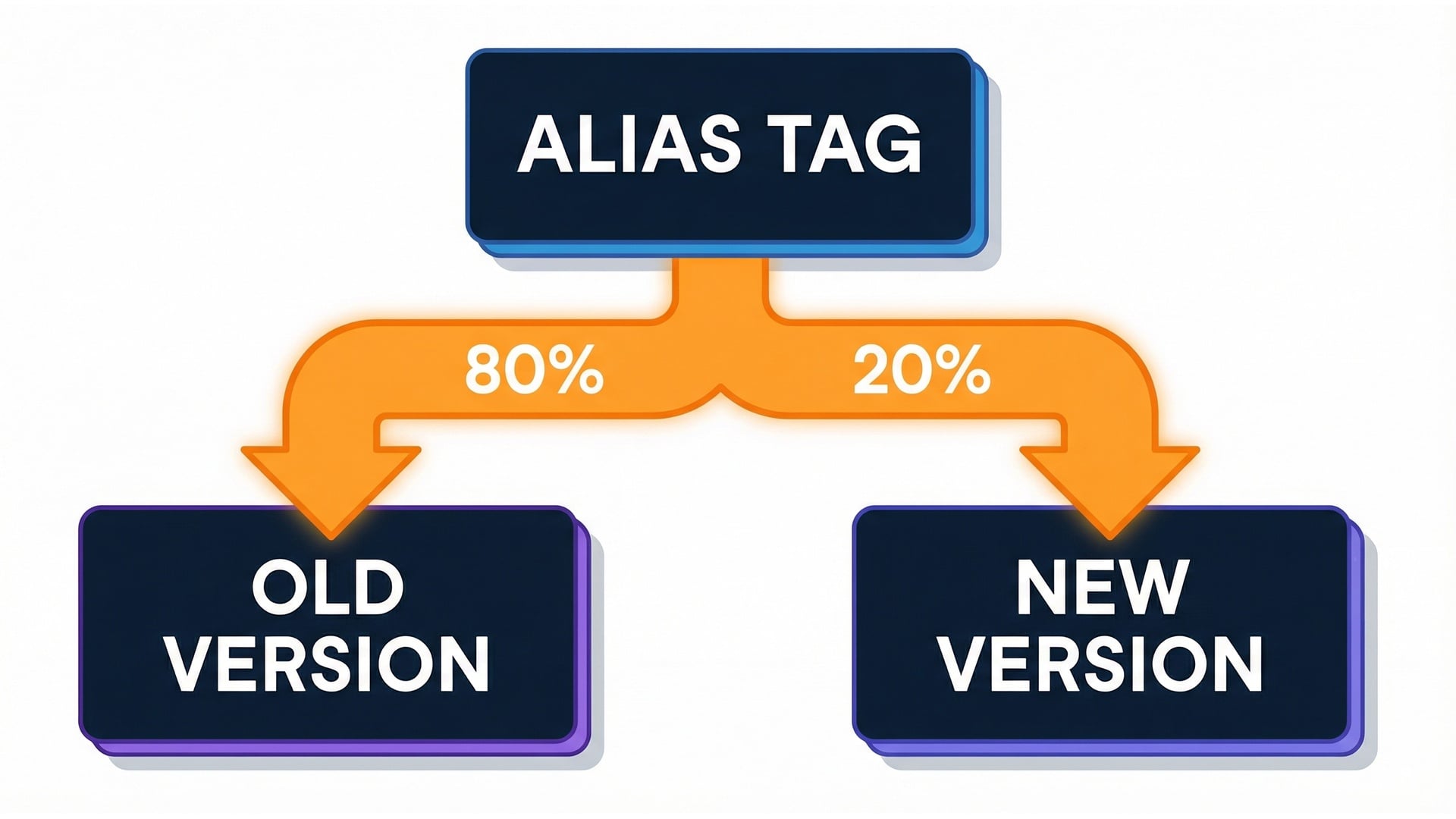
  • Test in production safely.
  • Most traffic stays on the current version.
  • A small percentage goes to the candidate.

Weighted alias routing concept

Serverless Applications with AWS Lambda

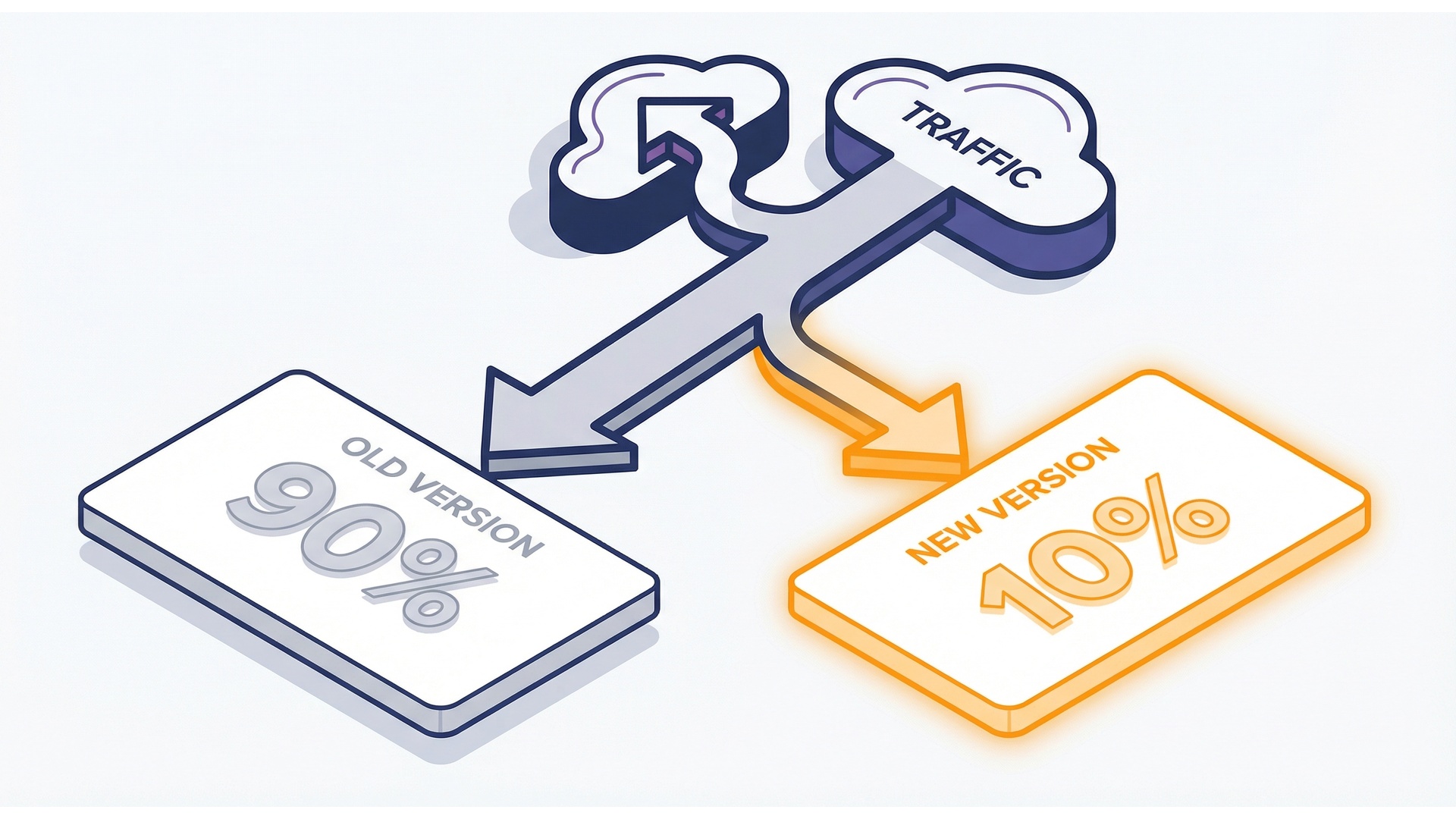
Canary step 1: 90/10

  • 90% stays on the current version.
  • 10% tests the candidate under real load.
  • Watch errors and latency.

Canary 90/10 split

Serverless Applications with AWS Lambda

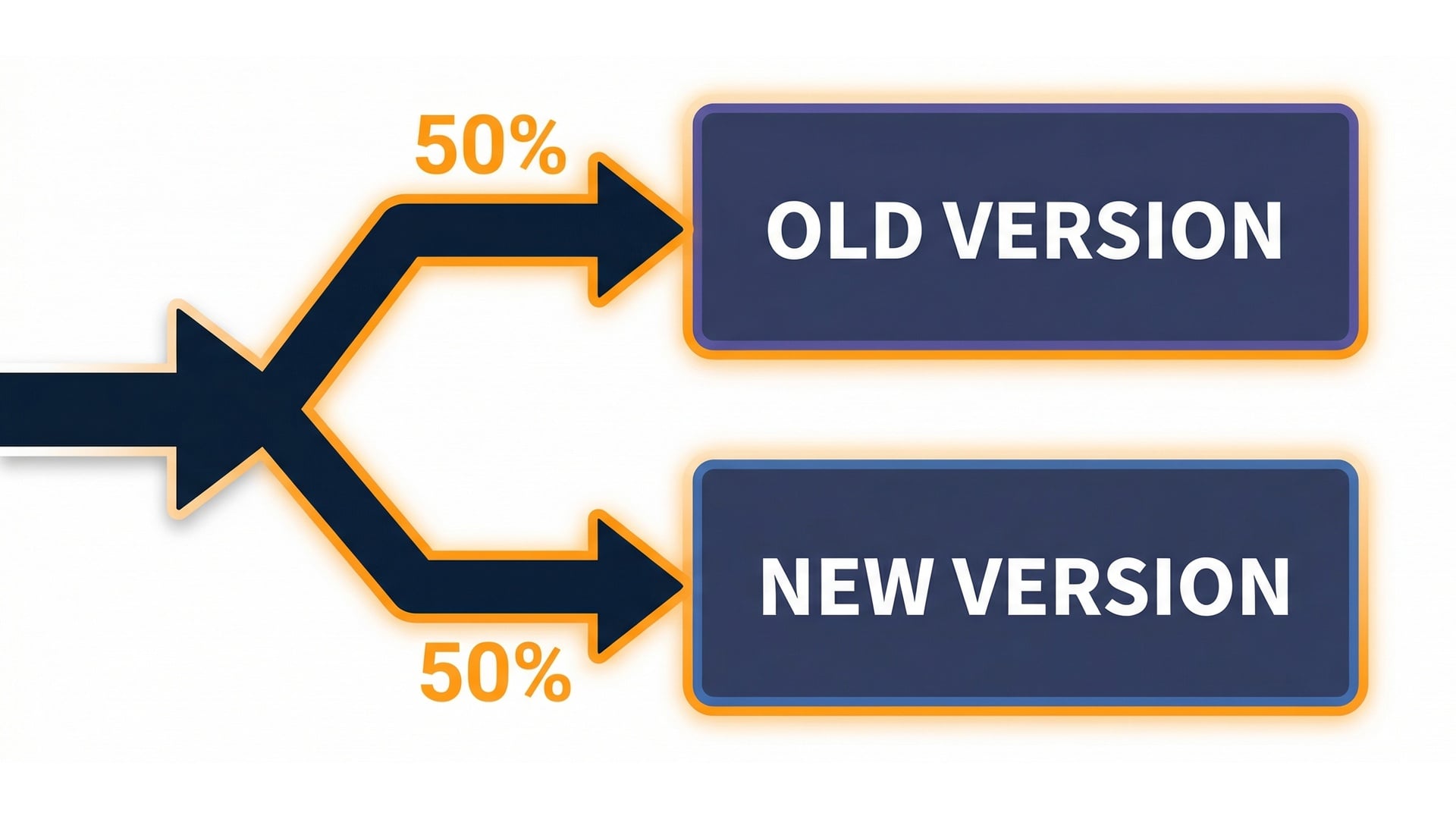
Canary step 2: 50/50

  • If the 10% slice looks good, increase the weight.
  • 50% current, 50% candidate.
  • Issues show up fast at 50/50.
  • Monitoring matters.

Canary 50/50 split

Serverless Applications with AWS Lambda

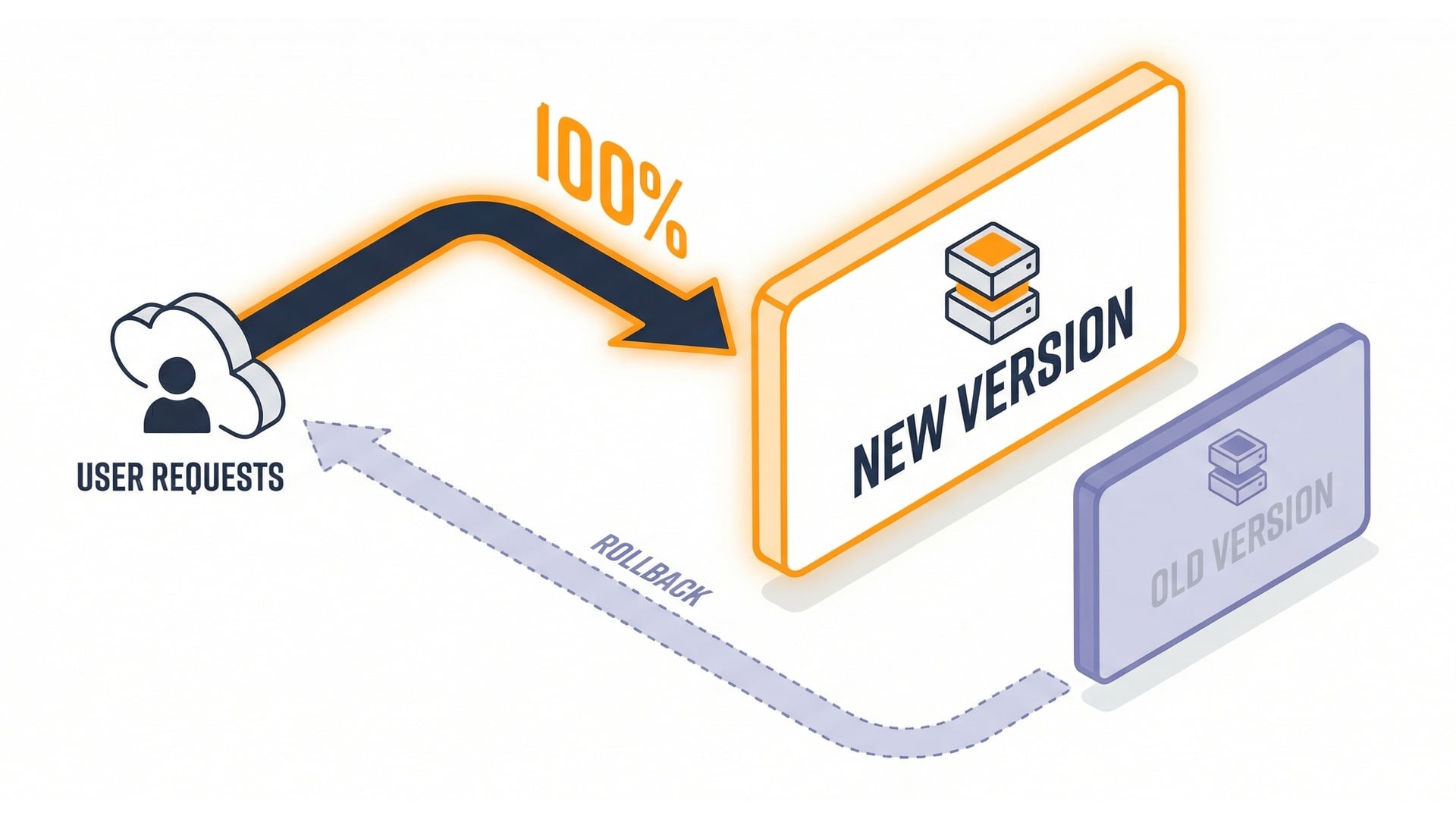
Canary step 3: 100% new

  • Route all traffic to the new version.
  • The old version is still there.
  • Rollback is simple.

Canary 100% new

Serverless Applications with AWS Lambda

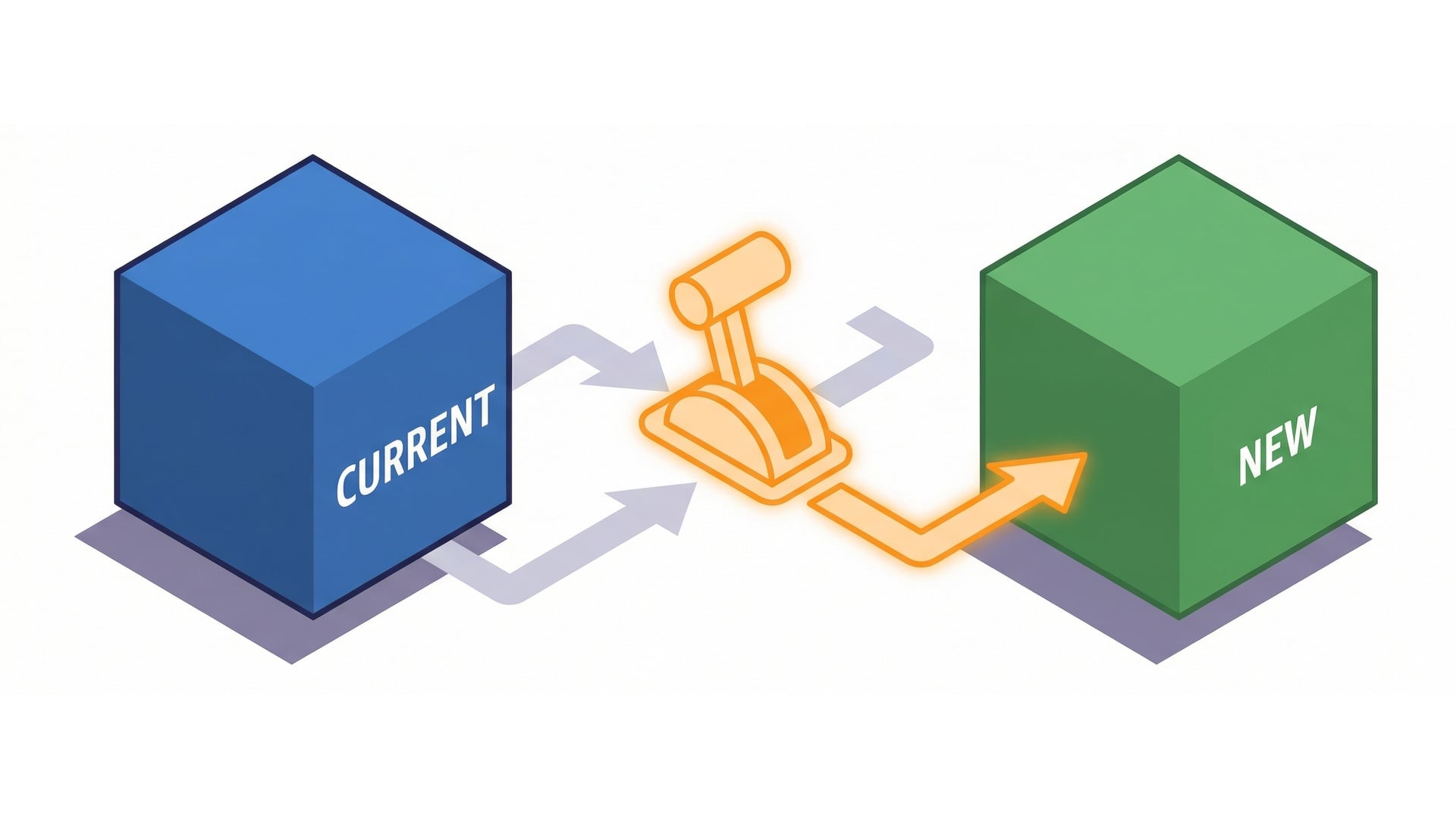
Blue/green mental model

  • Blue = current stable version.
  • Green = new candidate version.
  • Switch by moving the alias.
  • Weighted routing makes the switch gradual.

Blue green switch

Serverless Applications with AWS Lambda

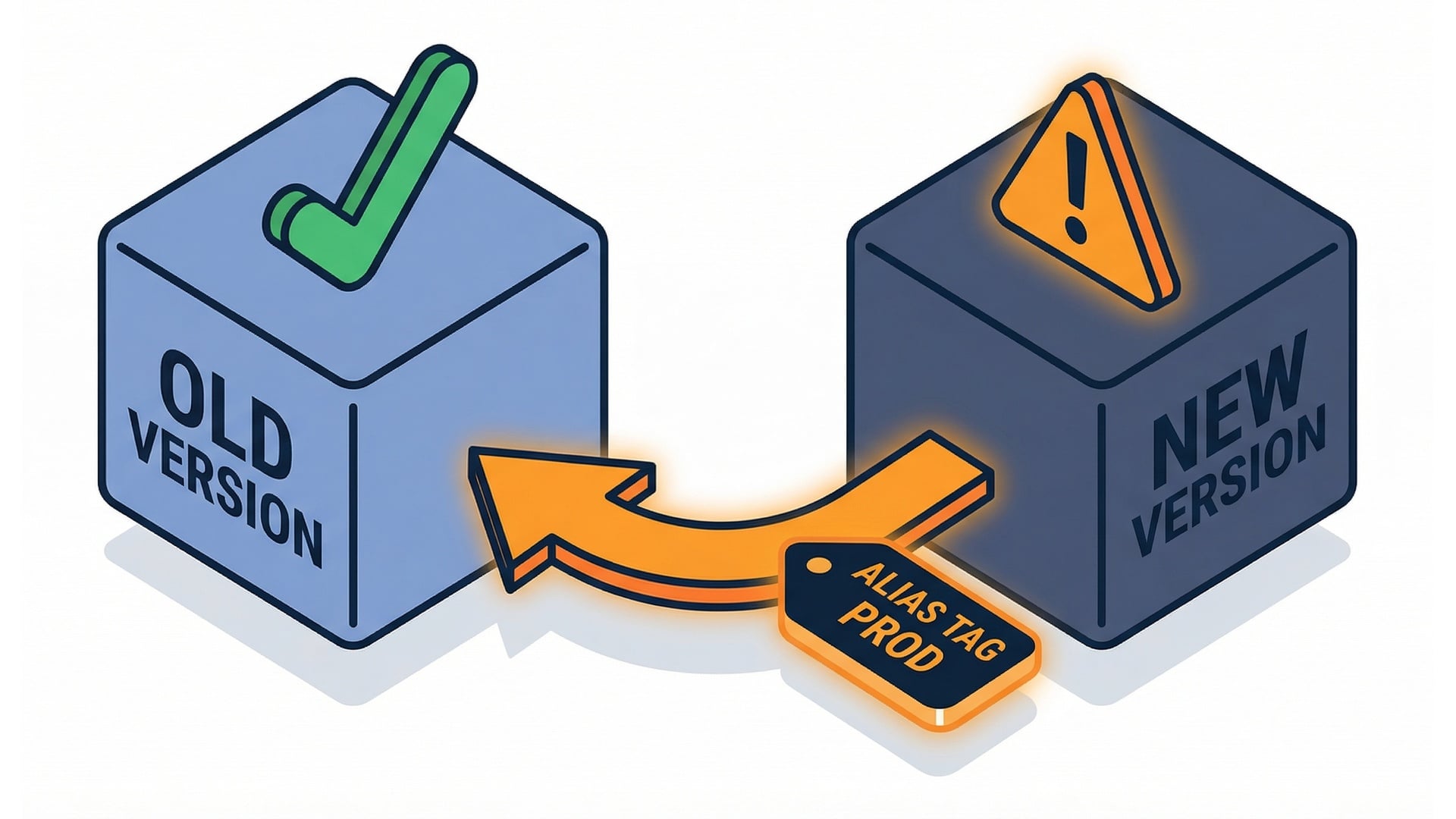
Rollback = move the alias back

  • No redeploy required.
  • Move the alias to the last known-good version.
  • Recover in seconds, not hours.
  • Immutable versions and stable aliases work together.

Rollback by alias move

Serverless Applications with AWS Lambda

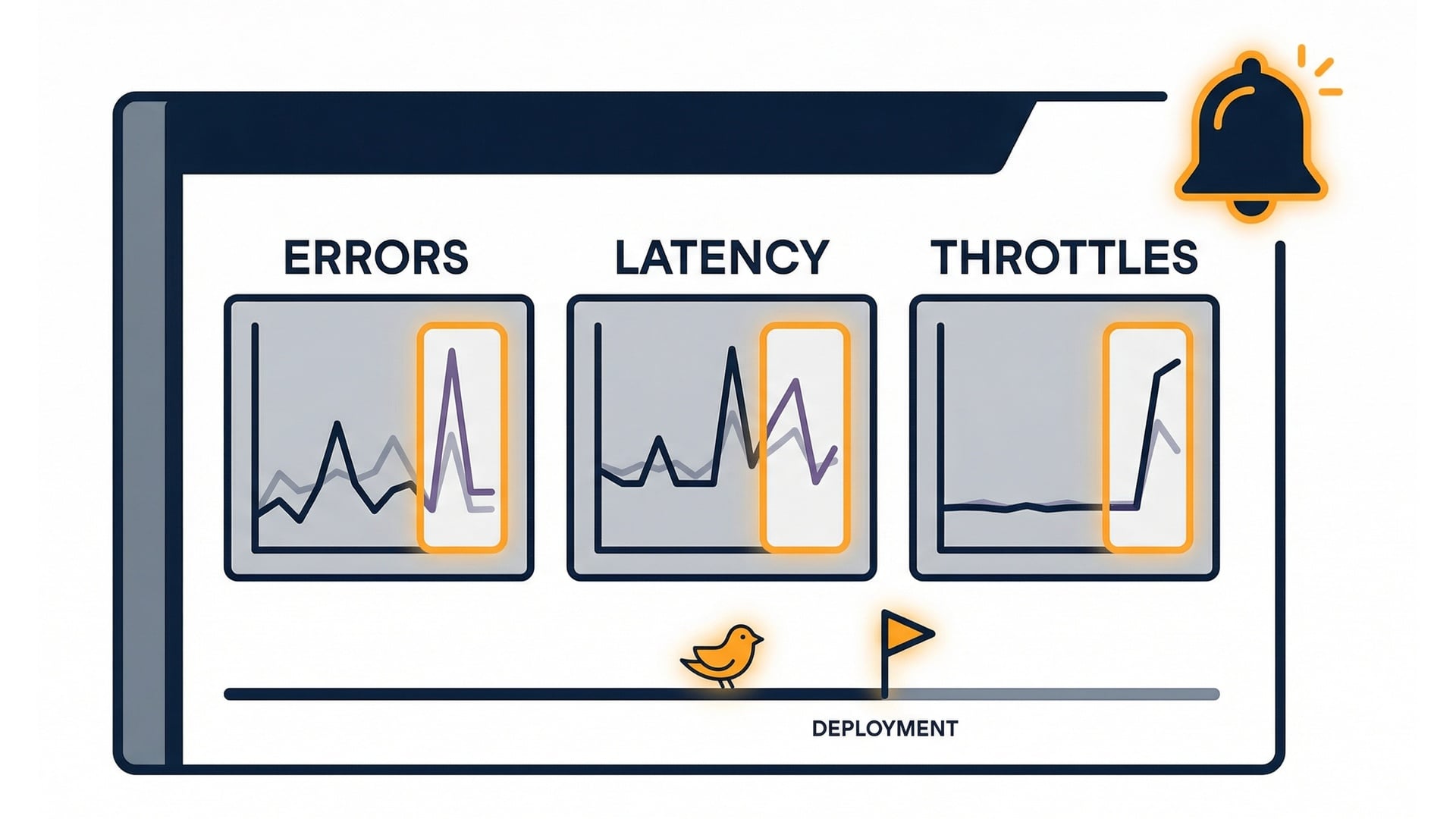
Monitor during the shift

  • Errors and timeouts.
  • Duration and tail latency.
  • Throttles if you use caps.
  • Pause or roll back quickly.

Deploy monitoring metrics

Serverless Applications with AWS Lambda

Common pitfall: treating $LATEST as prod
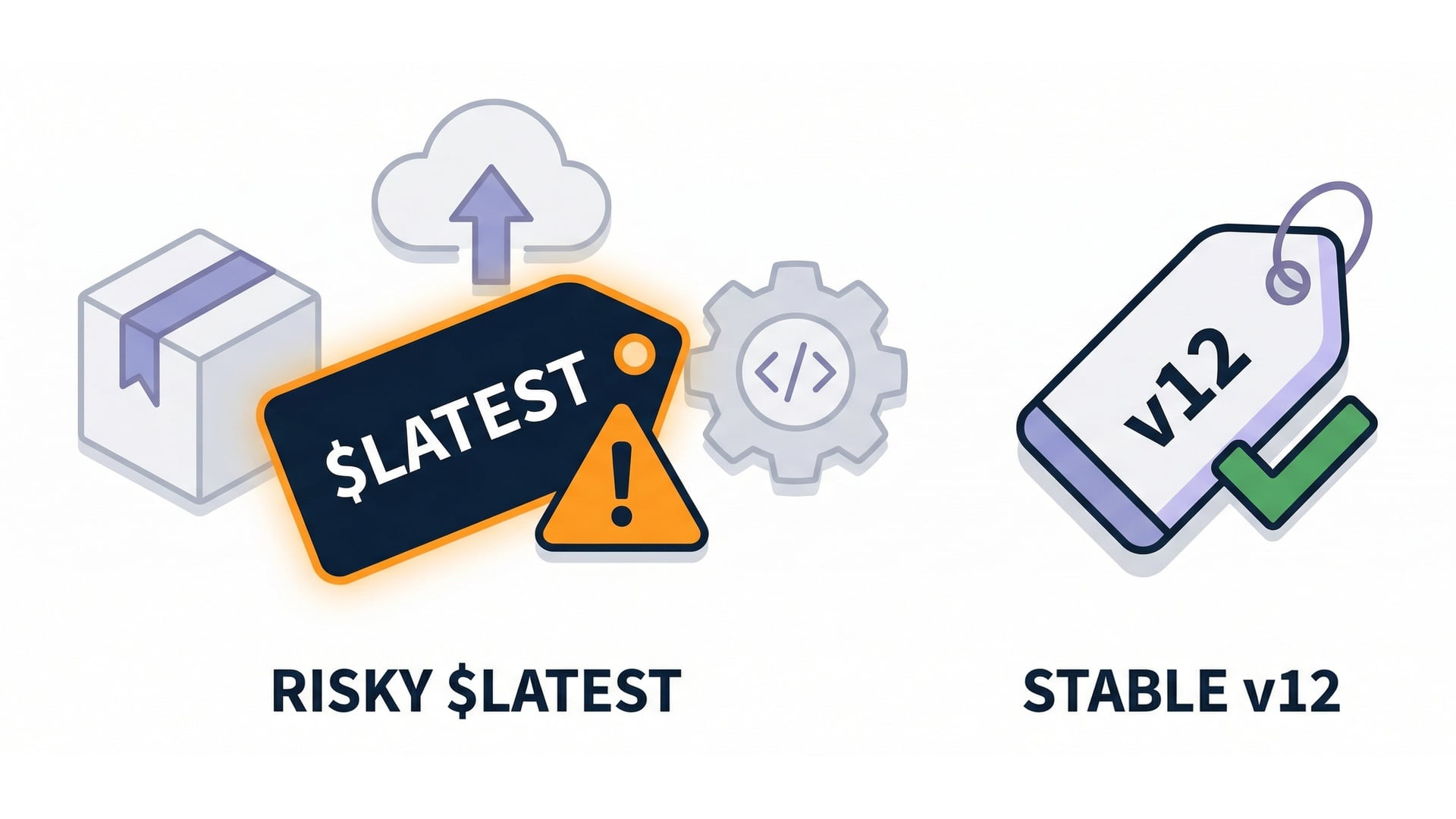
  • Relying on $LATEST loses predictability.
  • Versions and aliases make it clear what's running.
  • Rollbacks are safe.

Latest drift warning

Serverless Applications with AWS Lambda

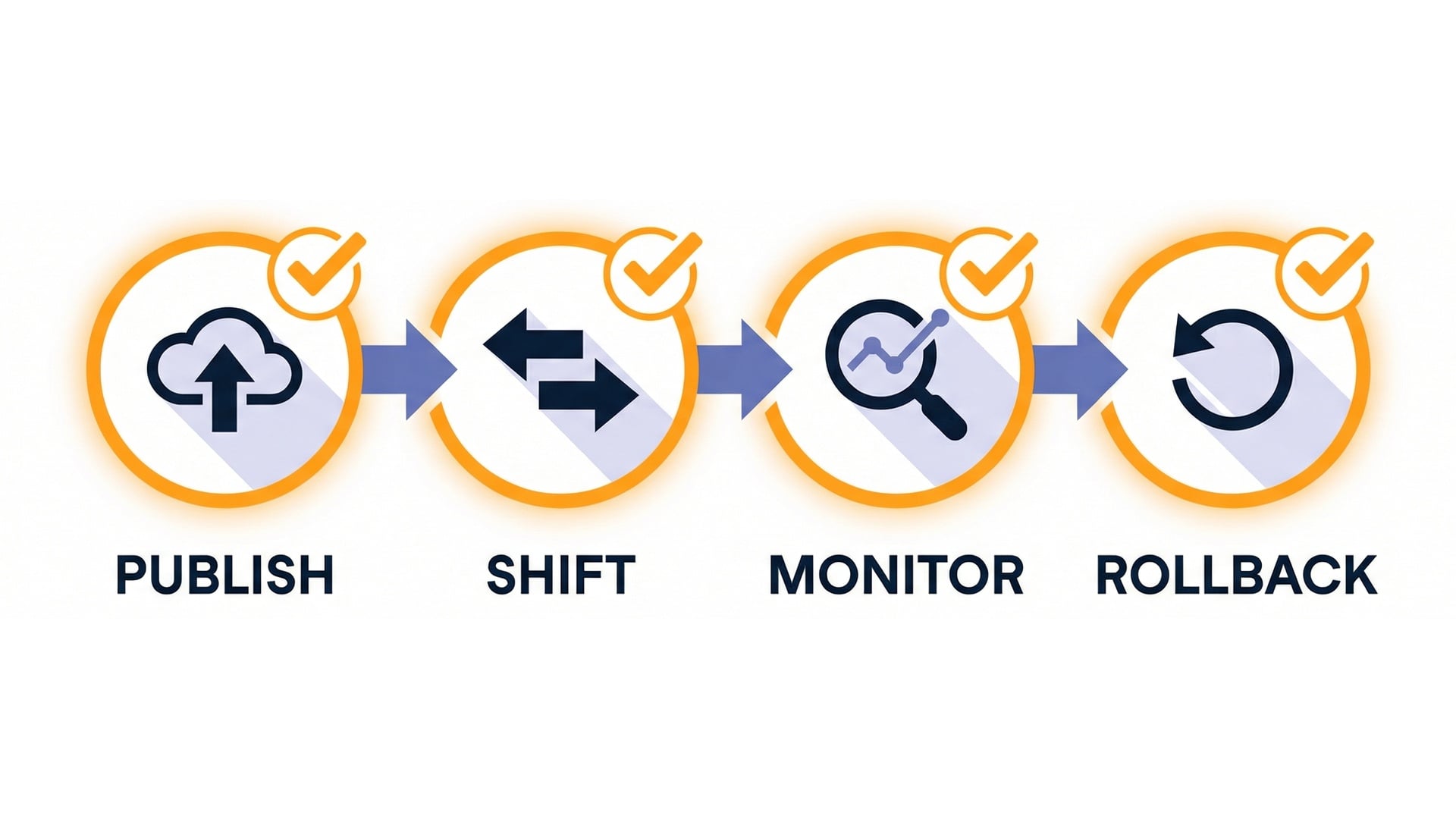
Safe deploy checklist

  • Publish a version.
  • Shift traffic gradually with an alias.
  • Monitor the results.
  • Keep rollback ready at every step.

Safe deploy checklist diagram

Serverless Applications with AWS Lambda

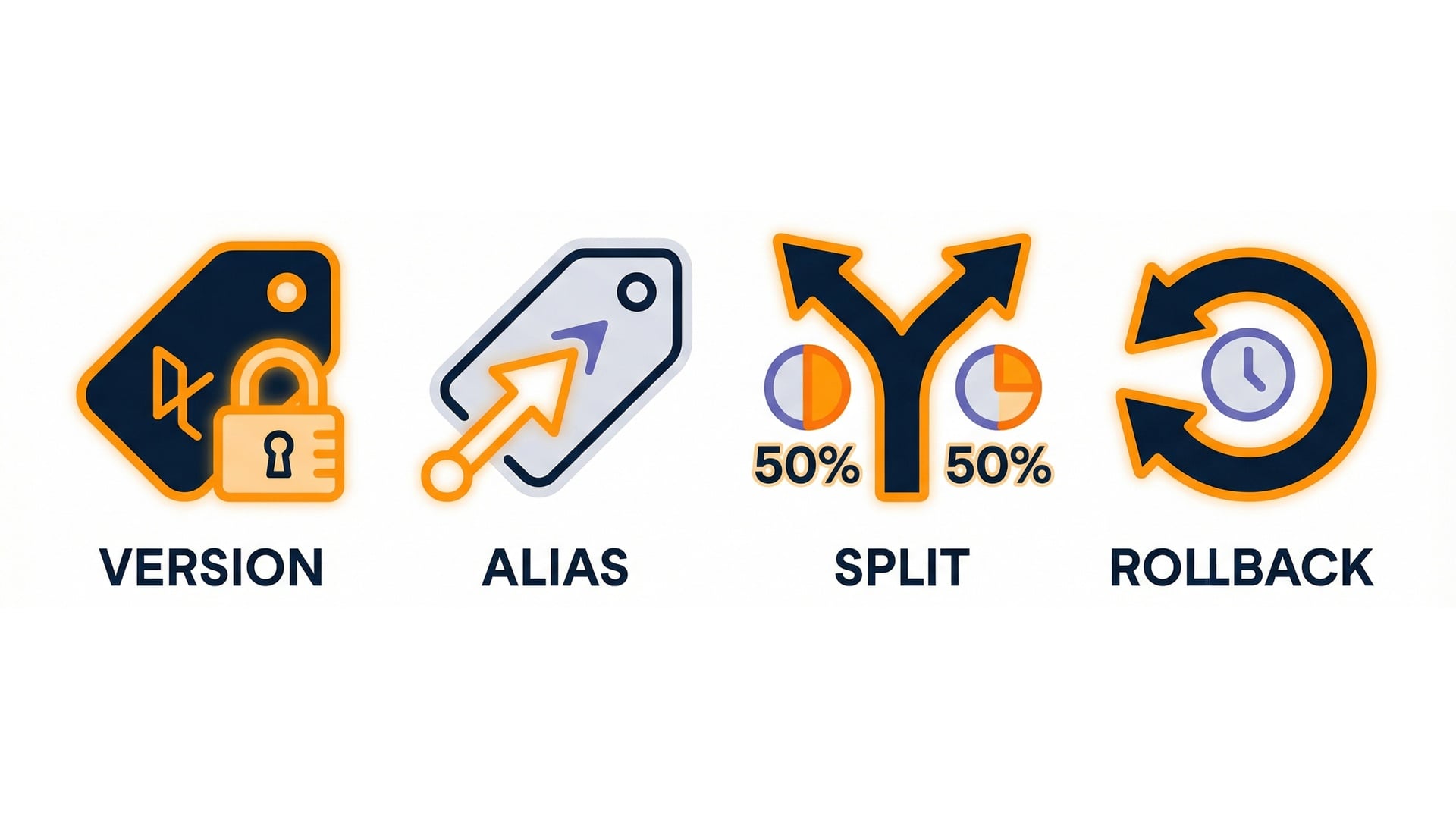
Key takeaways

  • Versions give predictability.
  • Aliases give stability.
  • Weighted routing adds safety.
  • Rollback = move the alias.

Deployment key takeaways

Serverless Applications with AWS Lambda

Let's practice!

Serverless Applications with AWS Lambda

Preparing Video For Download...