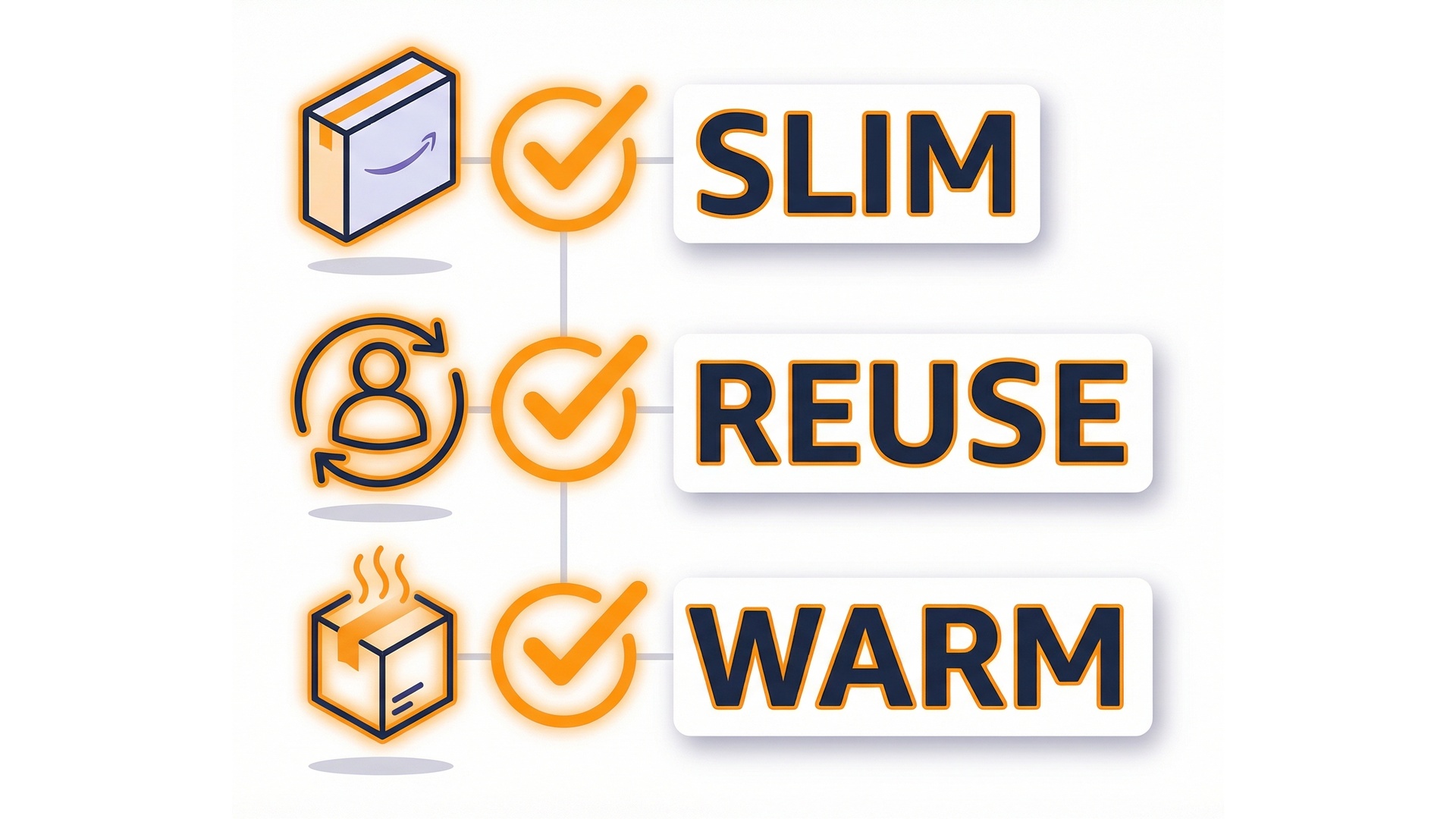
Performance tuning and optimization techniques

Serverless Applications with AWS Lambda

Claudio Canales

Senior DevOps Engineer

Performance = latency + cost
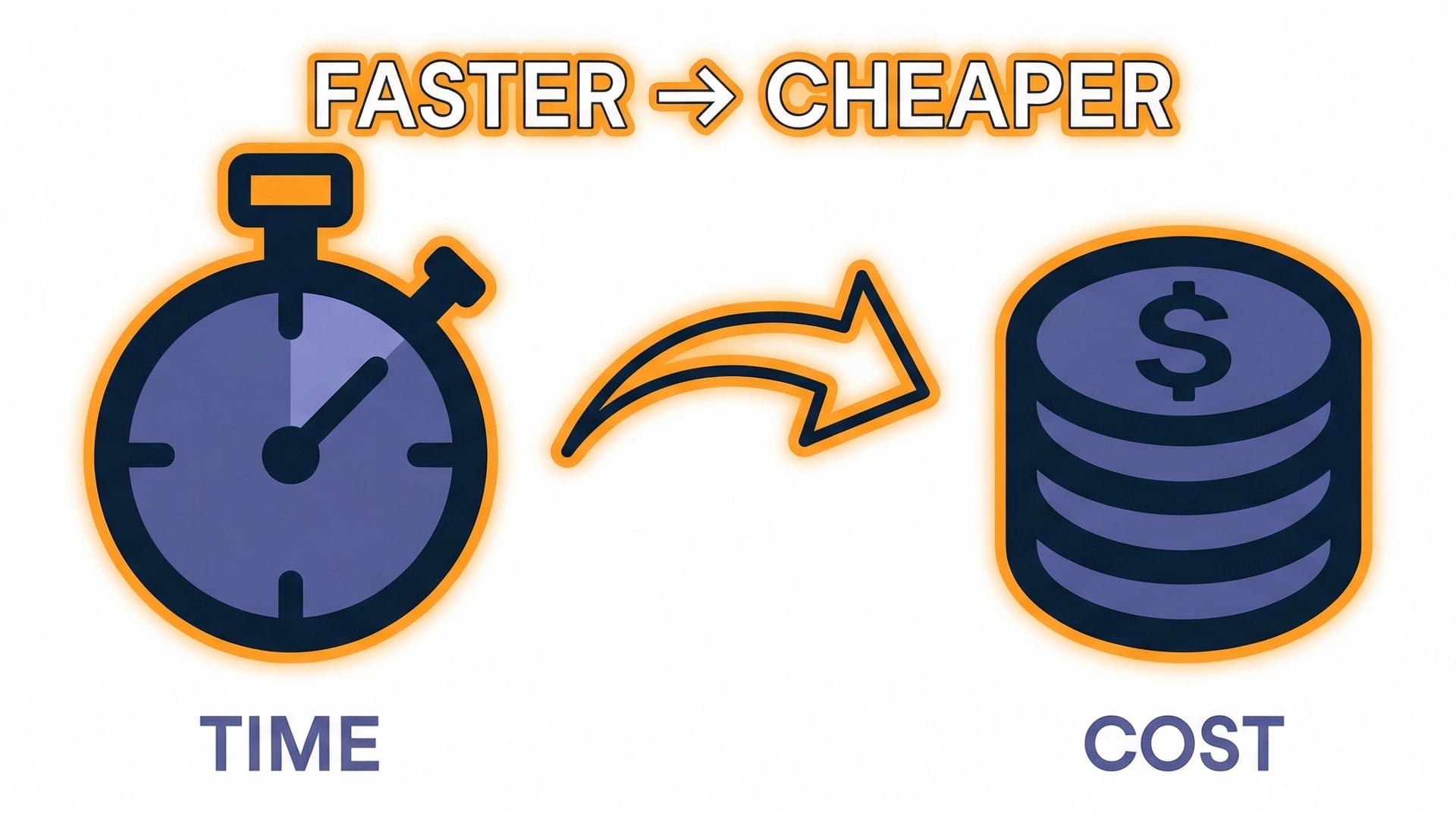
  • You pay for time.
  • Performance tuning is also cost optimization.
  • Measure before you tune.
  • Change one thing at a time.

Stopwatch and cost

Serverless Applications with AWS Lambda

Where time goes

  • Initialization.
  • Handler execution.
  • Time waiting on external calls.

Init vs handler vs external calls

Serverless Applications with AWS Lambda

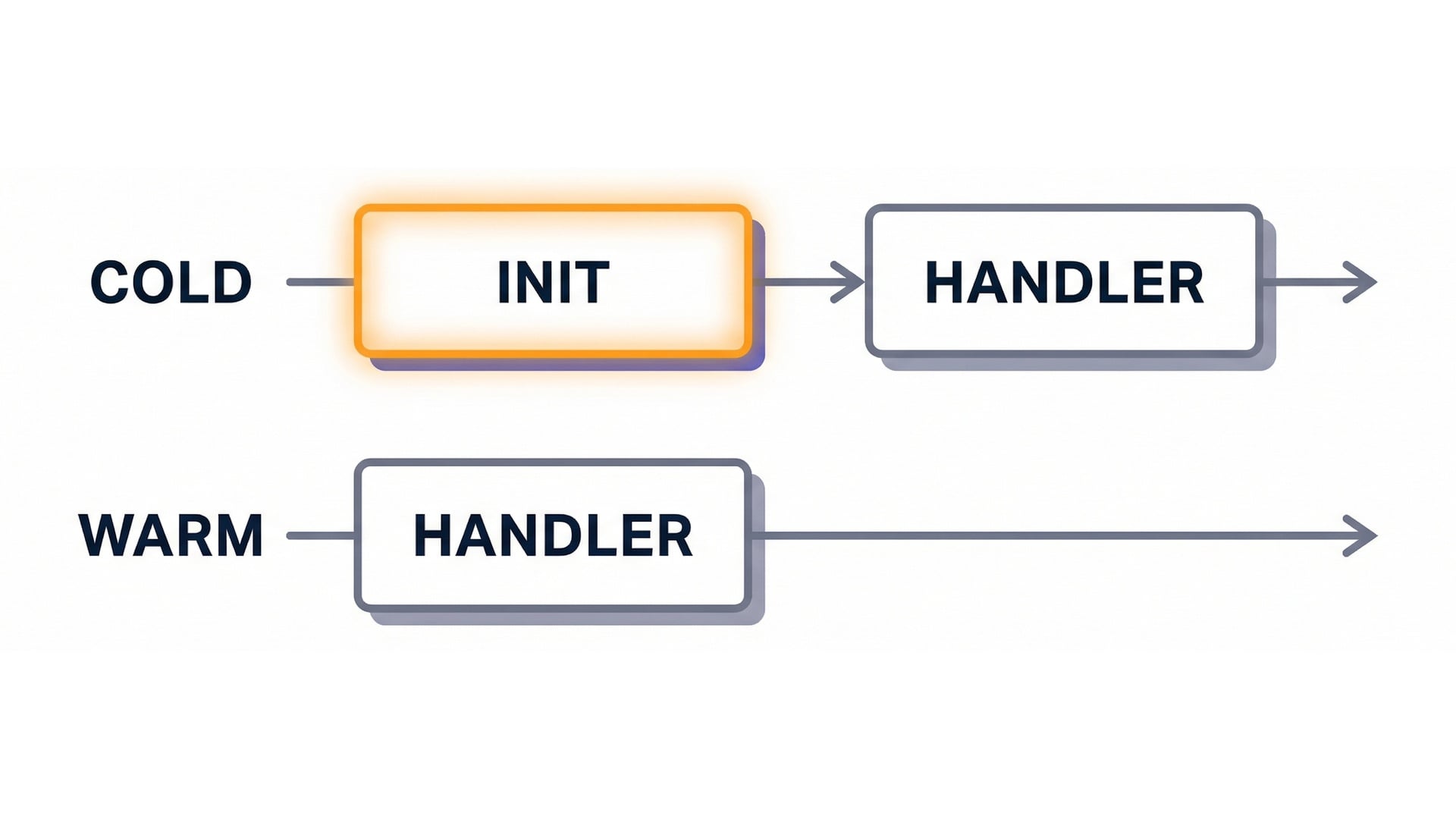
Cold start vs warm start

Cold start

  • Lambda needs a new environment.

Warm start

  • Reuses an existing environment.
  • Handler runs with less overhead.

Cold vs warm timeline

Serverless Applications with AWS Lambda

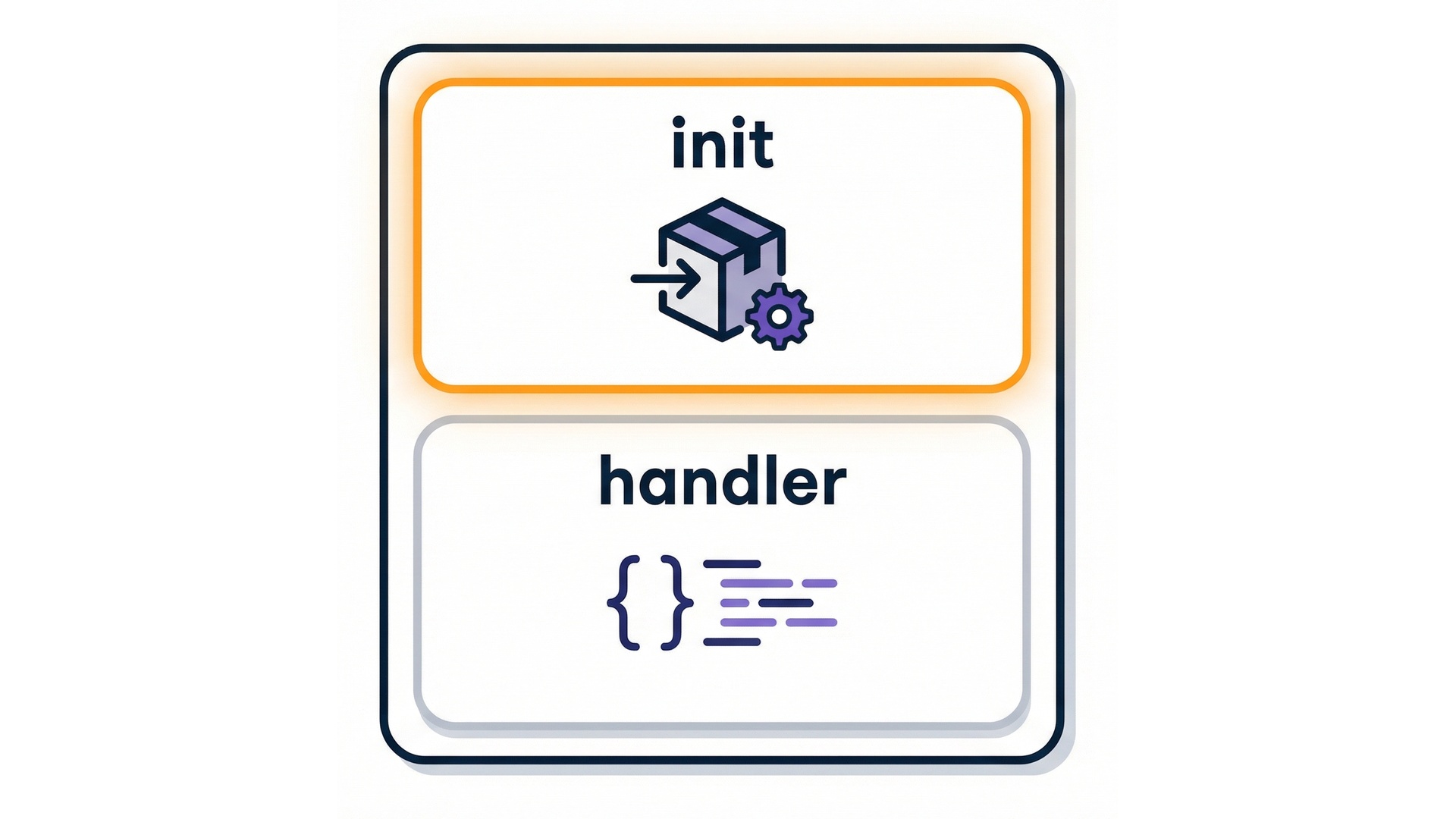
Init work vs handler work

  • Imports and global setup run in init.
  • Heavy init means slower cold starts.
  • Init duration shows in metrics.

Init vs handler split

Serverless Applications with AWS Lambda

Reuse clients across warm invocations
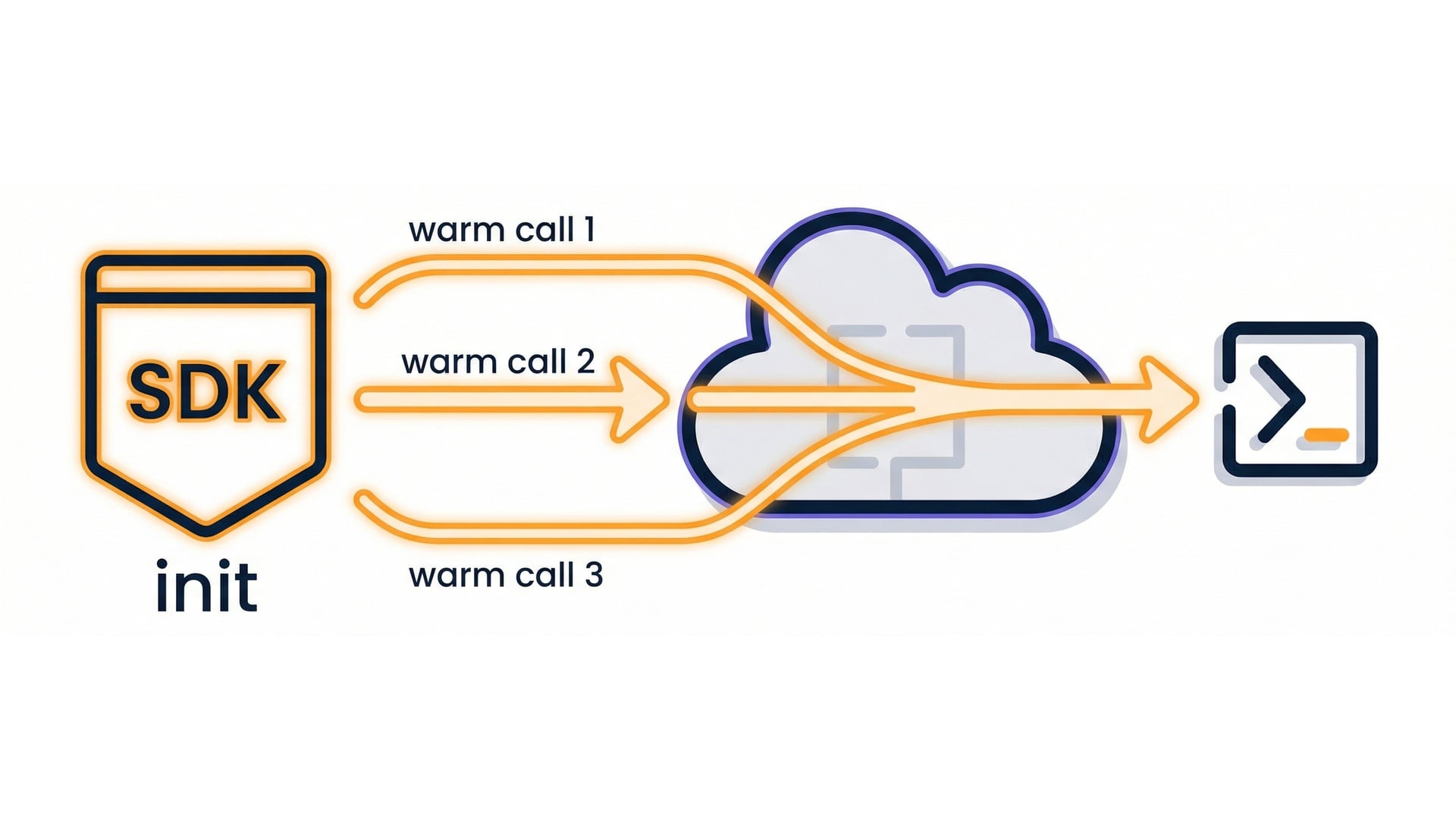
  • Creating a client every invocation repeats the cost.
  • Reuse it when the environment is warm.

Global client reuse

Serverless Applications with AWS Lambda

Code pattern: client outside the handler
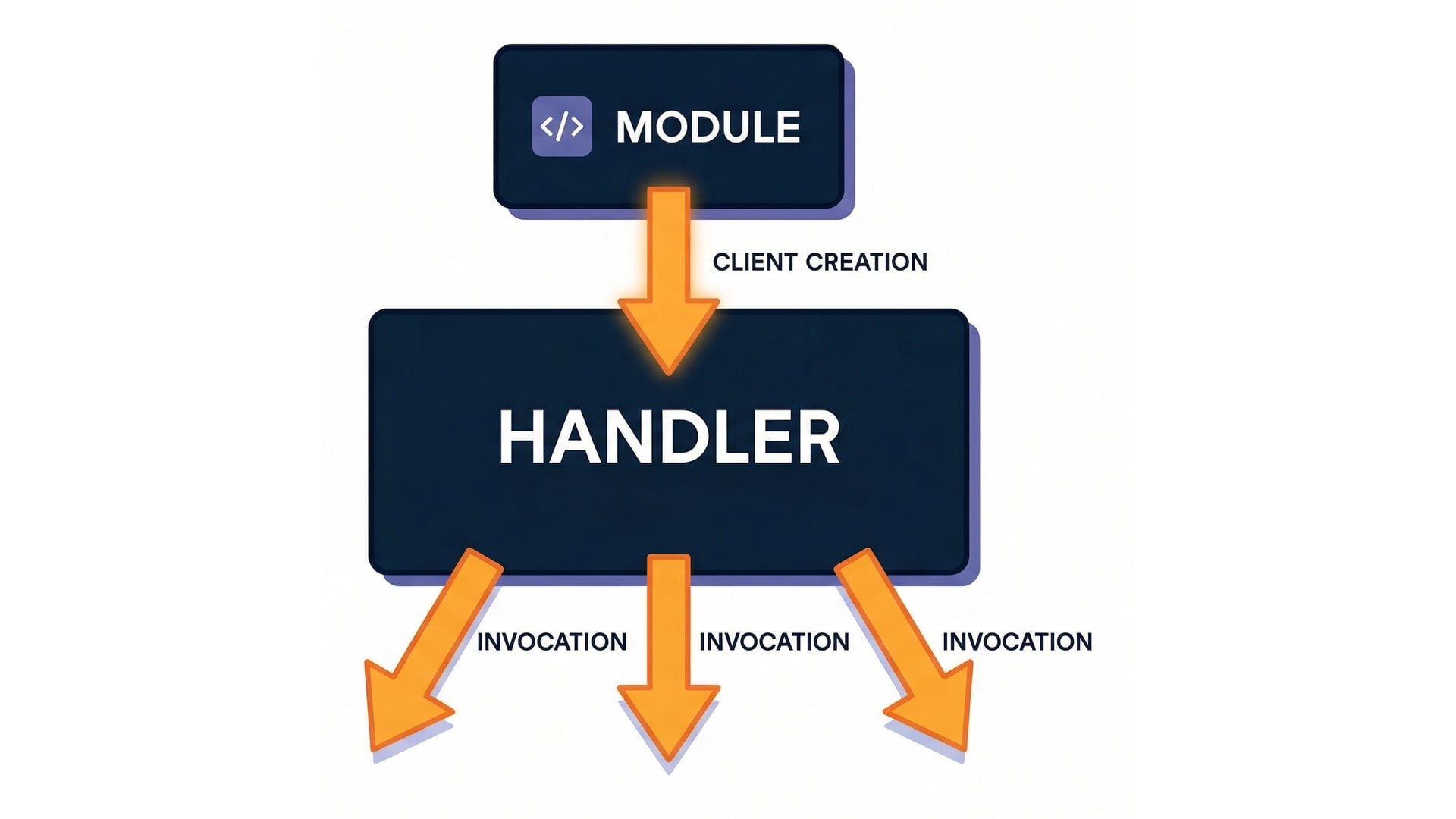
import boto3
sts = boto3.client("sts")
def handler(event, context):
    return sts.get_caller_identity()

Client created once

Serverless Applications with AWS Lambda

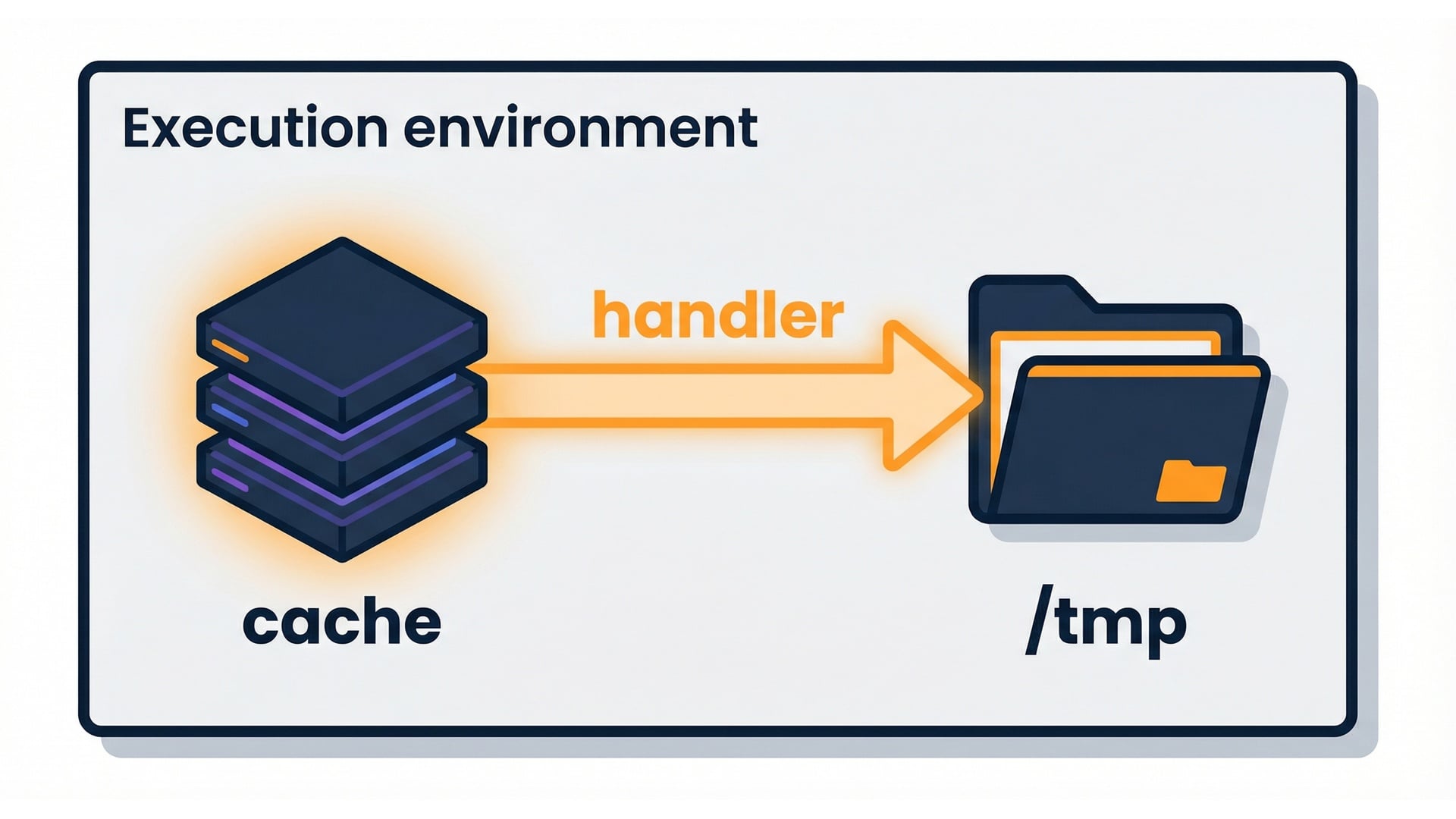
Cache what you can

  • Keep data in memory.
  • Use /tmp for small temporary files.
  • Cache carefully and invalidate when needed.

In-memory and /tmp caching

Serverless Applications with AWS Lambda

Keep dependencies lean

  • Large packages take longer to load.
  • Prune what you don't use.
  • Keep dependencies as small as possible.

Slim vs heavy dependency package

Serverless Applications with AWS Lambda

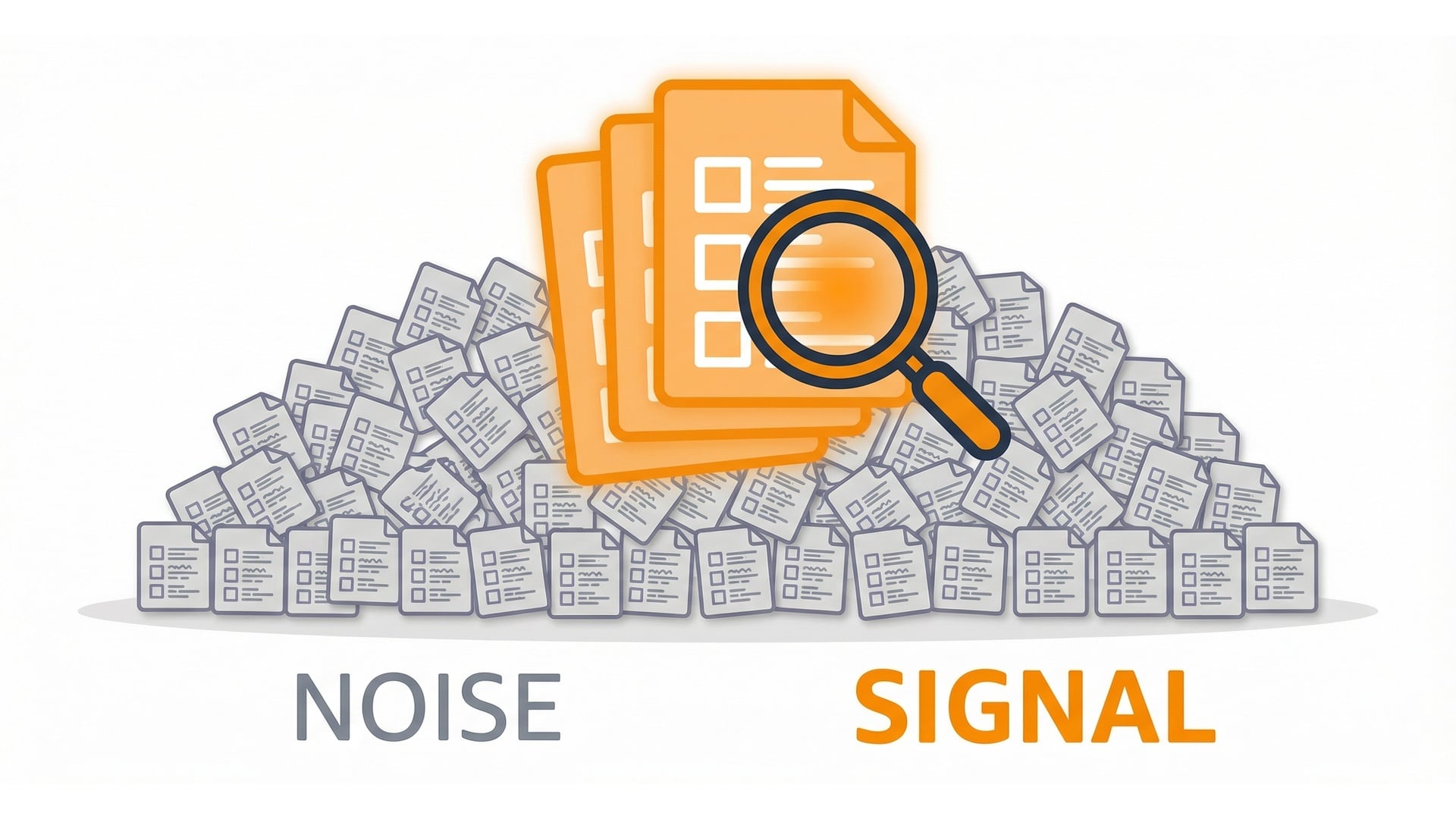
Log wisely

  • Too much logging adds cost and noise.
  • Aim for small, structured messages.
  • Stay searchable; help trace and debug.

Logging volume vs signal

Serverless Applications with AWS Lambda

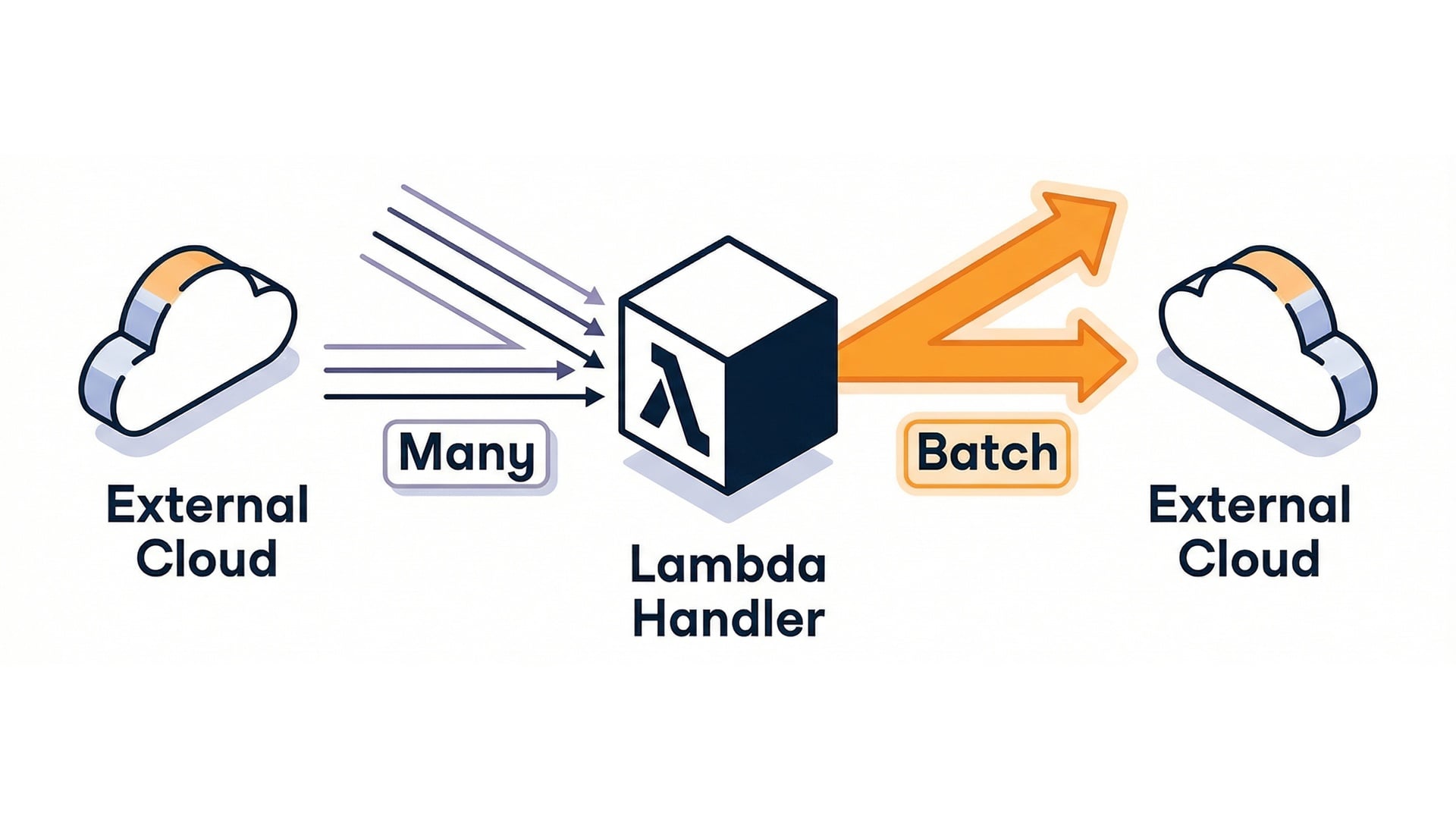
Reduce external call overhead

  • Calls to other services are the slowest part.
  • Reduce calls; batch work when possible.
  • Set timeouts so failures don't hang.

Minimize external calls

Serverless Applications with AWS Lambda

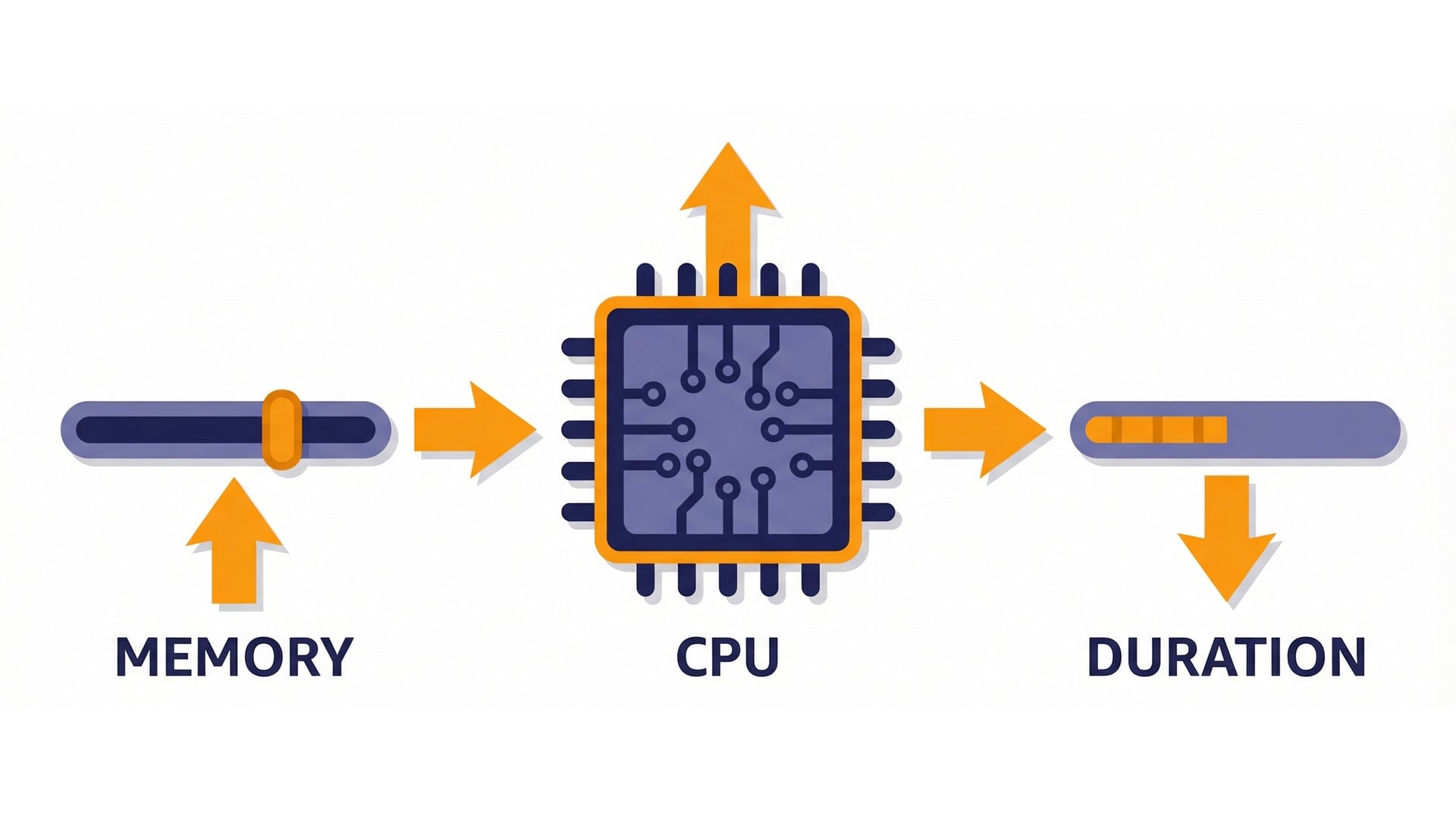
Memory also affects CPU

  • CPU scales with memory.
  • CPU-bound code can finish faster.
  • More memory can cut duration or cost.
  • Test to find the best value.

Memory -> CPU -> faster runtime

Serverless Applications with AWS Lambda

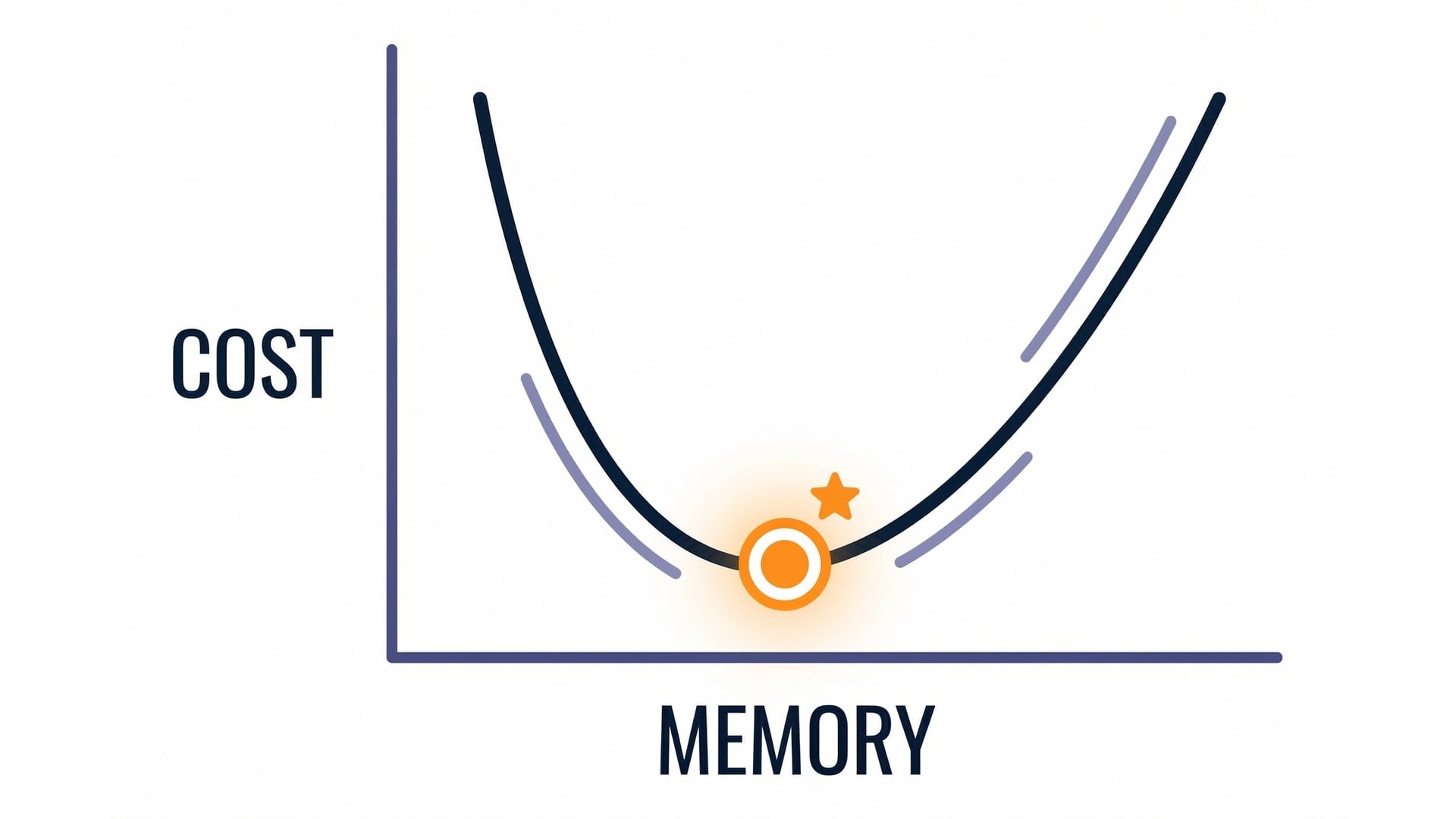
Find the cost sweet spot

  • The best memory setting minimizes total cost.
  • The curve drops, then flattens or rises.
  • Re-test after changes.

Cost vs memory curve

Serverless Applications with AWS Lambda

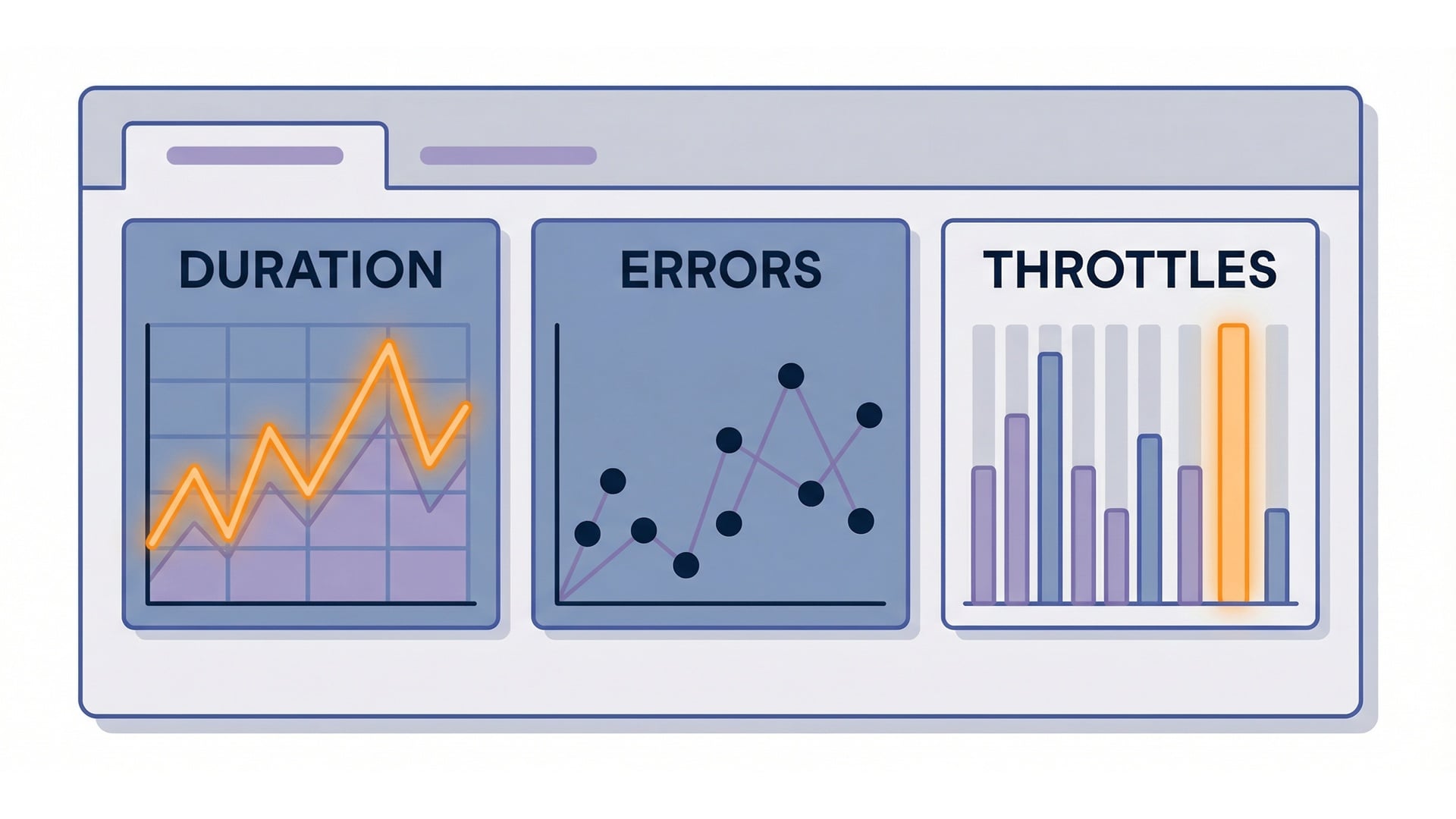
Measure with CloudWatch

  • Track Duration and Init duration.
  • Track errors and throttles.
  • Watch tail latencies (p95, p99).

CloudWatch performance metrics

Serverless Applications with AWS Lambda

Reducing cold starts

  • Shrink what runs in init.
  • Keep your package lean.
  • Reuse expensive setup.
  • Consider provisioned environments.

Cold start reduction checklist

Serverless Applications with AWS Lambda

Key takeaways

  • Know where time goes.
  • Reuse clients and cache carefully.
  • Memory changes CPU and duration.
  • Measure every change.

Performance key takeaways

Serverless Applications with AWS Lambda

Let's practice!

Serverless Applications with AWS Lambda

Preparing Video For Download...