Integrating Lambda with AWS services

Serverless Applications with AWS Lambda

Claudio Canales

Senior DevOps Engineer

The integration loop
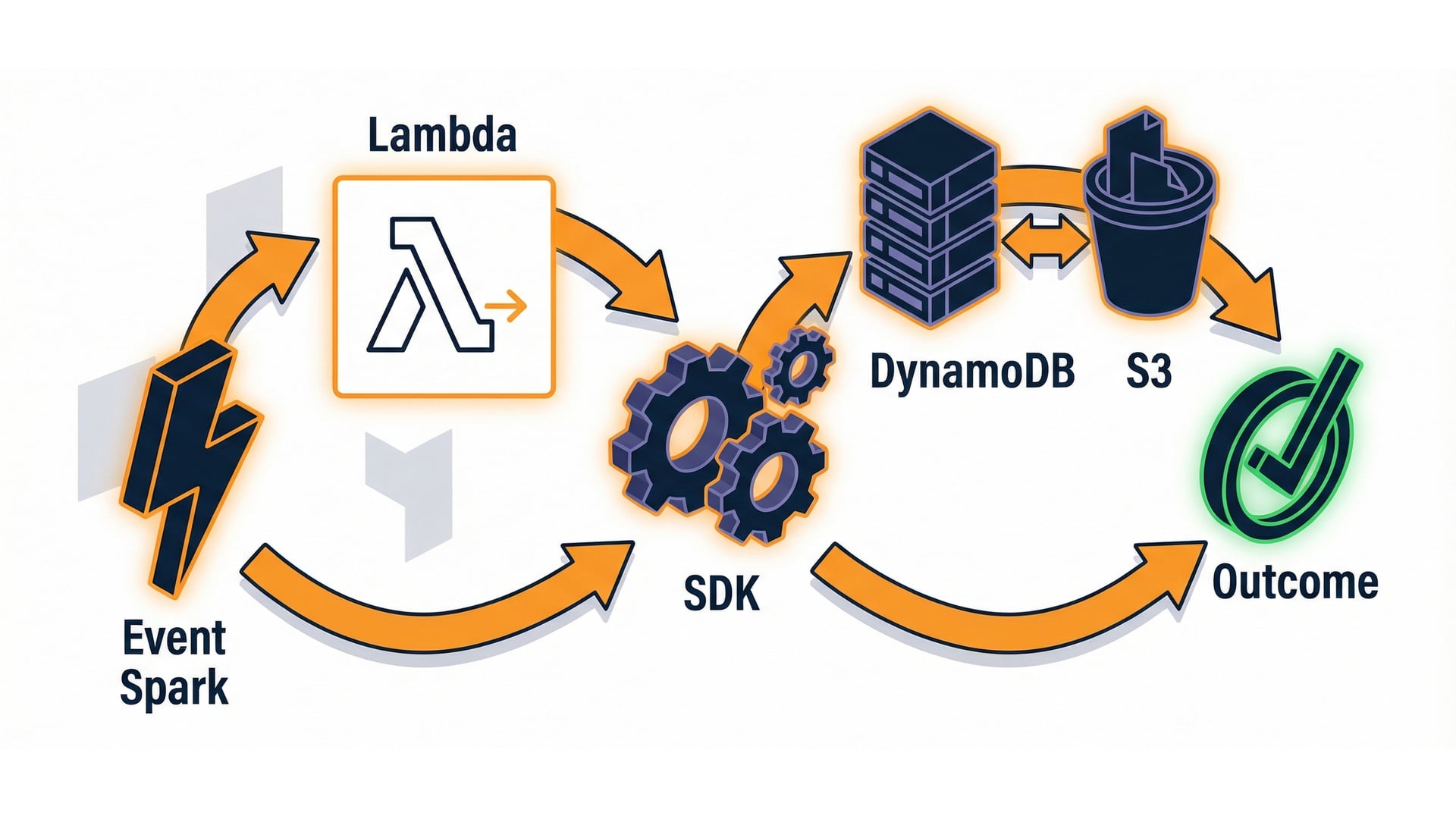
  • Event in.
  • Handler logic.
  • SDK call.

Event -> handler -> SDK loop

Serverless Applications with AWS Lambda

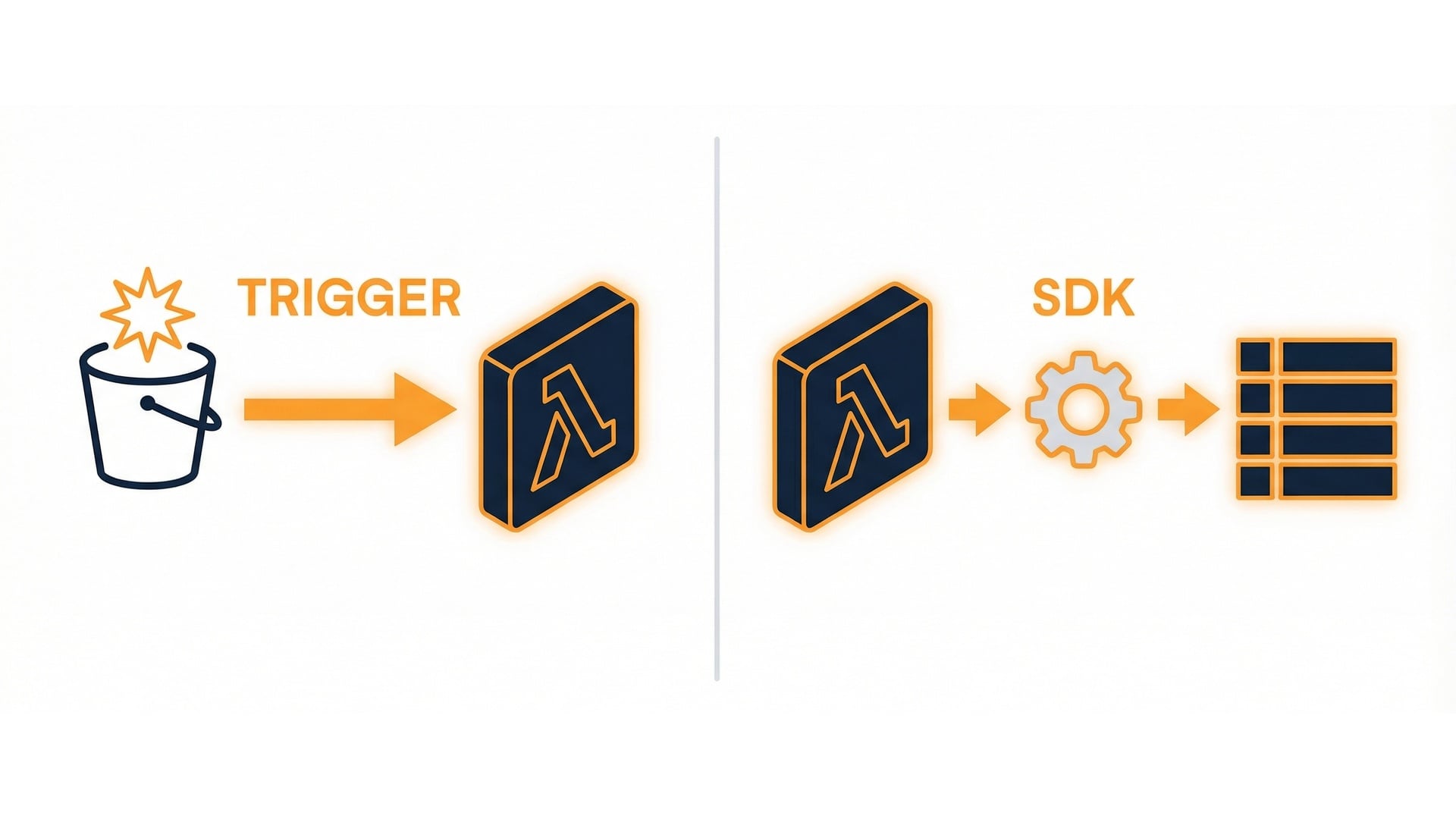
Triggers vs SDK calls

Trigger

  • Decides when Lambda runs.

SDK call (inside handler)

  • Reads and writes services like DynamoDB and S3.

Trigger vs SDK call

Serverless Applications with AWS Lambda

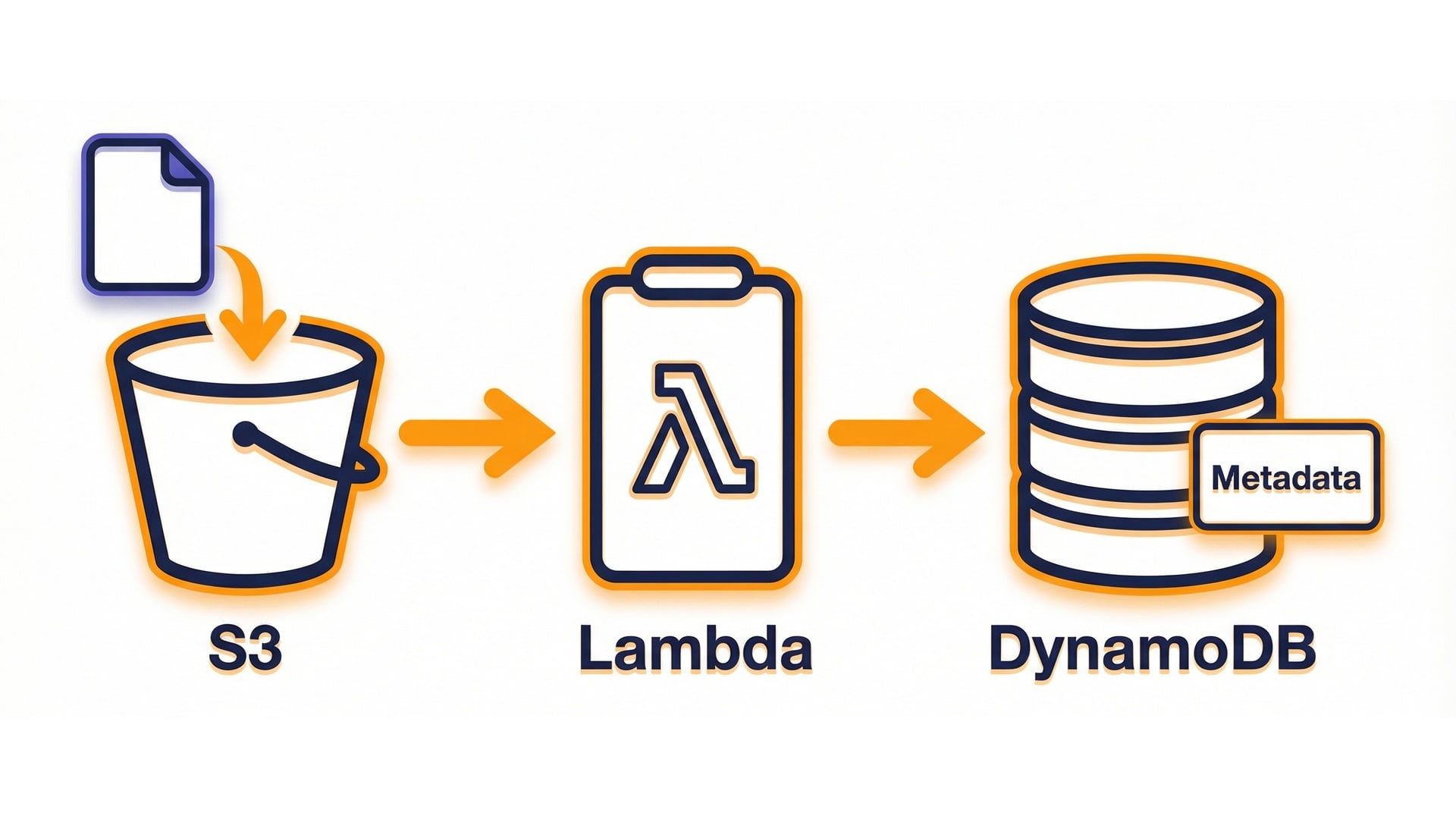
A concrete example

  • A file lands in S3.
  • Lambda runs.
  • Store a small record in DynamoDB.

S3 upload -> Lambda -> DynamoDB

Serverless Applications with AWS Lambda

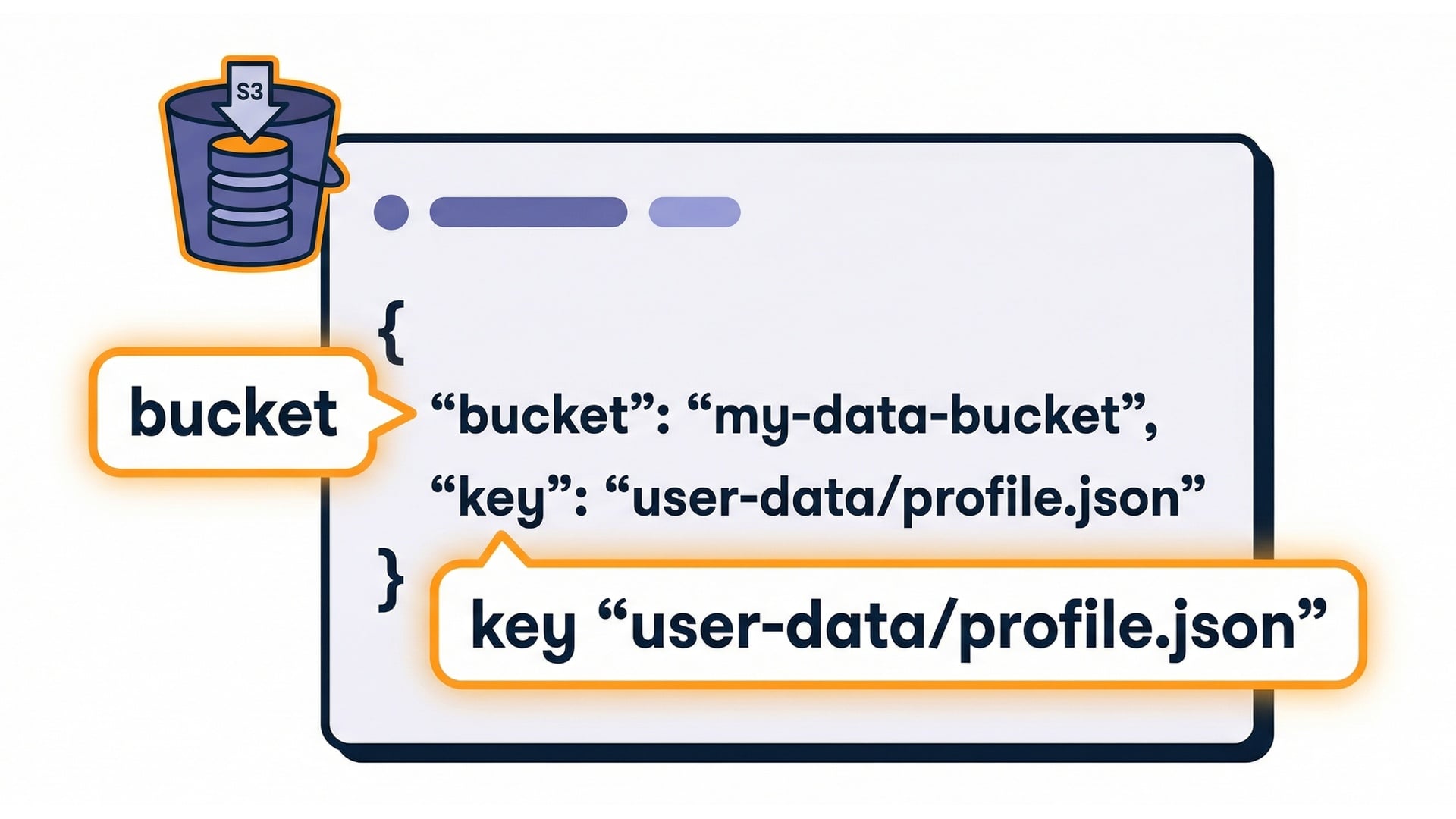
Event payload: locate what you need

{
  "Records": [{
    "s3": {
      "bucket": {"name": "…"},
      "object": {"key": "…"}
    }
  }]
}

S3 event payload callouts

Serverless Applications with AWS Lambda

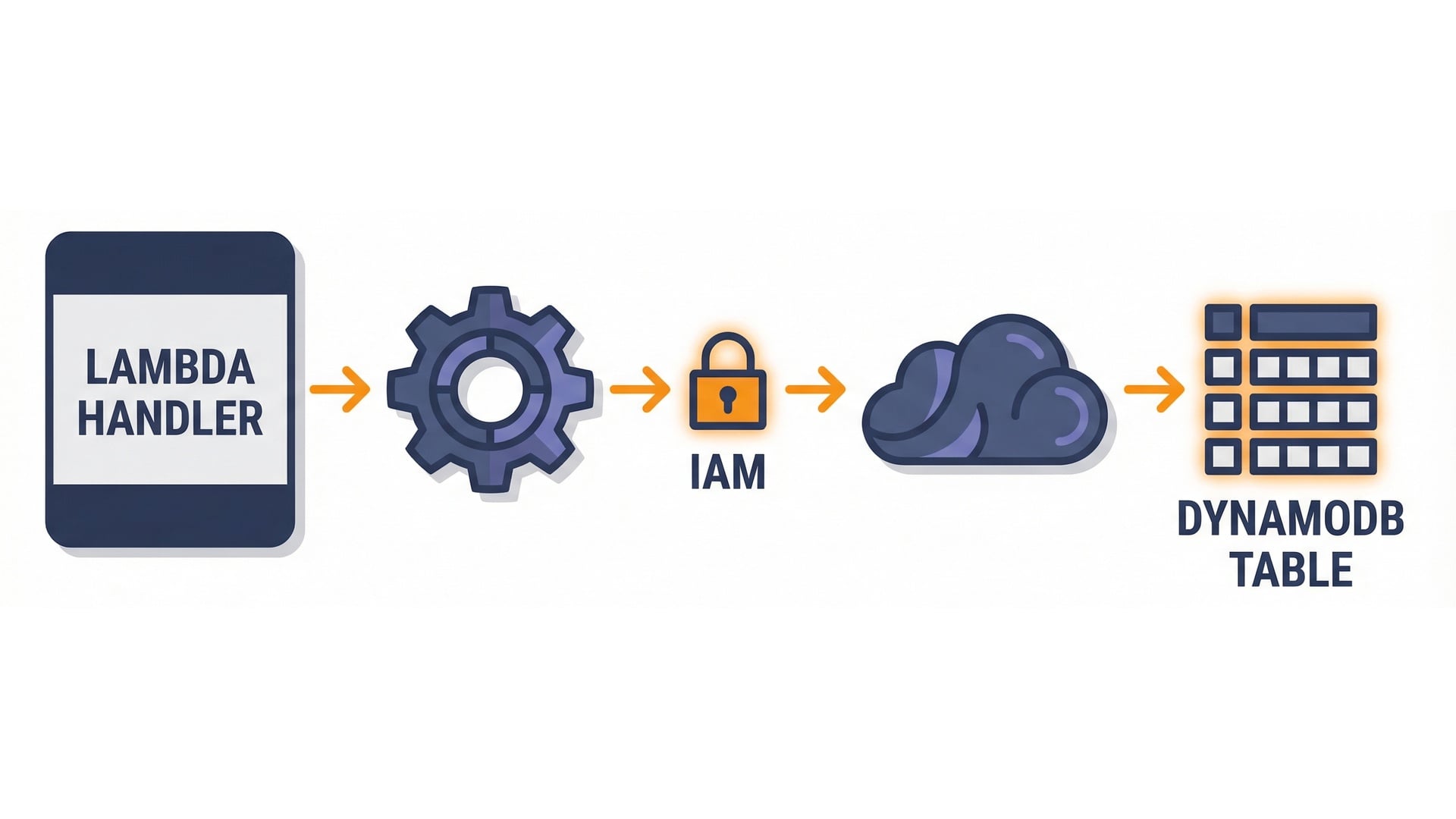
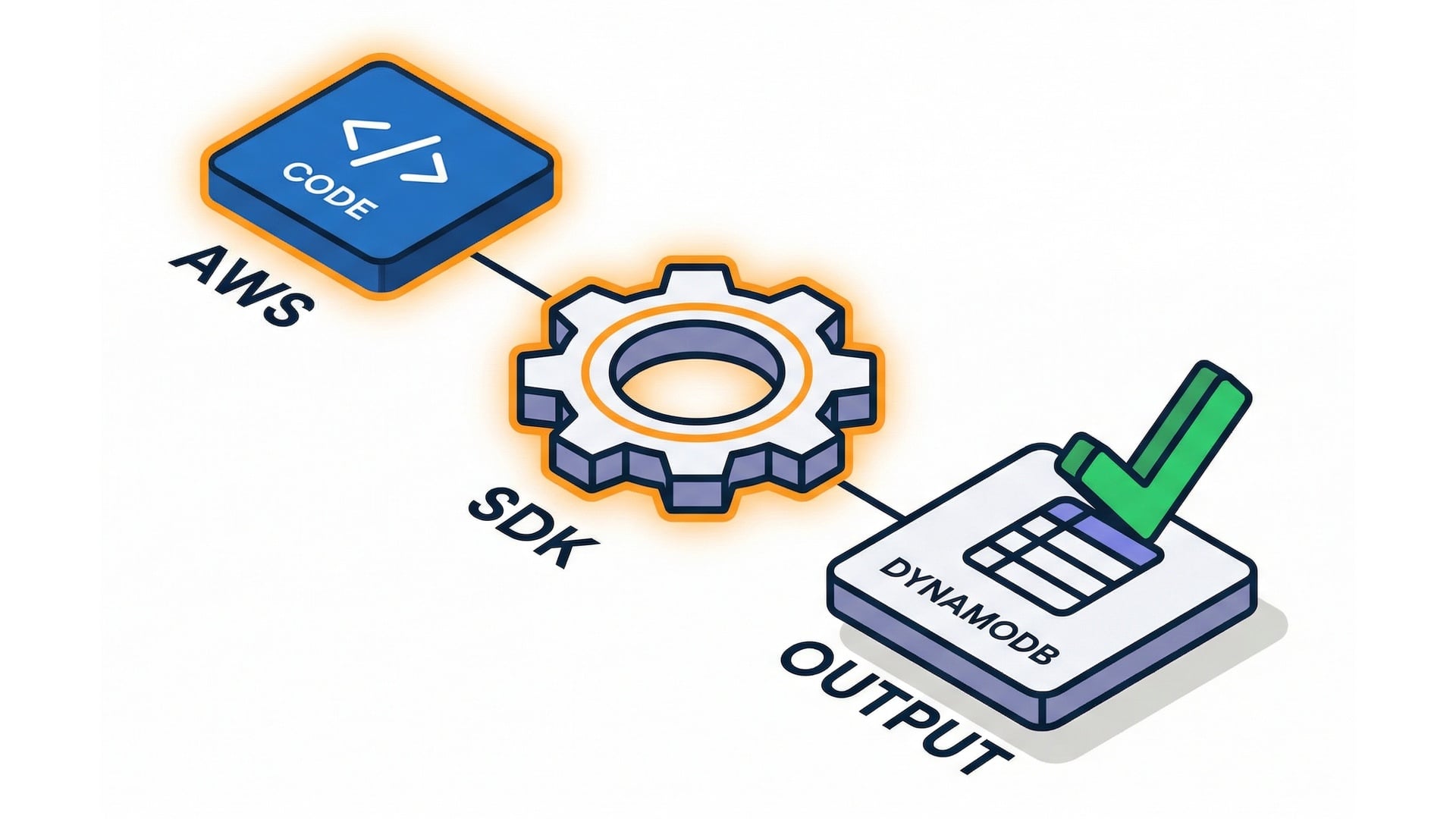
Where the AWS SDK fits

  • Your code calls the SDK (boto3).
  • The SDK calls AWS APIs.
  • IAM is the gatekeeper.

Handler -> SDK -> AWS API

Serverless Applications with AWS Lambda

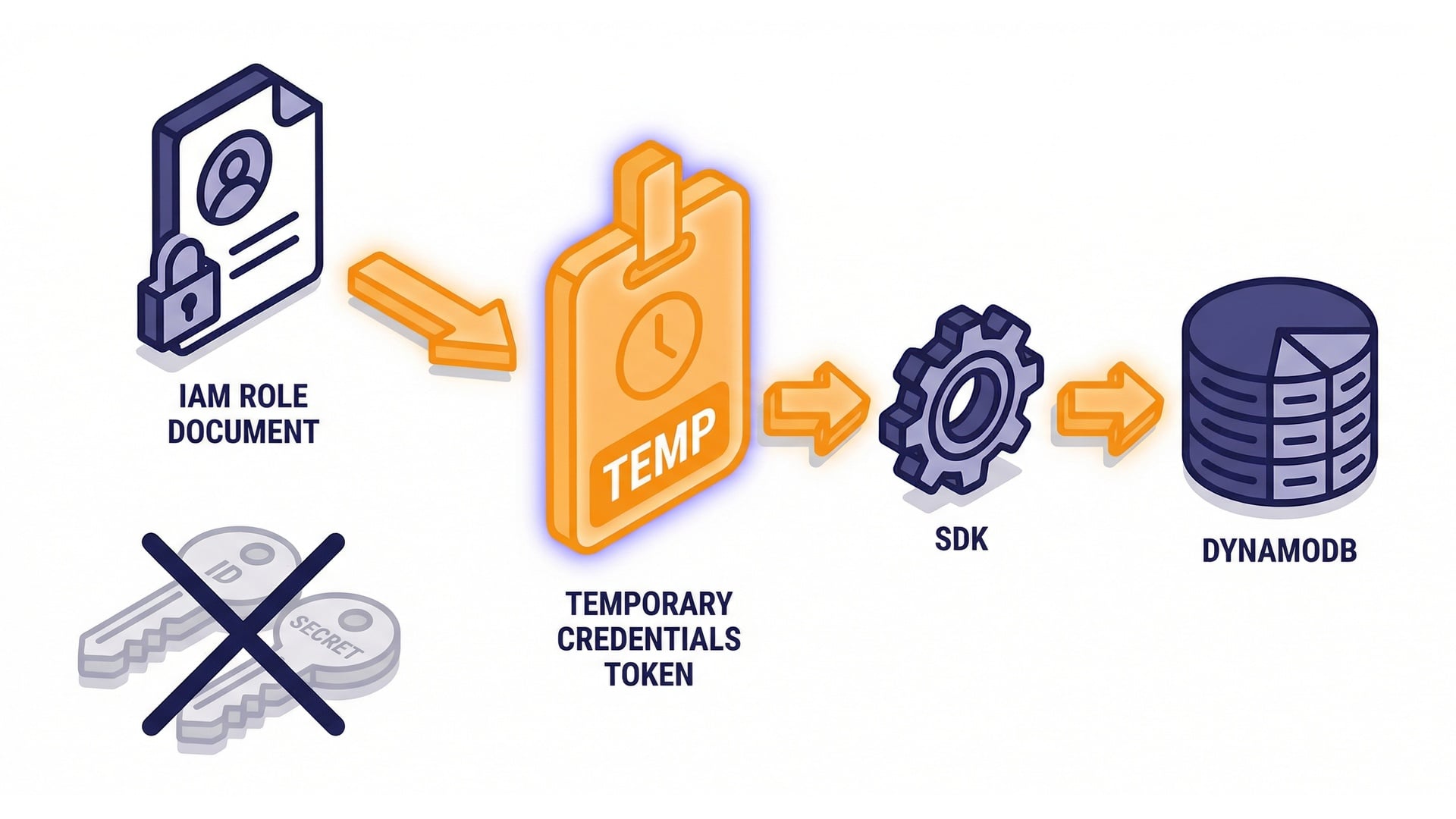
Execution role = credentials

  • Temporary credentials from the execution role.
  • No access keys in code.
  • If the role can't call an API, the SDK call fails.

Execution role provides credentials

Serverless Applications with AWS Lambda

Least privilege: scope actions + resources
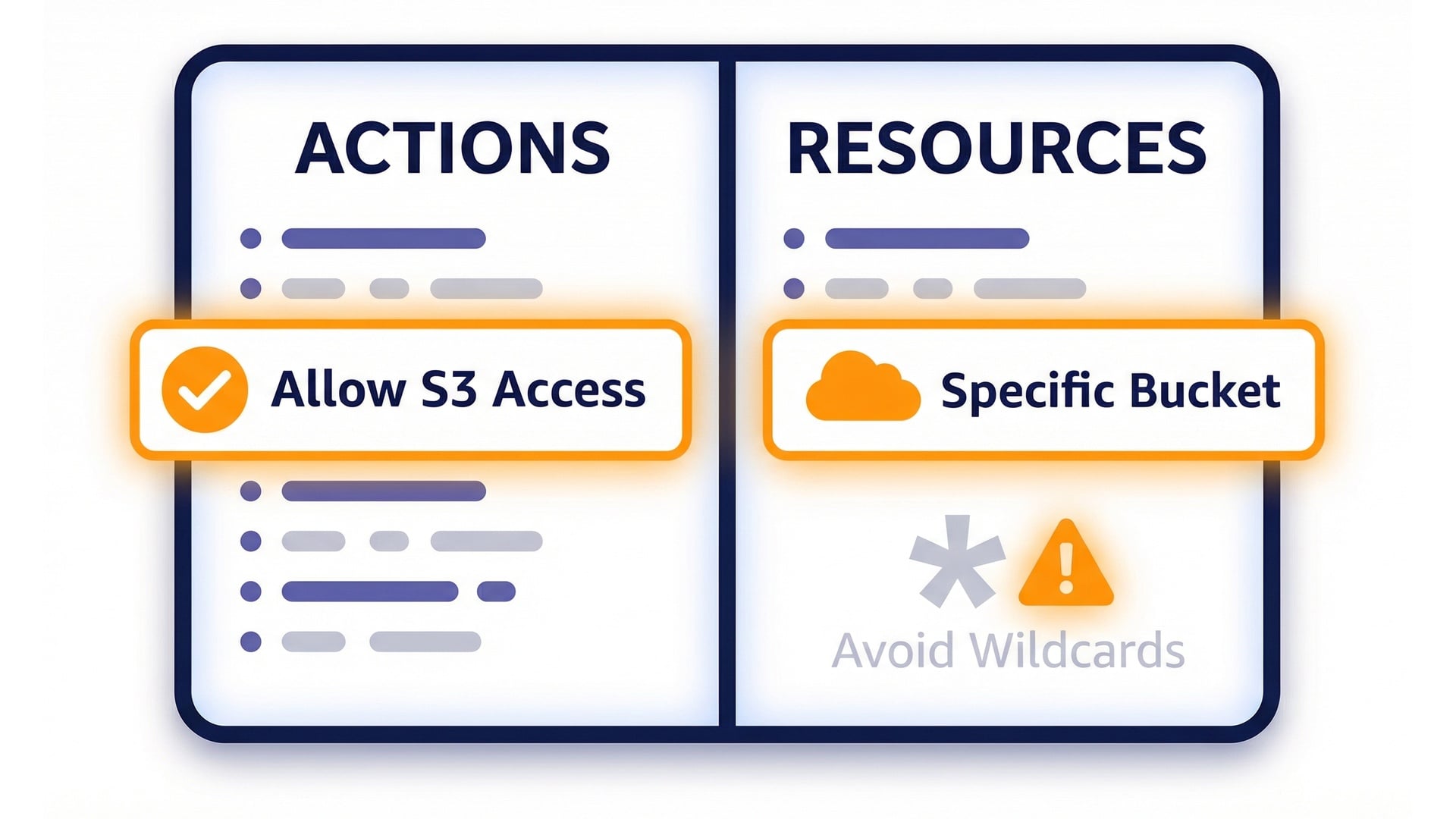
  • Reduces blast radius.
  • Grant only the actions and resources needed.
  • Avoid wildcards unless you truly need them.

Least privilege: actions and resources

Serverless Applications with AWS Lambda

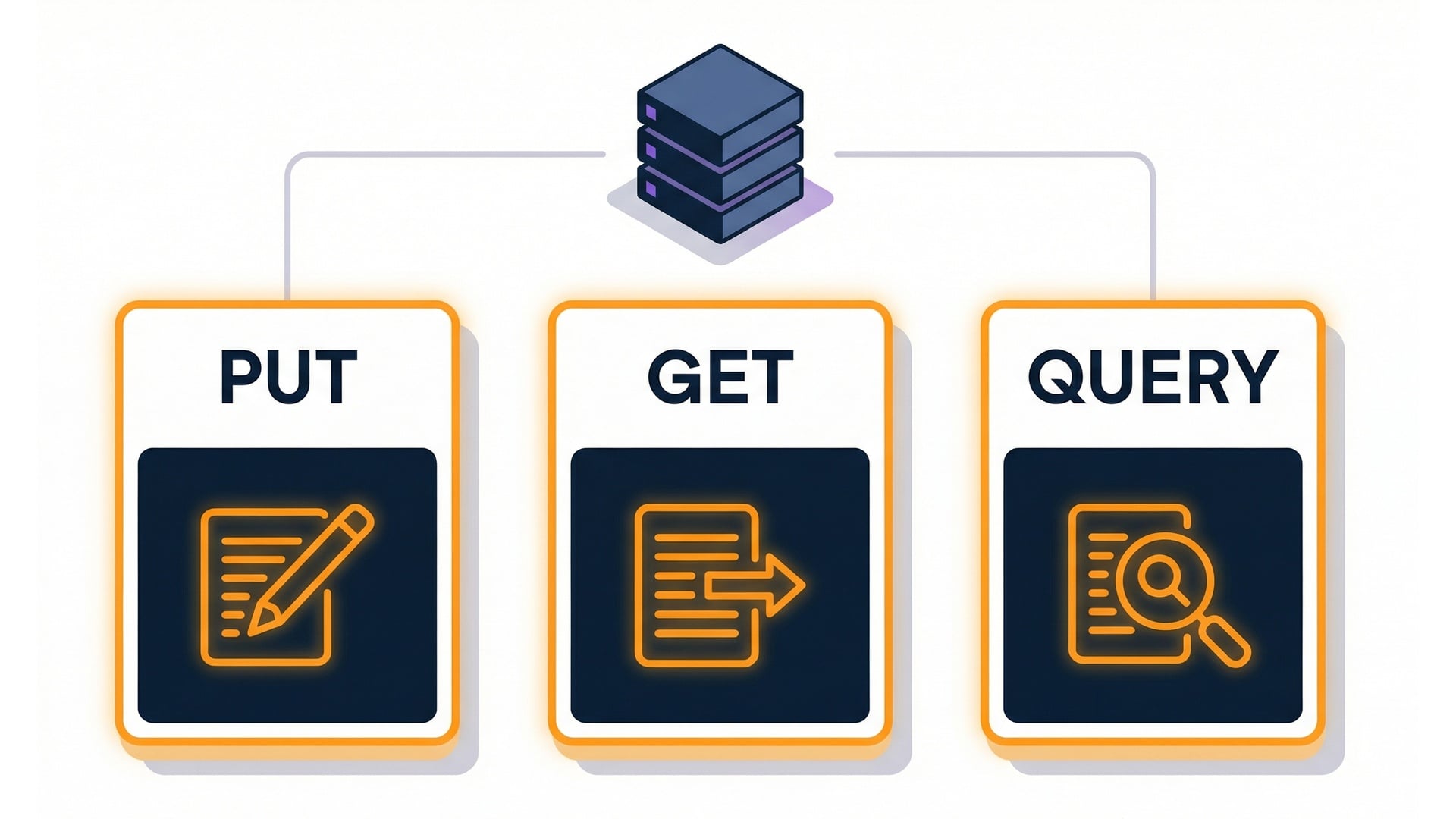
DynamoDB: choose the right operation

  • PutItem writes.
  • GetItem reads by key.
  • Query finds related items.
  • Prefer targeted operations over broad scans.

DynamoDB operations

Serverless Applications with AWS Lambda

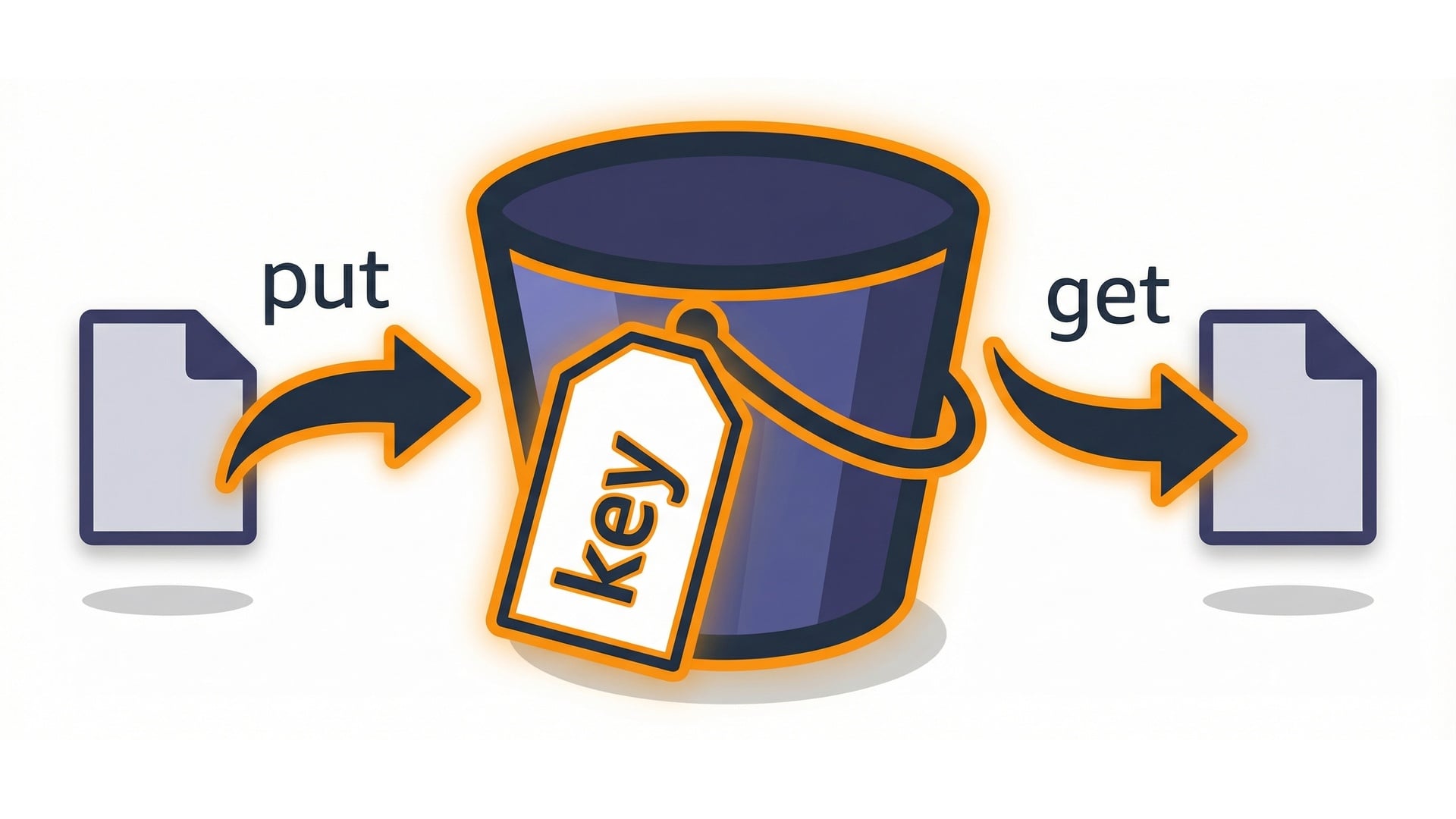
S3: work with bucket + key

  • Objects live at bucket + key.
  • GetObject fetches content.
  • PutObject writes a new derived file.

S3 bucket and key

Serverless Applications with AWS Lambda

Put configuration in environment variables
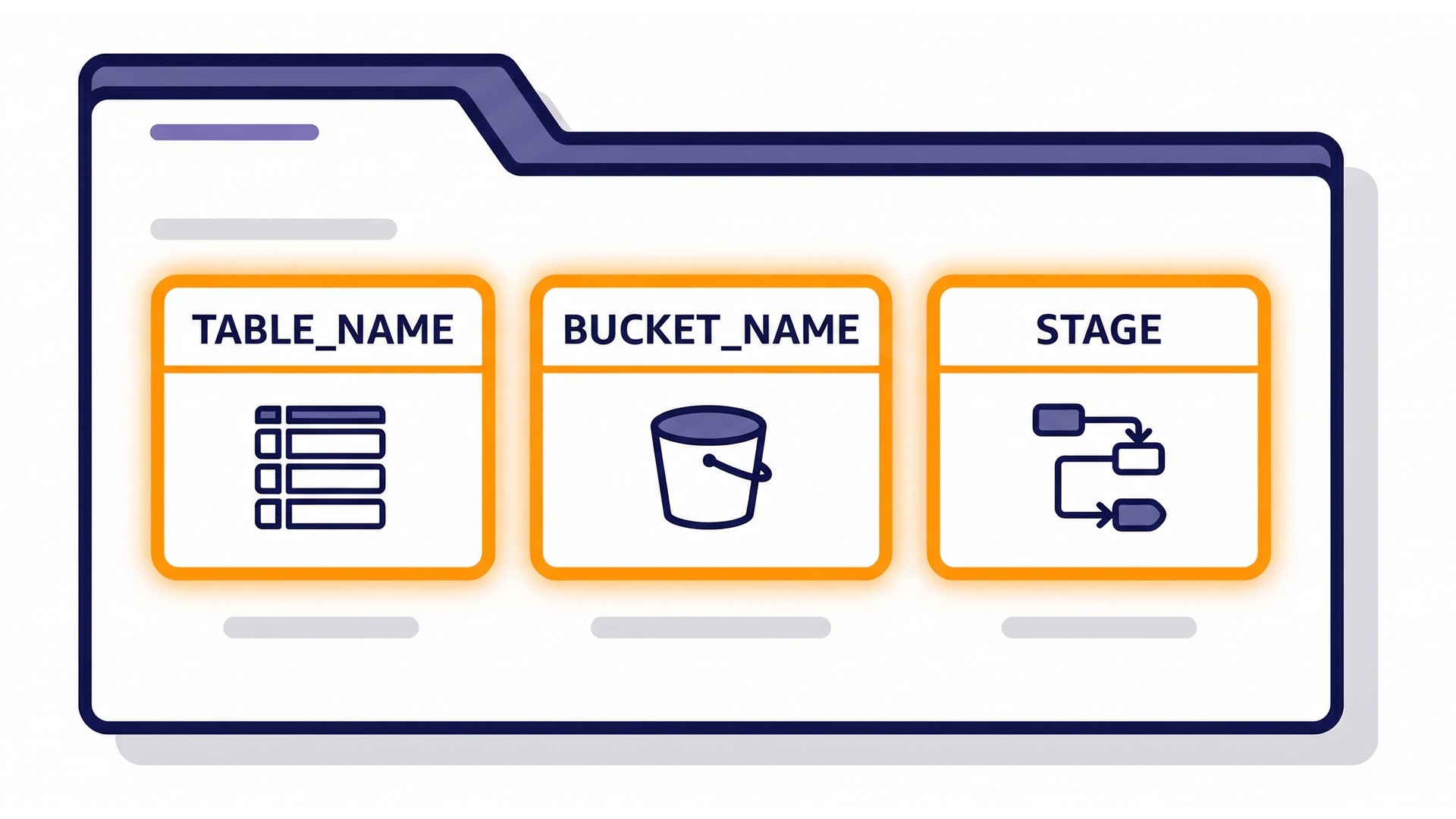
  • Hardcoding resource names is brittle.
  • Use environment variables.
  • Deploy the same code to dev and prod.

Env var configuration

Serverless Applications with AWS Lambda

SDK code: keep it small and testable

import boto3
ddb = boto3.client("dynamodb")
def handler(event, context):
    ddb.put_item(
        TableName="files",
        Item={"pk": {"S": "1"}},
    )
  • Validate inputs, call the SDK, return.
  • Unit test the pure logic.

Small handler with SDK call

Serverless Applications with AWS Lambda

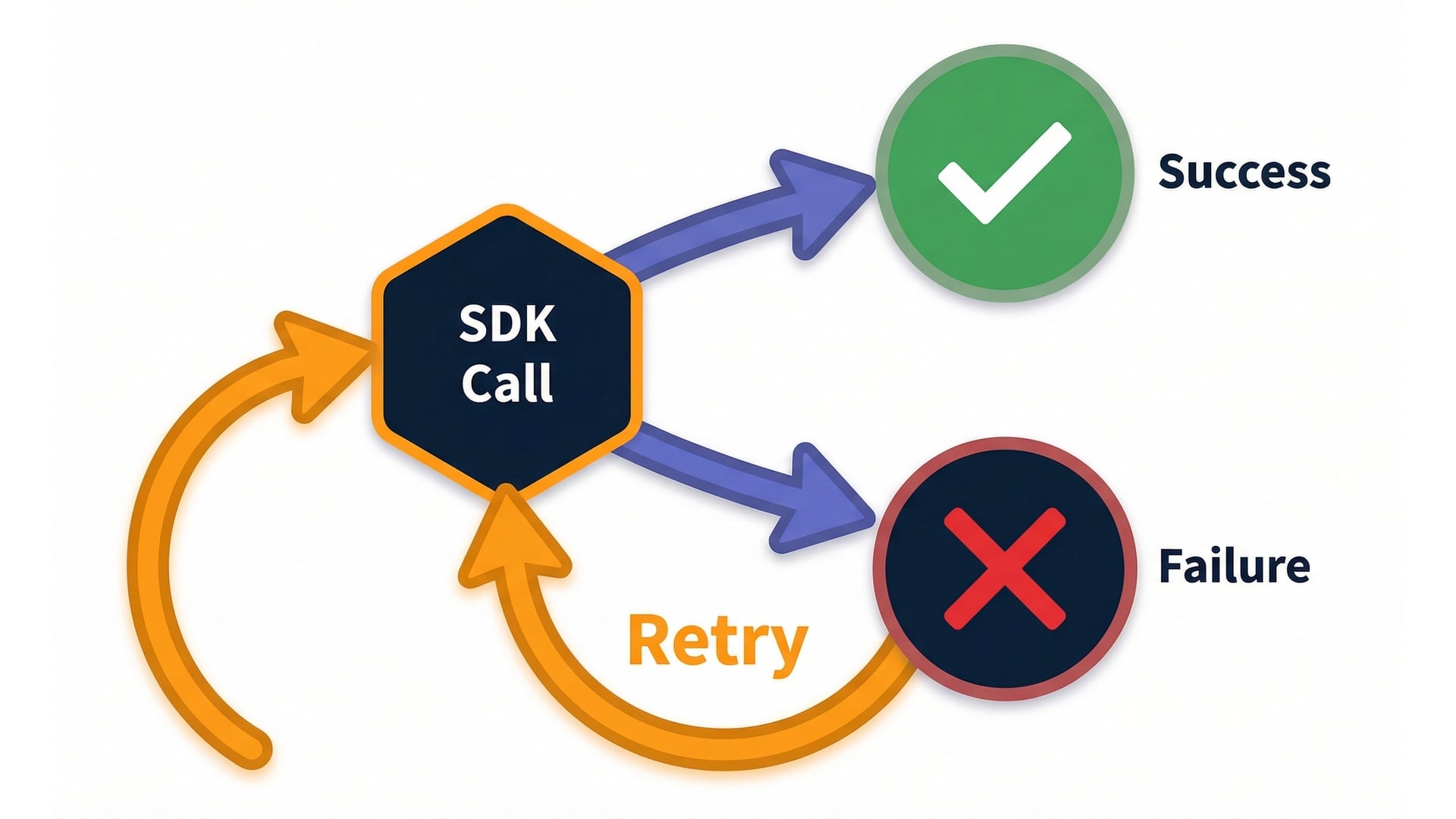
Handle SDK errors deliberately

  • Permission errors are common at first.
  • When a call fails, make it obvious why.
  • Good logs make debugging safer.

Success and failure paths

Serverless Applications with AWS Lambda

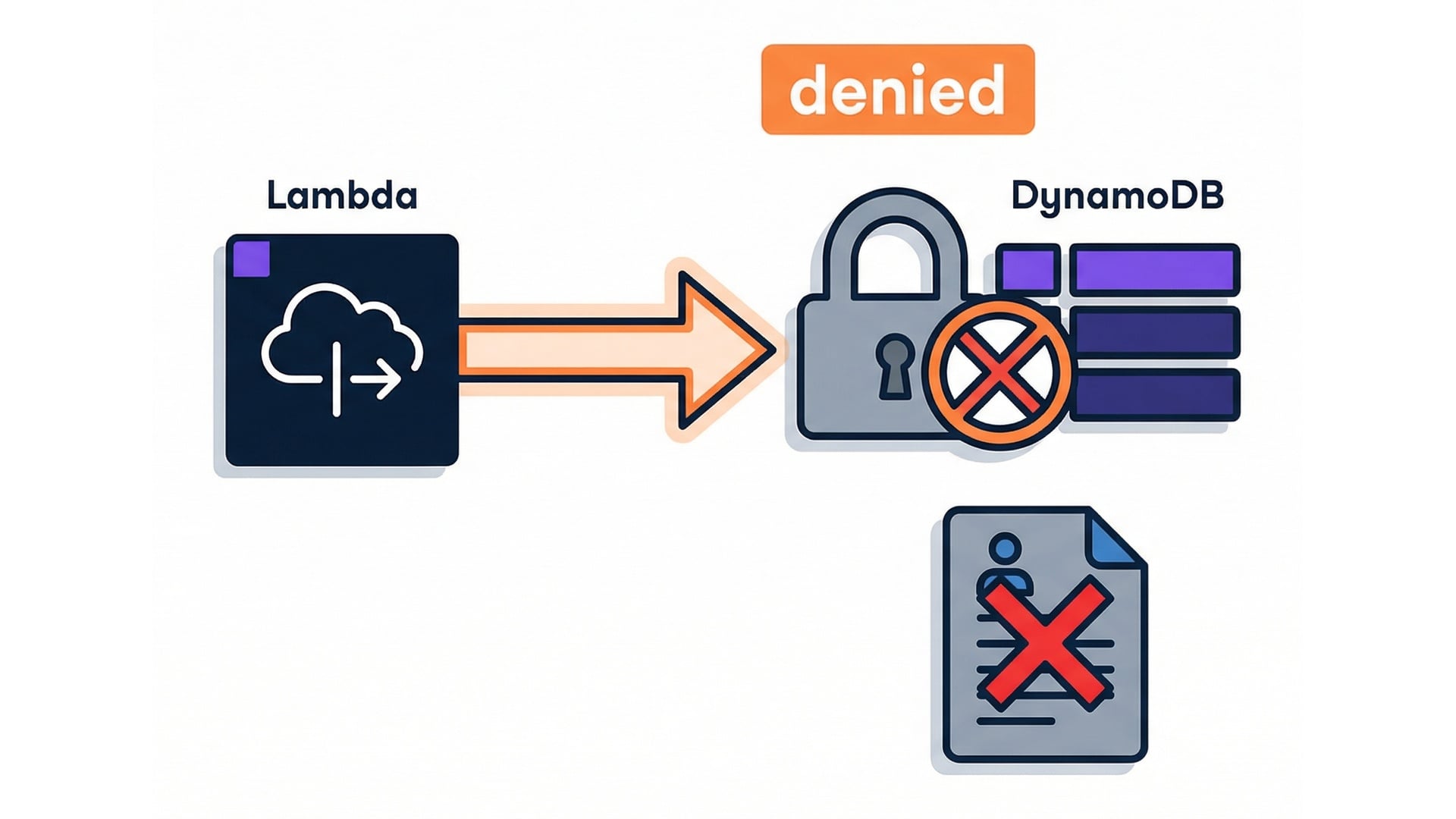
When IAM is wrong, code looks fine

AccessDeniedException
required action denied
  • Fix IAM first, then handler logic.

Access denied

Serverless Applications with AWS Lambda

Idempotency: safe retries and duplicates
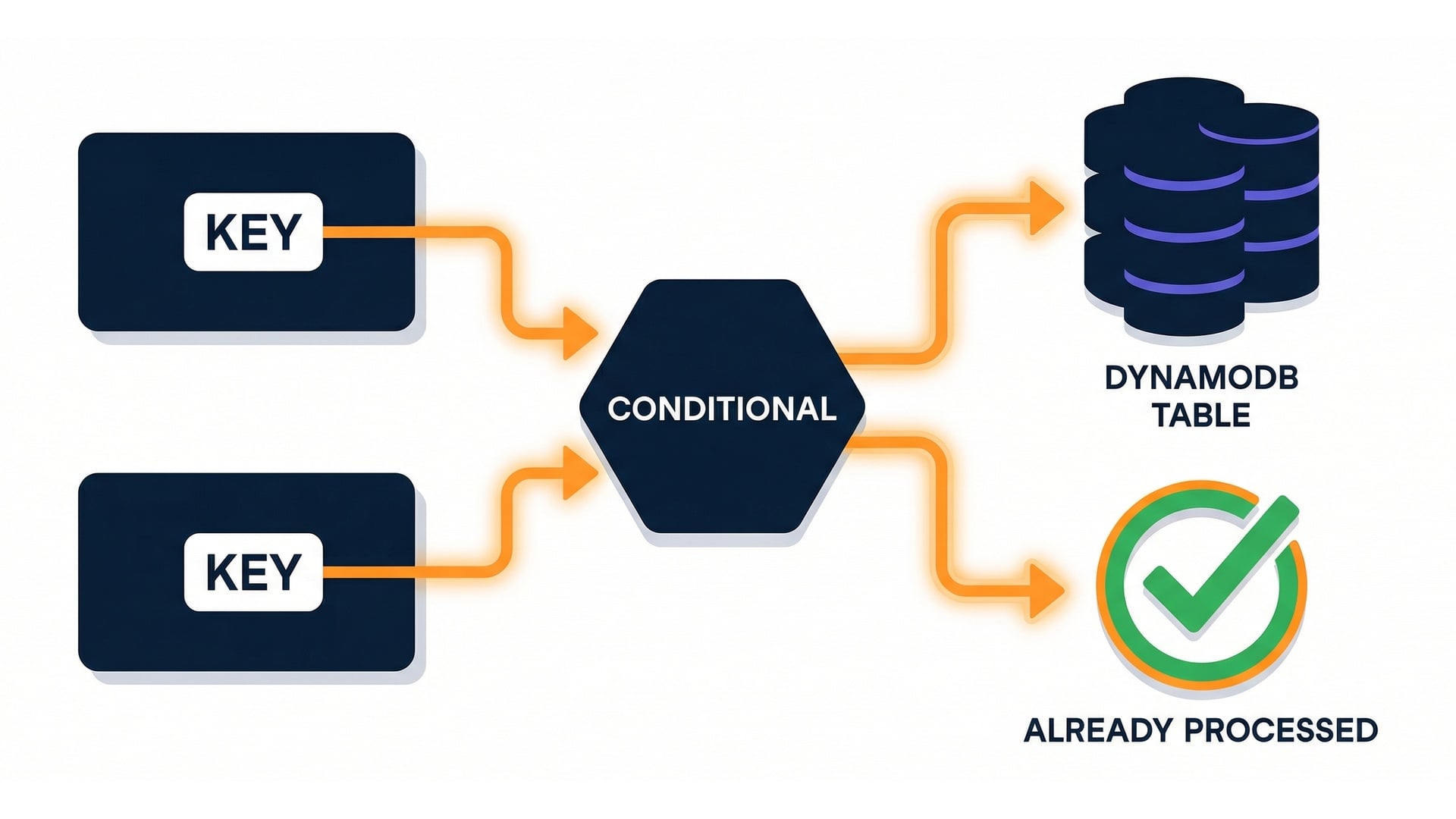
  • You might see the same event twice.
  • Idempotency keys avoid double processing.
  • Conditional writes keep repeats safe.

Idempotency key pattern

Serverless Applications with AWS Lambda

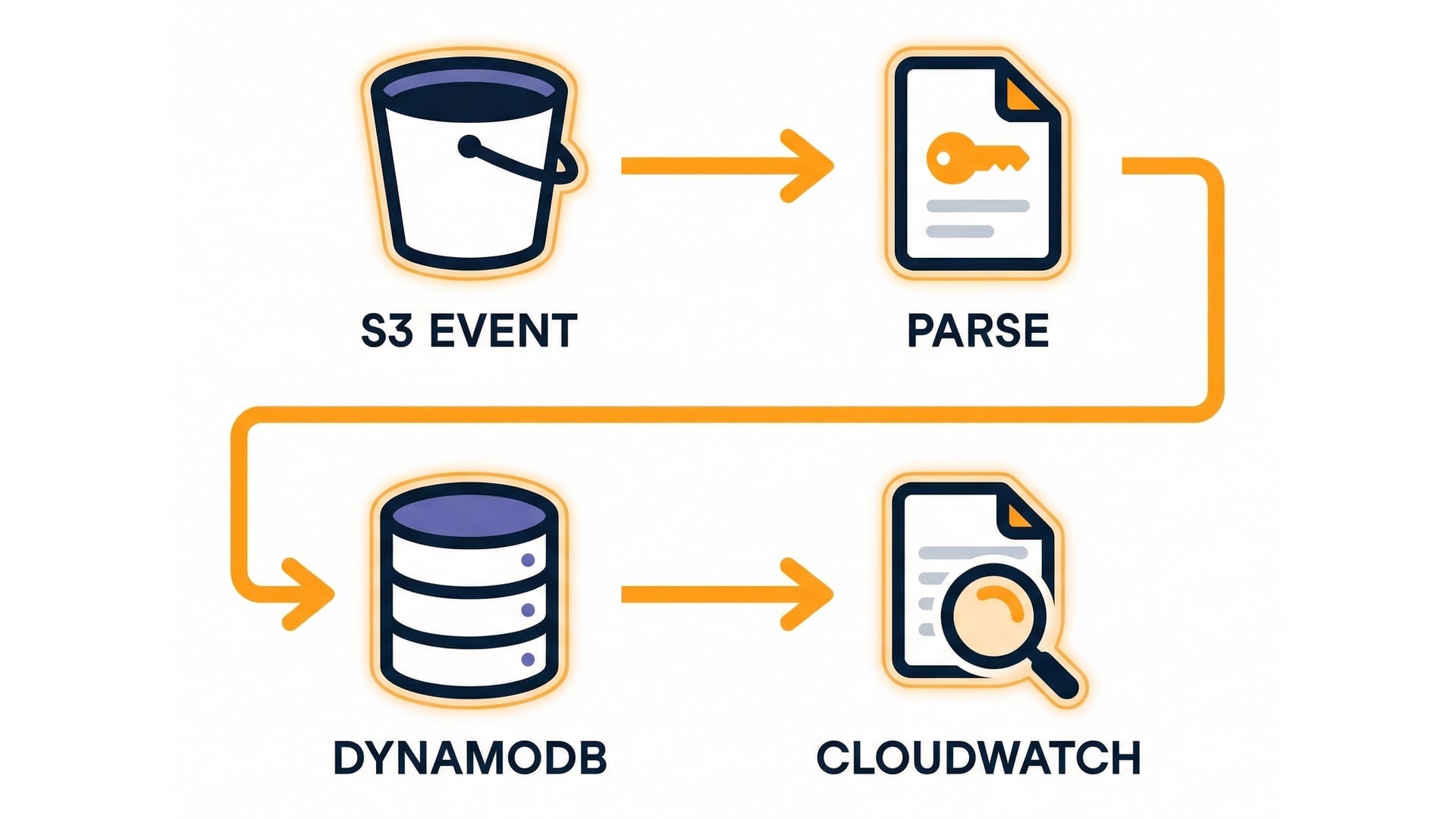
Putting it together (end to end)

  • S3 event brings in bucket and key.
  • Handler parses them.
  • PutItem writes metadata to DynamoDB.
  • CloudWatch Logs show what happened.

End-to-end integration summary

Serverless Applications with AWS Lambda

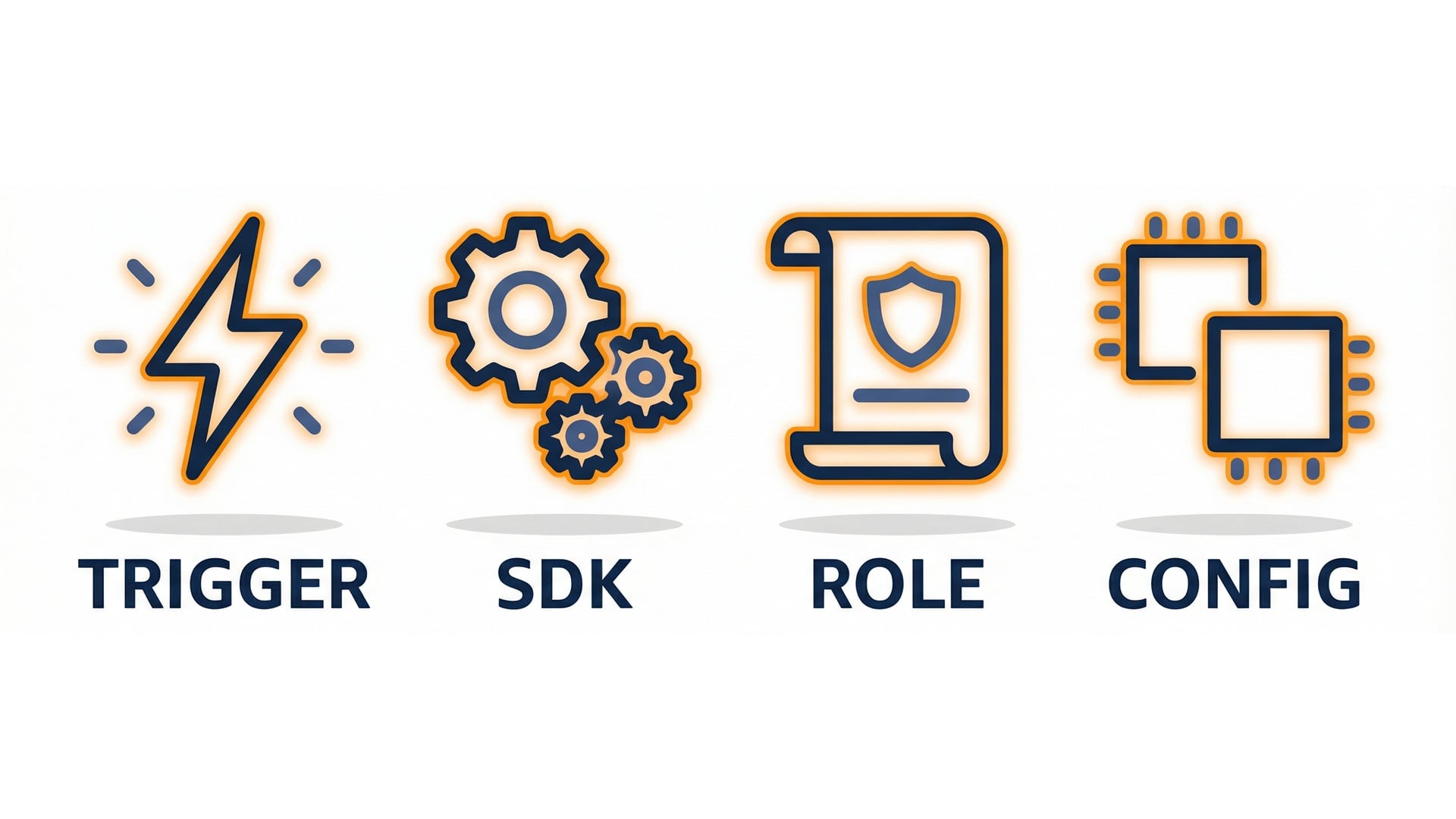
Key takeaways

  • Separate triggers from SDK calls.
  • Keep permissions tight with the execution role.
  • Make configuration portable with env vars.

Integration takeaways

Serverless Applications with AWS Lambda

Let's practice!

Serverless Applications with AWS Lambda

Preparing Video For Download...