Procesamiento de datos en Shell
Susan Sun
Data Person
Python
Documentación:
man python
...
-V , --version
Prints the Python version number of the executable and exits.
python --version
Python 3.5.2
Ejemplo: usar Python nativo
which python
/usr/bin/python
Para abrir una sesión interactiva en la terminal:
python
Python 3.5.2 (default, Nov 23 2017, 16:37:01)
[GCC 5.4.0 20160609] on linuxType "help", "copyright", "credits" or
"license" for more information.
>>>
Dentro de la sesión, usa solo sintaxis de Python:
>>> print('hello world')
hello world
Para salir y volver a la terminal:
>>> exit()
$
Sesión interactiva de Python:
Alternativa:
.pypython + scriptMétodo 1
.py con un editor de texto en la terminal (p. ej., nano, Vim, Emacs)
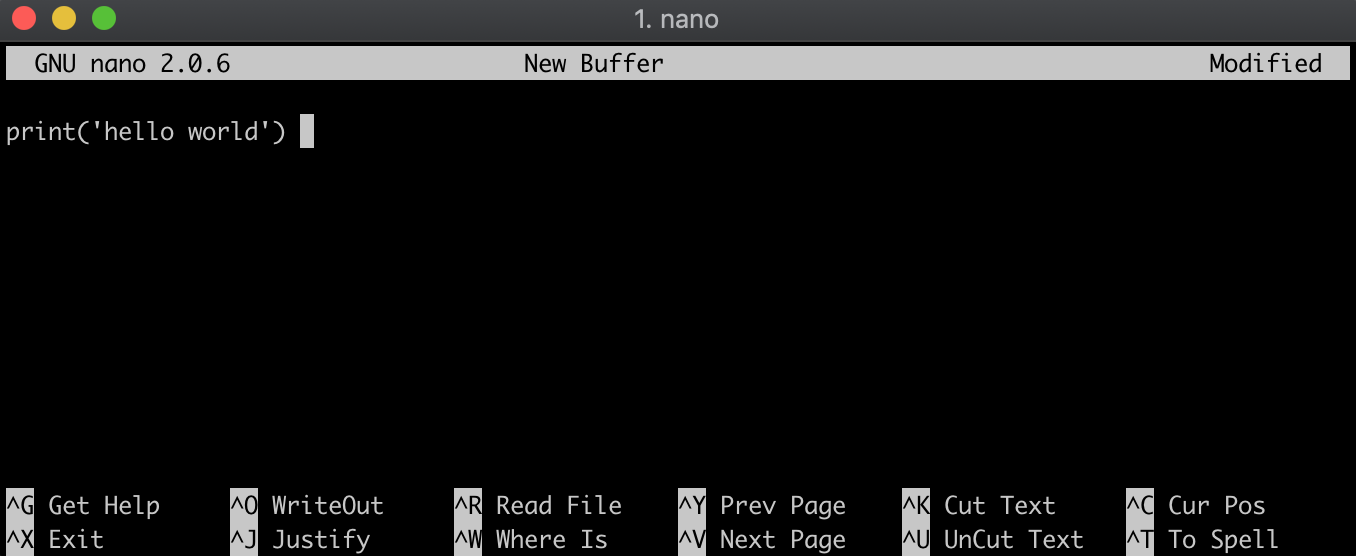
Método 2
.py con echo de la sintaxis Python en hello_world.py, creando el archivo en el mismo paso.echo "print('hello world')" > hello_world.py
Comprobar el contenido:
cat hello_world.py
print('hello world')
Asegúrate de estar en el mismo directorio que el .py:
ls
hello_world.py
Ejecuta el .py anteponiendo python al nombre:
python hello_world.py
hello world
Procesamiento de datos en Shell