Getting started with Julia

Introducción a Julia

James Fulton

Climate informatics researcher

What is Julia?
  • An open-source language designed for data science
  • Newer than other common languages
  • General purpose
  • Designed for scientific computing and data tasks

The Julia programming language logo.

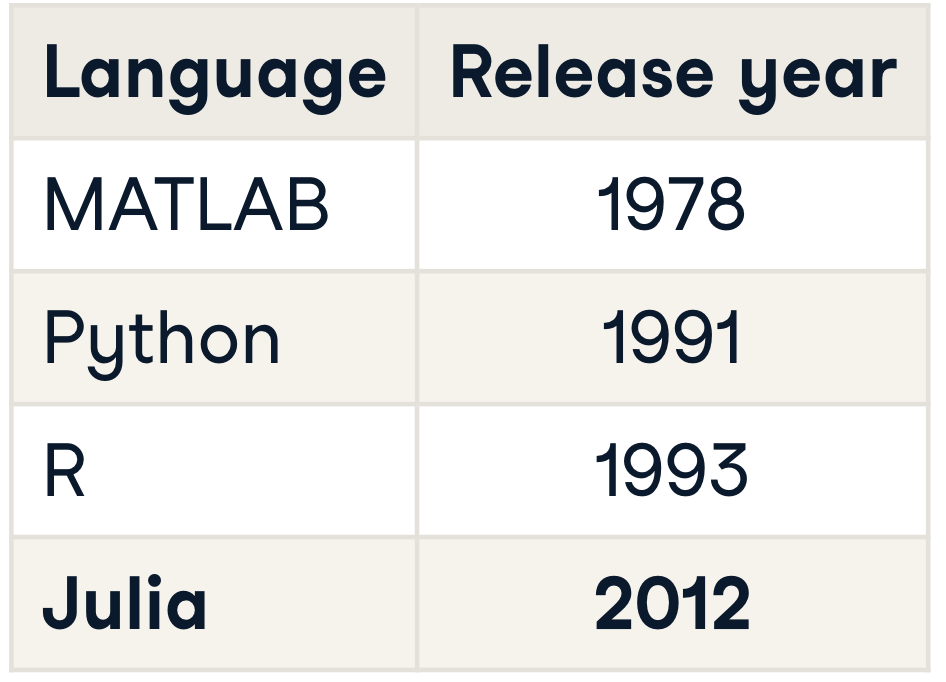
A table showing the release dates of the MATLAB, Python, R and Julia programming languges. Julia is the most recently released.

Introducción a Julia

Why create Julia?

Designed by Jeff Bezanson, Stefan Karpinski, Viral B. Shah, and Alan Edelman

Julia was designed to be:

  • Simple to learn
  • Able to keep the most serious hackers happy
  • As usable for general programming as Python
  • As easy for statistics as R
  • As powerful and natural for linear algebra as MATLAB
  • Speed of C
1 https://julialang.org/blog/2012/02/why-we-created-julia
Introducción a Julia

This course

  • For beginner programmers
  • Basics of Julia
  • Working with data in Julia

The Julia programming language logo.

Introducción a Julia

Installing Julia

Introducción a Julia

Scripts vs. the console

The console
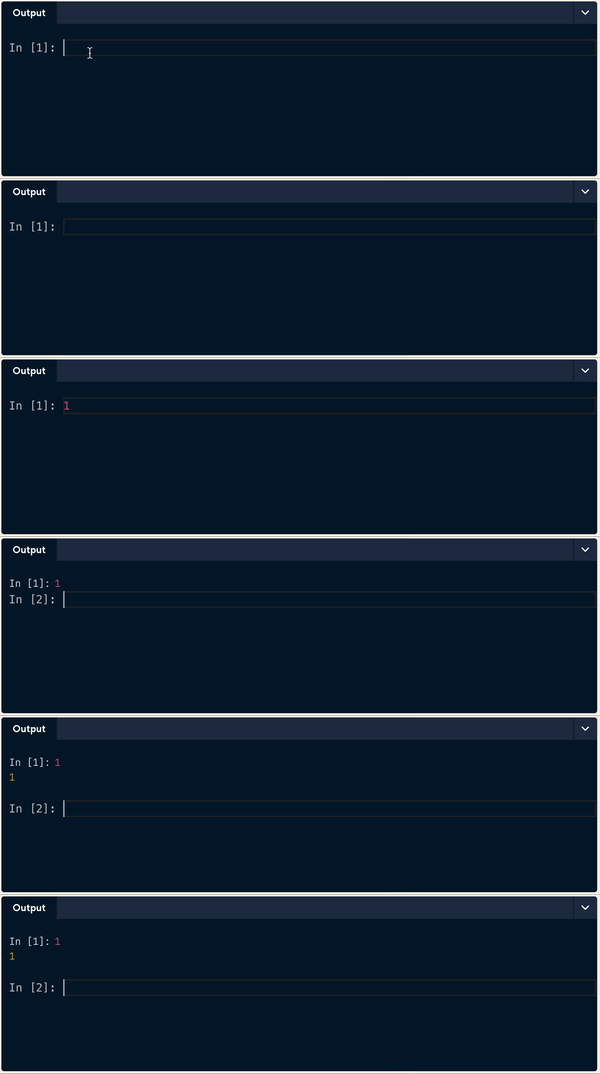
A gif showing an example of using the console. The number one is types into the console and the same number is printed to console.

Introducción a Julia

Scripts vs. the console

The console

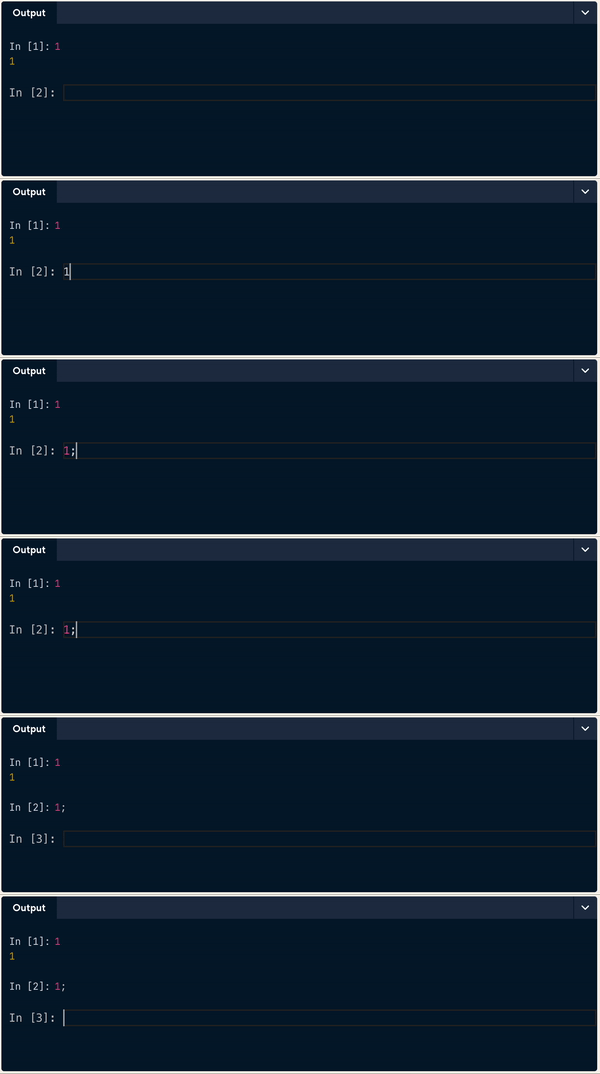
A gif showing how the output from the console can be supressed using a semicolon.

Introducción a Julia

Scripts vs. the console

An image of the DataCamp script editor.

Introducción a Julia

Simple calculations and printing

Inside script.jl:

# Print the number 2
println(2)

# Print the sum of 1+2
println(1+2)
2
3
Introducción a Julia

Comments

Inside script.jl:

# Print the number 2        <--- these are comments
println(2)

# Print the sum of 1+2      <--- these are comments
println(1+2)
2
3
Introducción a Julia

Comments

Inside script.jl:

Print the number 2
println(2)

Print the sum of 1+2
println(1+2)
ERROR: LoadError: syntax: extra token "the" after end of expression
Stacktrace:
 [1] top-level scope
   @ ~/script.jl:1
Introducción a Julia

Multi-line comments

Inside script.jl:

#=


=#
println(2)
2
Introducción a Julia

Multi-line comments

Inside script.jl:

#=
Print the 
number 2
=#
println(2)
2
Introducción a Julia

Let's practice!

Introducción a Julia

Preparing Video For Download...