Joins and unions in a data model

Data Modeling in Sigma

Ben Harris

Technical Instructional Designer at Sigma

Purpose of a base table

 

recraft: half: A single table icon with rows and columns, isolated on transparent background


  • First step in creating a data model: add a table
  • Not a strict requirement in Sigma
  • In this course, data models start with a base table
Data Modeling in Sigma

Purpose of a base table


recraft: half: One row per order concept with order icons in a table row


  • Base table = core unit of analysis
  • One row per object or event you're modeling
  • Example: orders model → one row = one order
  • Defines granularity of the data
Data Modeling in Sigma

Purpose of a base table


base table


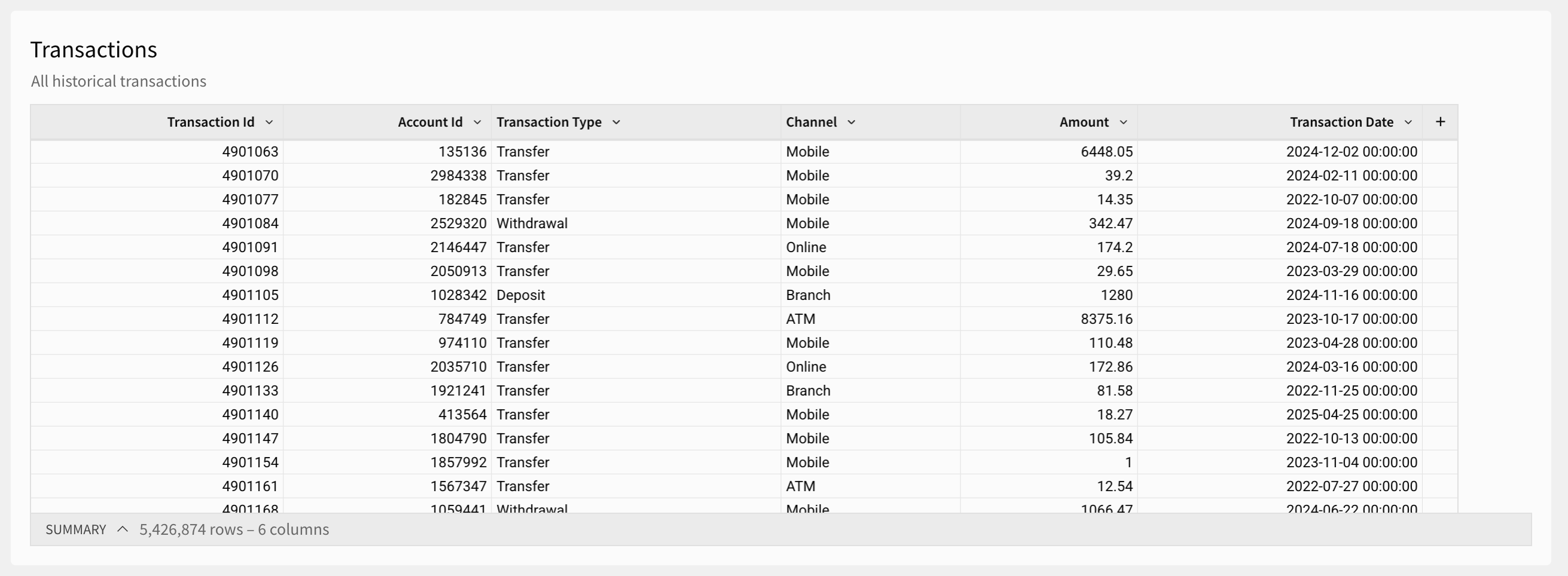
  • After granularity: does base table need more warehouse tables?
  • Example: orders + customer data
  • Combine orders and customers into one base table
Data Modeling in Sigma

Purpose of a base table


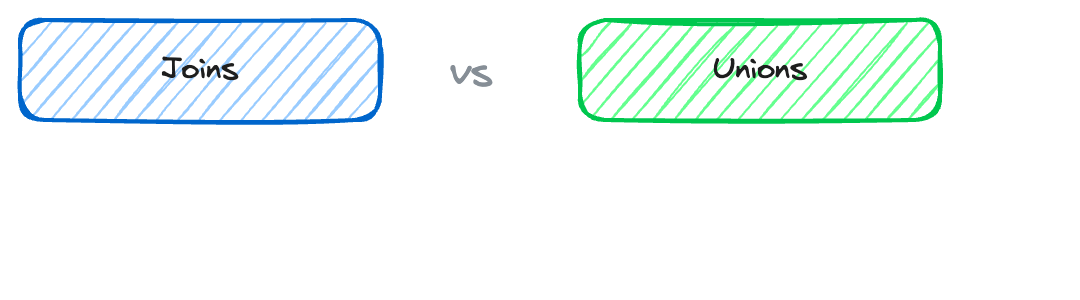
comparison: Joins | Unions


  • Two ways to combine data: joins and unions
  • Same concept as in SQL and other tools
  • This course: use them in Sigma
Data Modeling in Sigma

Purpose of a base table


More on joins and unions: DataCamp resources and Sigma documentation:

DataCamp resources

Sigma resources:

Data Modeling in Sigma

Joins

join.png

Data Modeling in Sigma

Joins

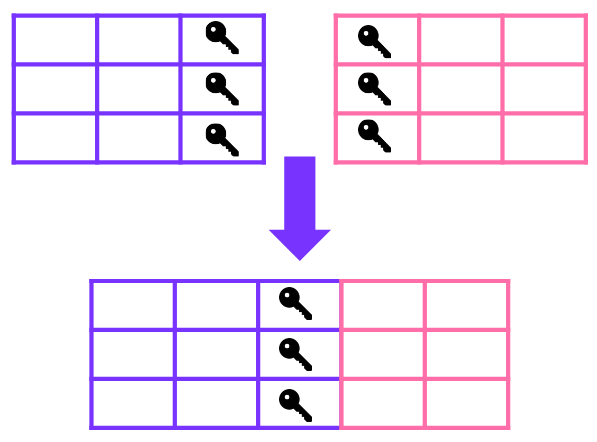
  • Bring columns from one table onto another
  • Use a shared column as the key
  • Result: table gets wider (more columns)

join.png

Data Modeling in Sigma

Joins

recraft: half: Account and customer profile linked by an ID key, minimal flat style

join.png


  • Example: accounts + customer data
  • Join key: customer ID
  • Each row gets account holder info (e.g. email)
Data Modeling in Sigma

Unions

union framework.png

Data Modeling in Sigma

Unions


union.png

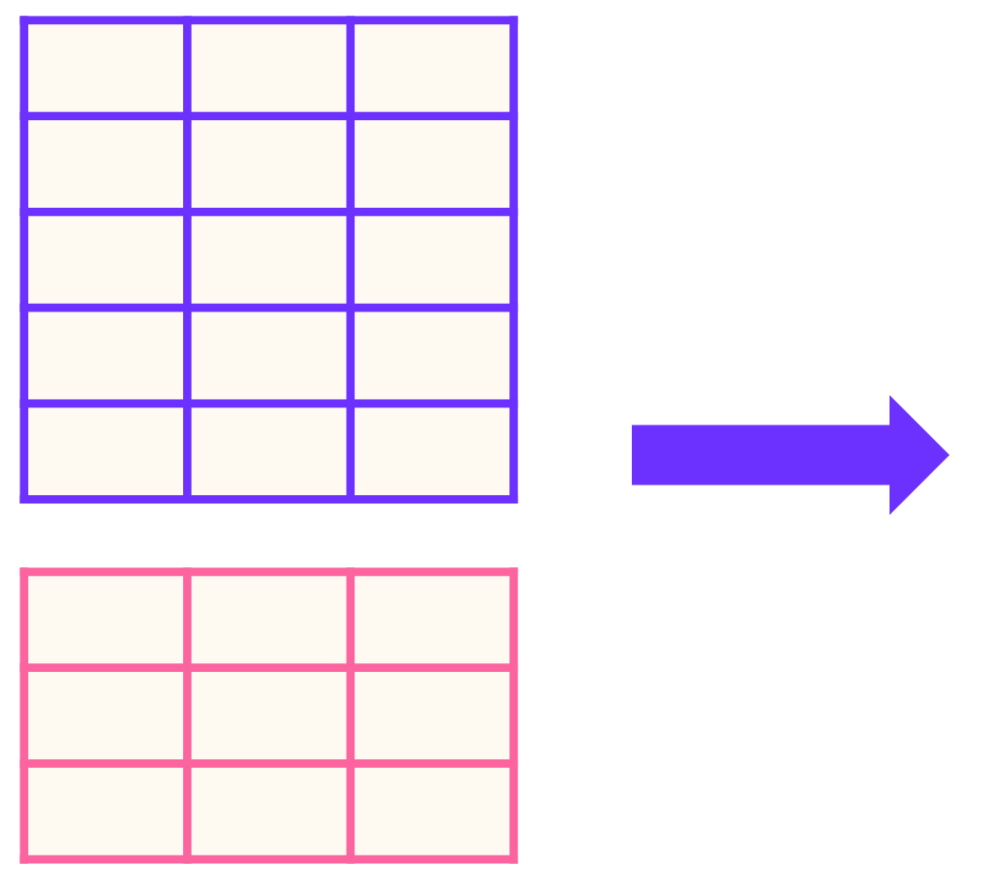
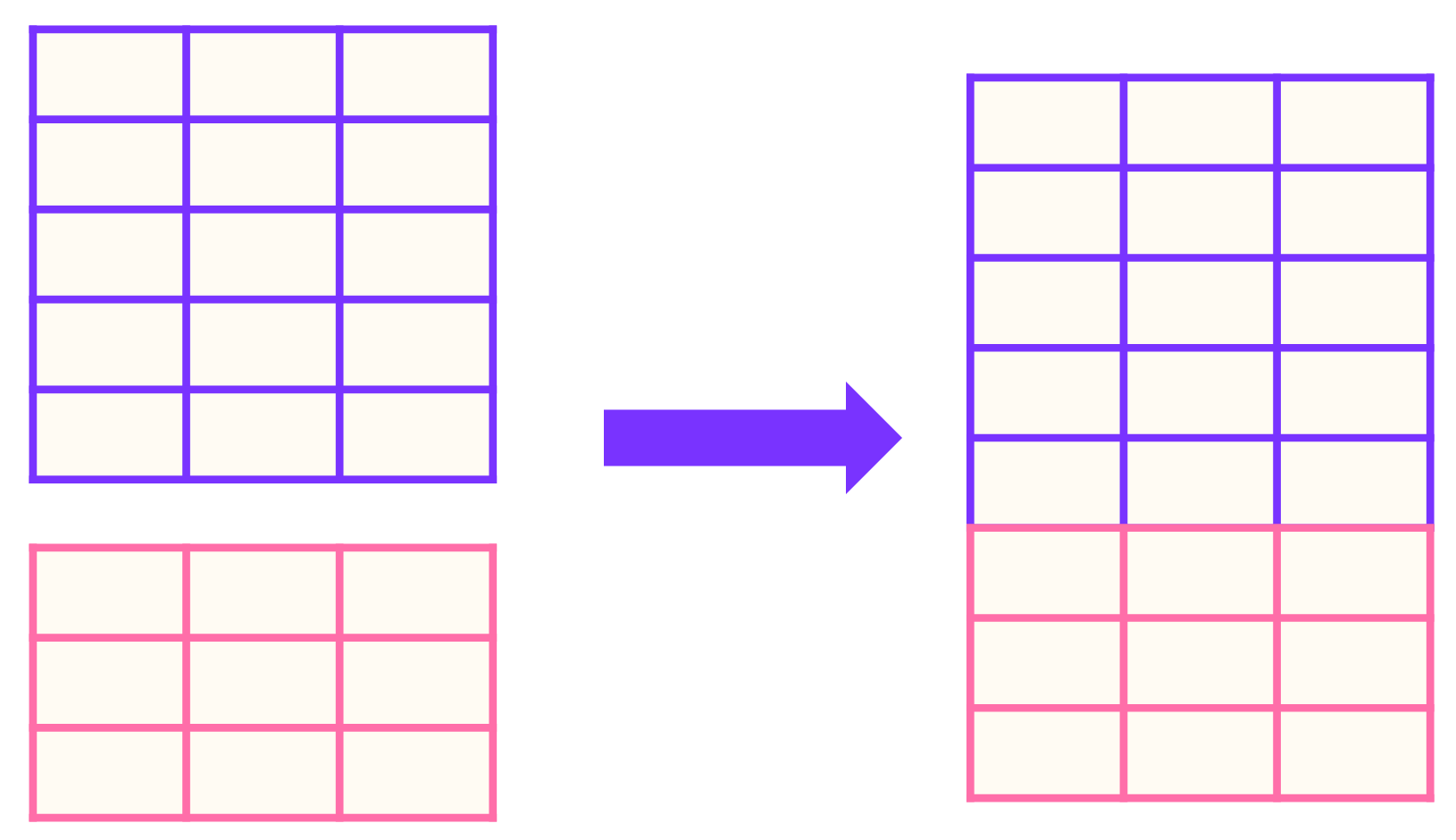
  • Add rows from one table onto the end of another
  • Match columns to one another
  • Result: longer table (more rows)
Data Modeling in Sigma

Unions


union.png


  • Use when similar data is split across tables
  • Tables have matching columns and same granularity
  • Union = one continuous dataset
Data Modeling in Sigma

Unions

recraft: half: Two bank building icons with transaction lists merging into one

union.png


  • Example: two locations → two transaction tables
  • Union them → single table, all transactions
Data Modeling in Sigma

Purpose of combining data


  • If users often join/union manually → add to the model
  • Consistent base table for everyone
  • Fewer errors from repeated manual joins


recraft: half: Team of analysts looking at one consistent dashboard together

Data Modeling in Sigma

Let's practice!

Data Modeling in Sigma

Preparing Video For Download...