Software Development with Claude Code
Dani Zysman
AI Curriculum Manager @ DataCamp
--artist
--format
--output
--artist "AC/DC"
--format json
--verbose
reporter.py data.csv
--help
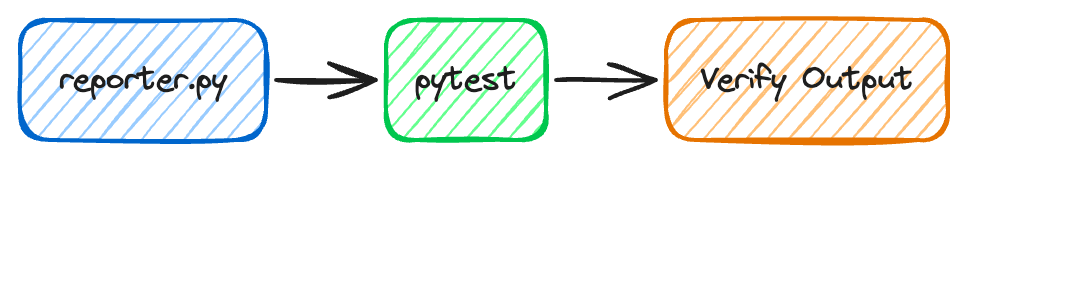
> Use @PLAN.md to build reporter.py
Done! Created reporter.py following PLAN.md

Core functions:
- get_db_connection()     Read-only SQLite with validation
- fetch_artist_stats()    4 SQL queries for aggregates
- format_json/csv()       Output formatting
- write_output()          File writing
- parse_args() / main()   CLI orchestration

Features:
- Case-insensitive artist lookup
- Per-album breakdown with revenue
- All error messages as specified
- --db flag for test injection
import argparse, sqlite3, json, csv

def main():
    parser = argparse.ArgumentParser()
    ...
    args = parser.parse_args()

    conn = sqlite3.connect("chinook.db")
    # Query artist's albums and tracks...

    if args.format == "json":
        with open(args.output, "w") as f:
            json.dump(data, f, indent=2)
> Use @PLAN.md to build test_reporter.py
Created test_reporter.py: 31 tests across 7 classes

Coverage:
- Connection     Valid DB, missing file, invalid file
- Stats          Known/unknown artist, case-insensitive, multi-genre
- JSON           Format, indentation, round-trip serialization
- CSV            Two sections, pipe-delimited genres, row counts
- File I/O       Write, overwrite, unwritable path
- CLI args       Required args, choices validation
- Integration    JSON/CSV output, artist/DB not found, cleanup

Uses minimal seeded SQLite DB: independent of chinook.db

All 31 tests passing!
Created test_reporter.py: 31 tests across 7 classes Coverage: - Connection Valid DB, missing file, invalid file - Stats Known/unknown artist, case-insensitive, multi-genre - JSON Format, indentation, round-trip serialization - CSV Two sections, pipe-delimited genres, row counts - File I/O Write, overwrite, unwritable path - CLI args Required args, choices validation - Integration JSON/CSV output, artist/DB not found, cleanup Uses minimal seeded SQLite DB: independent of chinook.db
All 31 tests passing!