Introductie tot Data Science in Python
Hillary Green-Lerman
Lead Data Scientist, Looker
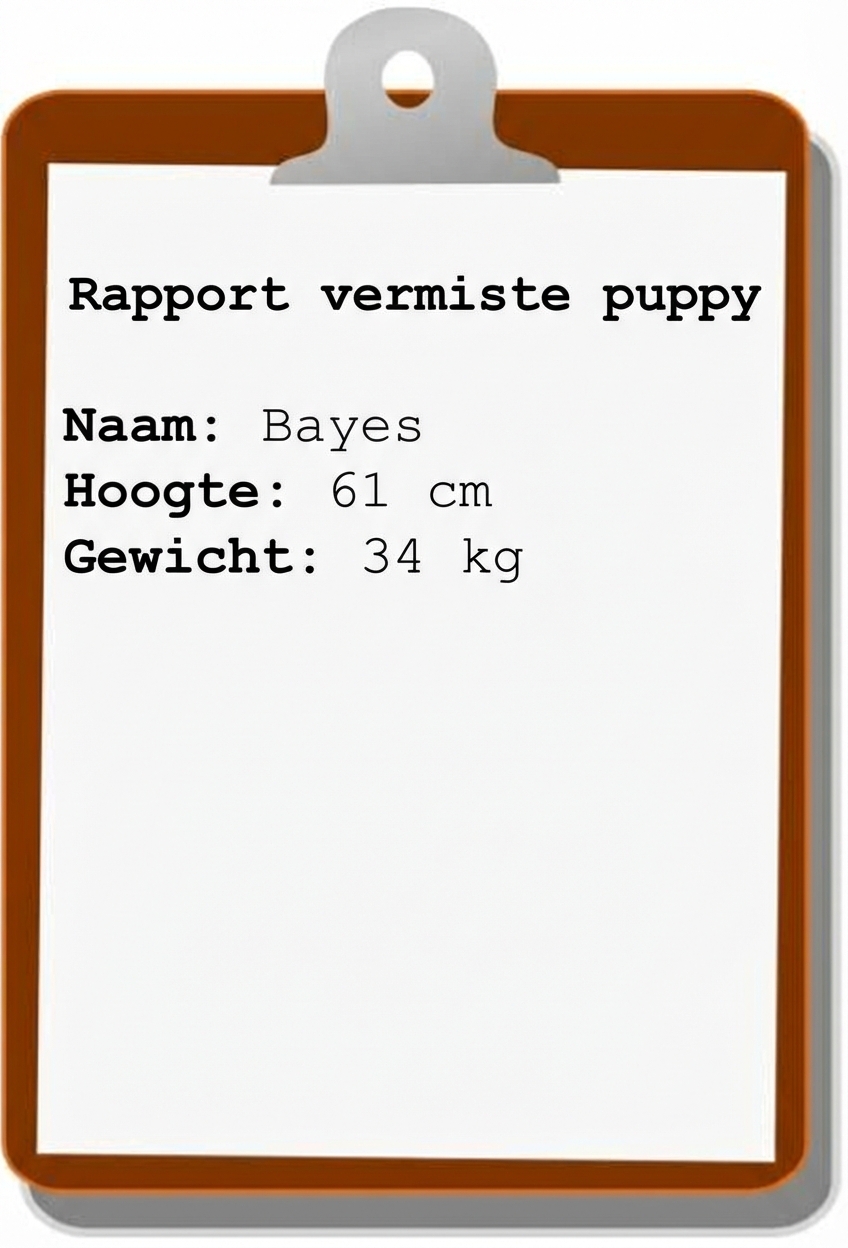
name = "Bayes"
height = 24
weight = 75.5
my_var
MY_VAR
# Geldige Variabelen
bayes_weight
b
bayes42
# Ongeldige Variabelen
bayes-height
bayes!
42bayes
bayes-height = 3
File "<stdin>", line 1
    bayes-height = 3
                   ^
SyntaxError: can't assign to operator
float: stelt een geheel of decimaal getal voor
height = 24
weight = 75.5
string: stelt tekst voor; kan letters, cijfers, spaties en speciale tekens bevatten
name = 'Bayes'
breed = "Golden Retriever"
owner = DataCamp
File "<stdin>", line 1, in <module>
    owner = DataCamp
NameError: name 'DataCamp' is not defined
fur_color = "blonde'
File "<stdin>", line 1
    fur_color = "blonde'
                       ^
SyntaxError: EOL while scanning string literal
name = "Bayes"
height = 24
weight = 75

print(height)
24