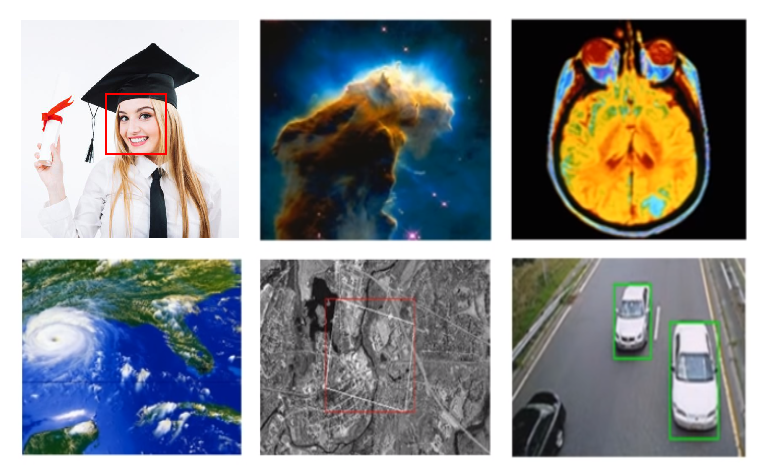
Turning to grayscale before detecting edges/corners
Reducing noise and restoring images
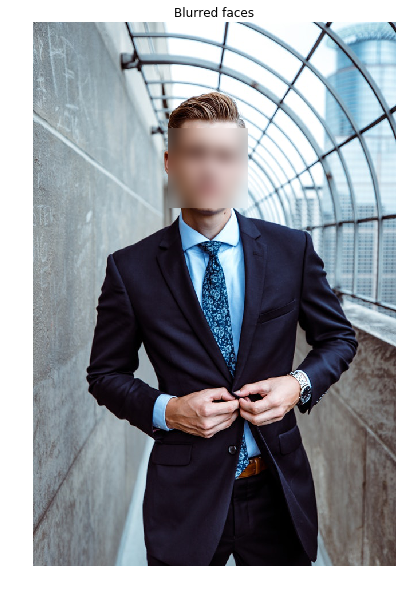
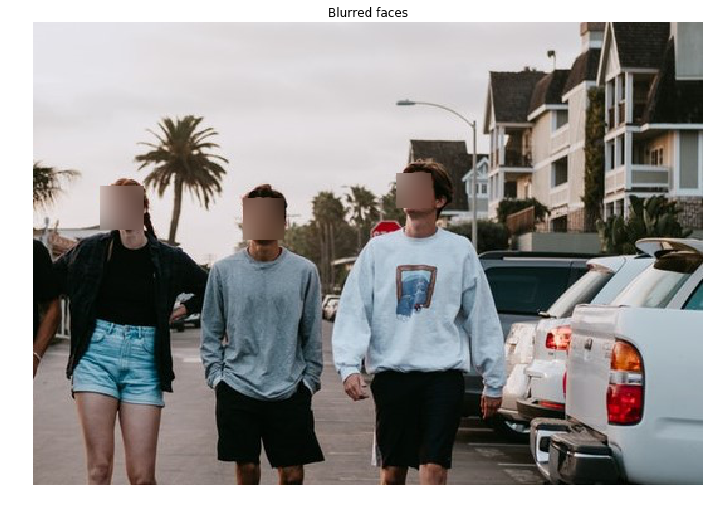
Blurring faces detected
Approximation of objects' sizes
Privacy protection
Privacy protection
# Import Cascade of classifiers and gaussian filter
from skimage.feature import Cascade

from skimage.filters import gaussian
Privacy protection
# Detect the faces
detected = detector.detect_multi_scale(img=image,
                                       scale_factor=1.2, step_ratio=1,
                                       min_size=(50, 50), max_size=(100, 100))

# For each detected face
for d in detected:
    # Obtain the face cropped from detected coordinates
    face = getFace(d)
Privacy protection
def getFace(d):
    ''' Extracts the face rectangle from the image using the
    coordinates of the detected.'''
    # X and Y starting points of the face rectangle
    x, y  = d['r'], d['c']


    # The width and height of the face rectangle
    width, height = d['r'] + d['width'],  d['c'] + d['height']


    # Extract the detected face
    face= image[x:width, y:height]
    return face
Privacy protection
# Detect the faces
detected = detector.detect_multi_scale(img=image,
                                       scale_factor=1.2, step_ratio=1,
                                       min_size=(50, 50), max_size=(100, 100))

# For each detected face
for d in detected:
    # Obtain the face cropped from detected coordinates
    face = getFace(d)


    # Apply gaussian filter to extracted face
    gaussian_face = gaussian(face, multichannel=True, sigma = 10)


    # Merge this blurry face to our final image and show it
    resulting_image = mergeBlurryFace(image, gaussian_face)
Privacy protection
def mergeBlurryFace(original, gaussian_image):
    # X and Y starting points of the face rectangle
    x, y  = d['r'], d['c']
    # The width and height of the face rectangle
    width, height = d['r'] + d['width'],  d['c'] + d['height']

    original[ x:width, y:height] =  gaussian_image
    return original