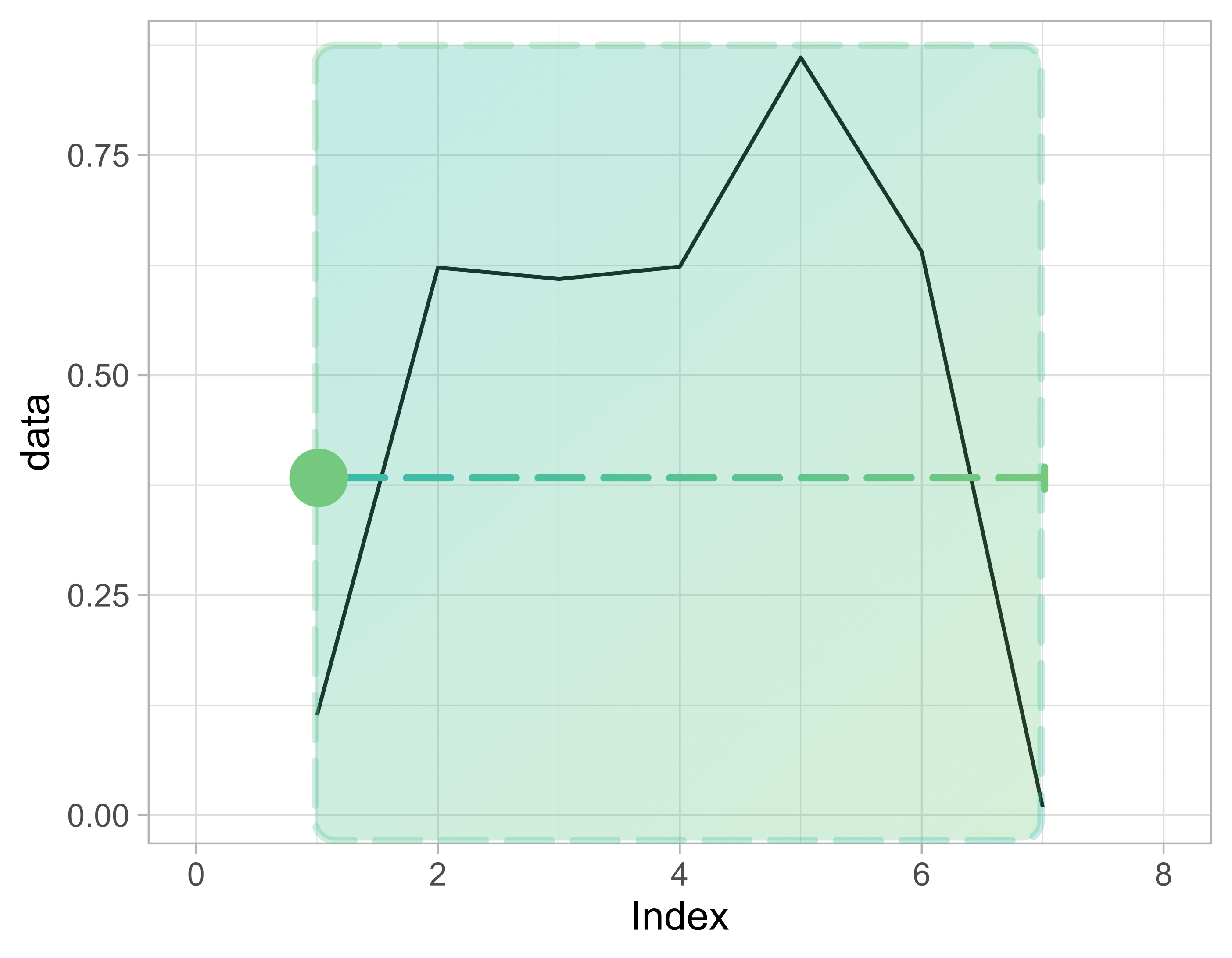
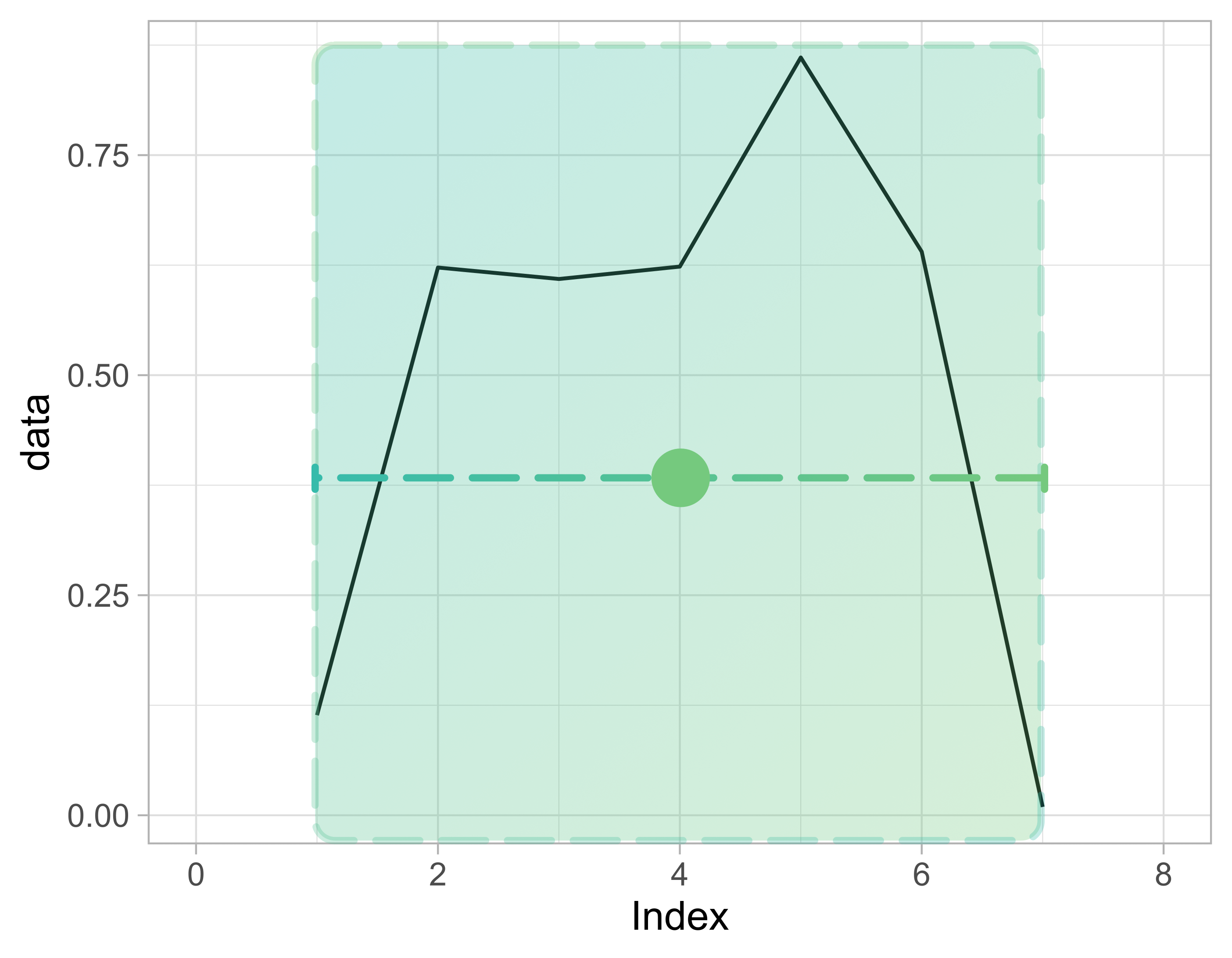
What is a rolling window?

Manipolare dati di serie temporali in R

Harrison Brown

Graduate Researcher in Geography

Windows
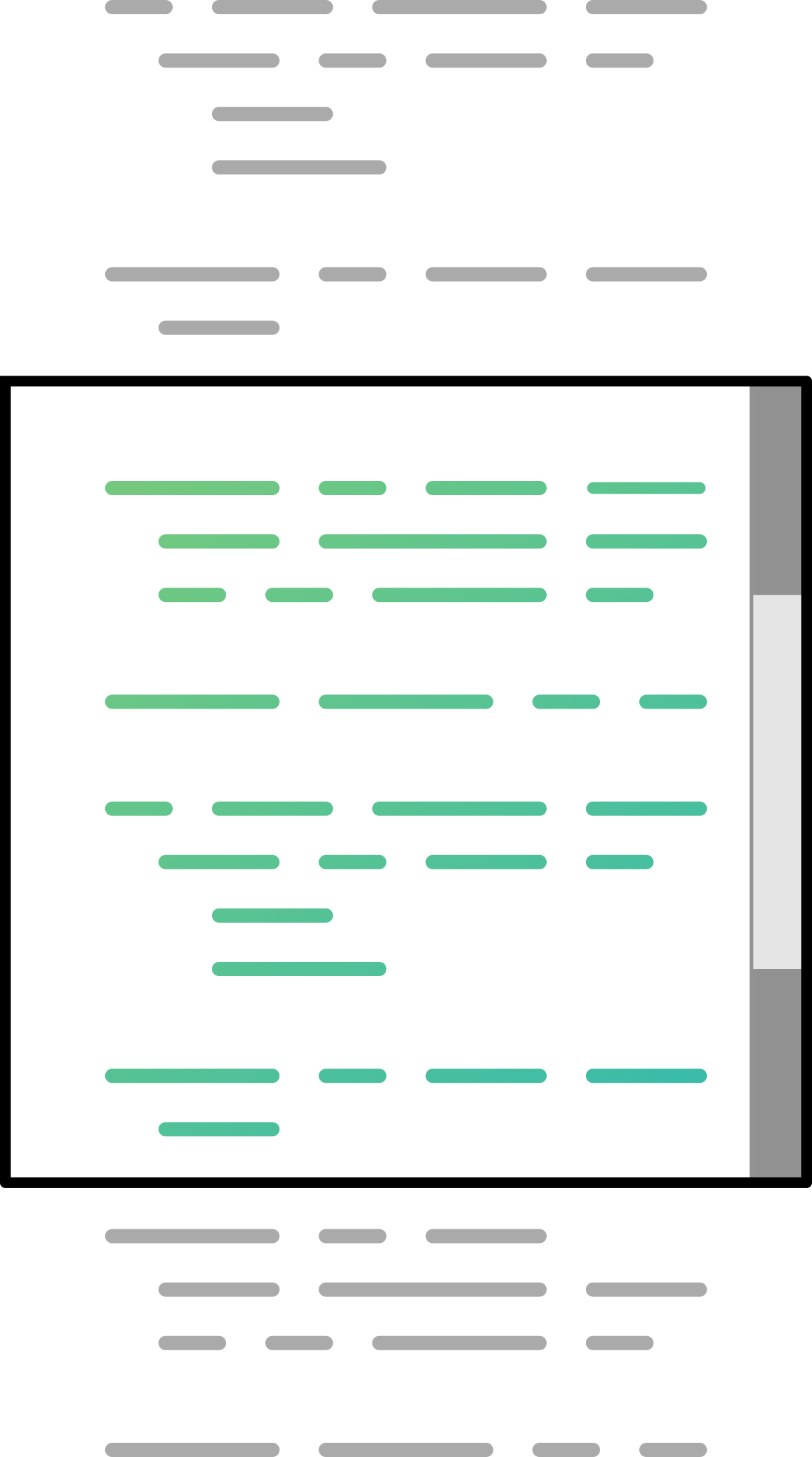
  • A window is a limited range of observations

Conceptual analogy highlighting the similarities between a time series window and the scroll bar on a computer monitor.

Manipolare dati di serie temporali in R

Windows

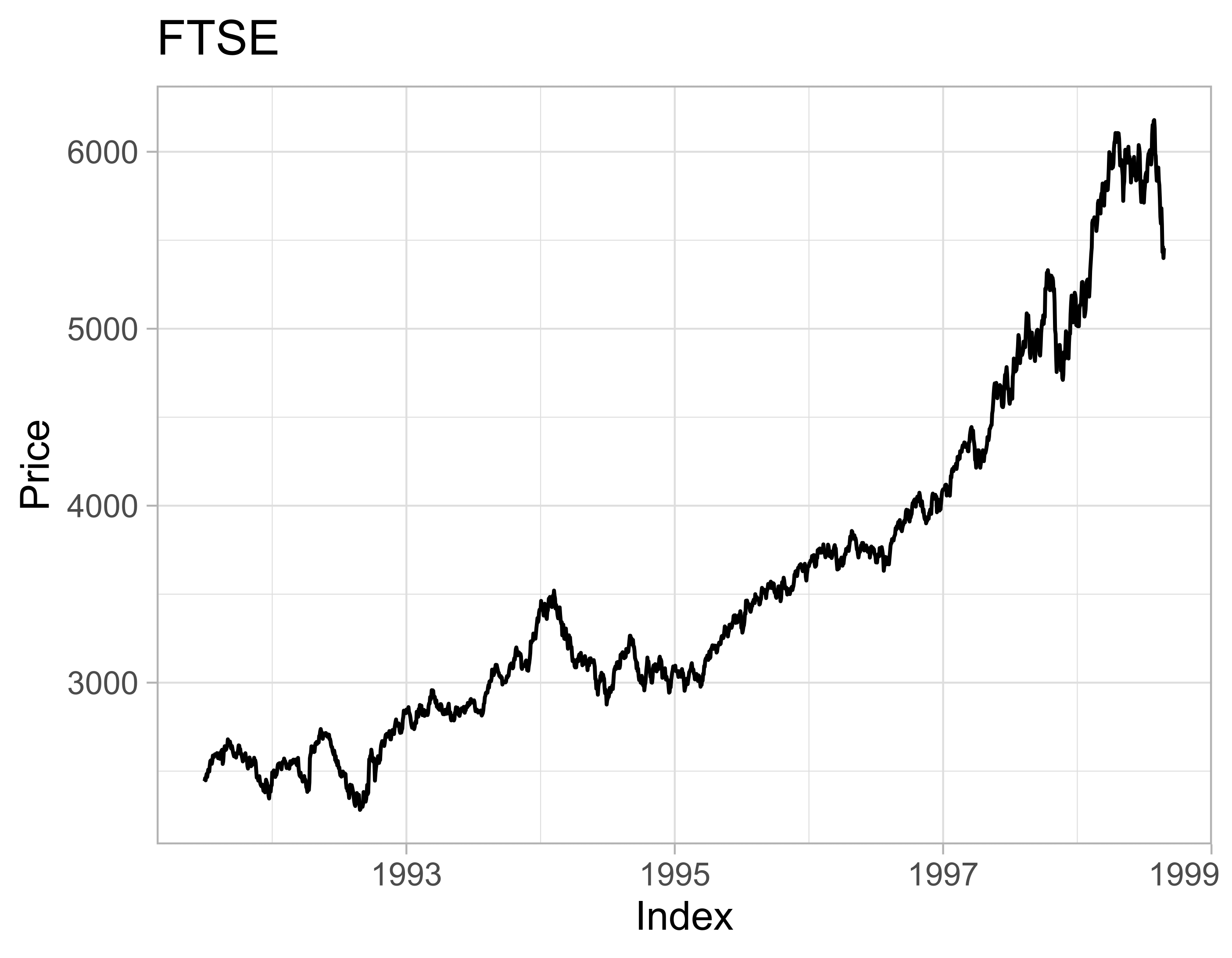
Original data:

Plot of the FTSE time series, which has a general upwards trend in the data.

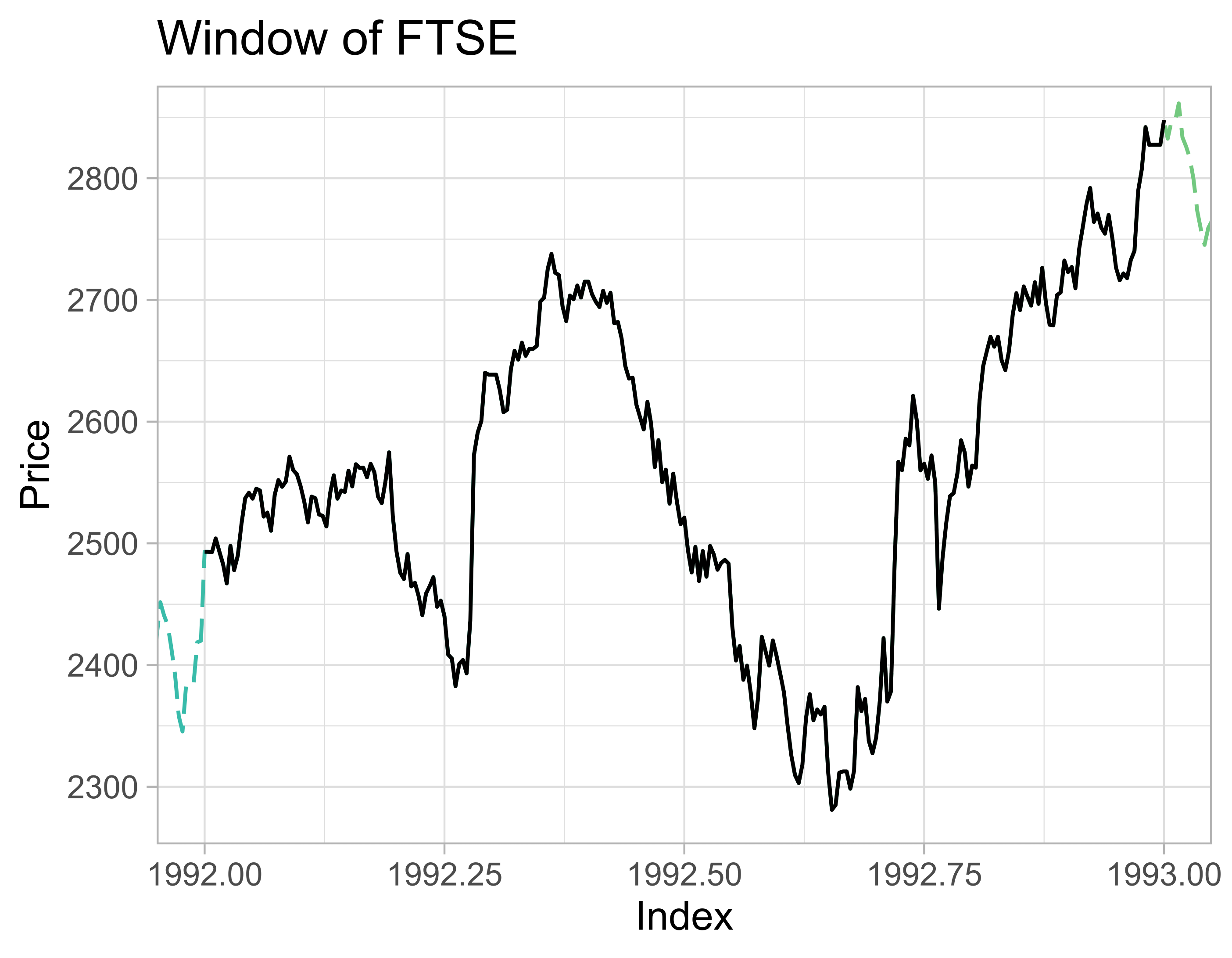
Window:

Plot showing a time series window based on the FTSE dataset. The window ranges from 1992 to 1993, and is a smaller subset of the entire data, which ranges from 1991 to 1999.

Manipolare dati di serie temporali in R

Global summary statistics

mean(ftse)
[1] 3565.643
autoplot(ftse) + 
  geom_hline(
    yintercept = mean(ftse)
  ) + 
  ...

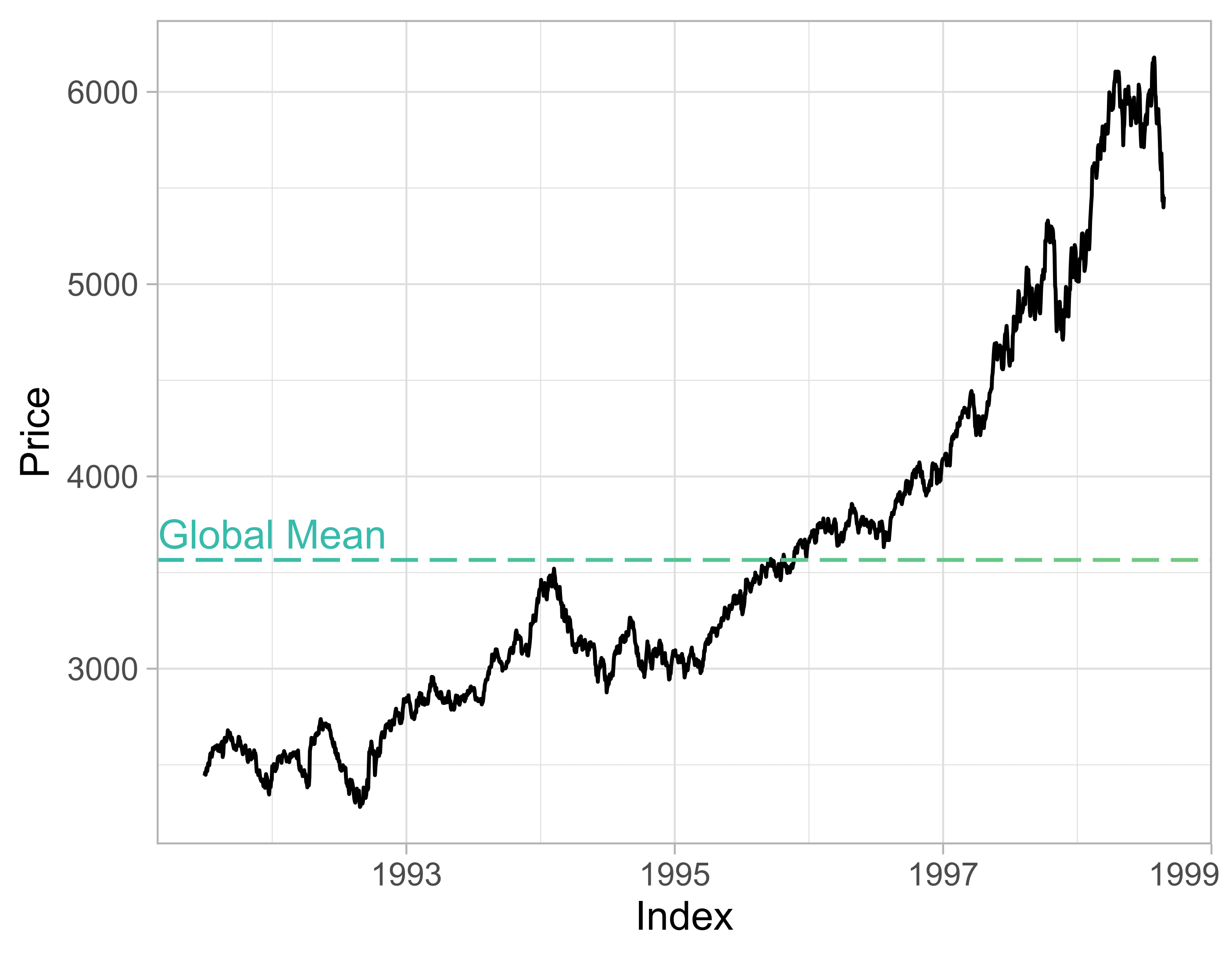
Global mean:

Plot of the FTSE time series, but with a blue, dashed horizontal line at a height of roughly 3,500. This blue line represents the global, or overall,mean of the dataset.

Manipolare dati di serie temporali in R

Rolling window

  • Measure of how statistics change as the data moves in time

Plot of the FTSE time series.

  • Rolling average plotted in red, on top of original data
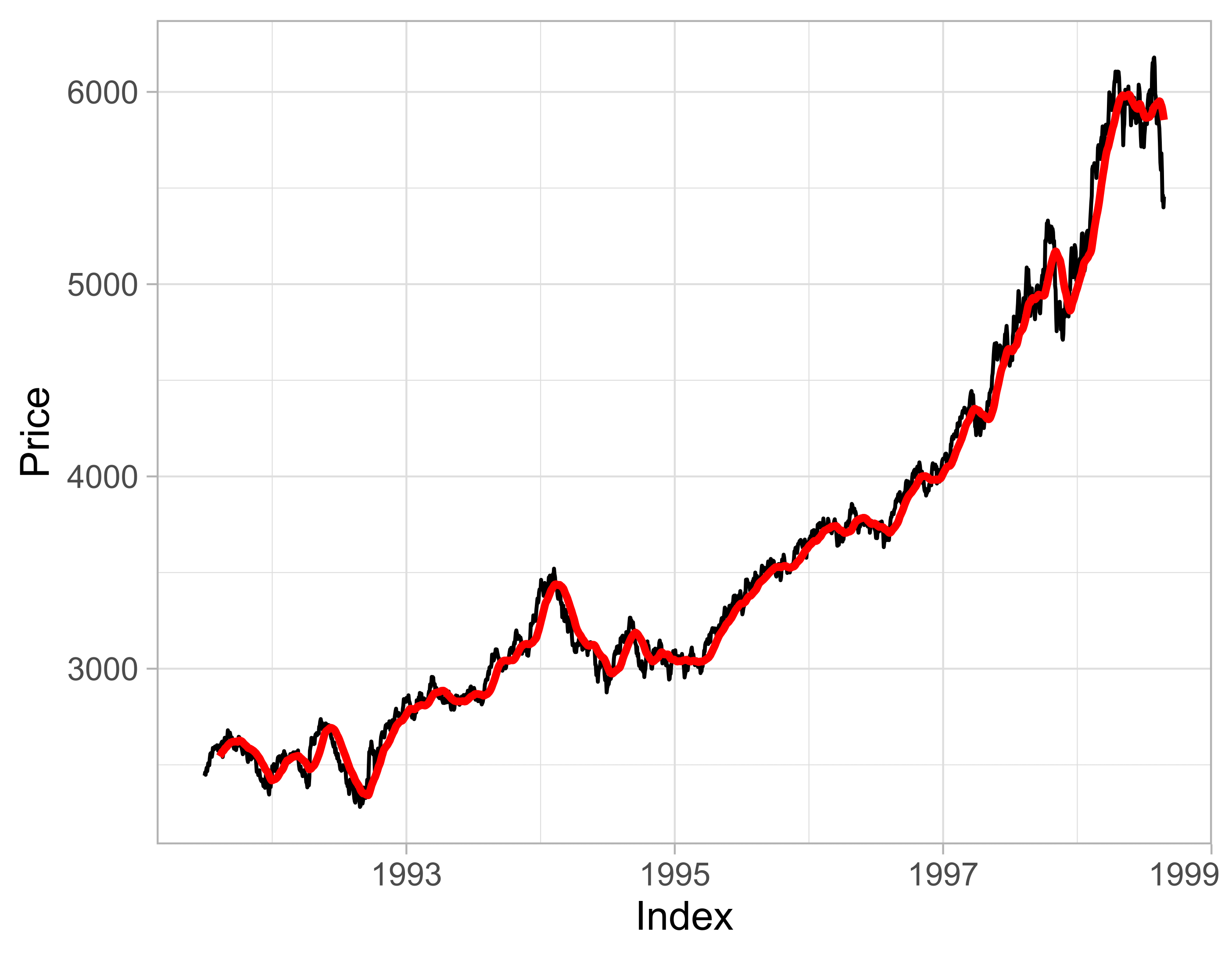
Plot of the FTSE time series, with a rolling average of the data overlaid with a red line. The rolling average closely follows the original time series, and has a general upwards trend in the data.

Manipolare dati di serie temporali in R

Rolling with zoo

  • zoo::rollmean()
  • zoo::rollsum()
  • zoo::rollmax()
rollmean(ftse,
         k = 30,
         align = 'right',
         fill = NA)
Manipolare dati di serie temporali in R

Window arguments

ftse_rm_right <-
  rollmean(ftse,
           k = 7,
           align = "right",
           fill = NA)
  • k: Size of window
  • align: Alignment of window
  • fill: Values to fill-in outside of window
ftse_rm_right
[1]    NA
[2]    NA
[3]    NA
[4]    NA
[5]    NA          
[6]    NA
[7]    2465.971
[8]    2475.229
[9]    2482.414
...
Manipolare dati di serie temporali in R

NA values

ftse_rm_right
 [1]    NA
 [2]    NA
 [3]    NA
 [4]    NA
 [5]    NA          
 [6]    NA
 [7]    2465.971
 [8]    2475.229
 [9]    2482.414
...
sum(is.na(ftse_rm_right))
[1] 6
Manipolare dati di serie temporali in R

Window alignment

Alignments:

  • Right-aligned
data_rm <- rollmean(
  data,
  k = 7,
  fill = NA,
  align = "right"
)

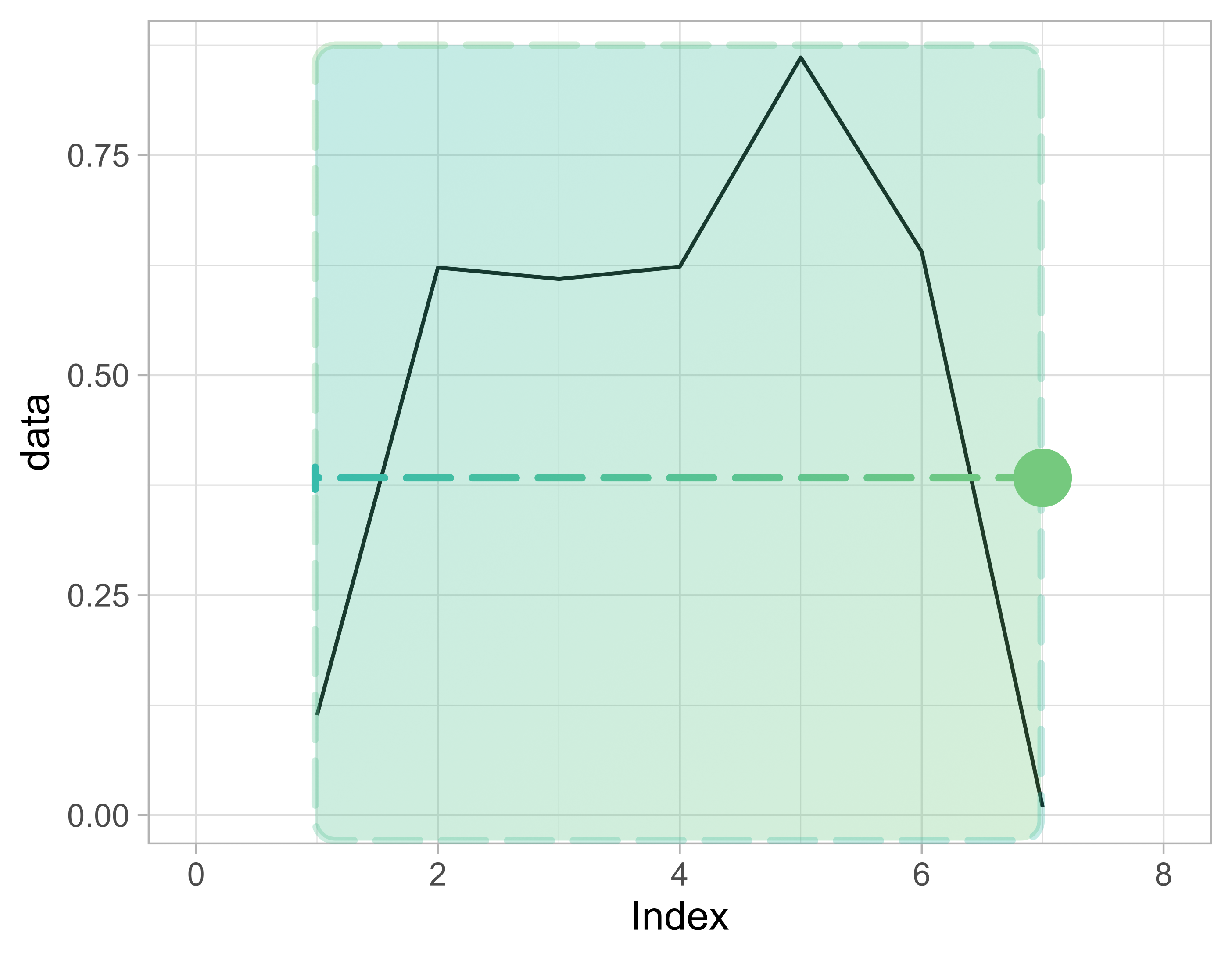
Plot of a time series with a right-aligned window overlaid on top. This diagram shows how the window alignment argument determines where the output of the rolling function is "placed" in relation to the original data. In this case, the a right alignment places the output to the right of the window it operates on.

Manipolare dati di serie temporali in R

Window alignment

Alignments:

  • Left-aligned
data_rm <- rollmean(
  data,
  k = 7,
  fill = NA,
  align = "left"
)

Plot of a time series with a left-aligned window overlaid on top. This diagram shows how the window alignment argument determines where the output of the rolling function is "placed" in relation to the original data. In this case, the a left alignment places the output to the left of the window it operates on.

Manipolare dati di serie temporali in R

Window alignment

Alignments:

  • Center-aligned
data_rm <- rollmean(
  data,
  k = 7,
  fill = NA,
  align = "center"
)

Plot of a time series with a center-aligned window overlaid on top. This diagram shows how the window alignment argument determines where the output of the rolling function is "placed" in relation to the original data. In this case, the a center alignment places the output to in the middle of the window it operates on.

Manipolare dati di serie temporali in R

Let's practice!

Manipolare dati di serie temporali in R

Preparing Video For Download...