Esplorare LLM pre-addestrati

Reinforcement Learning from Human Feedback (RLHF)

Mina Parham

AI Engineer

L'importanza del fine-tuning
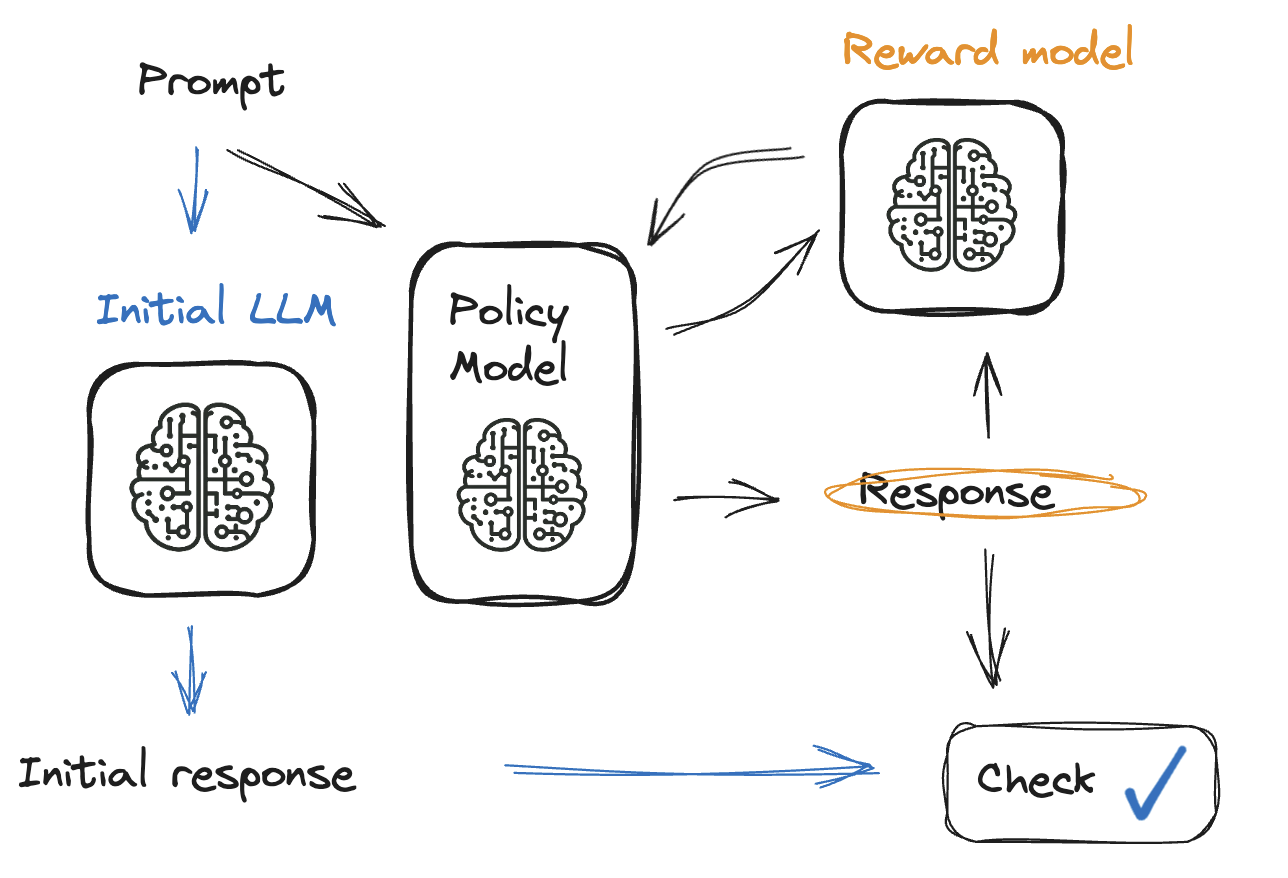
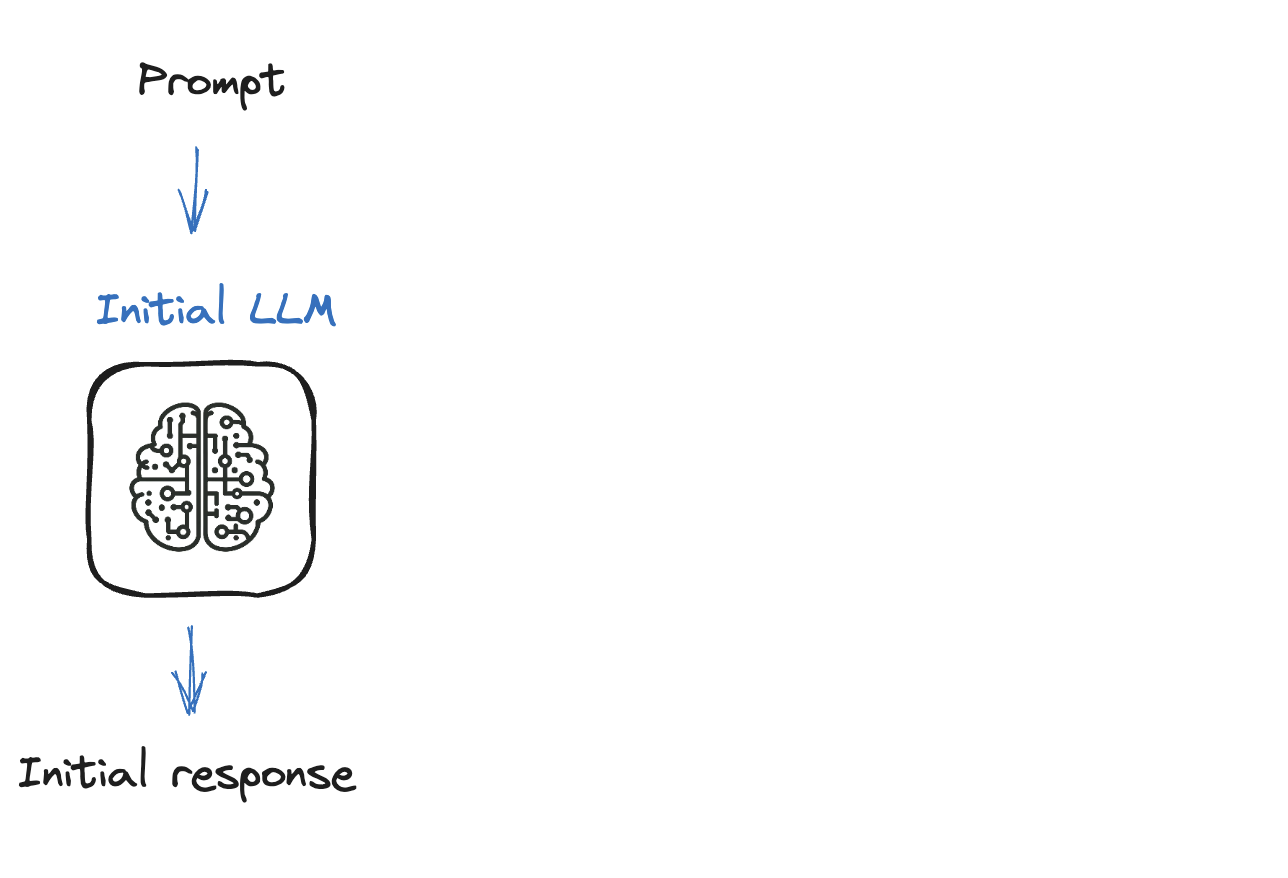
Un diagramma che illustra il processo RLHF.

Reinforcement Learning from Human Feedback (RLHF)

L'importanza del fine-tuning

Un diagramma che rappresenta un LLM con input e output.

Reinforcement Learning from Human Feedback (RLHF)

Guida passo passo al fine-tuning di un LLM
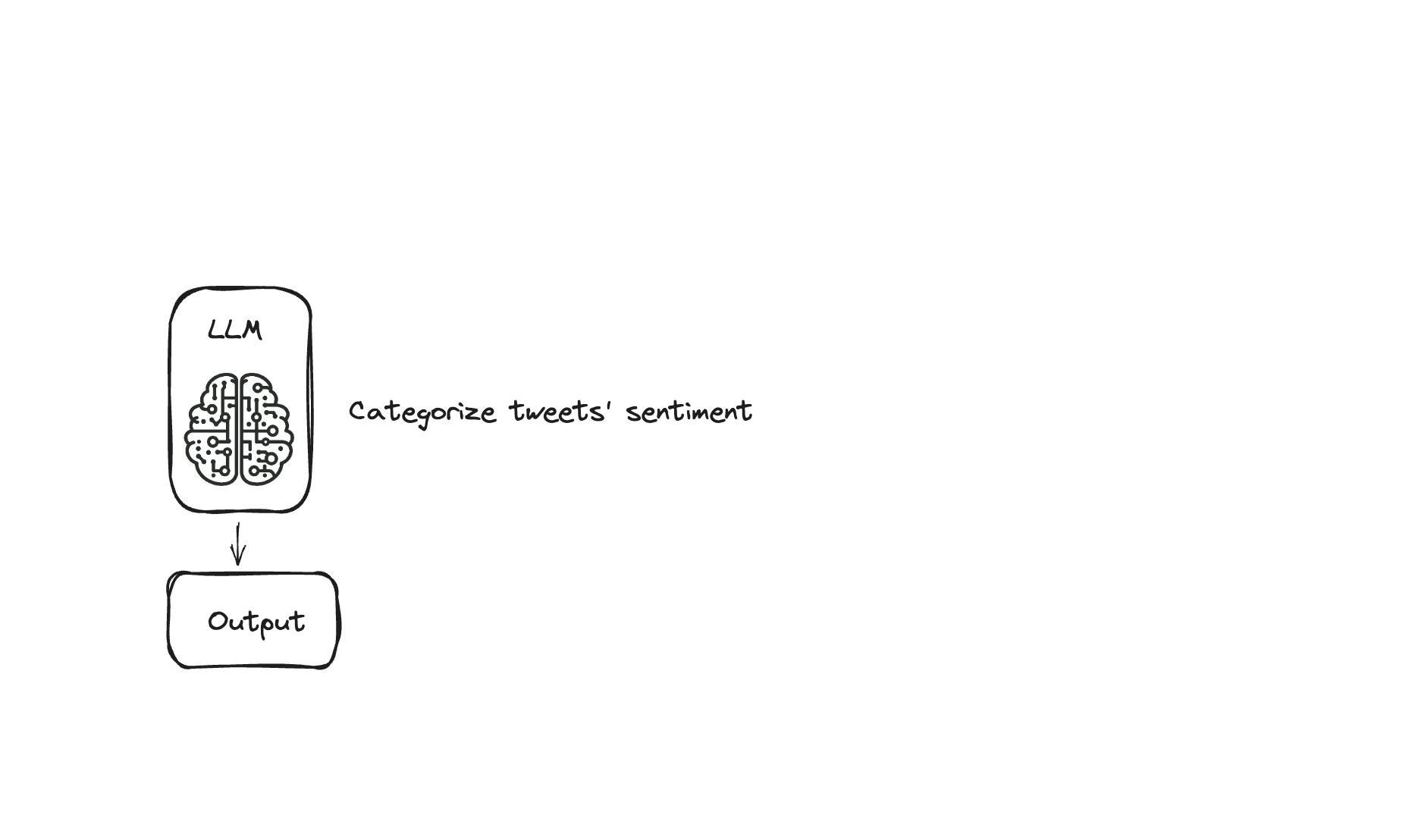
Un'icona che rappresenta un LLM addestrato a riconoscere il sentiment dei tweet.

Reinforcement Learning from Human Feedback (RLHF)

Guida passo passo al fine-tuning di un LLM
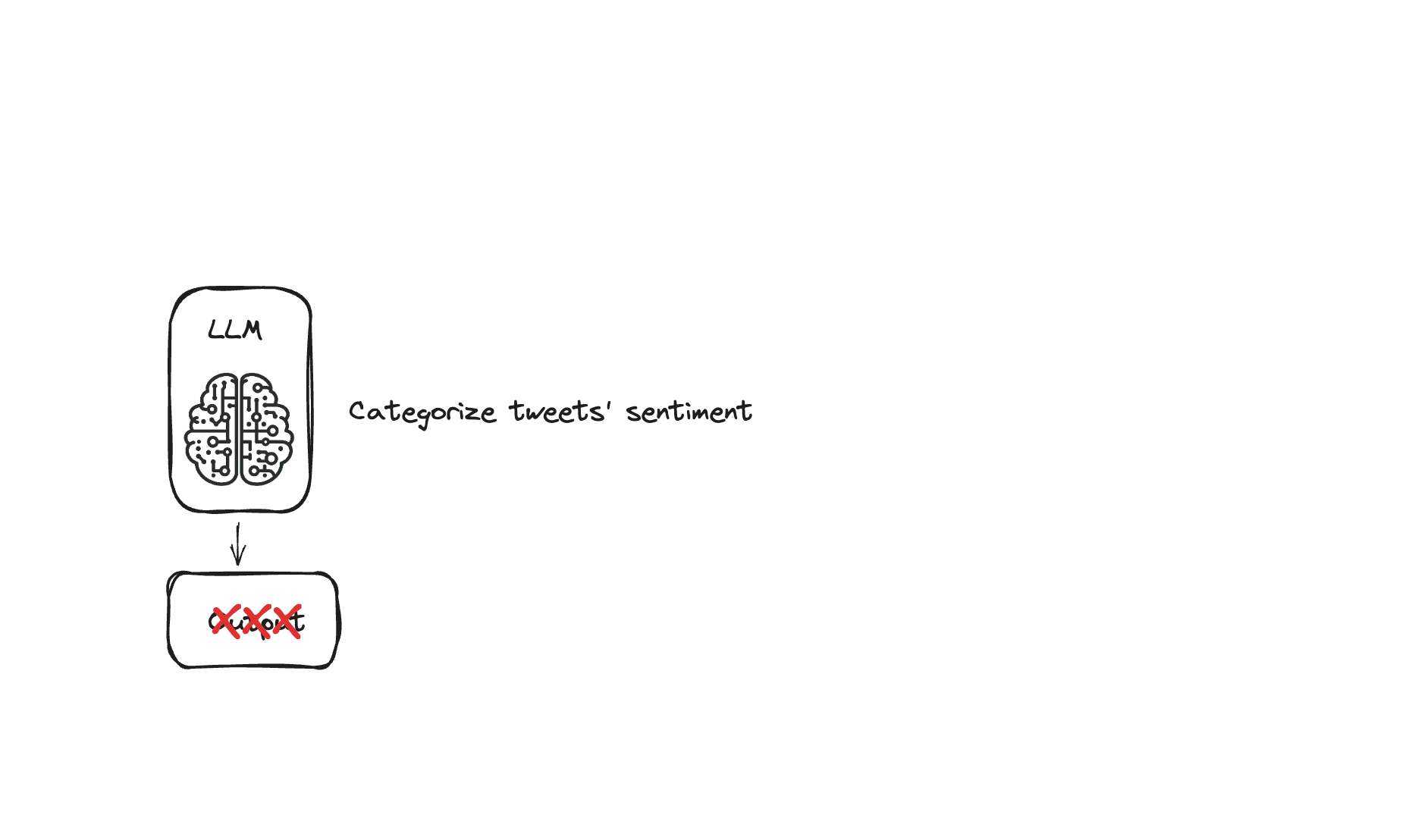
Un'icona che rappresenta un LLM addestrato a riconoscere il sentiment dei tweet che dà l'output sbagliato.

Reinforcement Learning from Human Feedback (RLHF)

Guida passo passo al fine-tuning di un LLM
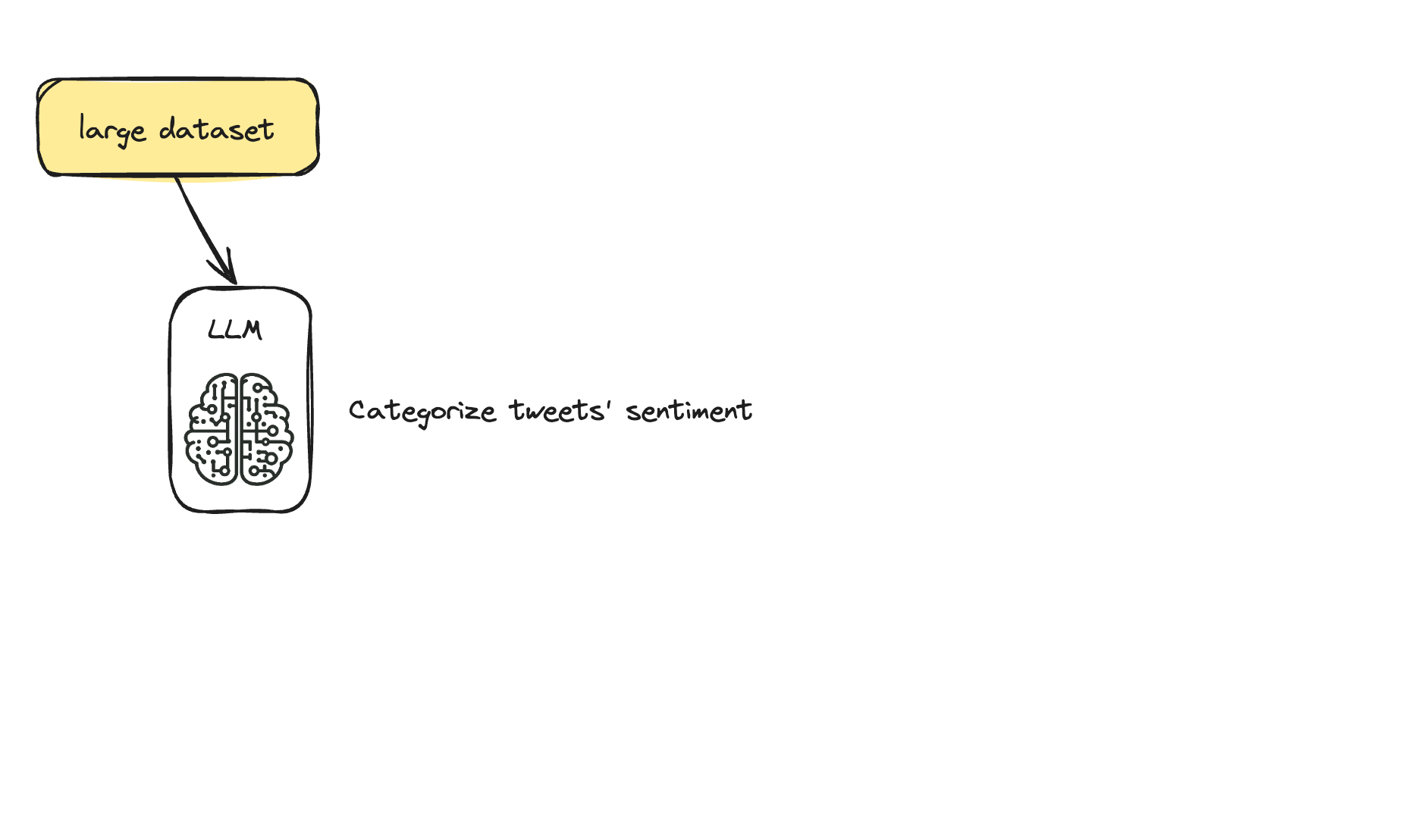
Un'icona che rappresenta un LLM per riconoscere il sentiment dei tweet, pre-addestrato con un grande dataset.

Reinforcement Learning from Human Feedback (RLHF)

Passo 1: caricare i dati da usare

from datasets import load_dataset
import pandas as pd

# `load_dataset` semplifica il caricamento e la preparazione di dataset da varie fonti
# Offre accesso facile a molti dataset con configurazione minima
dataset = load_dataset("mteb/tweet_sentiment_extraction")
df = pd.DataFrame(dataset['train'])
    id               text                                        label   label_text
0   cb774db0d1       I'd have responded, if I were going         1       neutral
1   549e992a42       Sooo SAD I will miss you in San Diego!!!    0       negative
2   08ac60f138       my boss is bullying me...                   0       negative
Reinforcement Learning from Human Feedback (RLHF)

Passo 2: scegliere un modello pre-addestrato

from transformers import AutoModelForCausalLM

# AutoModelForCausalLM semplifica il caricamento e il cambio di modello
model = AutoModelForCausalLM.from_pretrained("openai-gpt")


  • Modelli causali: i token precedenti "causano" i successivi
Reinforcement Learning from Human Feedback (RLHF)

Passo 3: tokenizer

from transformers import AutoTokenizer

# `AutoTokenizer` carica il tokenizer corretto per il modello specificato
tokenizer = AutoTokenizer.from_pretrained("openai-gpt")
tokenizer.add_special_tokens({'pad_token': '[PAD]'})
model.resize_token_embeddings(len(tokenizer))


  • Padding: per avere batch di testo di uguale dimensione
Reinforcement Learning from Human Feedback (RLHF)

Passo 3: tokenizer

def tokenize_function(examples):
    tokenized = tokenizer(examples["content"], padding="max_length", truncation=True) 
    return tokenized

tokenized_datasets = dataset.map(tokenize_function, batched=True)


  • Parametro batched: per elaborare più velocemente
Reinforcement Learning from Human Feedback (RLHF)

Passo 4: fine-tuning con il metodo Trainer

training_args = TrainingArguments(
   output_dir="test_trainer",
   per_device_train_batch_size=1,
   per_device_eval_batch_size=1,  
   gradient_accumulation_steps=4)
trainer = Trainer(
   model=model,
   args=training_args,
   train_dataset=tokenized_dataset["train"],
   eval_dataset=tokenized_dataset["test"])
trainer.train()
Reinforcement Learning from Human Feedback (RLHF)

Esercitiamoci!

Reinforcement Learning from Human Feedback (RLHF)

Preparing Video For Download...