Analyzing customer churn in Power BI

Caso di studio: analisi del churn dei clienti in Power BI

Iason Prassides

Content Developer, DataCamp

What is a case study?

  • Apply your skills
  • No new concepts
  • Solve a real-world problem

$$

Prerequisite courses:

  • Introduction to Power BI
  • Introduction to DAX in Power BI
  • Data Visualization in Power BI

Working lady

Caso di studio: analisi del churn dei clienti in Power BI

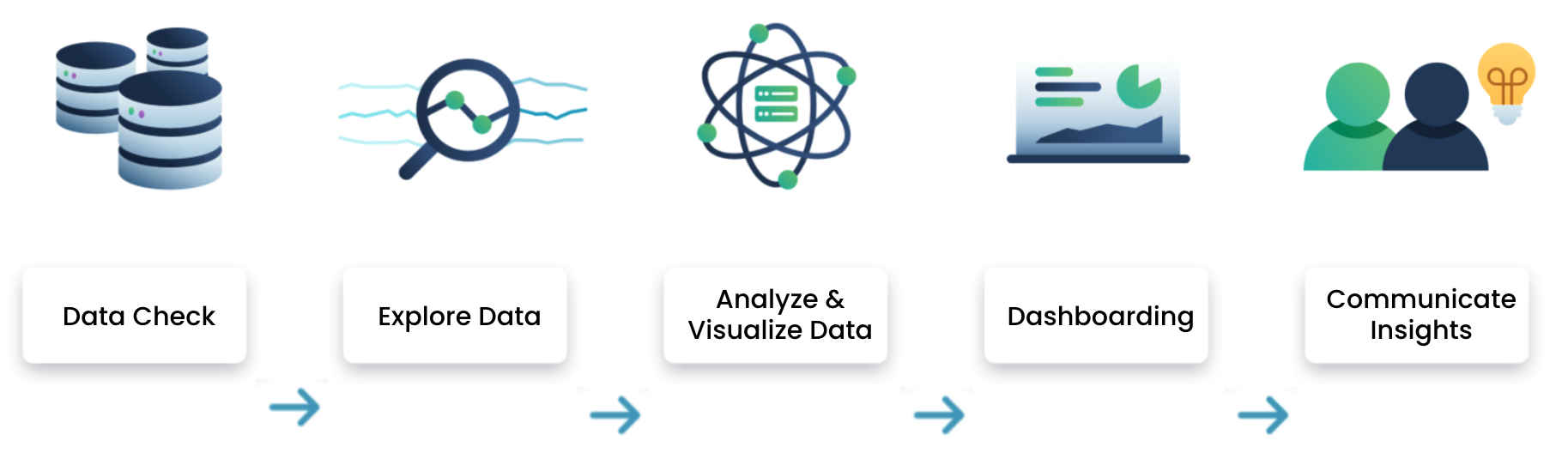
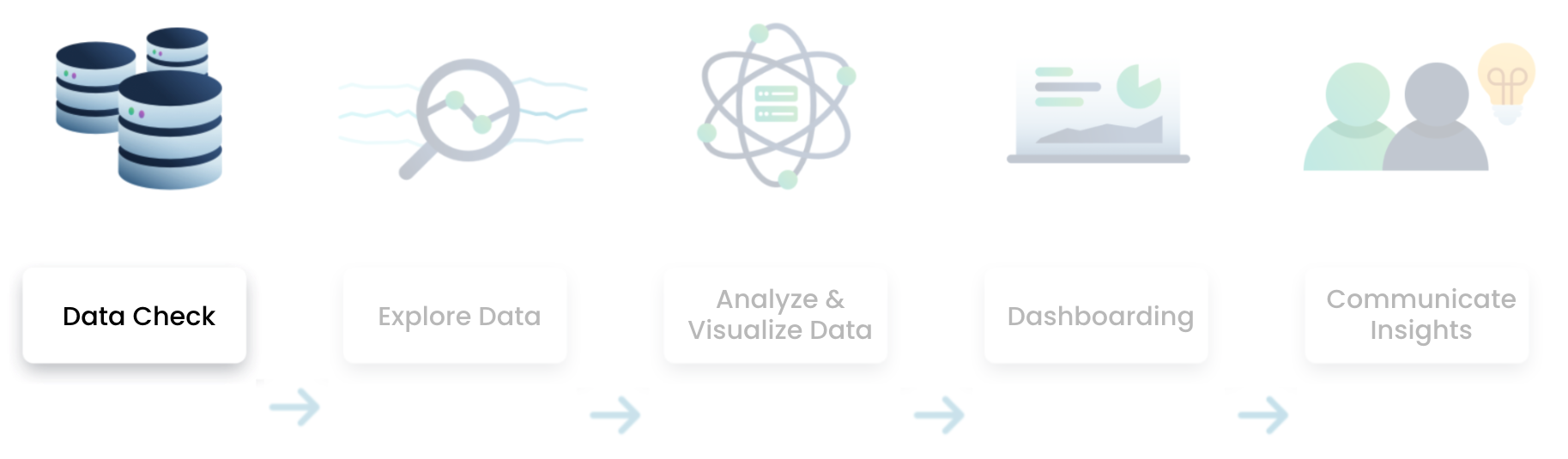
Data analysis flow in Power BI
Data analysis flow

Caso di studio: analisi del churn dei clienti in Power BI

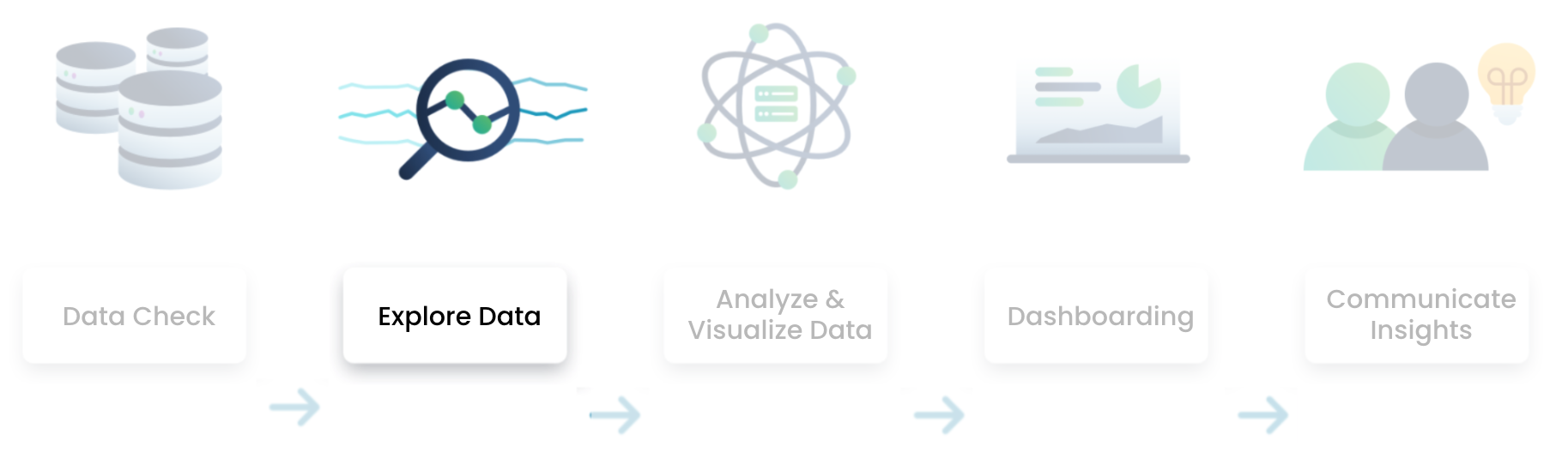
Data analysis flow in Power BI
Data analysis flow

  • Check for duplicate or missing values
  • Do a sense check with other internal data sources
Caso di studio: analisi del churn dei clienti in Power BI

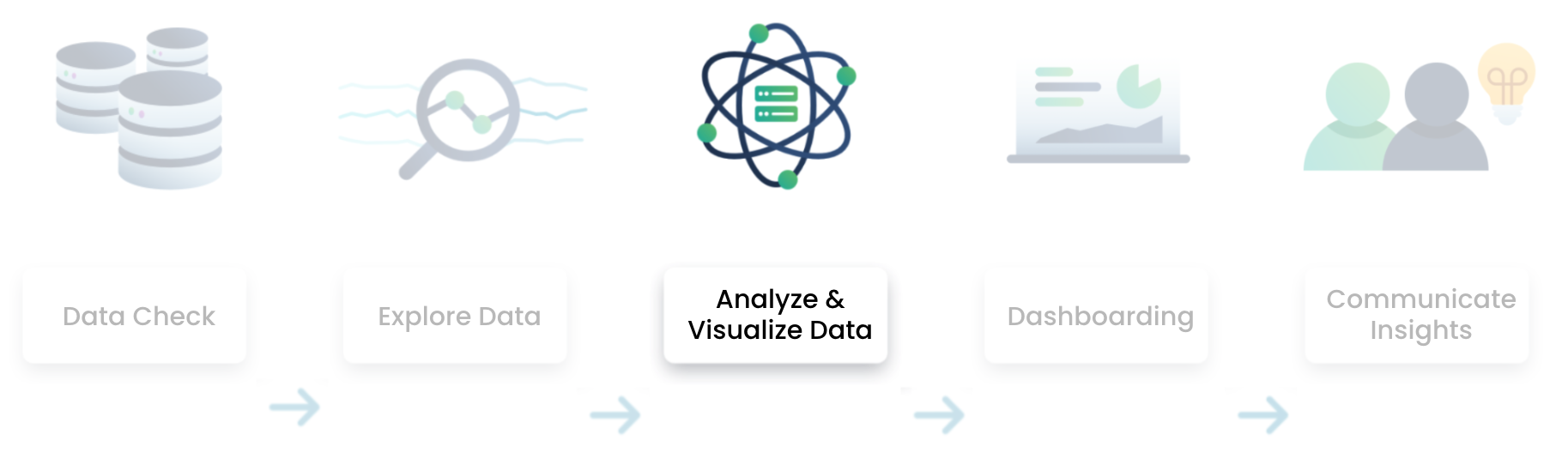
Data analysis flow in Power BI
Data analysis flow

  • Ask yourself the right questions
  • Build your first visualizations
Caso di studio: analisi del churn dei clienti in Power BI

Data analysis flow in Power BI
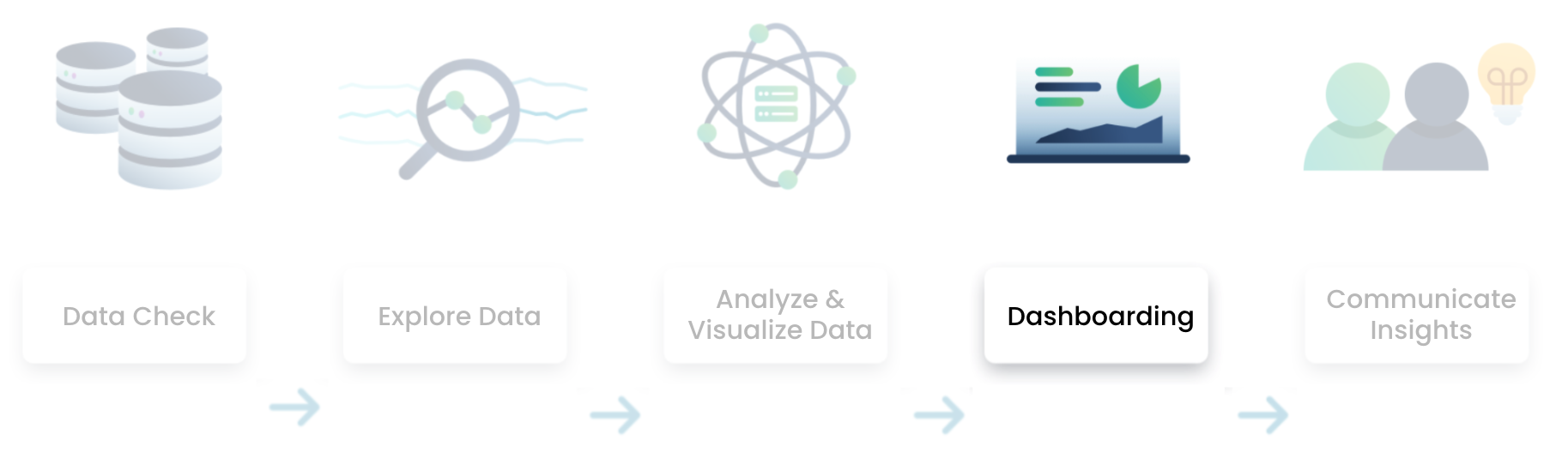
Data analysis flow

  • Choose the right visualization to convey a message
  • Perform more advanced analysis
Caso di studio: analisi del churn dei clienti in Power BI

Data analysis flow in Power BI
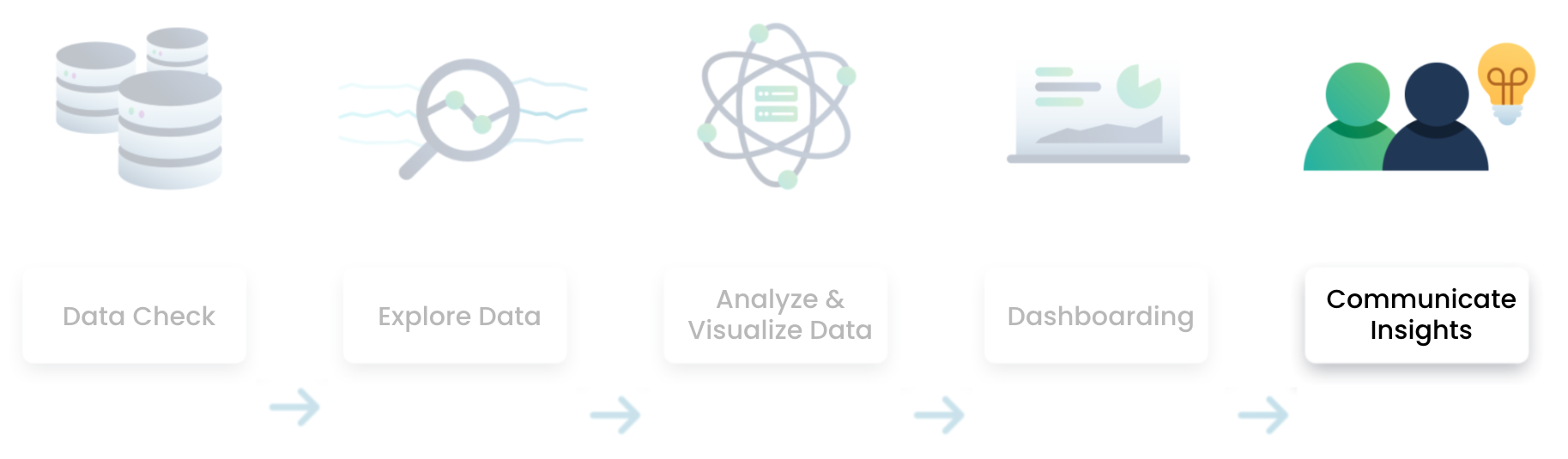
Data analysis flow

  • Combine visualizations in one or more dashboards
Caso di studio: analisi del churn dei clienti in Power BI

Data analysis flow in Power BI

data analysis flow

  • Communicate your insights to stakeholders
Caso di studio: analisi del churn dei clienti in Power BI

The problem

Solving customer churn

  • A fictitious dataset about churn from a Telecom provider (Databel)
  • Your task: discover why customers are churning

$$ Customer attempting to leave

Caso di studio: analisi del churn dei clienti in Power BI

Defining churn

The churn rate, also known as the rate of attrition or customer churn, is the rate at which customers stop doing business with an entity

  • Leaky bucket problem
  • Keeping customers is easier than getting new customers
  • Reducing churn is a priority for many companies

Leaky bucket problem

1 https://www.investopedia.com/terms/c/churnrate.asp
Caso di studio: analisi del churn dei clienti in Power BI

Calculating churn

Simplified formula

Churn rate = customers lost / total number of customers

Churn rate = 10 / 100
10 / 100 = 10%

There are multiple ways to calculate churn

  • Varies by industry and revenue model
  • An e-commerce platform could e.g. define a churner as someone who hasn't made a purchase in the last 12 months

$$

Caso di studio: analisi del churn dei clienti in Power BI

The data

Key characteristics

  • Databel, a fictitious Telecom provider
  • One big table containing 29 columns
  • One row per customer
  • Snapshot of the database at a specific moment in time

Antenna being used for communication

Caso di studio: analisi del churn dei clienti in Power BI

The data

Dimensions

Column name Description
Customer_id The unique ID that identifies a customer
Churn Label Contains 'Yes' or 'No' to indicate if a customer churned.
Demographic fields Age, Gender, State, ...
Premium plans Unlimited Data, International Plan, ...
... ...
Caso di studio: analisi del churn dei clienti in Power BI

The data

Measures

Column name Description
Total charges Sum of all monthly charges
Monthly charge The average of all monthly charges billed to the customer
Extra data charges Extra charges for data downloads above the specified customer plan
Extra international charges Extra charges for international calls for customers not on an international plan
Customer service calls Number of calls made to customer service
... ...

Metadata sheet

Caso di studio: analisi del churn dei clienti in Power BI

Let's start analyzing!

Caso di studio: analisi del churn dei clienti in Power BI

Preparing Video For Download...