L’API di Twitter e l’autenticazione

Importazione di dati in Python - livello intermedio

Hugo Bowne-Anderson

Data Scientist at DataCamp

In questo modulo imparerai

  • Come fare streaming di dati dall’API di Twitter
  • Come filtrare i tweet in arrivo per parole chiave
  • Autenticazione API e OAuth


ch_3_1.003.png

Importazione di dati in Python - livello intermedio

In questo modulo imparerai

  • Come fare streaming di dati dall’API di Twitter
  • Come filtrare i tweet in arrivo per parole chiave
  • Autenticazione API e OAuth
  • Come usare il pacchetto Python Tweepy

ch_3_1.006.png

Importazione di dati in Python - livello intermedio

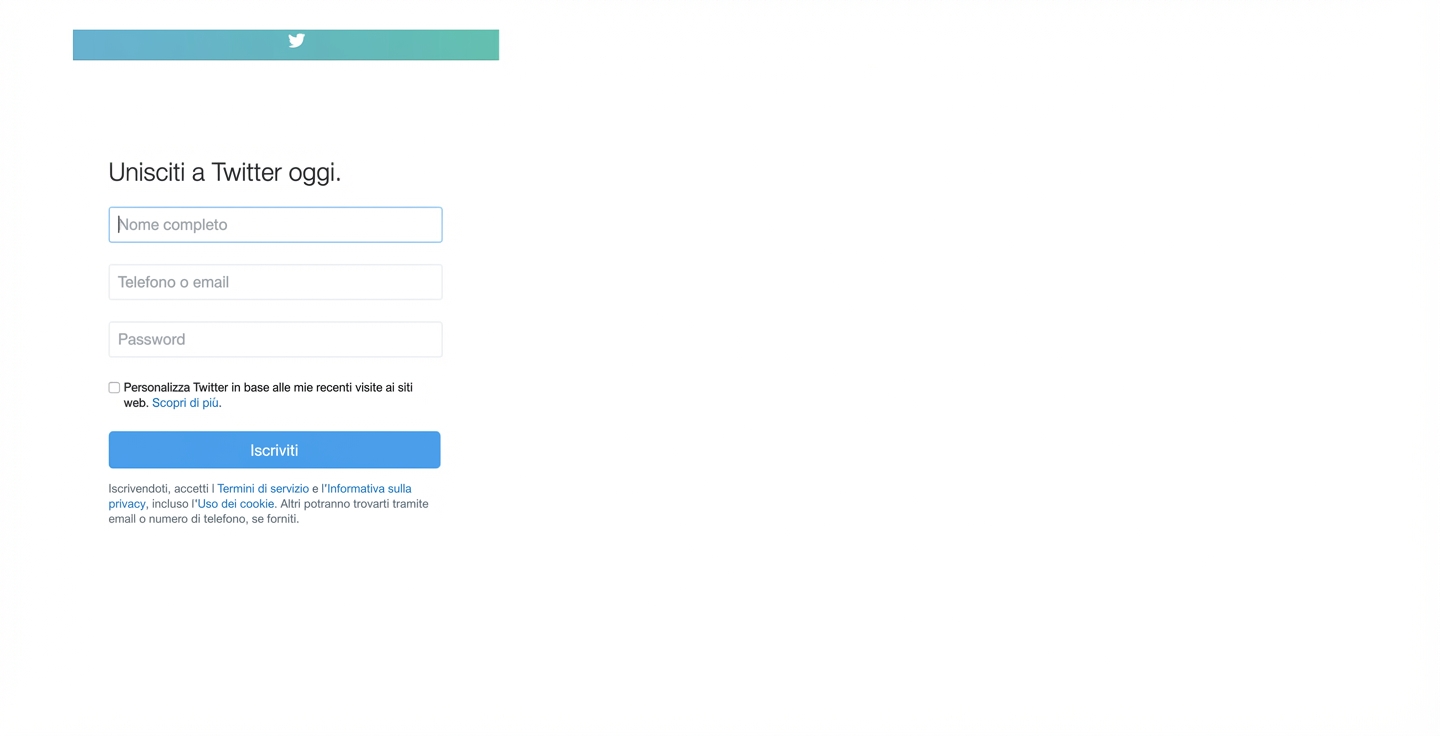
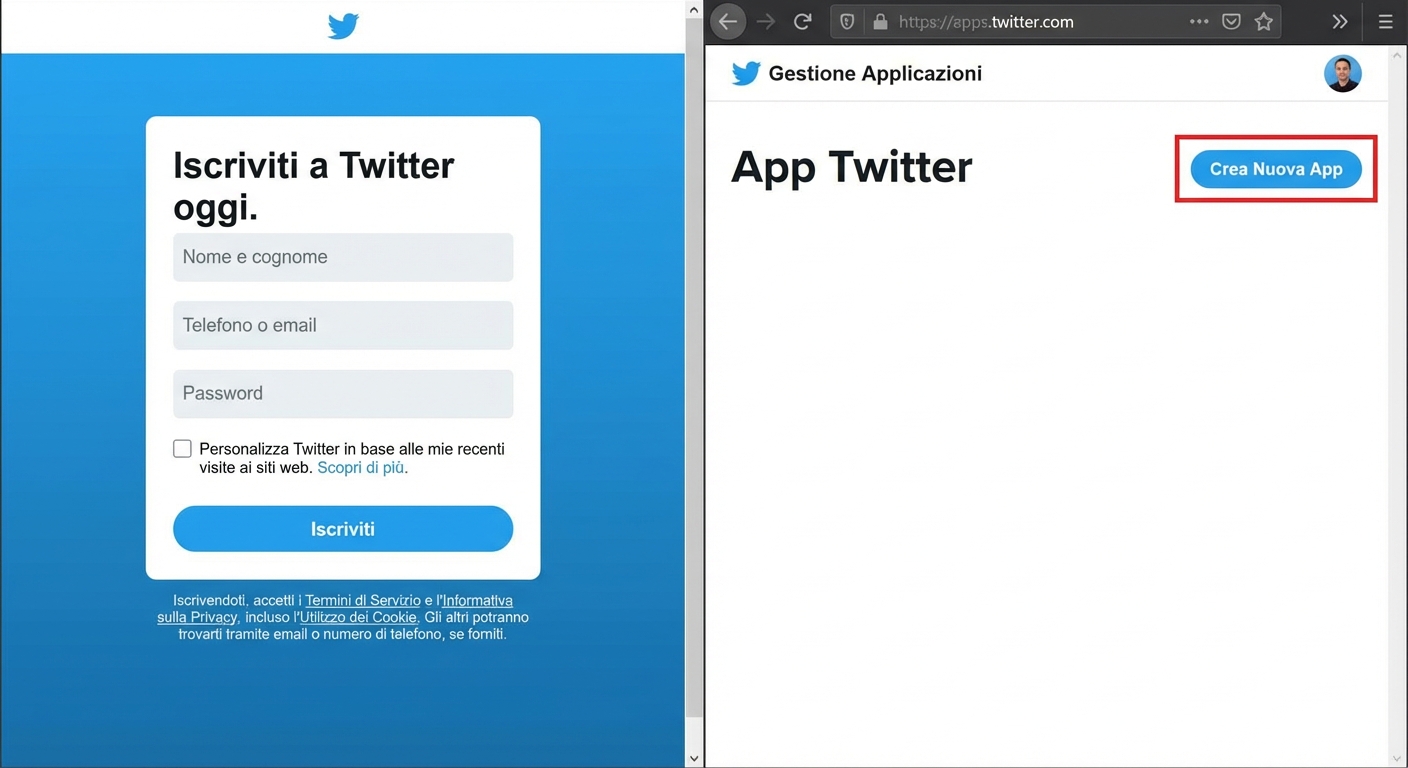
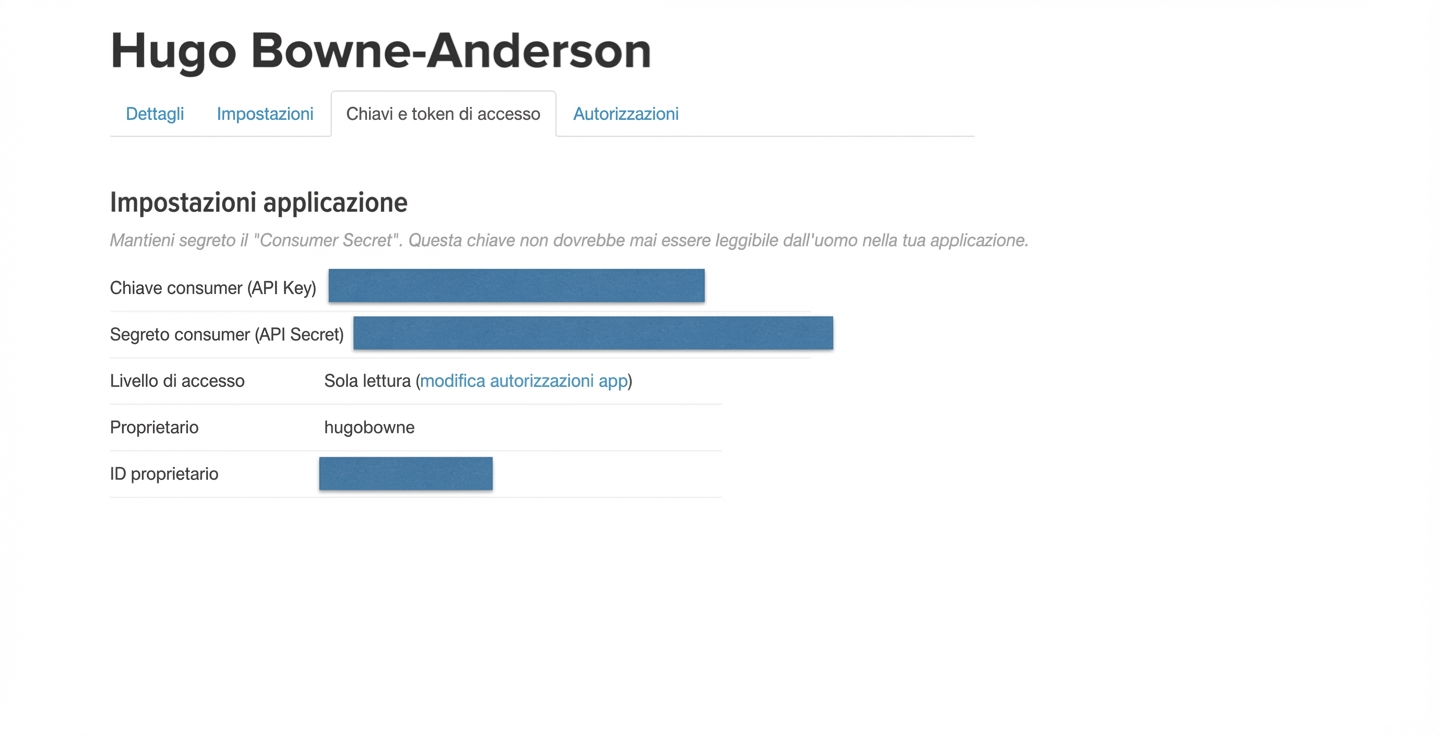
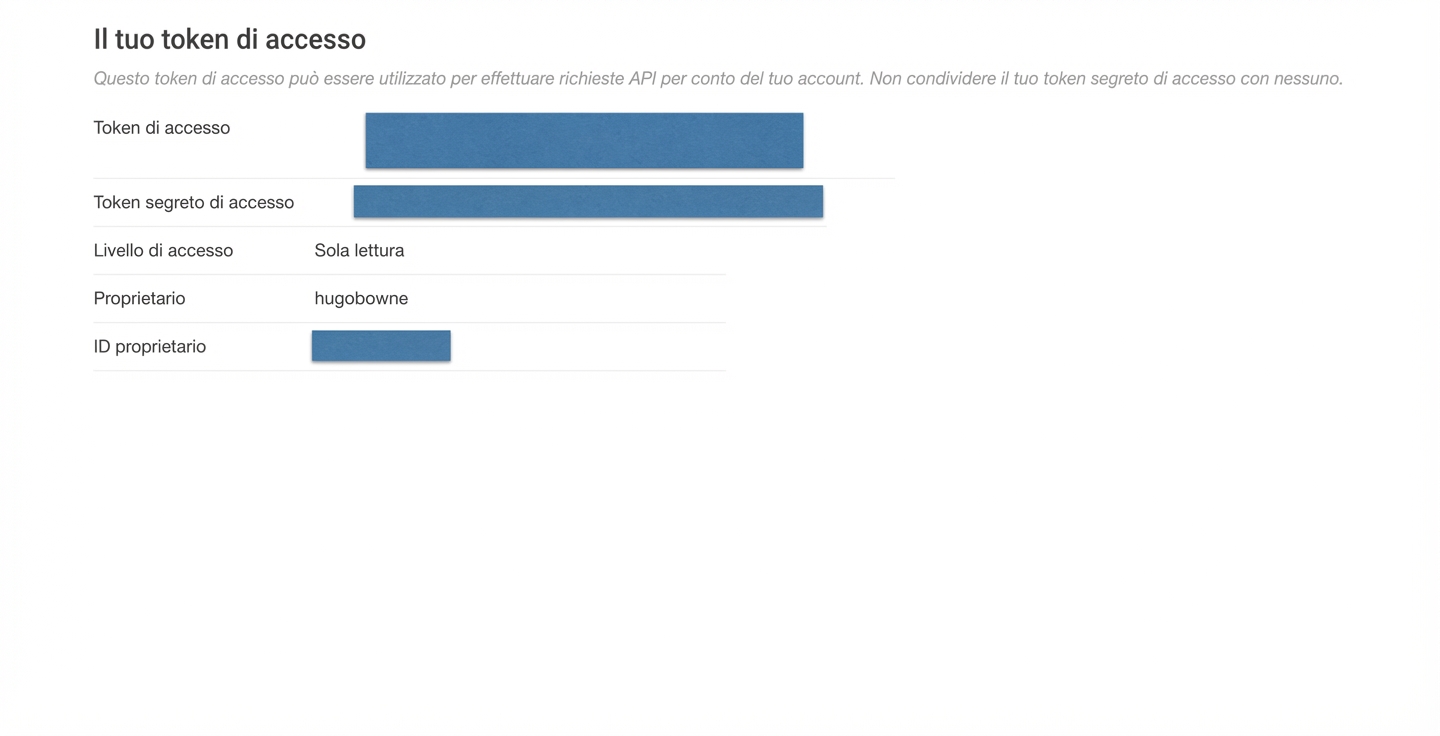
Accedi all’API di Twitter

ch_3_1.008.png

Importazione di dati in Python - livello intermedio

Accedi all’API di Twitter

ch_3_1.009.png

Importazione di dati in Python - livello intermedio

Accedi all’API di Twitter

ch_3_1.011.png

Importazione di dati in Python - livello intermedio

Accedi all’API di Twitter

ch_3_1.013.png

Importazione di dati in Python - livello intermedio

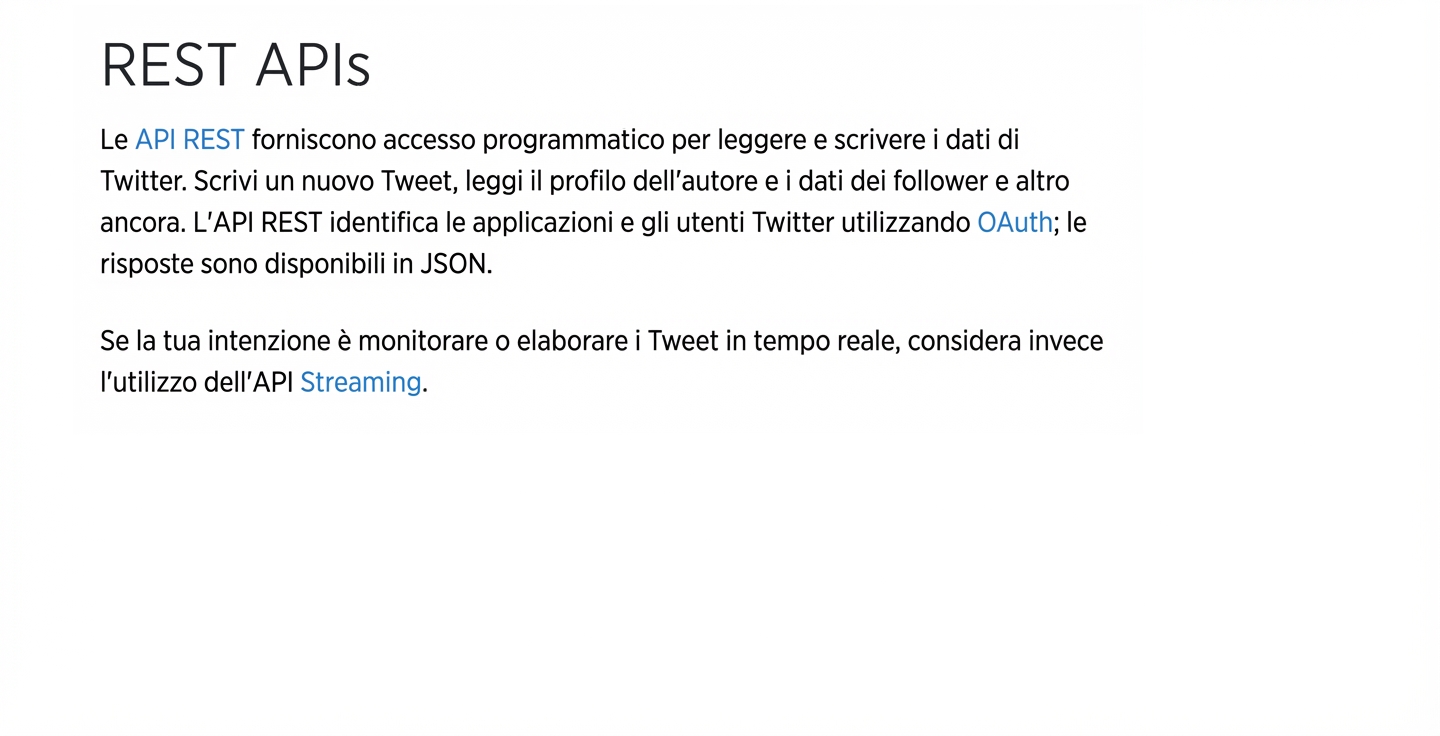
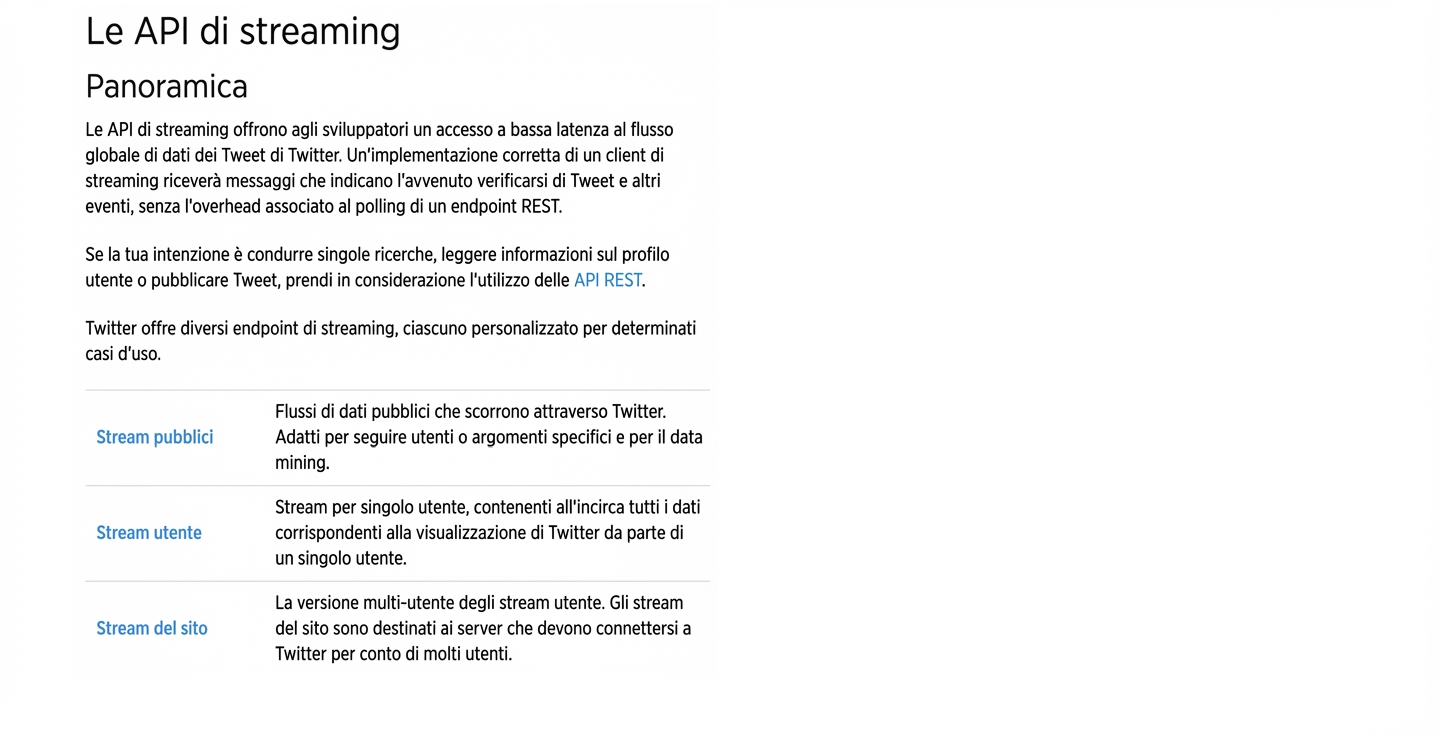
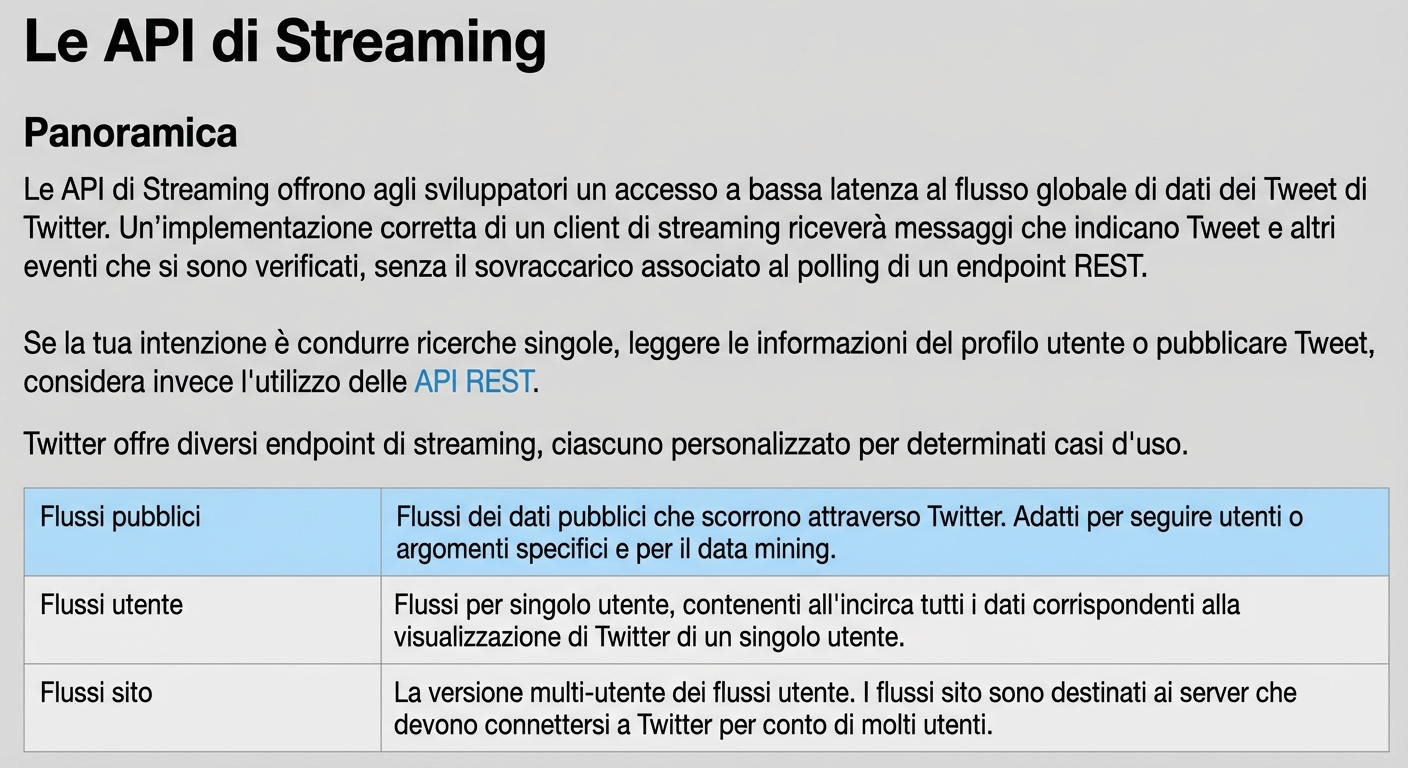
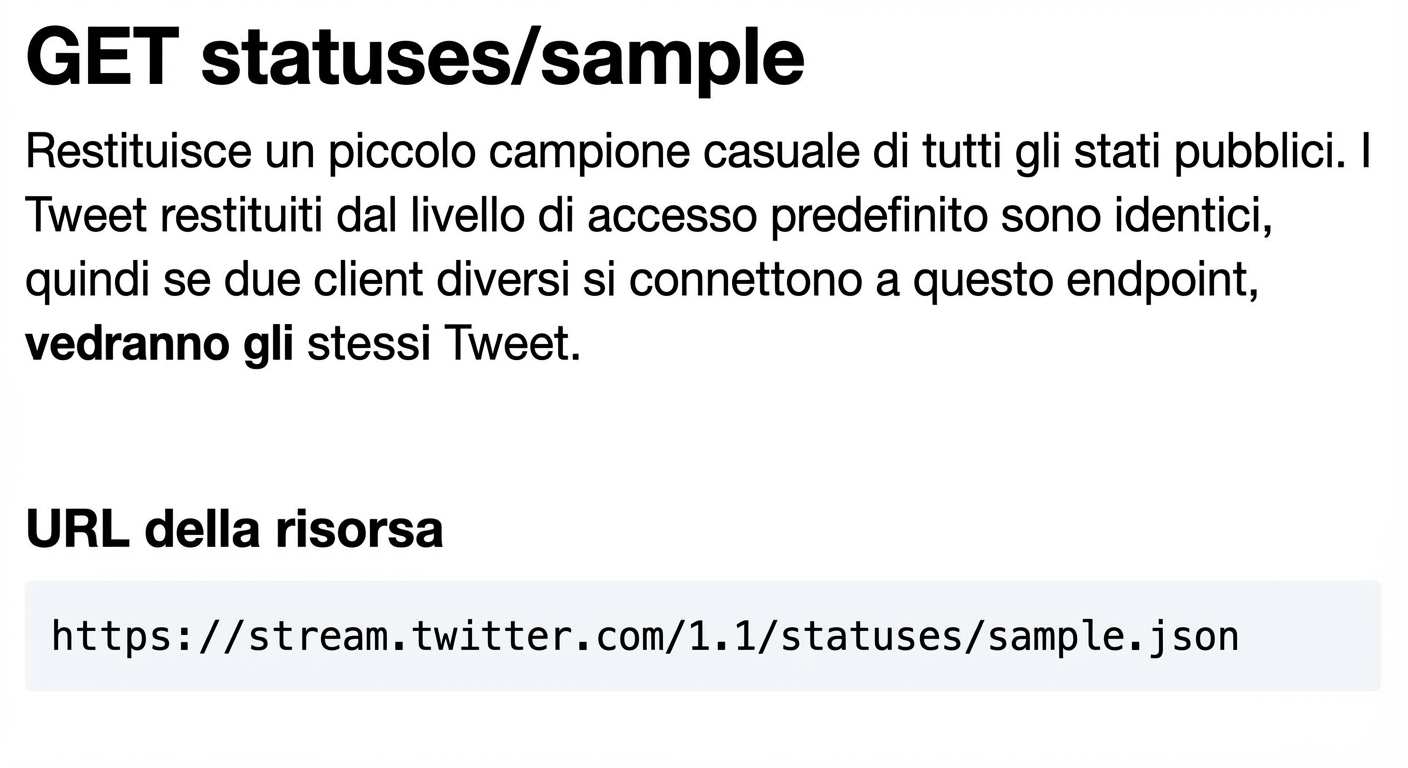
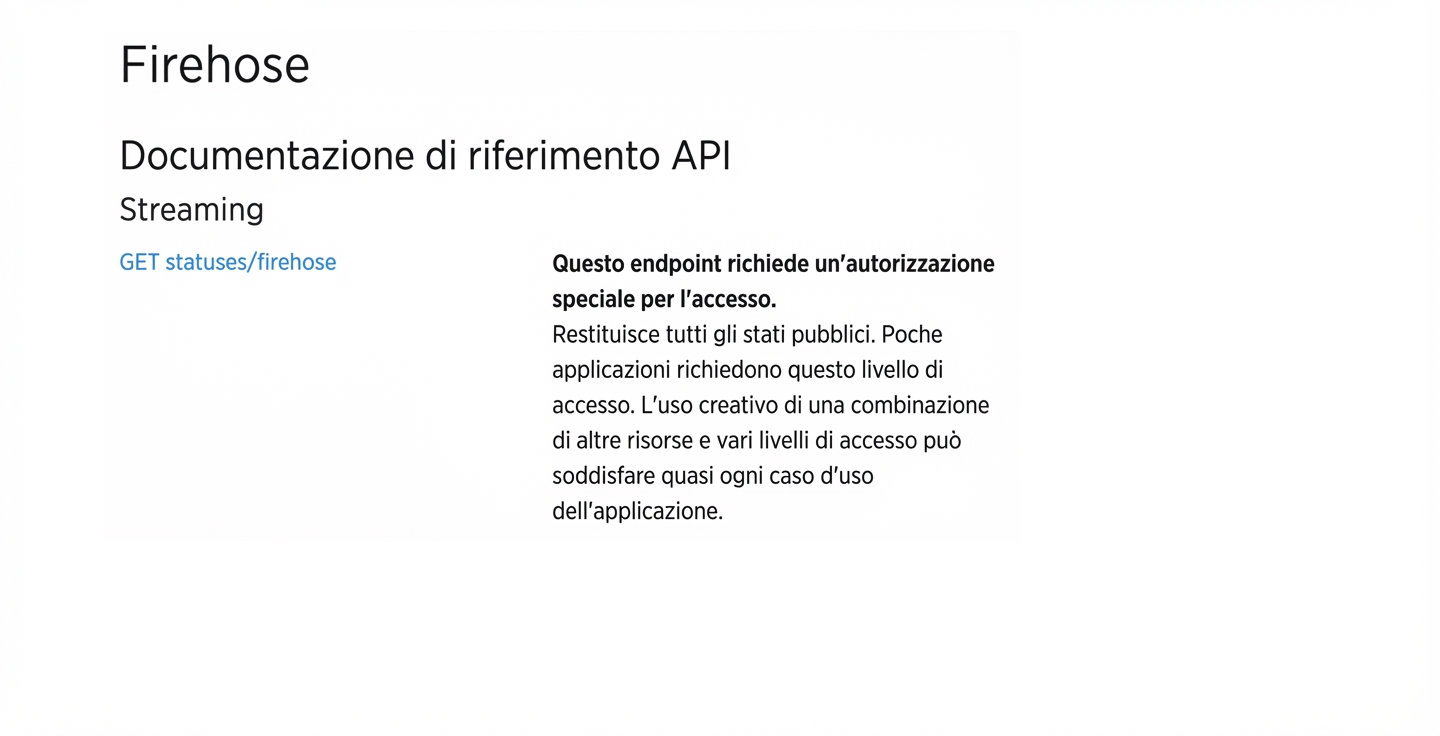
Twitter ha diverse API

ch_3_1.015.png

Importazione di dati in Python - livello intermedio

Twitter ha diverse API

ch_3_1.017.png

Importazione di dati in Python - livello intermedio

Twitter ha diverse API

ch_3_1.018.png

Importazione di dati in Python - livello intermedio

Twitter ha diverse API

ch_3_1.020.png

Importazione di dati in Python - livello intermedio

Twitter ha diverse API

ch_3_1.022.png

Importazione di dati in Python - livello intermedio

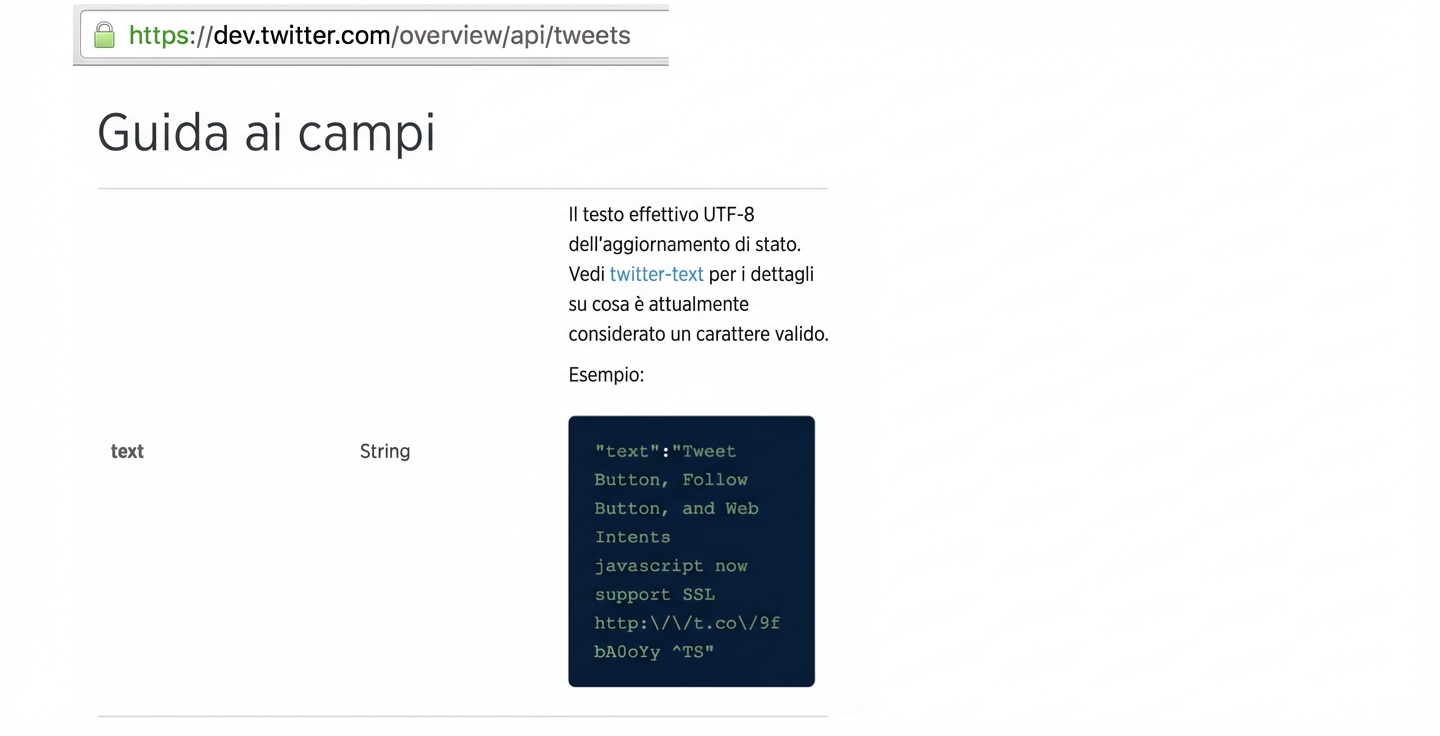
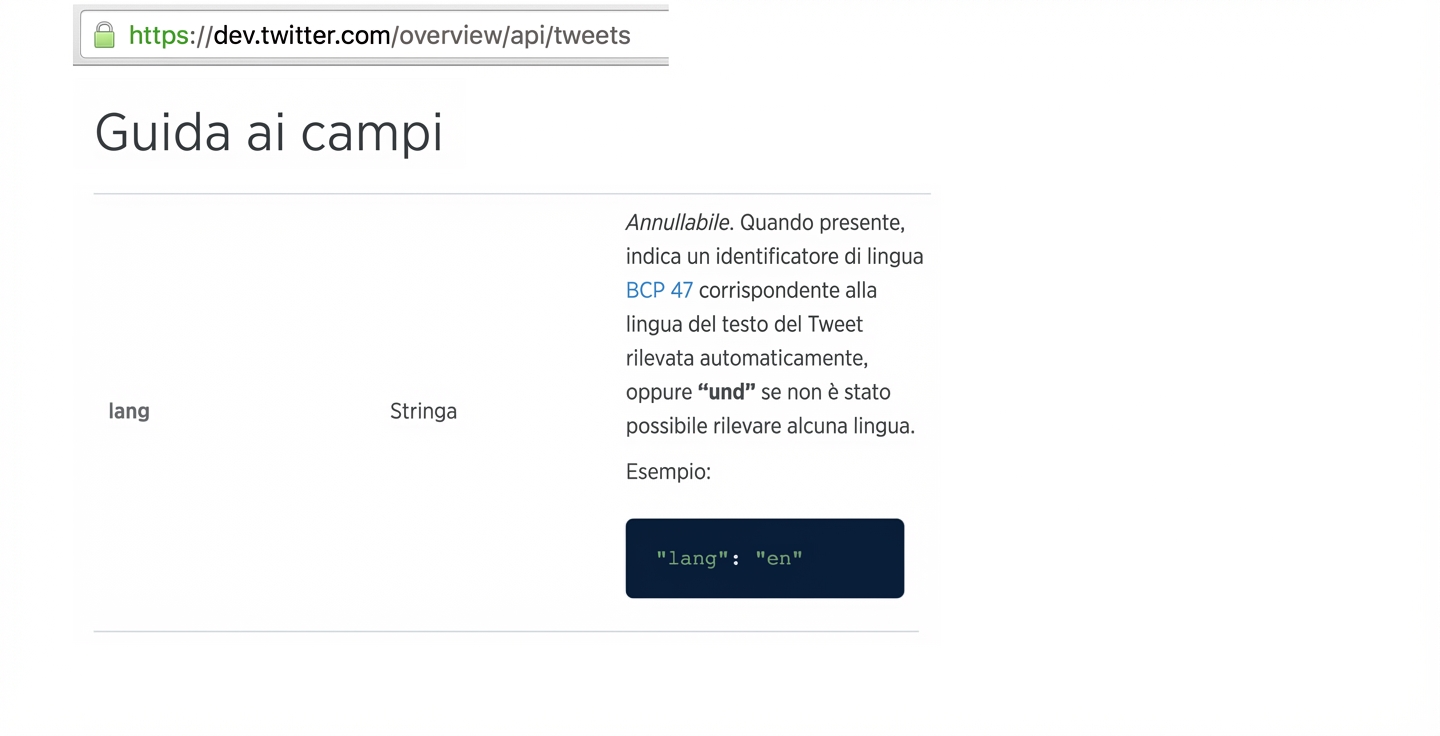
I tweet arrivano come JSON

ch_3_1.024.png

Importazione di dati in Python - livello intermedio

I tweet arrivano come JSON

ch_3_1.026.png

Importazione di dati in Python - livello intermedio

Uso di Tweepy: autenticazione

tweets.py

import tweepy, json

access_token = "..." access_token_secret = "..." consumer_key = "..." consumer_secret = "..."
Importazione di dati in Python - livello intermedio

Uso di Tweepy: stream di tweet!

tweets.py

# Create Streaming object
stream = tweepy.Stream(consumer_key, consumer_secret, 
                       access_token, access_token_secret)

# This line filters Twitter Streams to capture data by keywords: stream.filter(track=['apples', 'oranges'])
Importazione di dati in Python - livello intermedio

Passons à la pratique !

Importazione di dati in Python - livello intermedio

Preparing Video For Download...