Introduction to remotes

Git intermedio

George Boorman

Curriculum Manager, DataCamp

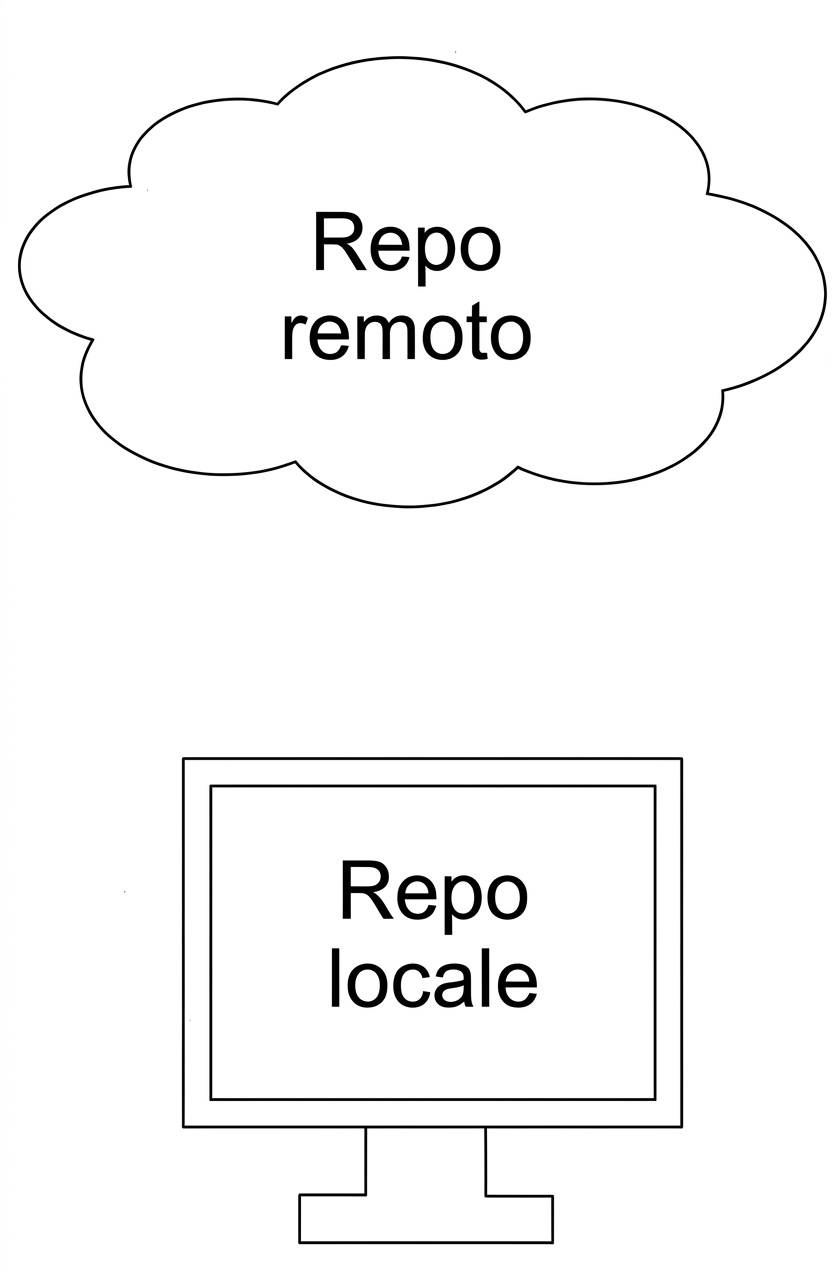
Local repo

local repository inside a desktop computer

Git intermedio

Remote repo

remote repo in the cloud

Git intermedio

Why use remote repos?

Benefits of remote repos

  • Everything is backed up

  • Collaboration, regardless of location

view of a laptop looking across a rooftop and a lake

Git intermedio

Cloning a repo

  • Repo copies on our local computer = local remotes

  • Making copies = cloning

git clone path-to-project-repo
  • Cloning a local project
git clone /home/george/repo
  • Cloning and naming a local project
git clone /home/george/repo new_repo
Git intermedio

Cloning a remote

  • Remote repos are generally stored in an online hosting service

    • e.g., GitHub, Bitbucket, or GitLab
  • If we have an account:

    • We can clone a remote repo on to our local computer
git clone URL
git clone https://github.com/datacamp/project
Git intermedio

Identifying a remote

  • When cloning a repo

    • Git remembers where the original was
  • Git stores a remote tag in the new repo's configuration

  • List all remotes associated with the repo

git remote
datacamp
Git intermedio

Getting more information

  • Get more information about the remote(s)
git remote -v
datacamp     https://github.com/datacamp/project (fetch)
datacamp     https://github.com/datacamp/project (pull)
Git intermedio

Creating a remote

  • When cloning, Git will automatically name the remote origin
git remote add name URL
  • Create a remote called george
git remote add george https://github.com/george_datacamp/repo
  • Defining remote names is useful for merging
Git intermedio

Let's practice!

Git intermedio

Preparing Video For Download...