Q&A su documenti

Lavorare con Hugging Face

Jacob H. Marquez

Lead Data Engineer

Cos'è il question answering su documenti?
$$

  • Risponde a domande dal contenuto del documento
  • Richiede un documento e una domanda
  • Fornisce risposte dirette o parafrasate

$$

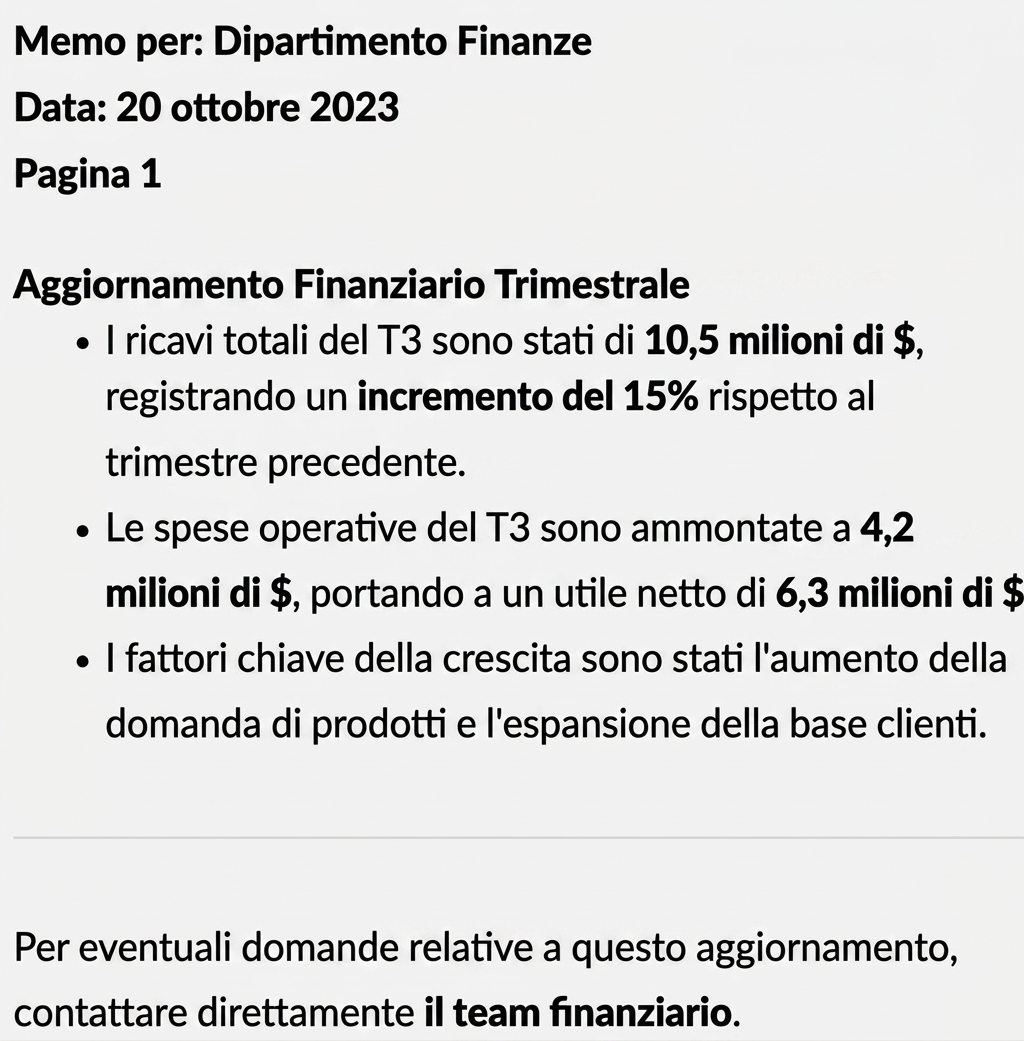
Domanda: "Qual è il fatturato totale del Q3?"

Un documento

Lavorare con Hugging Face

Casi d'uso per il Q&A su documenti

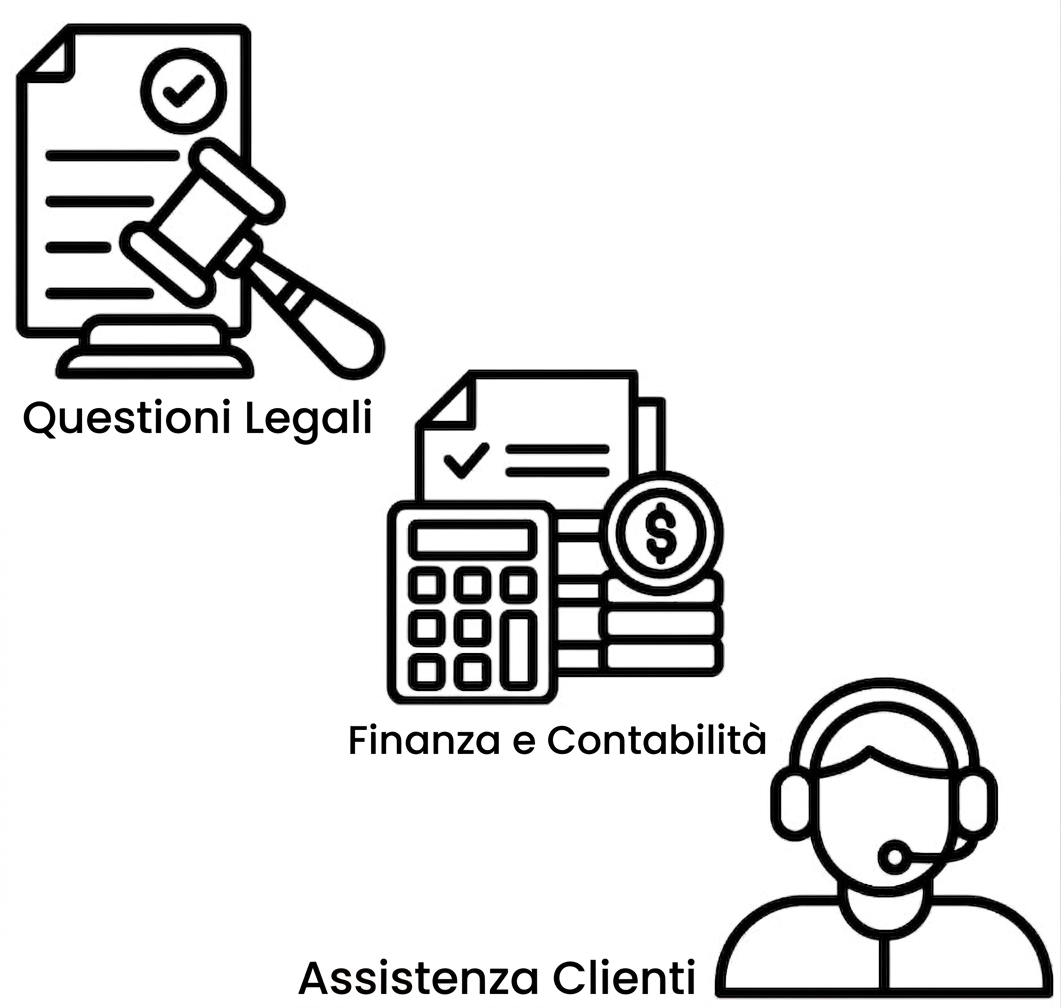
Casi d'uso legali, finance e supporto

$$

  • 📑 Legale: Identifica clausole contrattuali

$$

  • 💰 Finance: Estrai numeri chiave

$$

  • 🤓 Supporto: Recupera risposte dai manuali
Lavorare con Hugging Face

Automatizzare le richieste HR con il Q&A su documenti

$$

  • 📄 Info salvate in US-Employee_Policy.pdf

$$

  • 🤖 Crea un sistema per estrarre risposte

$$

  • 🕑 Risparmia tempo e fatica all'HR

$$

Il team HR è sovraccarico

Lavorare con Hugging Face

Estrarre testo con pypdf

from pypdf import PdfReader


# Load the PDF file reader = PdfReader("US-Employee_Policy.pdf")
# Extract text from all pages document_text = "" for page in reader.pages:
document_text += page.extract_text()
Welcome to the US Employee Policy document...
Lavorare con Hugging Face

Creare una pipeline di Q&A

# Load the question-answering pipeline
qa_pipeline = pipeline(
    task="question-answering",
    model="distilbert-base-cased-distilled-squad")


question = "How many volunteer days are offered annually?"
# Get the answer from the QA pipeline result = qa_pipeline(question=question, context=document_text)
print(f"Answer: {result['answer']}")
Answer: 1
Lavorare con Hugging Face

Mettere tutto insieme

$$

  • 📄 Usa PdfReader di pypdf per caricare e leggere PDF
  • 🔎 Estrai testo con .pages e .extract_text() in document_text
  • 🤔 Configura una pipeline question-answering
  • ❓ Passa question e context alla pipeline
  • ⏰ Incapsula in funzioni per automatizzare le query

Q&A su documenti

Il team HR costruisce la cultura aziendale

Lavorare con Hugging Face

Ayo berlatih!

Lavorare con Hugging Face

Preparing Video For Download...