Adding external tools to a chatbot

Progettare sistemi agentici con LangChain

Dilini K. Sumanapala, PhD

Founder & AI Engineer, Genverv, Ltd.

Externals tools with LangGraph

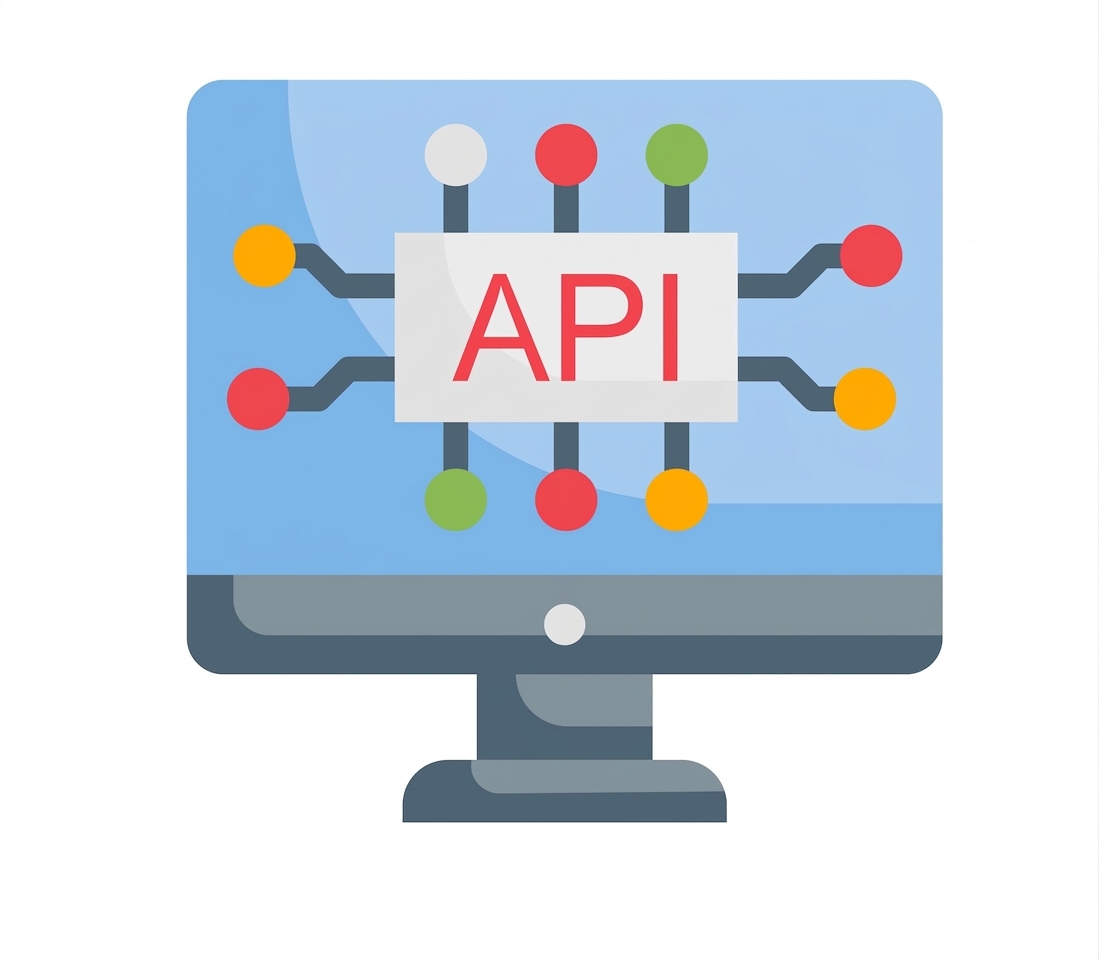
  Desktop monitor with microchip graphic in the centre with "API" written in the middle.


  • API tools for chatbots

     
    • News
    • Databases
    • Social media
    • Etc.
Progettare sistemi agentici con LangChain

Adding a Wikipedia tool

People reading, sat on large books.

  Wikipedia icon.

Progettare sistemi agentici con LangChain

Adding a Wikipedia tool

# Modules for building a Wikipedia tool
from langchain_community.utilities import WikipediaAPIWrapper
from langchain_community.tools import WikipediaQueryRun


# Initialize Wikipedia API wrapper to fetch top 1 result api_wrapper = WikipediaAPIWrapper(top_k_results=1)
# Create a Wikipedia query tool using the API wrapper wikipedia_tool = WikipediaQueryRun(api_wrapper=api_wrapper)
tools = [wikipedia_tool]
Progettare sistemi agentici con LangChain

Adding a Wikipedia tool

# Bind the Wikipedia tool to 
# the language model
llm_with_tools = llm.bind_tools(tools)


# Modify chatbot function to # respond with Wikipedia def chatbot(state: State): return {"messages": [llm_with_tools.invoke( state["messages"])]}


  • Bind tools


  • Update chatbot node

  • Enable Wikipedia

  • LLM decides tool calls

Progettare sistemi agentici con LangChain

Other API tools

  Desktop monitor with microchip graphic in the centre with "API" written in the middle.


Progettare sistemi agentici con LangChain

Adding tool nodes

# Modules for adding tool conditions 
# and nodes
from langgraph.prebuilt import 
ToolNode, tools_condition


# Add chatbot node to the graph graph_builder.add_node("chatbot", chatbot)

Chatbot node.

Progettare sistemi agentici con LangChain

Adding tool nodes

# Modules for adding tool conditions 
# and nodes
from langgraph.prebuilt import 
ToolNode, tools_condition

# Add chatbot node to the graph
graph_builder.add_node("chatbot",
                       chatbot)


# Create a ToolNode to handle tool calls # and add it to the graph tool_node = ToolNode(tools=[wikipedia_tool]) graph_builder.add_node("tools", tool_node)

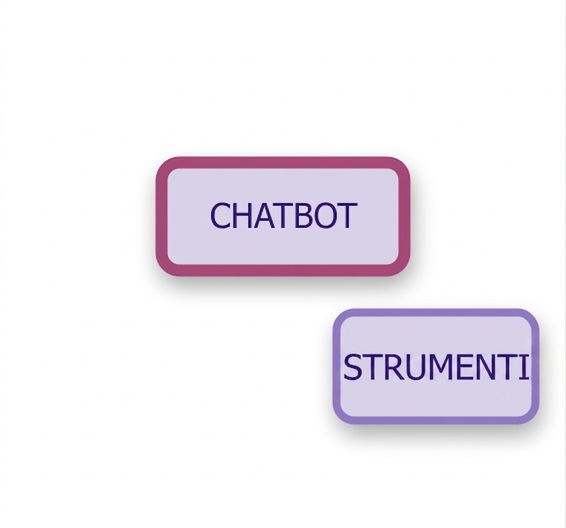
Chabot and tool nodes.

Progettare sistemi agentici con LangChain

Adding tool nodes

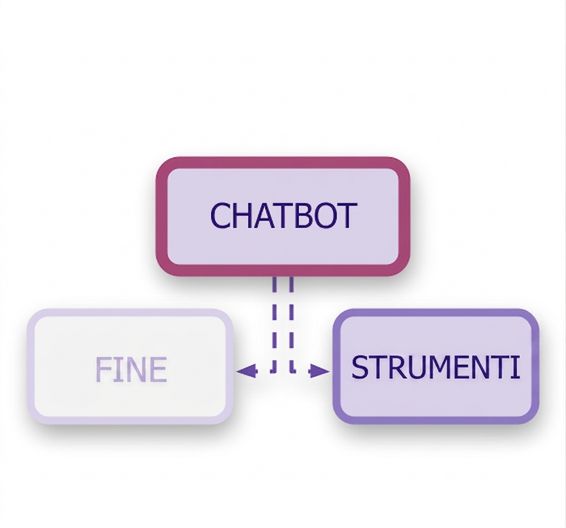
# Set up a condition to direct from chatbot 
# to tool or end node
graph_builder.add_conditional_edges(
             "chatbot", tools_condition)


Chatbot with END and tool nodes, connected with dashed lines representing conditional edges.

Progettare sistemi agentici con LangChain

Adding tool nodes

# Set up a condition to direct from chatbot 
# to tool or end node
graph_builder.add_conditional_edges(
             "chatbot", tools_condition)


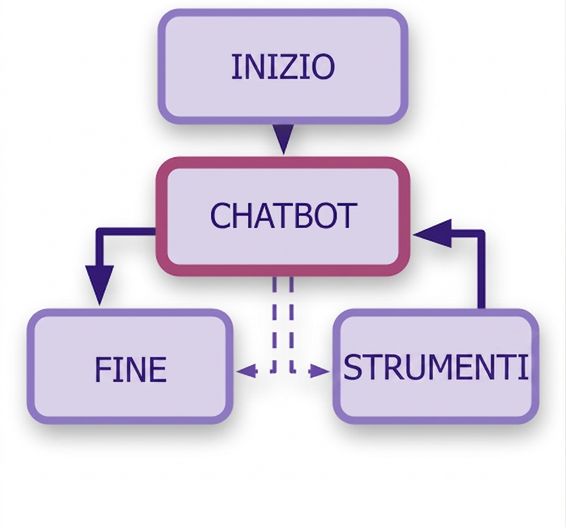
# Connect tools back to chatbot and # add START and END nodes graph_builder.add_edge("tools", "chatbot") graph_builder.add_edge(START, "chatbot") graph_builder.add_edge("chatbot", END)

Full chatbot diagram with chatbot node connected to tools and END node, along with START node at the top.

Progettare sistemi agentici con LangChain

Let's practice!

Progettare sistemi agentici con LangChain

Preparing Video For Download...