Başlıklar ve etiketler ekleme: Bölüm 1

Seaborn ile Veri Görselleştirmeye Giriş

Content Team

DataCamp

Bilgilendirici görselleştirmeler oluşturma

Bölgeye göre doğum oranı kutu grafiği

Başlık ve etiketli, bölgeye göre doğum oranı kutu grafiği

Seaborn ile Veri Görselleştirmeye Giriş

FacetGrid ve AxesSubplot nesneleri

Seaborn iki tür nesne oluşturur: FacetGrid ve AxesSubplot

g = sns.scatterplot(x="height", y="weight", data=df)

type(g)
> matplotlib.axes._subplots.AxesSubplot
Seaborn ile Veri Görselleştirmeye Giriş

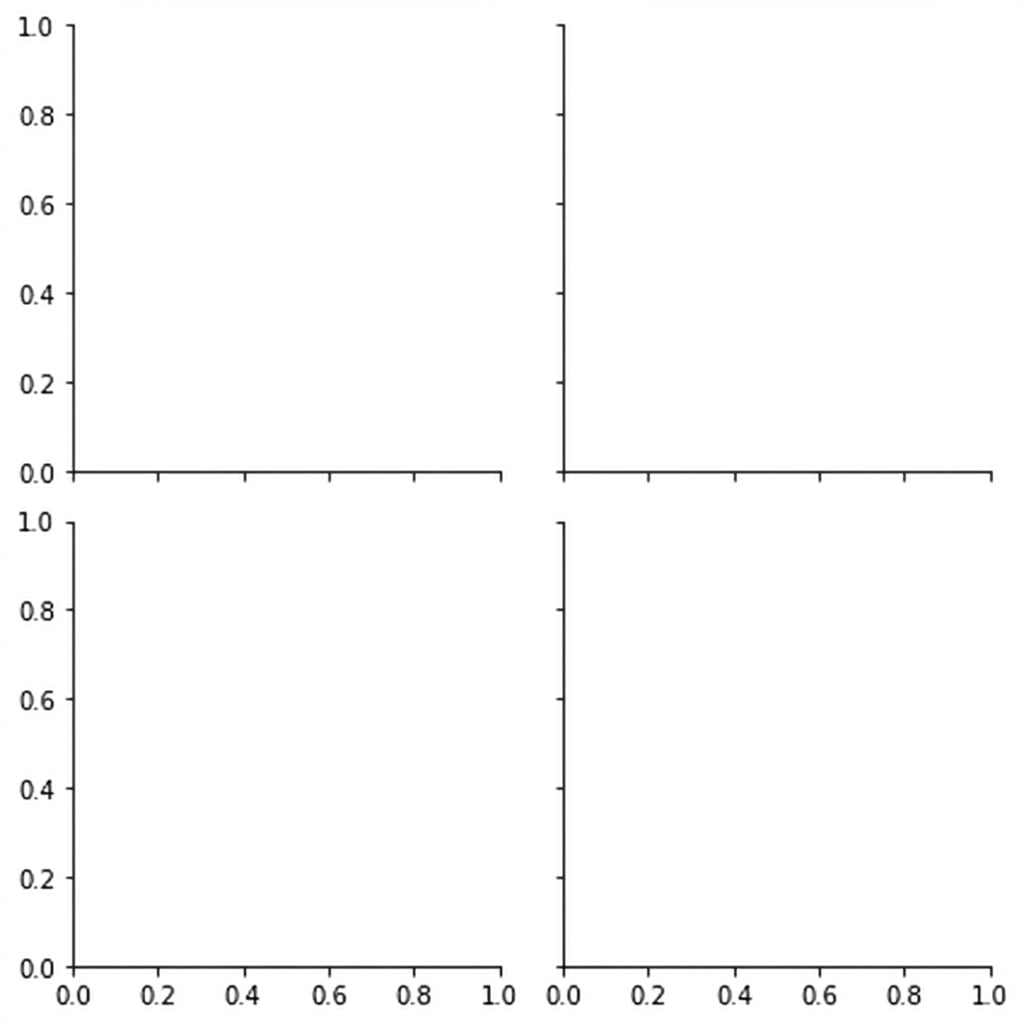
Boş bir FacetGrid

Boş 4x4 FacetGrid

Seaborn ile Veri Görselleştirmeye Giriş

FacetGrid ve AxesSubplot nesneleri

Nesne Türü Grafik Türleri Özellikler
FacetGrid relplot(), catplot() Alt grafikler oluşturabilir
AxesSubplot scatterplot(), countplot(), vb. Yalnızca tek grafik oluşturur
Seaborn ile Veri Görselleştirmeye Giriş

FacetGrid'e başlık ekleme

g = sns.catplot(x="Region", 
                y="Birthrate", 
                data=gdp_data, 
                kind="box")

g.figure.suptitle("New Title")
plt.show()

Başlık eklenmiş doğum oranı kutu grafiği

Seaborn ile Veri Görselleştirmeye Giriş

FacetGrid'de başlık yüksekliğini ayarlama

g = sns.catplot(x="Region", 
                y="Birthrate", 
                data=gdp_data, 
                kind="box")

g.figure.suptitle("New Title", 
               y=1.03)

plt.show()

Başlığı yükseltilmiş doğum oranı grafiği

Seaborn ile Veri Görselleştirmeye Giriş

Haydi pratik yapalım!

Seaborn ile Veri Görselleştirmeye Giriş

Preparing Video For Download...