Python’da görselleştirme

Finans için Python’a Giriş

Adina Howe

Instructor

Matplotlib: Görselleştirme paketi

Matplotlib galerisine bu bağlantıdan bakın.
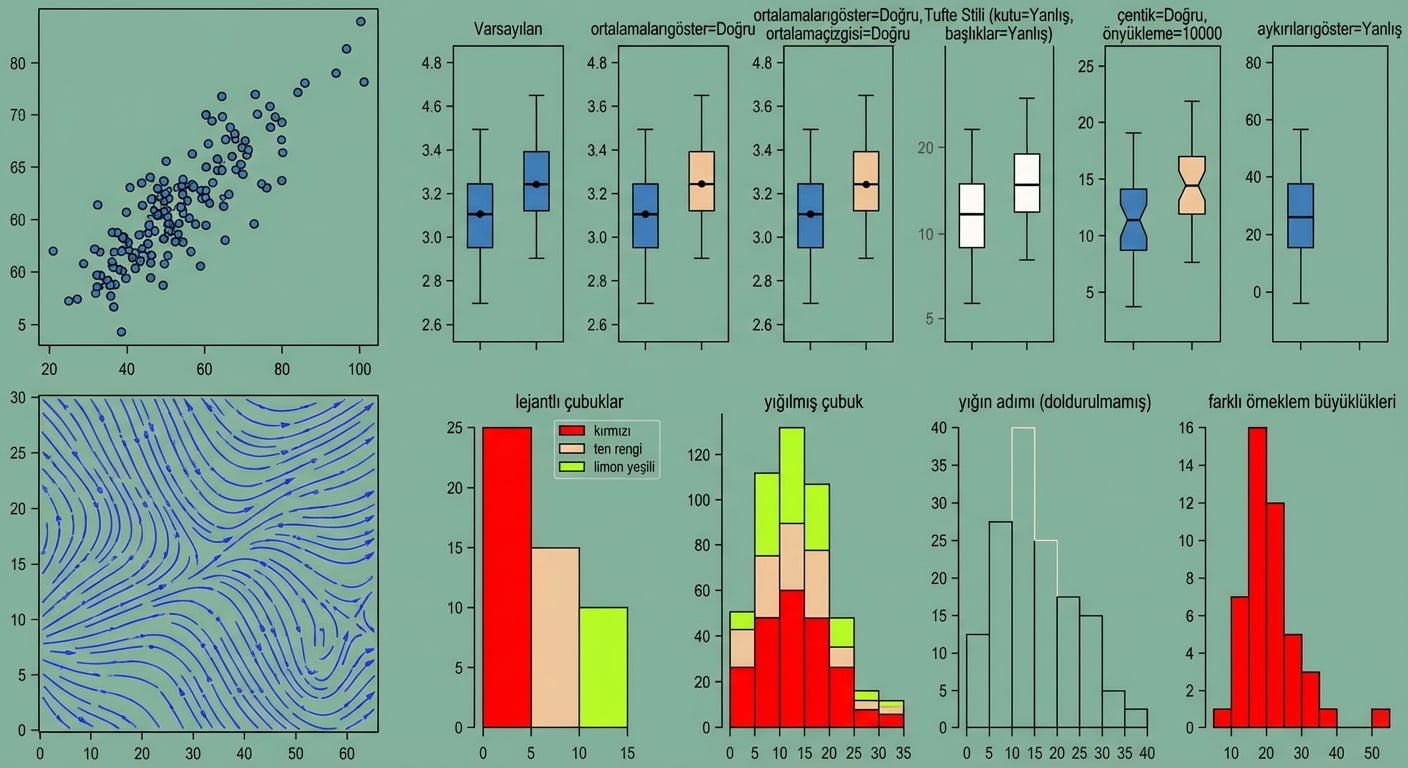
matplotlib

Finans için Python’a Giriş

matplotlib.pyplot - çeşitli çizim işlevleri

import matplotlib.pyplot as plt
Finans için Python’a Giriş

matplotlib.pyplot - çeşitli çizim işlevleri

  • plt.plot()

    • çizilecek verileri tanımlayan argümanlar alır
  • plt.show()

    • grafiği ekranda gösterir
Finans için Python’a Giriş

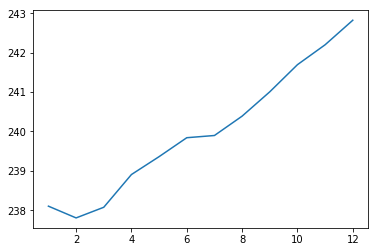
pyplot ile çizim

import matplotlib.pyplot as plt
plt.plot(months, prices)
plt.show()
Finans için Python’a Giriş

Grafik sonucu

Basit grafik2

Finans için Python’a Giriş

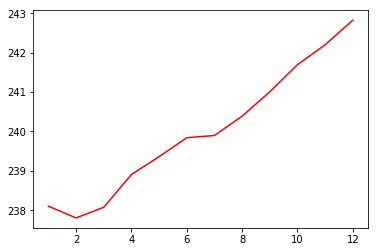
Kırmızı düz çizgi

import matplotlib.pyplot as plt
plt.plot(months, prices, color = 'red')
plt.show()
Finans için Python’a Giriş

Grafik sonucu

kırmızı çizgi

Finans için Python’a Giriş

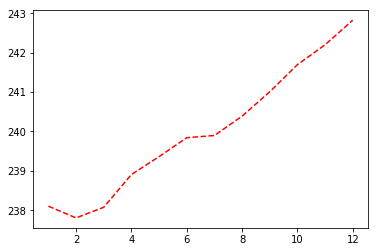
Kesikli çizgi

import matplotlib.pyplot as plt
plt.plot(months, prices, color = 'red', linestyle = '--')
plt.show()
Finans için Python’a Giriş

Grafik sonucu

kesikli

Finans için Python’a Giriş

Renkler ve çizgi stilleri

color
'green' yeşil
'red' kırmızı
'cyan' camgöbeği
'blue' mavi
linestyle
'-' düz çizgi
'--' kesikli çizgi
'-.' çizgi-nokta
':' noktalı

Renkler ve çizgi stilleri için daha fazla bilgi burada.

Finans için Python’a Giriş

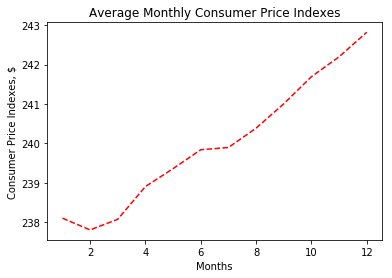
Etiket ve başlık ekleme

import matplotlib.pyplot as plt
plt.plot(months, prices, color = 'red', linestyle = '--')

# Add labels
plt.xlabel('Months')
plt.ylabel('Consumer Price Indexes, $')
plt.title('Average Monthly Consumer Price Indexes')

# Show plot
plt.show()
Finans için Python’a Giriş

Grafik sonucu

etiketli_grafik

Finans için Python’a Giriş

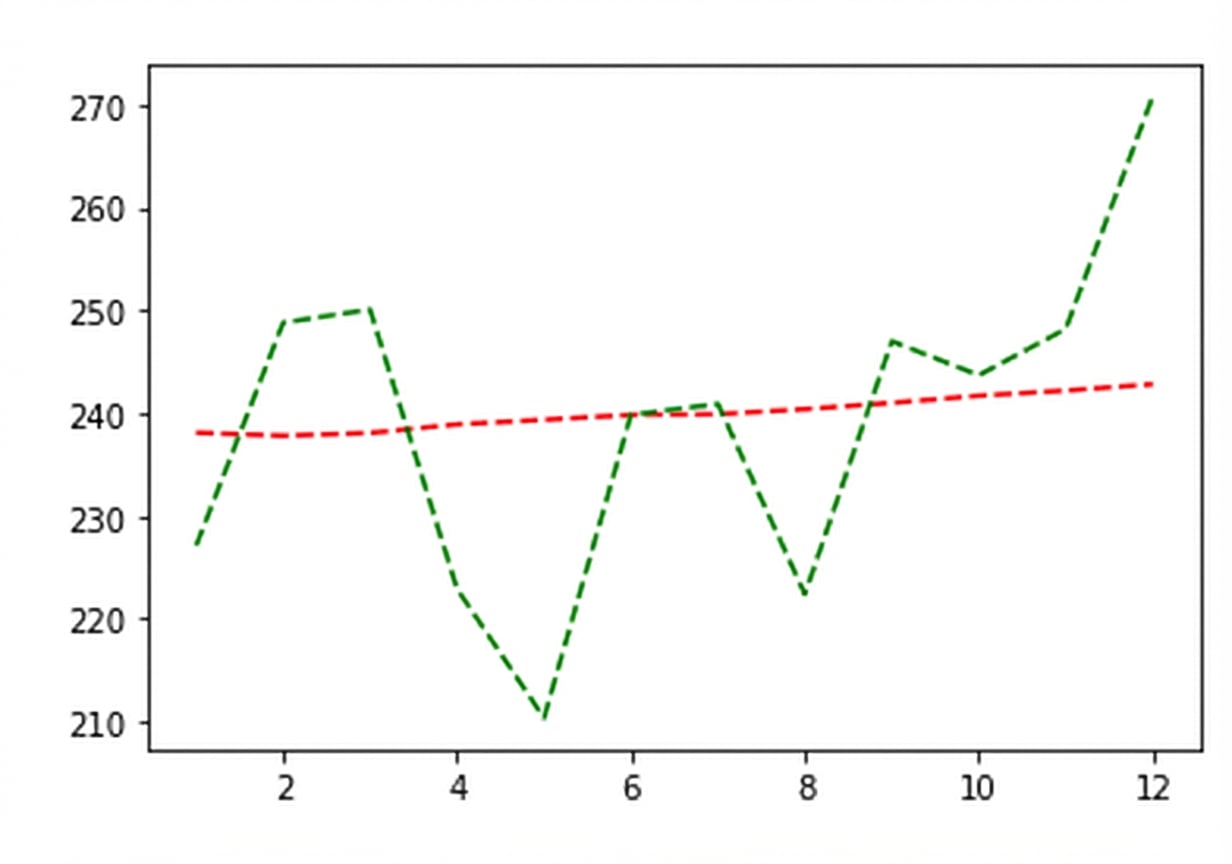
Ek çizgi ekleme

import matplotlib.pyplot as plt
plt.plot(months, prices, color = 'red', linestyle = '--')

# adding an additional line
plt.plot(months, prices_new, color = 'green', linestyle = '--') 

plt.xlabel('Months')
plt.ylabel('Consumer Price Indexes, $')
plt.title('Average Monthly Consumer Price Indexes')
plt.show()
Finans için Python’a Giriş

Grafik sonucu

iki_çizgi

Finans için Python’a Giriş

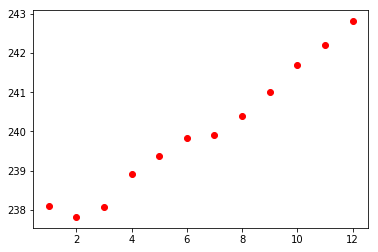
Saçılım grafikleri

import matplotlib.pyplot as plt
plt.scatter(x = months, y = prices, color = 'red')
plt.show()
Finans için Python’a Giriş

Saçılım grafiği sonucu

saçılım

Finans için Python’a Giriş

Haydi pratik yapalım!

Finans için Python’a Giriş

Preparing Video For Download...