Dash ve Plotly ile Paneller Oluşturma
Alex Scriven
Data Scientist
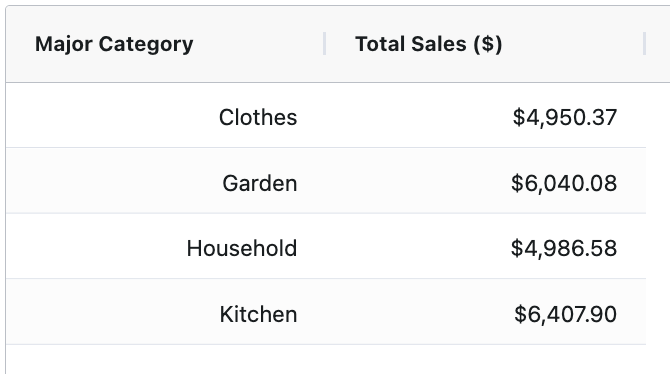
style kullanılamaz ❌cellStyle kullanın ✅grid = AgGrid(
defaultColDef={
"cellStyle":
{"textAlign": "right"}}
)

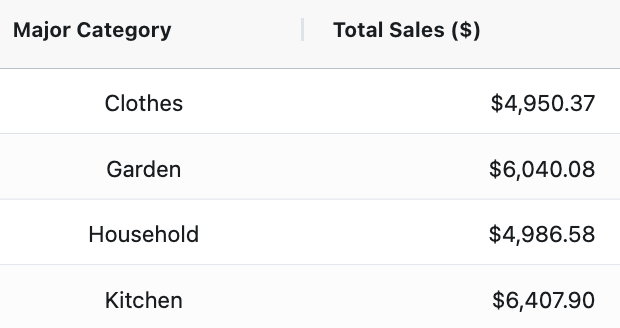
column_defs = [
{"field": "Major Category"
, "cellStyle": {"textAlign": "center"}},
{"field": "Total Sales ($)"
, "valueFormatter": money_fmt
, "cellStyle": {"textAlign": "right"}}
]

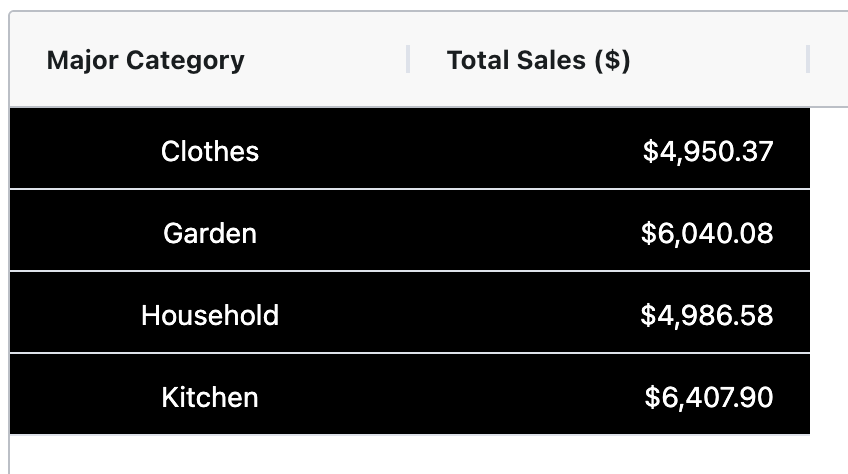
grid = AgGrid(
# Other setup
defaultColDef={
"cellStyle": {
"backgroundColor": "black",
"color": "white"}
})
$$

$$
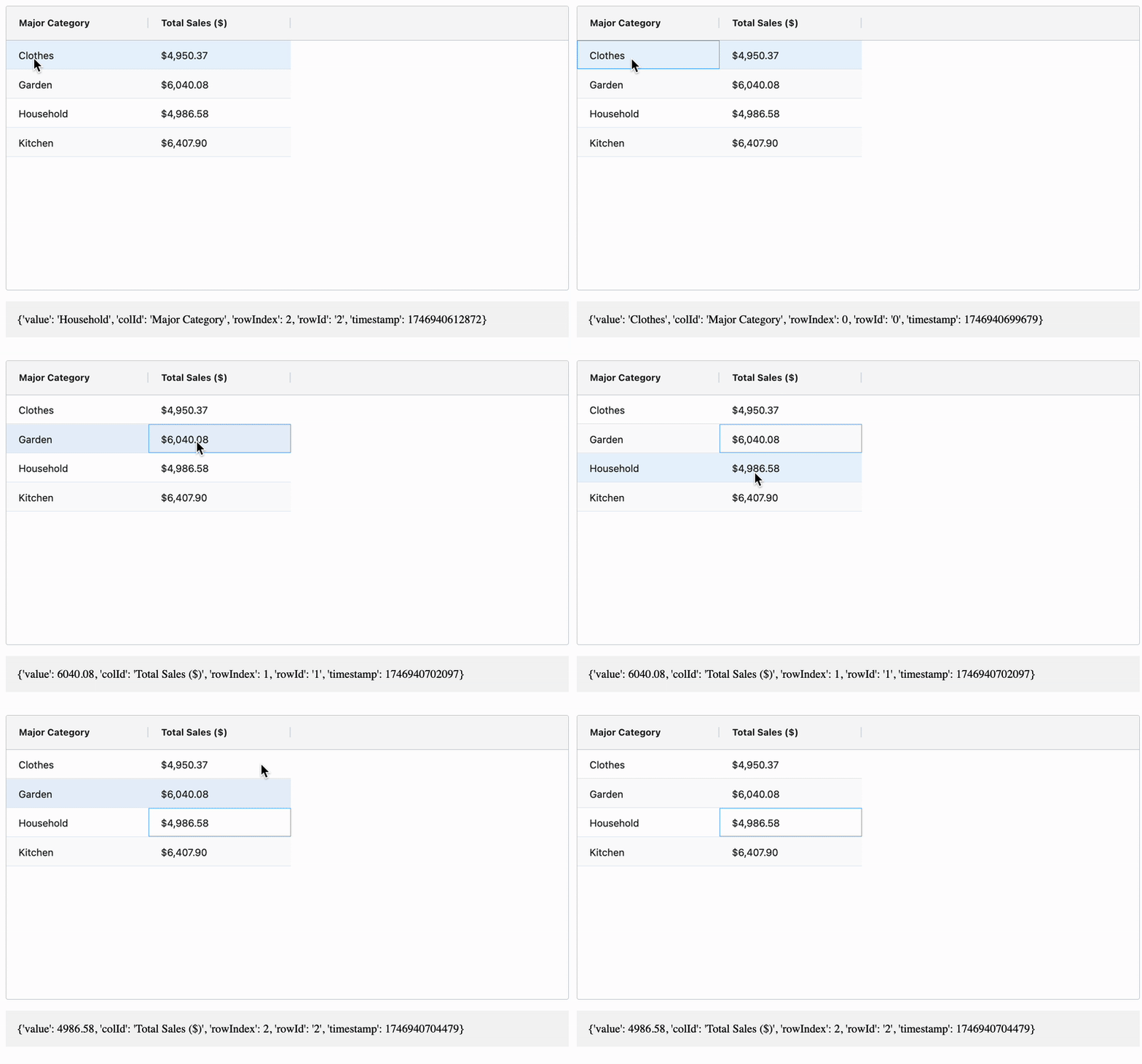
cellClicked özelliğini kullanın@callback(
Output("test_text", "children"),
Input("my_grid", "cellClicked")
)
def show_cell_info(cell_data):
return str(cell_data)

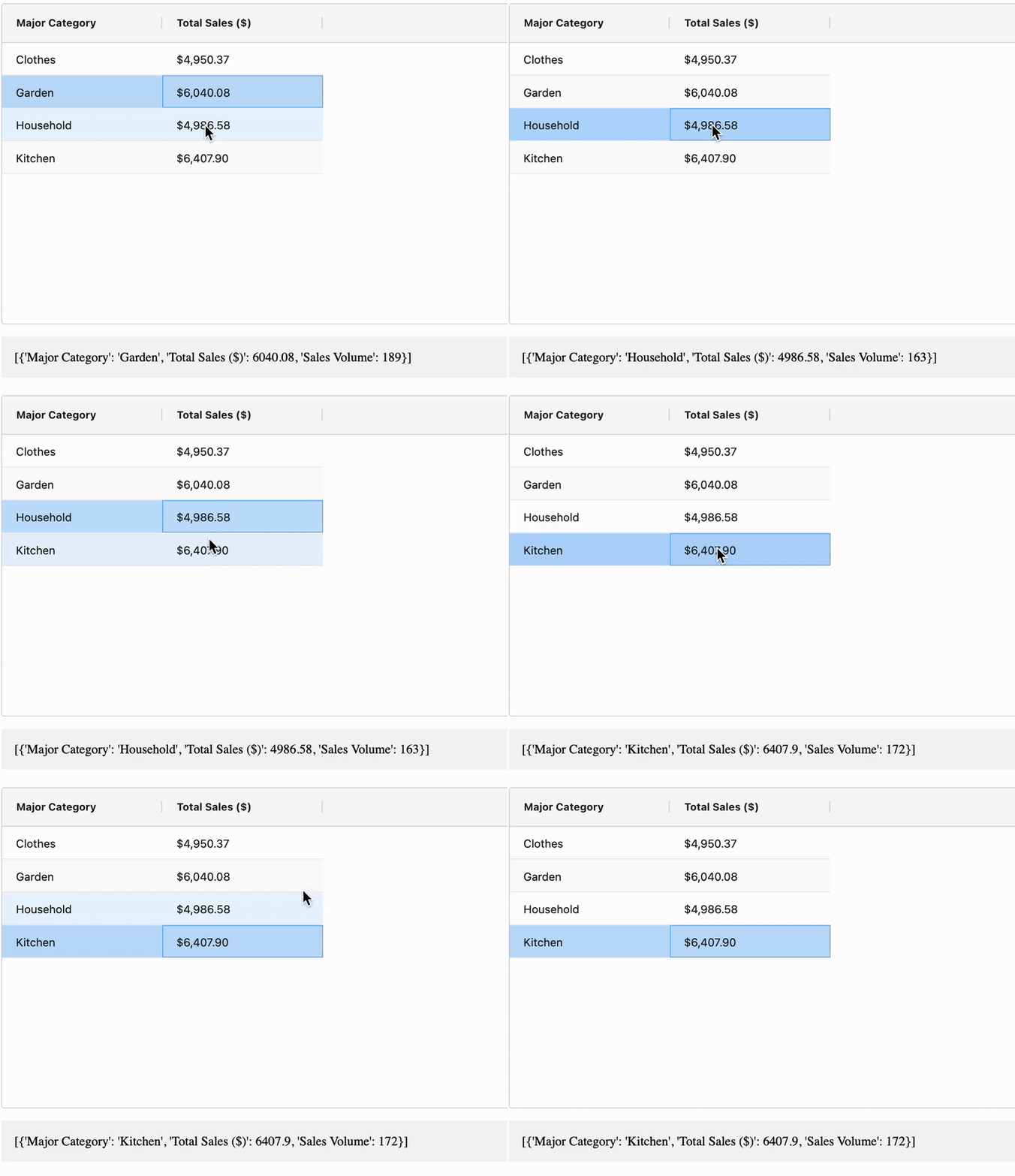
rowSelection değerini "single" veya "multiple" yapıngrid = AgGrid( # Other parts dashGridOptions={ "rowSelection": "single"} )@callback( Output("test_text", "children"), Input("my_grid", "selectedRows") )

Dash ve Plotly ile Paneller Oluşturma