Dash ve Plotly ile Paneller Oluşturma
Alex Scriven
Data Scientist
$$
$$
Avantajları:
$$

plotly.express ile grafik oluşturun$$
$$
$$
$$
$$

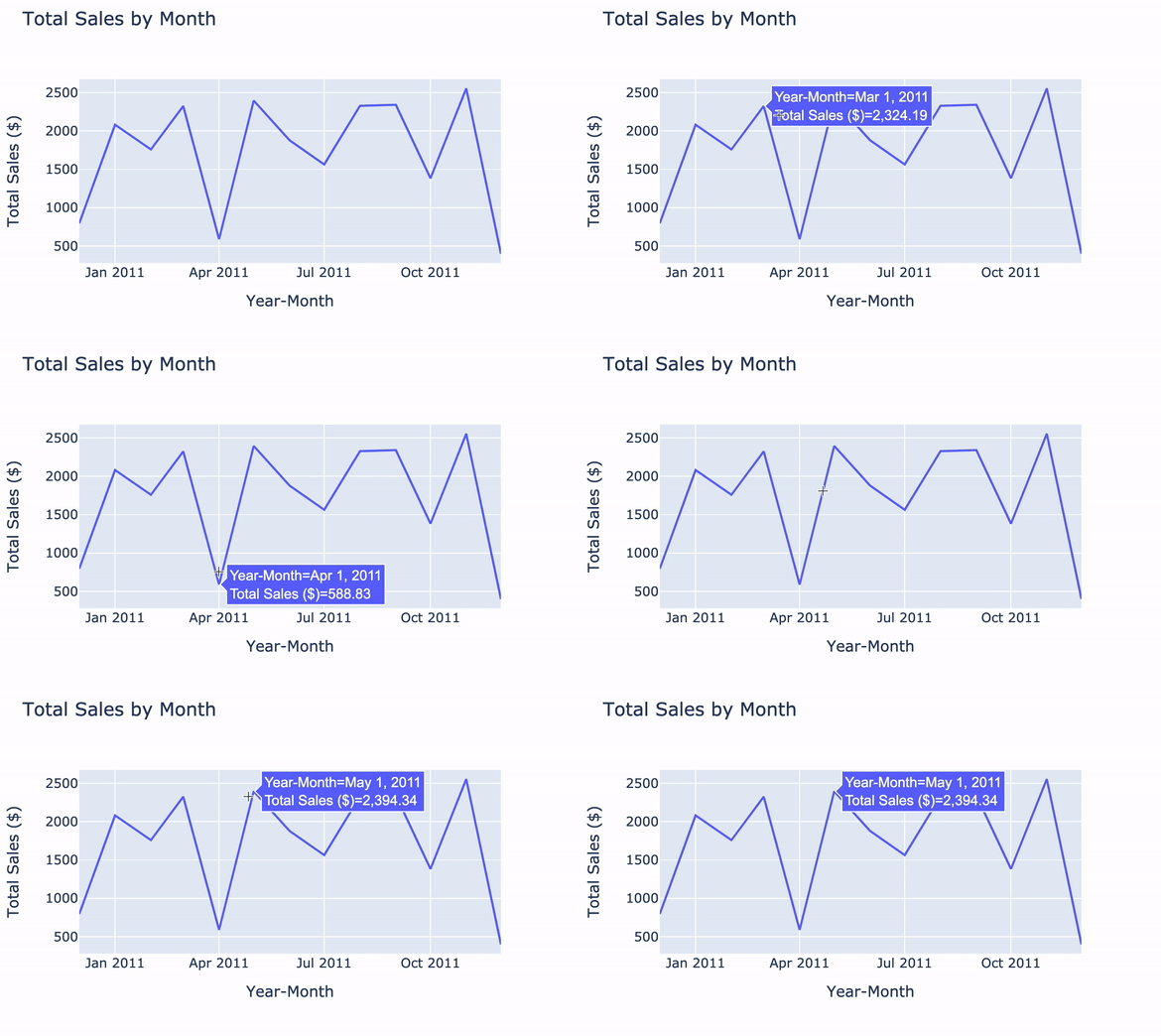
import plotly.express as pxline_graph = px.line(data_frame=ecom_sales, x='Year-Month', y='Total Sales ($)', title='Total Sales by Month')line_graph.show()

$$
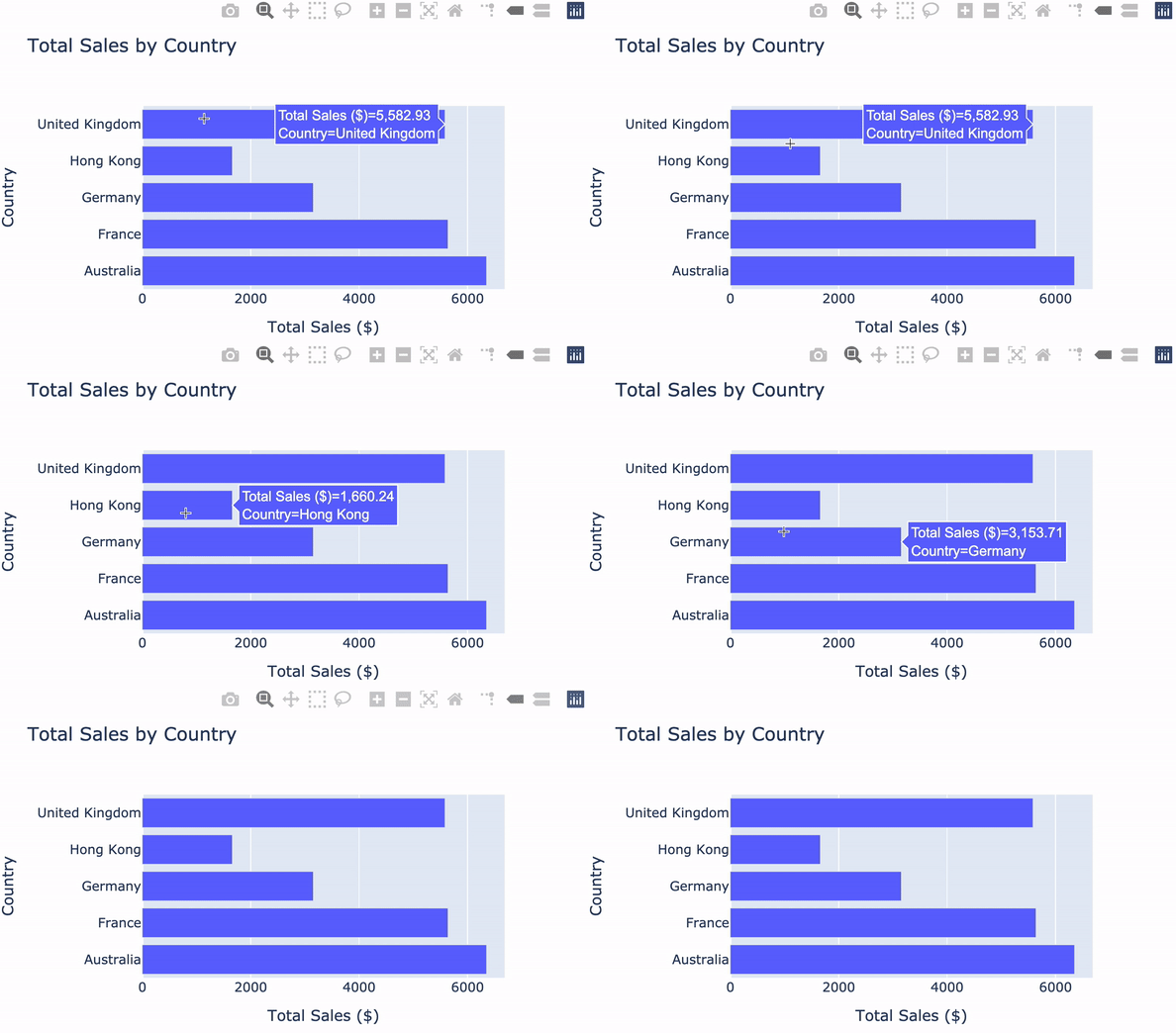
bar_fig = px.bar( data_frame=ecom_sales, x='Total Sales ($)', y='Country', title='Total Sales by Country',orientation='h')bar_fig.show()

Çubuk grafiğinde çubuk genişliğini değiştirme:
bar_fig.update_layout({'bargap': 0.5})bar_fig.show()
$$
$$
$$
Plotly belgelerine göz atın

Dash ve Plotly ile Paneller Oluşturma