Bestanden herstellen en terugdraaien

Introductie tot Git

George Boorman

Curriculum Manager, DataCamp

Een fout maken
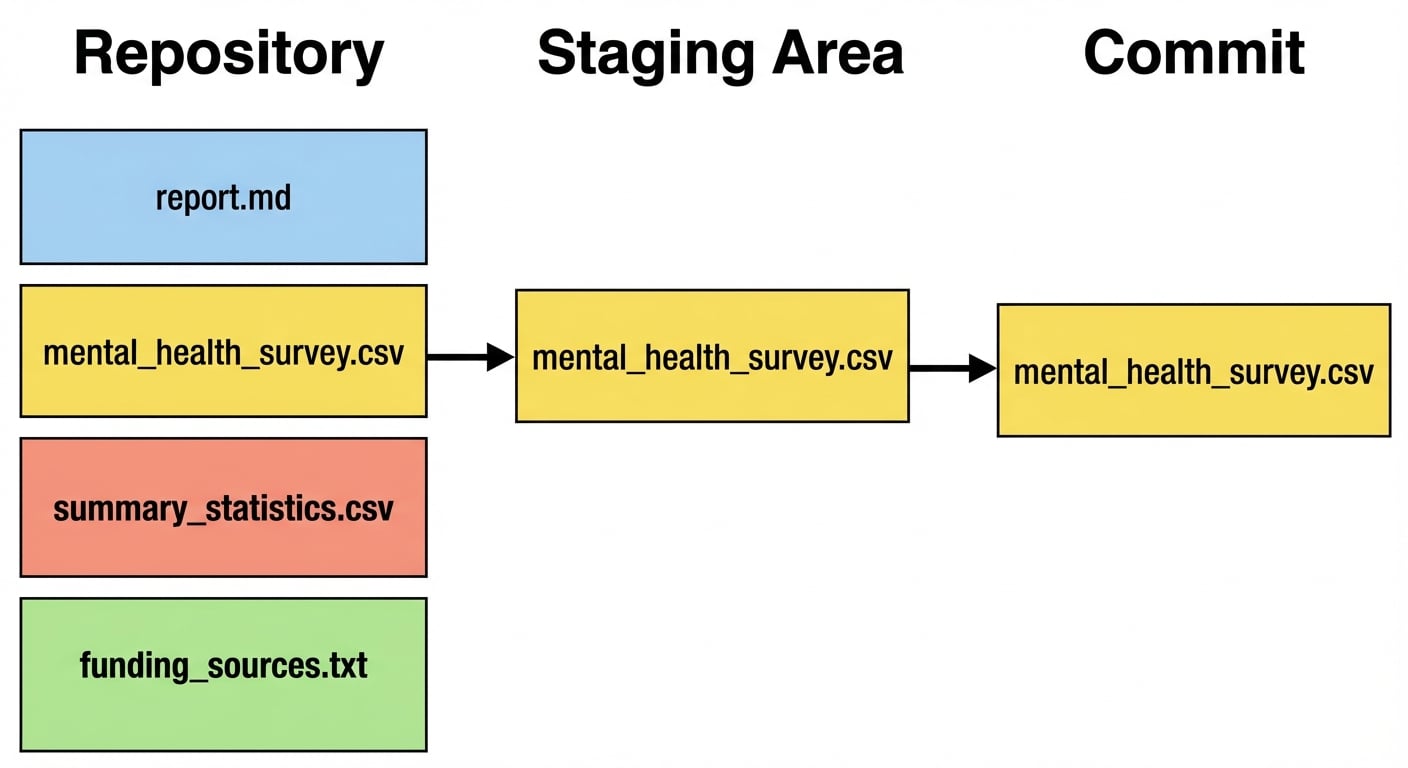
Vier bestanden in een repo, waarvan er drie aan de staging area zijn toegevoegd en één is gecommit: report.md, mental health survey.csv en summary statistics.csv

Introductie tot Git

Bestanden terugdraaien

  • Repo herstellen naar de staat vóór de vorige commit

  • git revert

    • Zet vorige versies terug en maakt een commit
    • Herstelt alle bestanden die in die commit zijn aangepast
    • a845edcb, ebe93178, enz.
    • HEAD, HEAD~1, enz.
git revert HEAD
Introductie tot Git

Bestanden terugdraaien

git revert HEAD
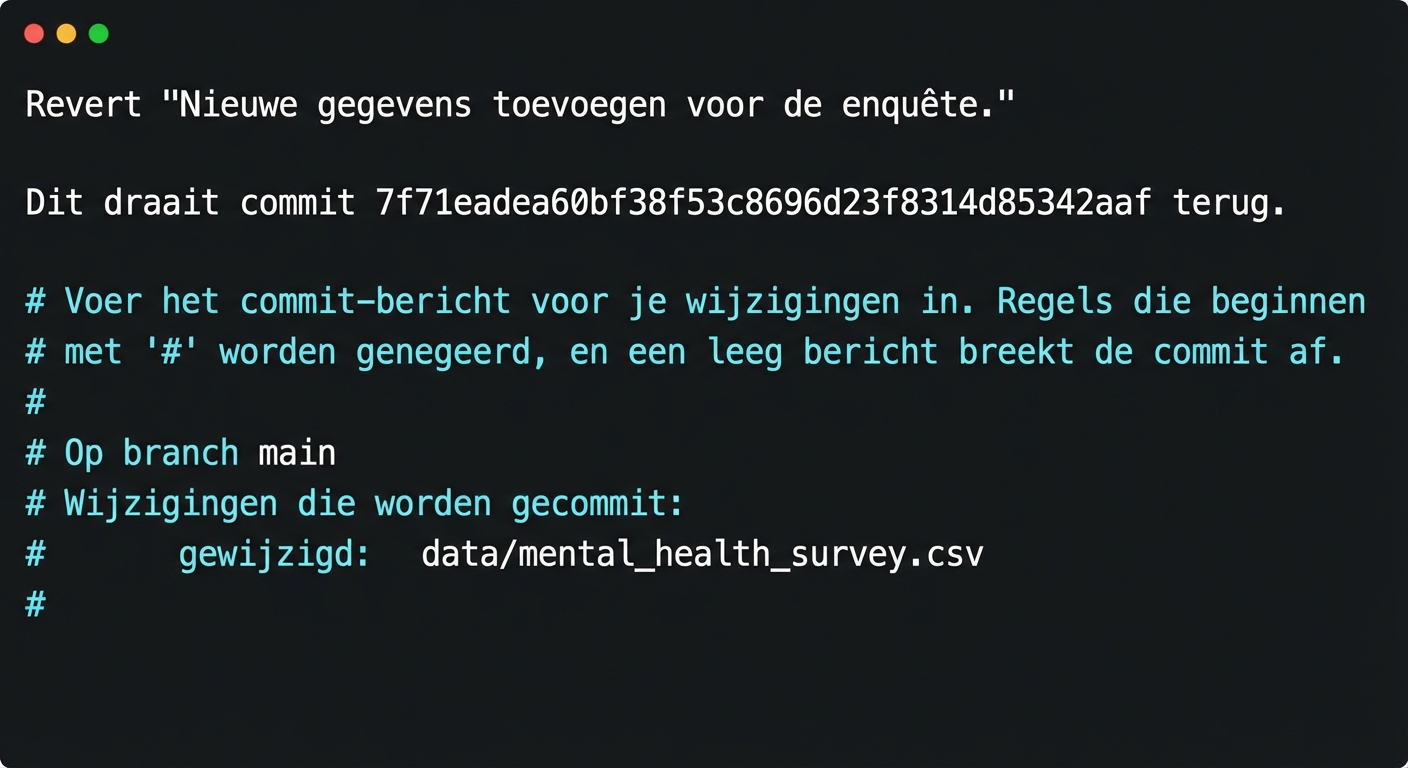
Teksteditor die laat zien dat de commit

  • Opslaan: Ctrl + O, dan Enter
  • Afsluiten: Ctrl + X
Introductie tot Git

Bestanden terugdraaien

[main 7d11f79] Revert "Adding fresh data for the survey."
 Date: Tue Jul 30 14:17:56 2024 +0000
 1 file changed, 3 deletions(-)
Introductie tot Git

git revert-flags

  • Vermijd het openen van de teksteditor
    git revert --no-edit HEAD


  • Terugdraaien zonder te committen (zet bestanden in de staging area)
    git revert -n HEAD
    
Introductie tot Git

Eén bestand terugdraaien

  • git revert werkt op commits, niet op losse bestanden

  • Eén bestand terugdraaien:

    • git checkout
    • Gebruik commit-hash of HEAD-syntaxis
git checkout HEAD~1 -- report.md
Introductie tot Git

De checkout controleren

git status
Op branch main
Wijzigingen klaar om te committen:
  (gebruik "git restore --staged <file>..." om te unstagen)

        gewijzigd:  report.md
Introductie tot Git

Een commit maken

git commit -m "Checkout previous version of report.md"
[main daa6c87] Checkout previous version of report.md
 1 file changed, 1 deletion(-)
Introductie tot Git

Een bestand unstagen

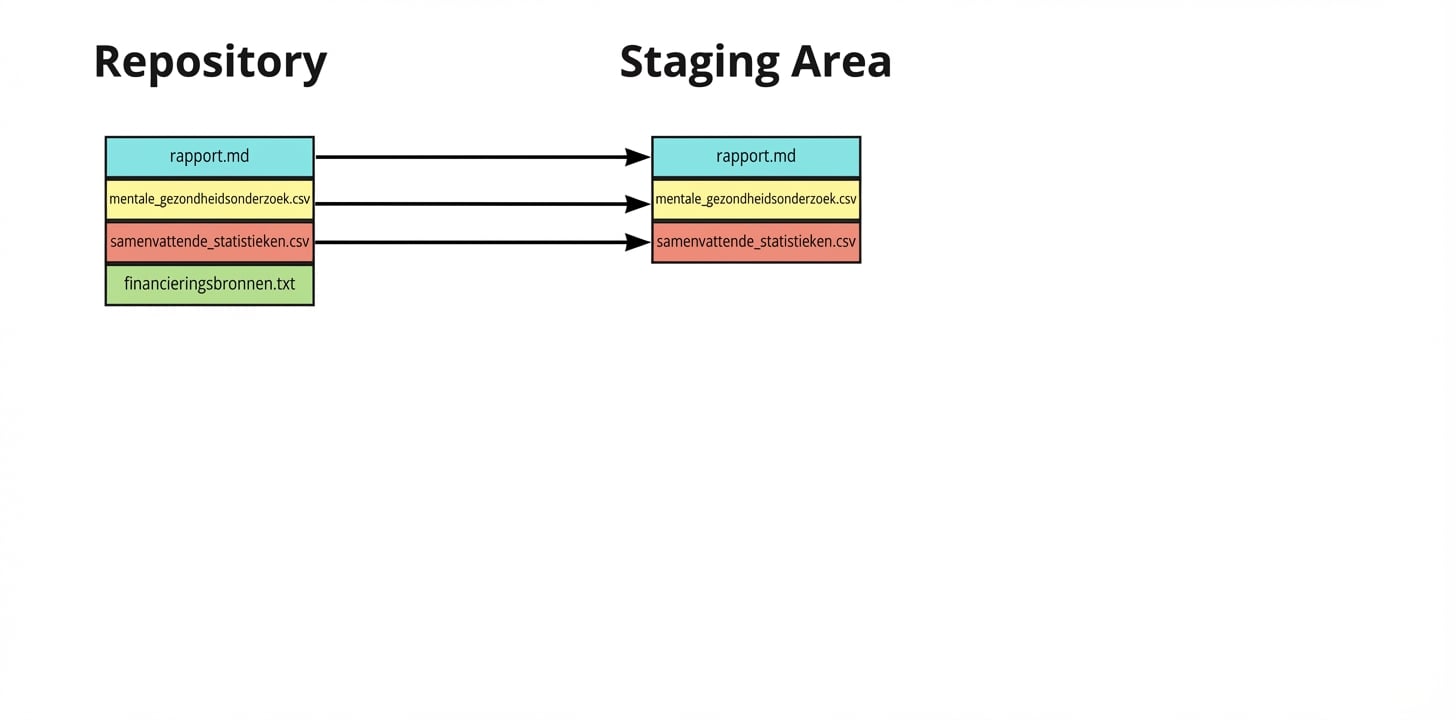
Vier bestanden in een repo, waarvan er drie aan de staging area zijn toegevoegd: report.md, mental health survey.csv en summary statistics.csv

Introductie tot Git

Een bestand unstagen

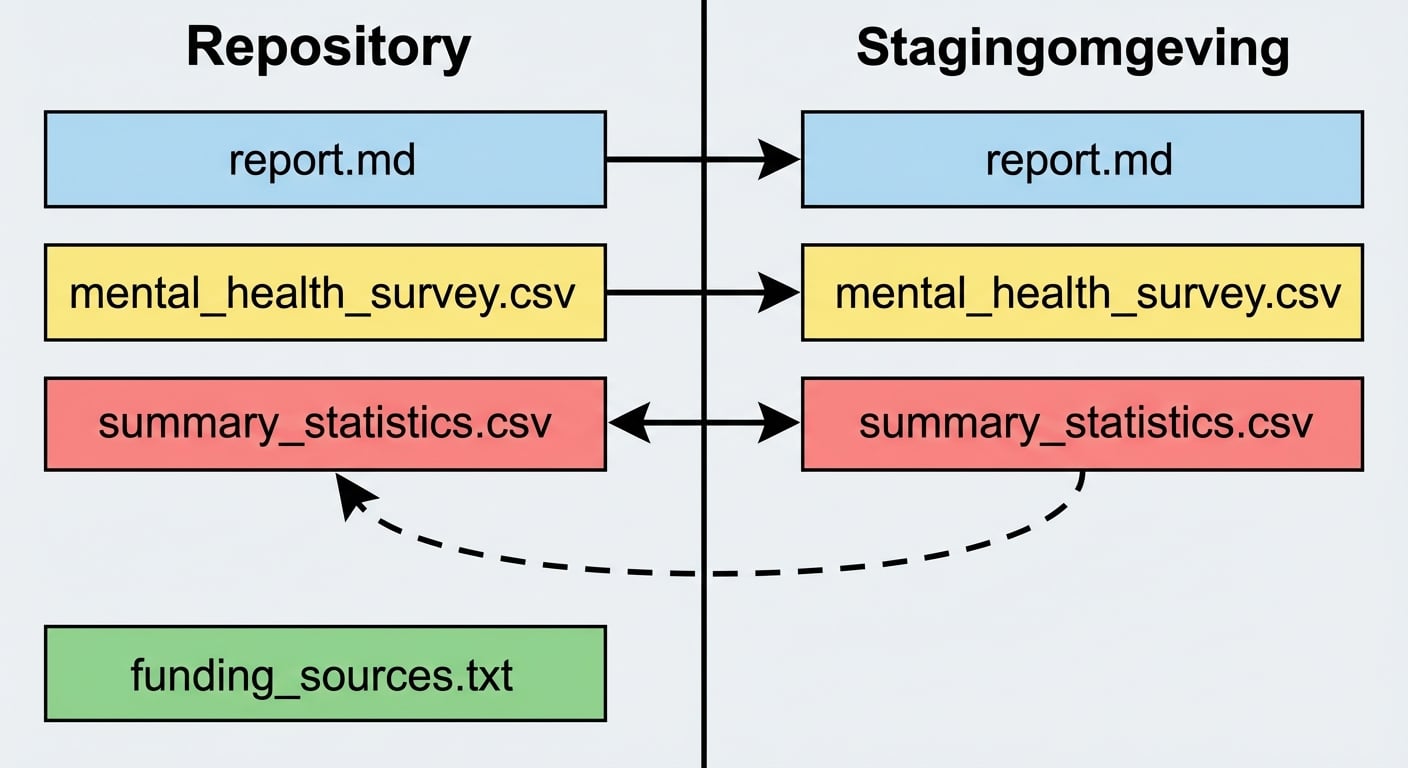
Summary statistics wordt uit de staging area terug naar de repo verplaatst

Introductie tot Git

Eén bestand unstagen

  • Eén bestand unstagen:
git restore --staged summary_statistics.csv
  • Bewerk het bestand
git add summary_statistics.csv
git commit -m "Adding age summary statistics"
Introductie tot Git

Alle bestanden unstagen

  • Alle bestanden unstagen:
git restore --staged
Introductie tot Git

Samenvatting

Command Resultaat
git revert HEAD Alle bestanden uit een commit terugdraaien
git revert HEAD --no-edit Terugdraaien zonder teksteditor te openen
git revert HEAD -n Terugdraaien zonder een nieuwe commit te maken
git checkout HEAD~1 -- report.md Eén bestand uit de vorige commit terugdraaien
git restore --staged report.md Eén bestand uit de staging area halen
git restore --staged Alle bestanden uit de staging area halen
Introductie tot Git

Laten we oefenen!

Introductie tot Git

Preparing Video For Download...