Spreidplots aanpassen
Introductie tot datavisualisatie met Seaborn

Content Team
DataCamp
Subgroepen met puntgrootte
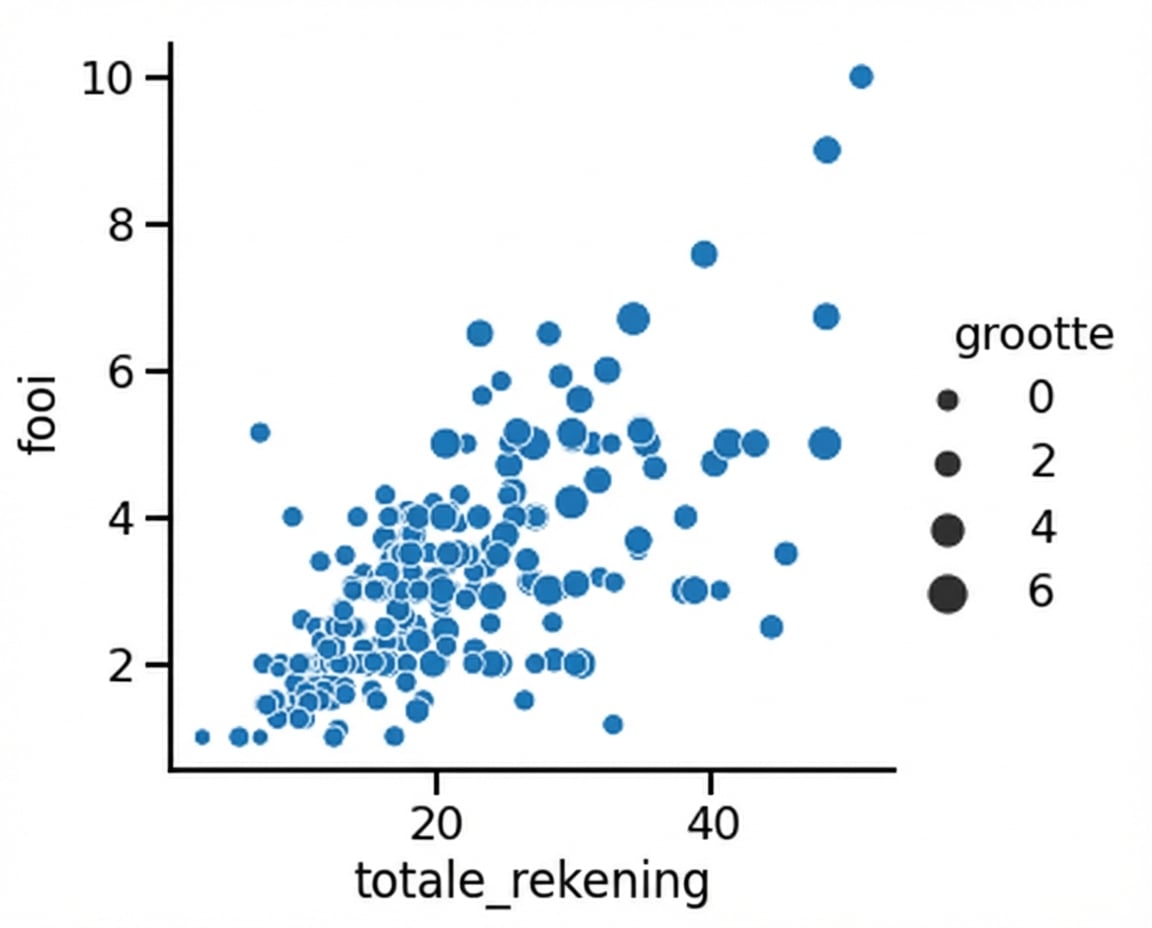
1 Waskom, M. L. (2021). seaborn: statistical data visualization. https://seaborn.pydata.org/
Puntgrootte en hue
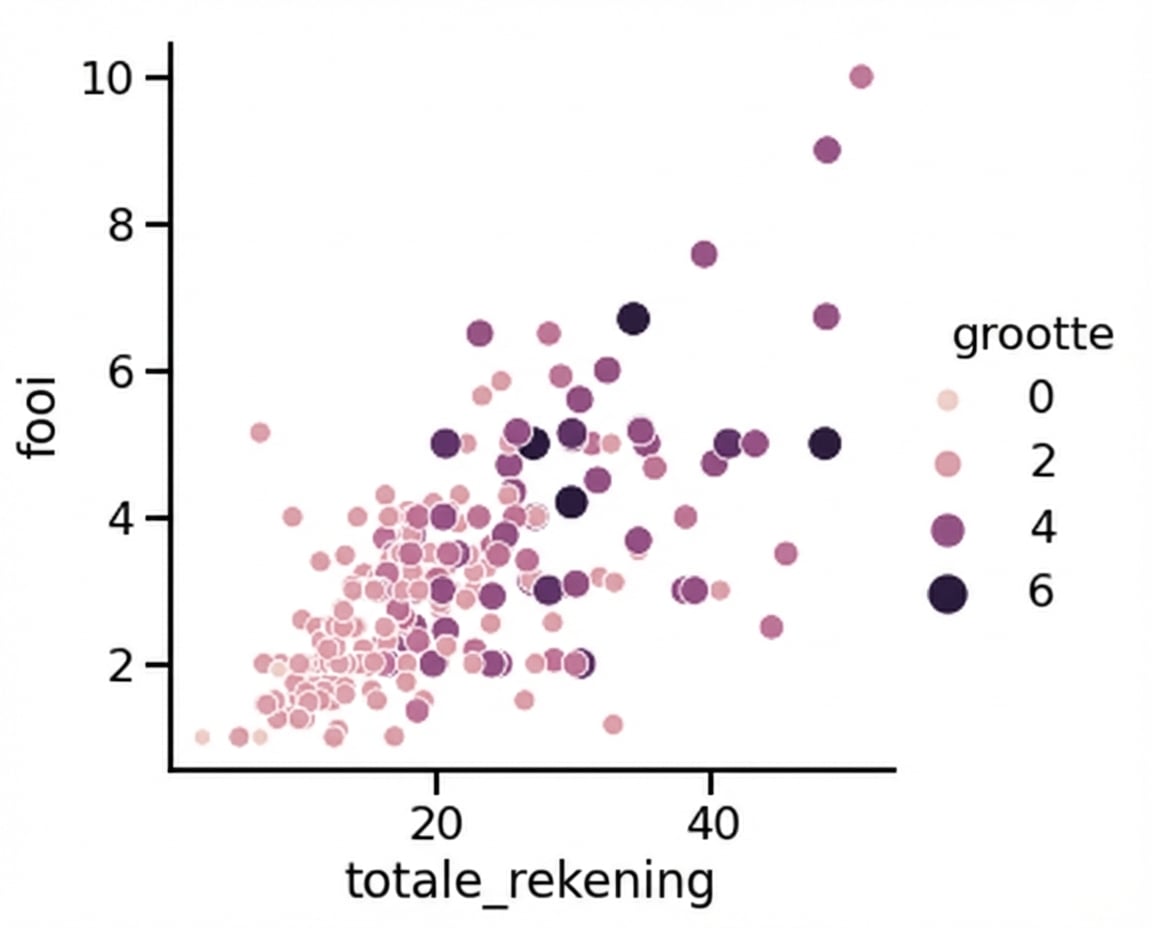
1 Waskom, M. L. (2021). seaborn: statistical data visualization. https://seaborn.pydata.org/
Subgroepen met puntstijl
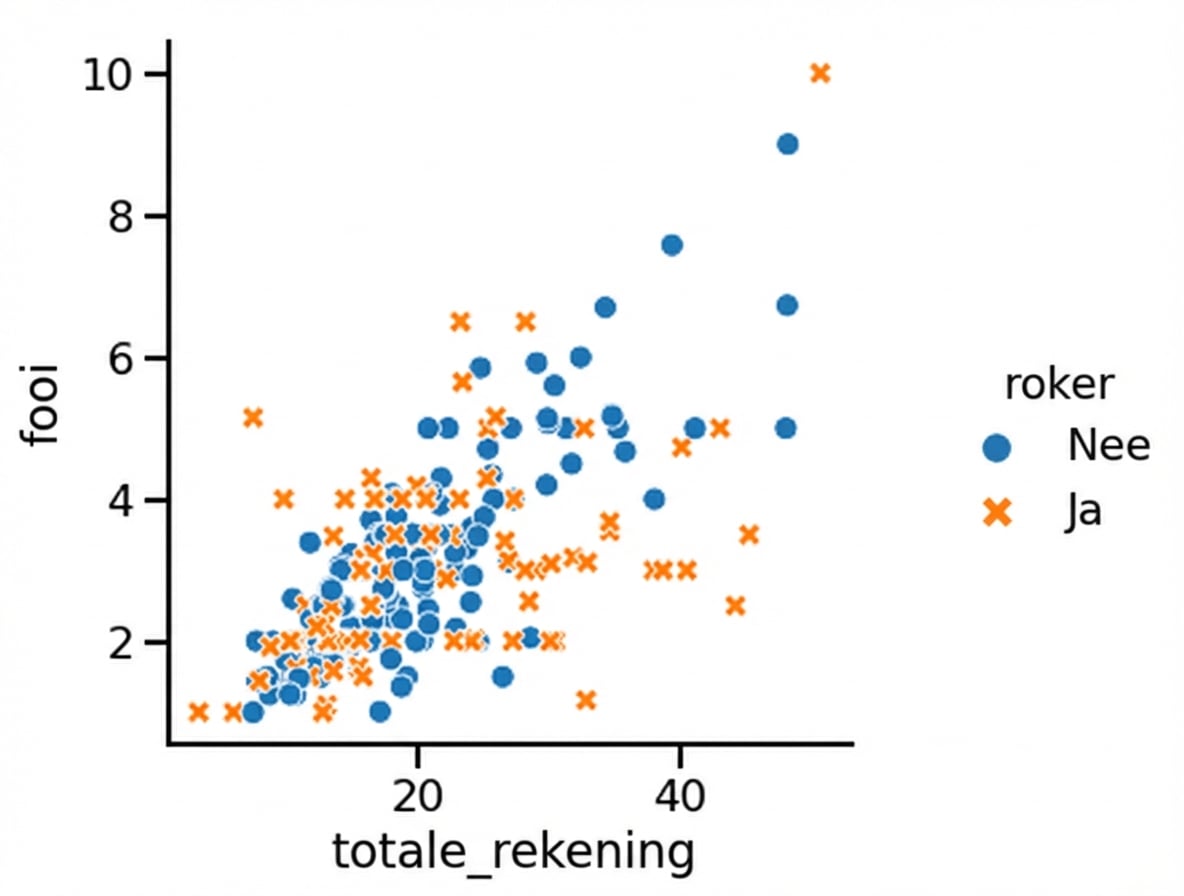
1 Waskom, M. L. (2021). seaborn: statistical data visualization. https://seaborn.pydata.org/
Punttransparantie aanpassen
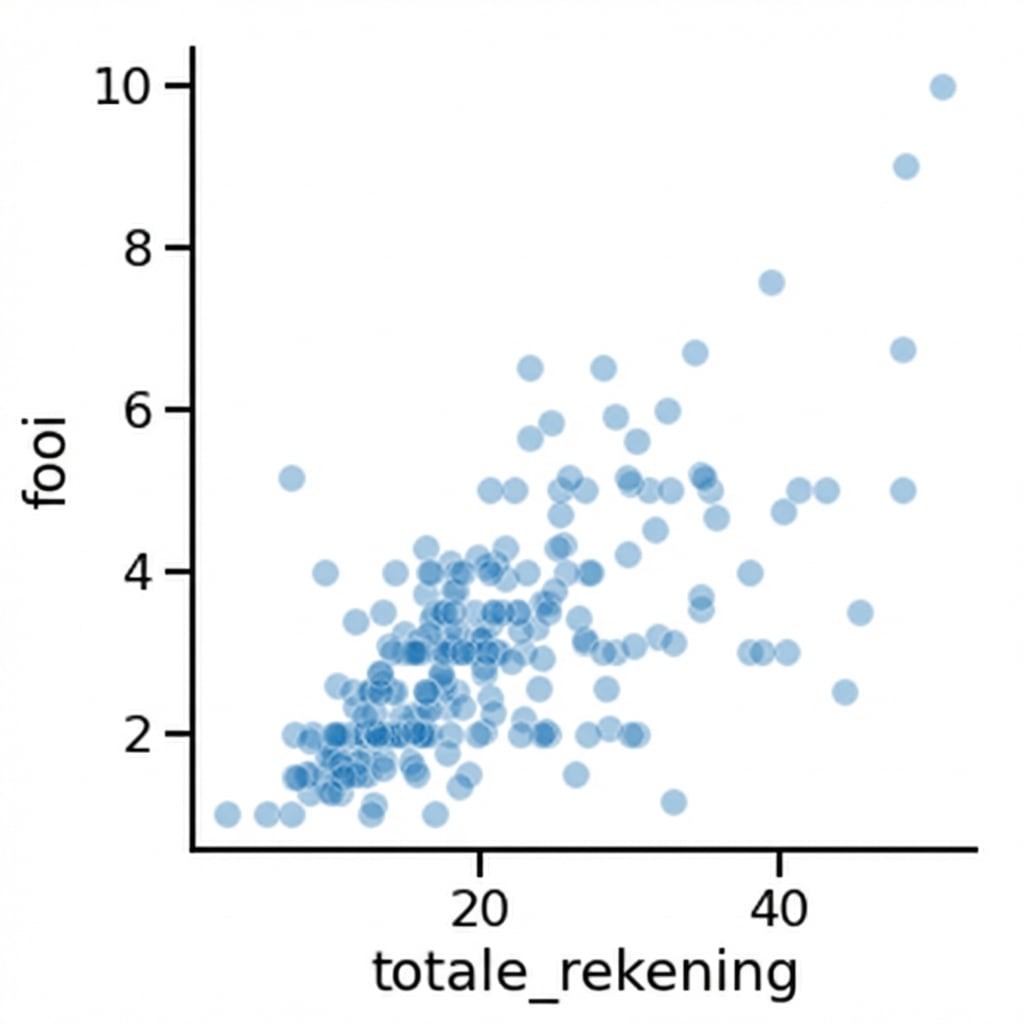
1 Waskom, M. L. (2021). seaborn: statistical data visualization. https://seaborn.pydata.org/

