Visualiseren in Python

Introductie tot Python voor Finance

Adina Howe

Instructor

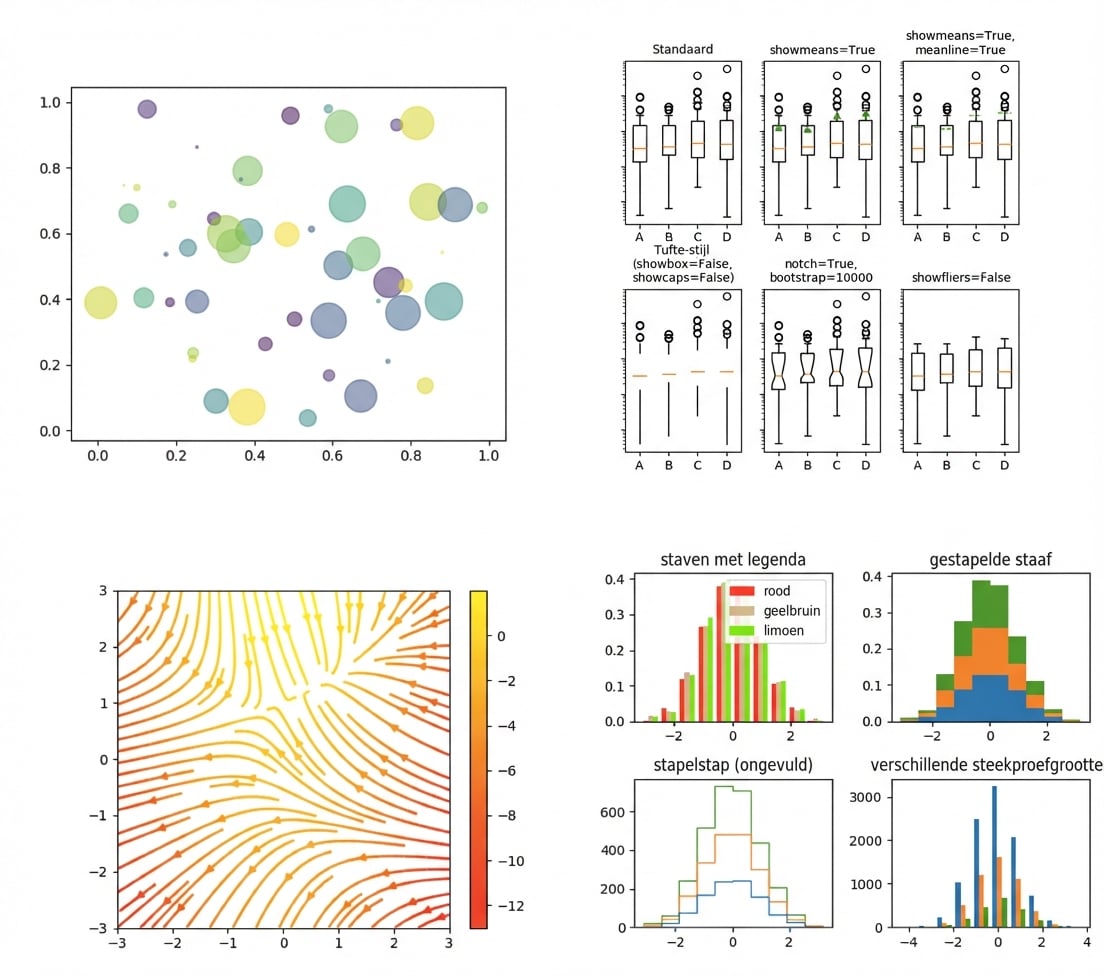
Matplotlib: een visualisatiepakket

Bekijk meer van de Matplotlib-galerij via deze link.
matplotlib

Introductie tot Python voor Finance

matplotlib.pyplot - diverse plotfuncties

import matplotlib.pyplot as plt
Introductie tot Python voor Finance

matplotlib.pyplot - diverse plotfuncties

  • plt.plot()

    • krijgt argumenten die de te plotten data beschrijven
  • plt.show()

    • toont de plot op het scherm
Introductie tot Python voor Finance

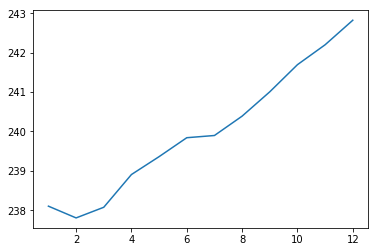
Plotten met pyplot

import matplotlib.pyplot as plt
plt.plot(months, prices)
plt.show()
Introductie tot Python voor Finance

Plotresultaat

Eenvoudige plot2

Introductie tot Python voor Finance

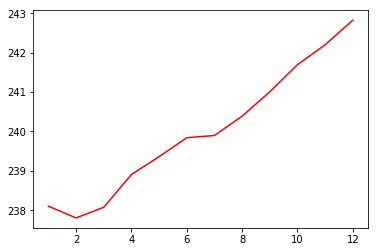
Rode doorgetrokken lijn

import matplotlib.pyplot as plt
plt.plot(months, prices, color = 'red')
plt.show()
Introductie tot Python voor Finance

Plotresultaat

rode lijn

Introductie tot Python voor Finance

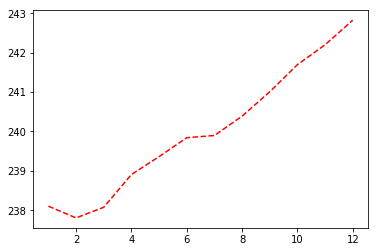
Gestreepte lijn

import matplotlib.pyplot as plt
plt.plot(months, prices, color = 'red', linestyle = '--')
plt.show()
Introductie tot Python voor Finance

Plotresultaat

streepjes

Introductie tot Python voor Finance

Kleuren en lijntypes

kleur
'green' groen
'red' rood
'cyan' cyaan
'blue' blauw
lijntype
'-' doorgetrokken
'--' gestreept
'-.' streep-punt
':' gestippeld

Meer documentatie over kleuren en lijnen vind je hier.

Introductie tot Python voor Finance

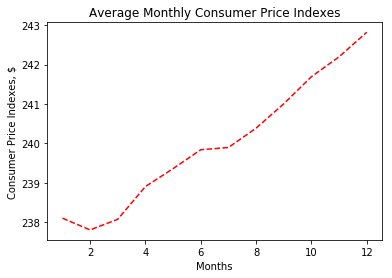
Labels en titels toevoegen

import matplotlib.pyplot as plt
plt.plot(months, prices, color = 'red', linestyle = '--')

# Add labels
plt.xlabel('Months')
plt.ylabel('Consumer Price Indexes, $')
plt.title('Average Monthly Consumer Price Indexes')

# Show plot
plt.show()
Introductie tot Python voor Finance

Plotresultaat

plot met labels

Introductie tot Python voor Finance

Extra lijnen toevoegen

import matplotlib.pyplot as plt
plt.plot(months, prices, color = 'red', linestyle = '--')

# adding an additional line
plt.plot(months, prices_new, color = 'green', linestyle = '--') 

plt.xlabel('Months')
plt.ylabel('Consumer Price Indexes, $')
plt.title('Average Monthly Consumer Price Indexes')
plt.show()
Introductie tot Python voor Finance

Plotresultaat

twee lijnen

Introductie tot Python voor Finance

Spreidingsdiagrammen

import matplotlib.pyplot as plt
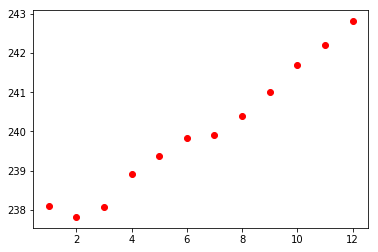
plt.scatter(x = months, y = prices, color = 'red')
plt.show()
Introductie tot Python voor Finance

Spreidingsdiagram-resultaat

spreidingsdiagram

Introductie tot Python voor Finance

Laten we oefenen!

Introductie tot Python voor Finance

Preparing Video For Download...