GET-bewerkingen

Introductie tot FastAPI

Matt Eckerle

Software and Data Engineering Leader

GET-bewerking: overzicht

HTTP-protocol: verschillende typen bewerkingen

  • GET is het meest gebruikt

Voorbeeld: https://www.google.com:80/search?q=fastapi

Belangrijke onderdelen van een GET-verzoek:

  • Host, bijv. www.google.com
  • Poort, bijv. 80 (standaard)
  • Pad, bijv. /search
  • Querystring, bijv. ?q=fastapi
Introductie tot FastAPI

FastAPI GET-bewerking

De simpelste FastAPI-app:

from fastapi import FastAPI

# App aanmaken app = FastAPI()
# GET-verzoeken naar root afhandelen @app.get("/") def root(): return {"message": "Hello World"}
1 https://fastapi.tiangolo.com/tutorial/first-steps/
Introductie tot FastAPI

De cURL-webclient gebruiken

Belangrijke cURL-opties:

$ curl -h
Usage: curl [options...] <url>
 -v, --verbose               Make the operation more talkative
 -H, --header <header/@file> Pass custom header(s) to server
 -d, --data <data>           HTTP POST data

Voorbeeldgebruik:

$ curl http://localhost:8000
{"message":"Hello World"}
Introductie tot FastAPI

Queryparameters

Nieuwe endpoint:

  • Pad: "/hello"
  • Queryparameter: "name"
    • Standaardwaarde: "Alan"
@app.get("/hello")
def hello(name: str = "Alan"):
    return {"message": f"Hello {name}"}

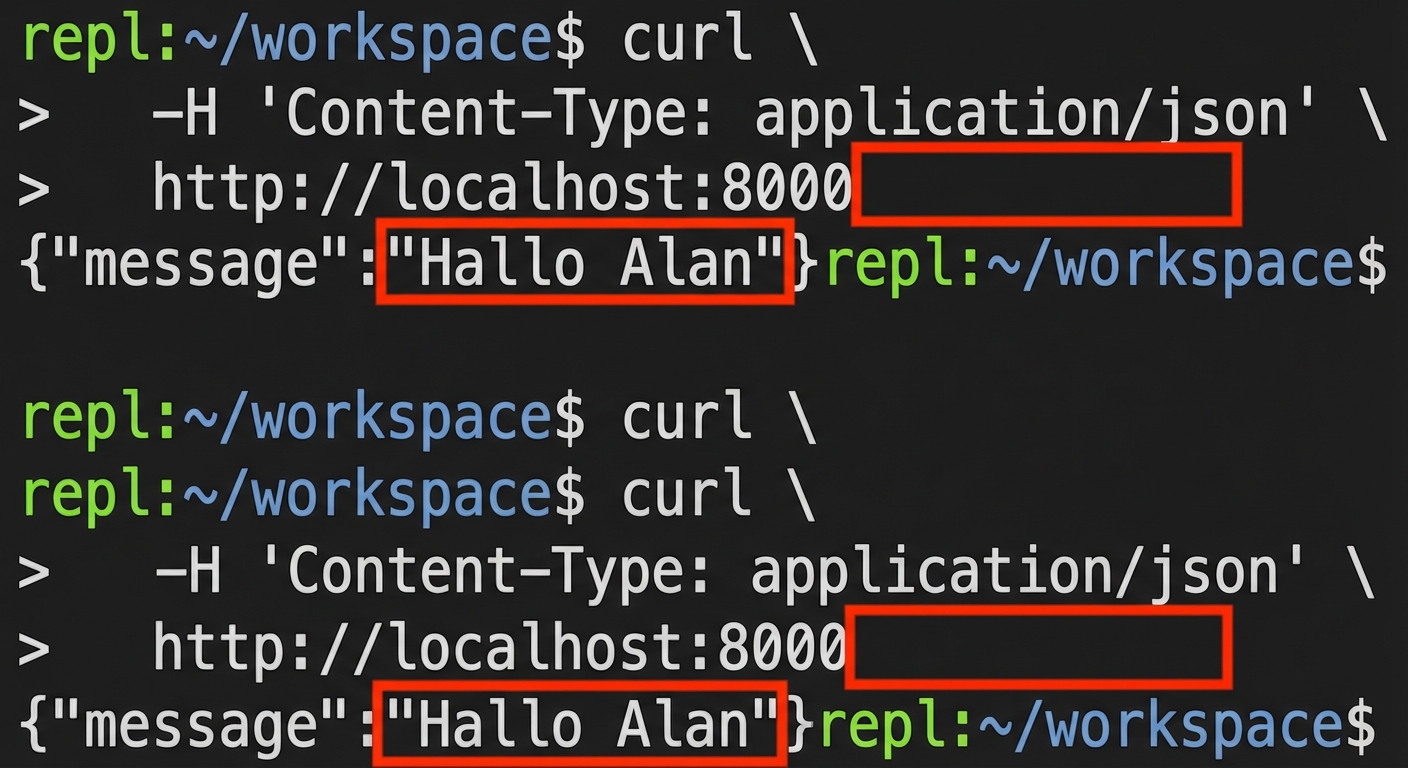
Naam niet in verzoek: Terminal met een curl-verzoek zonder naam. Antwoord: "Hello Alan."

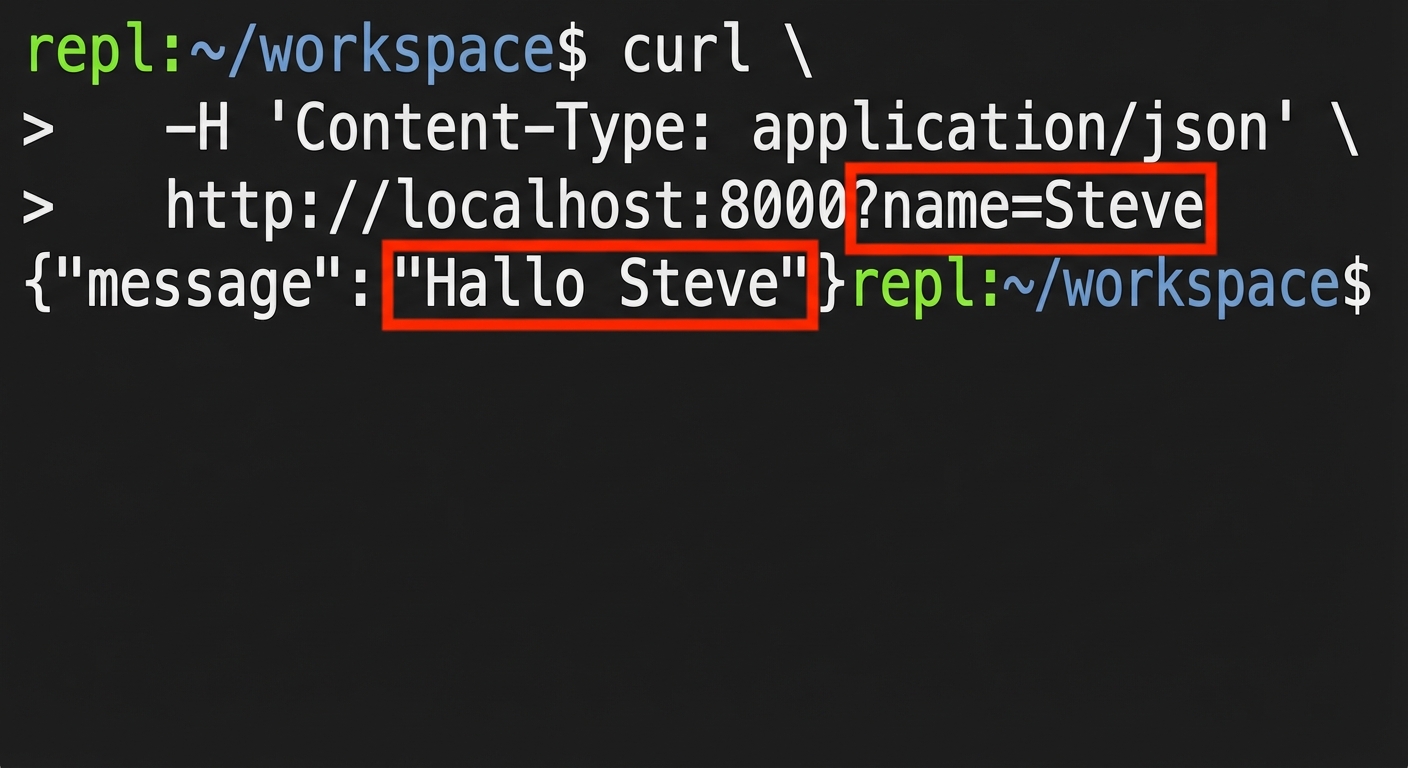
Naam in verzoek: Terminal met een curl-verzoek met een naam. Antwoord: "Hello Steve."

Introductie tot FastAPI

Laten we oefenen!

Introductie tot FastAPI

Preparing Video For Download...