Autouse-fixtures
Introductie tot testen in Python

Alexander Levin
Data Scientist
Autouse-argument
- Een optioneel booleaans argument van een fixture
- Kan aan de fixture-decorator worden meegegeven
- Bij
autouse=Truedraait de fixture-functie altijd, ongeacht een request - Helpt overbodige fixture-calls te verminderen
Wanneer gebruiken
Als je bepaalde omgevingsvoorbereiding of -wijzigingen nodig hebt voor alle tests.
Bijvoorbeeld, als je wilt garanderen dat alle tests:
- Dezelfde data hebben
- Dezelfde connecties hebben (data, API, enz.)
- Dezelfde omgevingsconfiguratie hebben
- Monitoring, logging of profiling hebben
Pak dit soort gevallen aan met het "autouse"-argument.
Autouse-voorbeeld
Voorbeeld van een "autoused" fixture:
import pytest
import pandas as pd

# Autoused fixture
@pytest.fixture(autouse=True)
def set_pd_options():
    pd.set_option('display.max_columns', 5000)

# Test function
def test_pd_options():
    assert pd.get_option('display.max_columns') == 5000
Autouse: onjuist voorbeeld
Onjuist voorbeeld van een "autoused" fixture:
import pytest
import pandas as pd

# Wrong autoused fixture
@pytest.fixture(autouse=True)
def wrong_fixture():
    return [1,2,3,4,5]

# Test function
def test_type():
    assert type(wrong_fixture) == list
Gecorrigeerd fixture-voorbeeld:
import pytest
import pandas as pd

# Wrong autoused fixture
@pytest.fixture
def correct_fixture():
    return [1,2,3,4,5]

# Test function
def test_type(correct_fixture):
    assert type(correct_fixture) == list
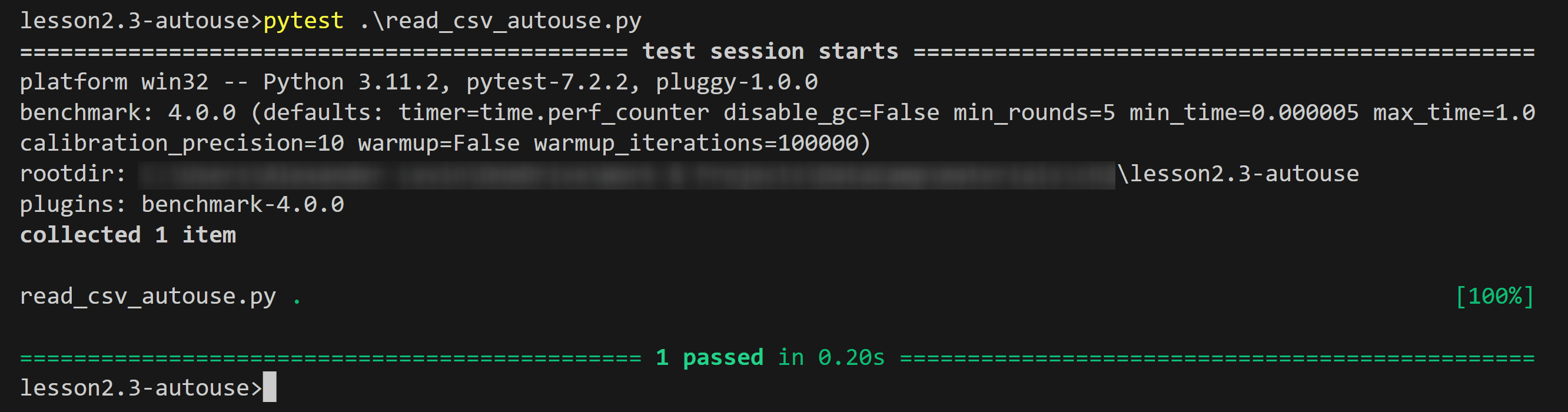
Autouse-voorbeeld: output
Output van het voorbeeld:
Samenvatting
- Definitie van
autouse: Een optioneel booleaans argument van een fixture-decorator - Gebruik:
@pytest.fixture(autouse=True) - Voordeel: Minder overbodige fixture-calls, code wordt simpeler
- Eigenschap: Bij
autouse=Truedraait de fixture-functie altijd, ongeacht een request - Wanneer gebruiken: als je omgevingsvoorbereiding of -wijzigingen nodig hebt
- Use-cases:
- Data inlezen en voorbereiden voor alle tests
- Connecties en omgevingsparameters configureren
- Een monitor, logger of profiler inzetten
Laten we oefenen!
Introductie tot testen in Python

