Images in RMarkdown files

Communiceren met data in de Tidyverse

Timo Grossenbacher

Data Journalist
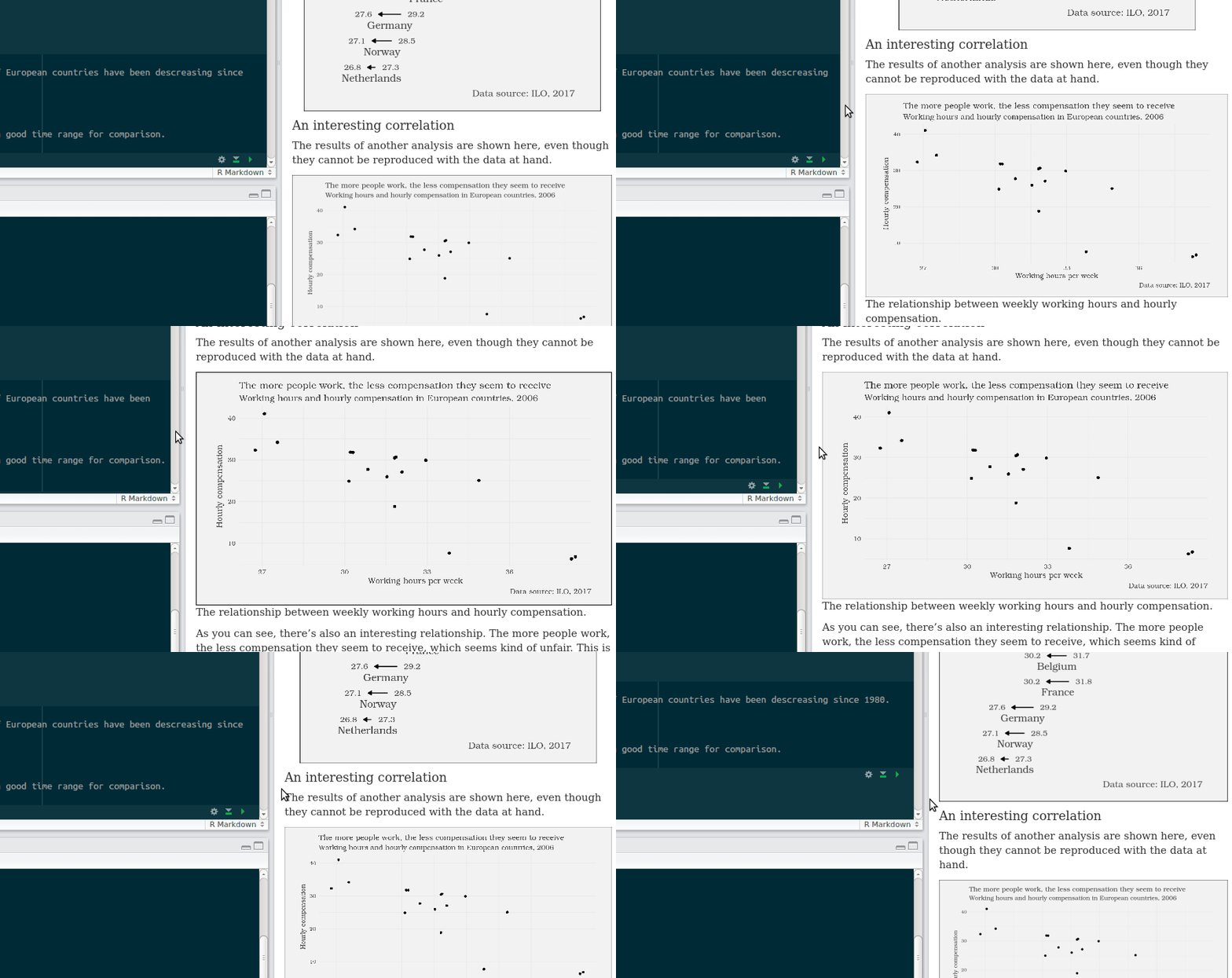
Communiceren met data in de Tidyverse

Adjusting figure options in RMarkdown
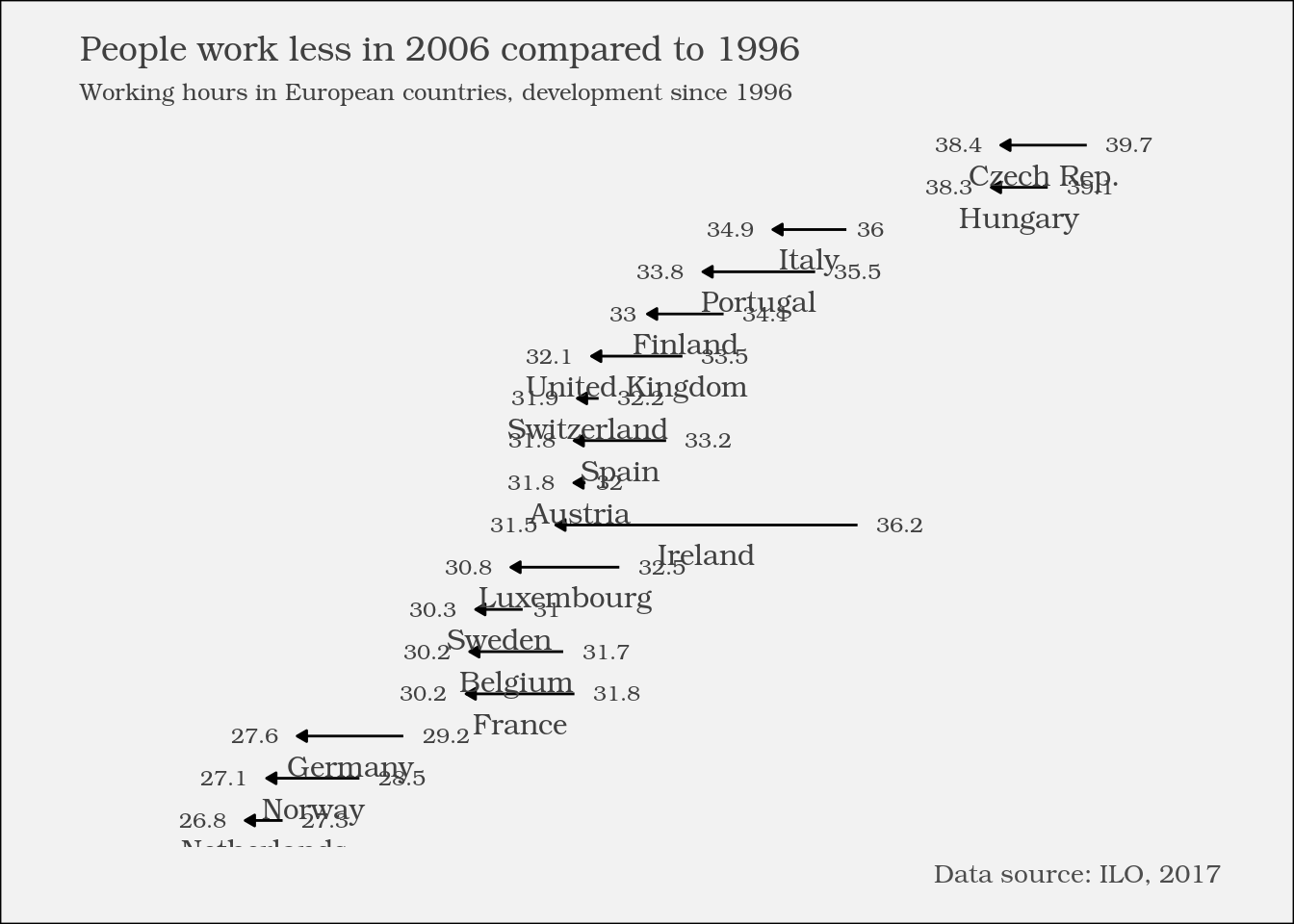

```{r}

... ggplot2 code ...

```

Communiceren met data in de Tidyverse

Adjusting figure options in RMarkdown
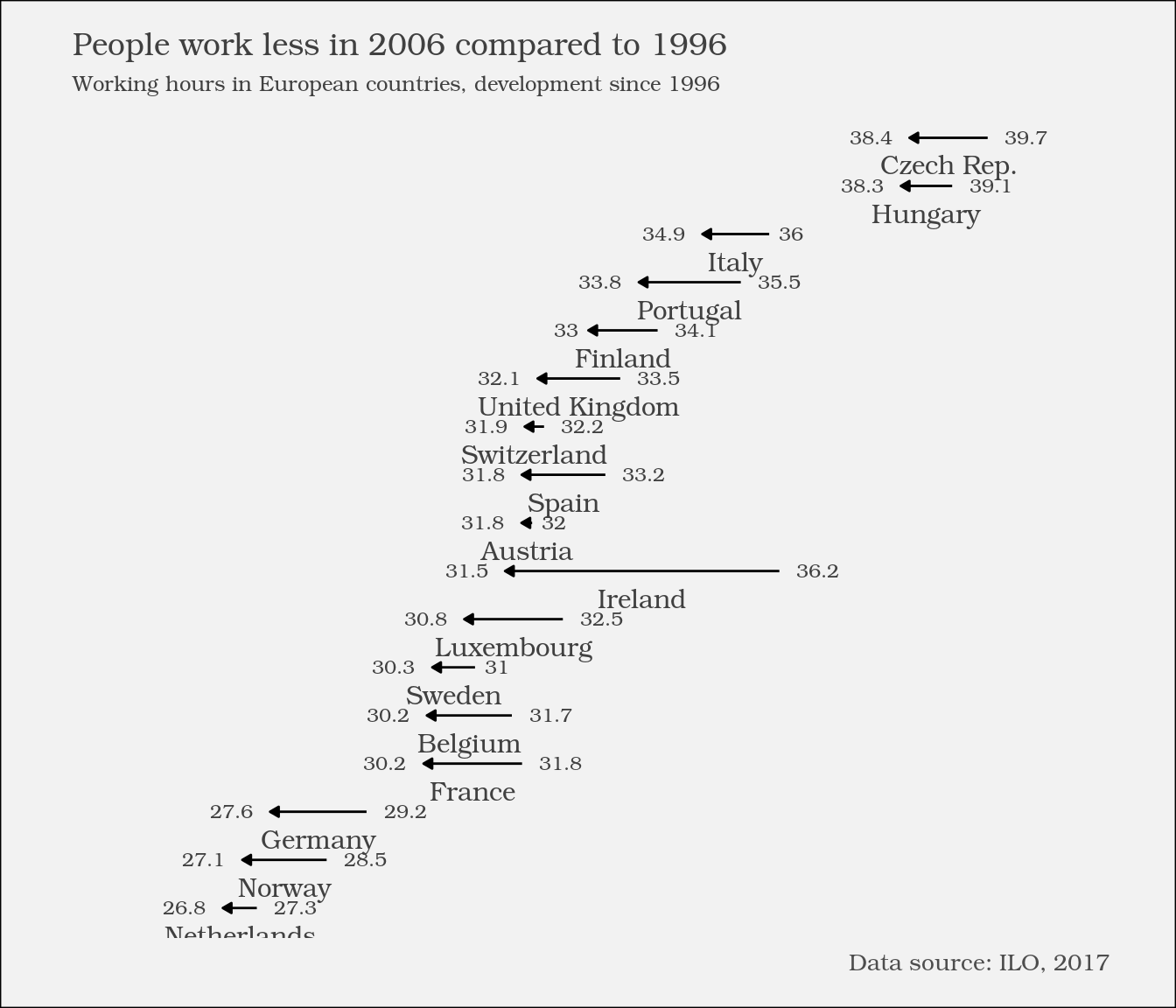

```{r fig.height = 6}

... ggplot2 code ...

```

Communiceren met data in de Tidyverse

Figure options

Option Possible values Effect
fig.height Numeric, inches The height of the image in inches.
fig.width Numeric, inches The width of the image in inches.
fig.align One of "left", "right" or "center" The alignment of the image in the report.

More options on the respective help page of the knitr package.

Communiceren met data in de Tidyverse

External images in RMarkdown reports
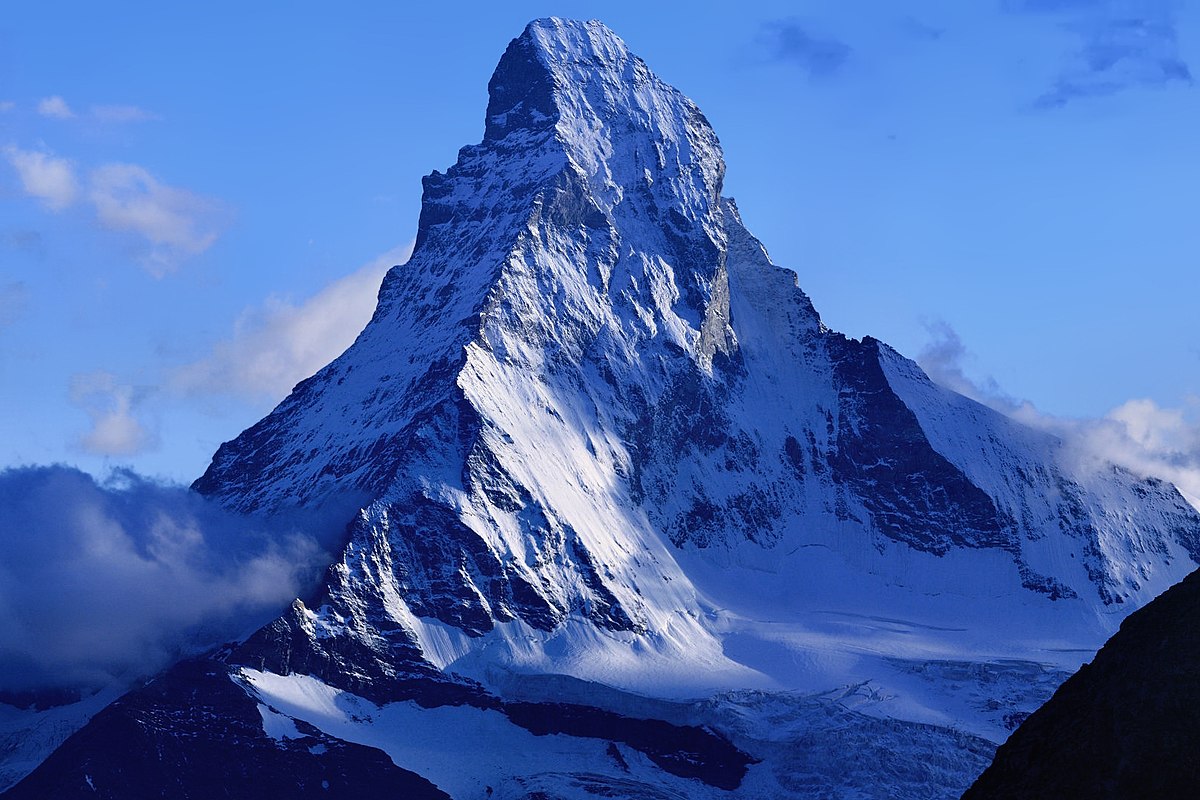
![An impressive mountain](https://upload.wikimedia.org/wikipedia/commons/thumb/6/60/
Matterhorn_from_Domh%C3%BCtte_-_2.jpg/1200px-Matterhorn_from_Domh%C3%BCtte_-_2.jpg)

An impressive mountain An impressive mountain

Communiceren met data in de Tidyverse

Let's practice!

Communiceren met data in de Tidyverse

Preparing Video For Download...
