Je staaf- en puntdiagrammen finetunen

Best practices voor visualisaties in R

Nick Strayer

Instructor
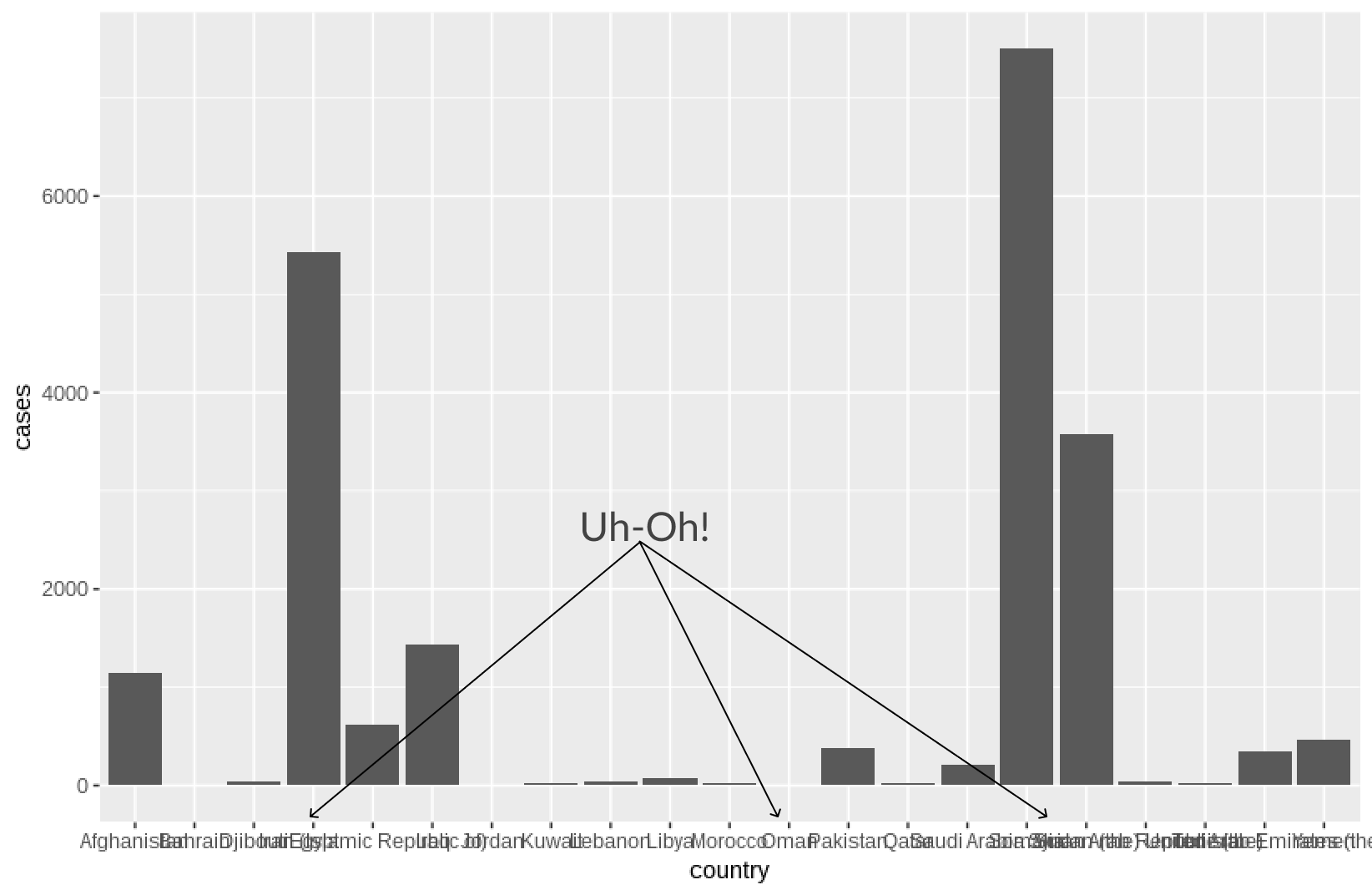
Een druk staafdiagram

who_disease %>% 
  filter(region == 'EMR', disease == 'measles', year == 2015) %>% 
  ggplot(aes(x = country, y = cases)) +
    geom_col()
Best practices voor visualisaties in R

Best practices voor visualisaties in R

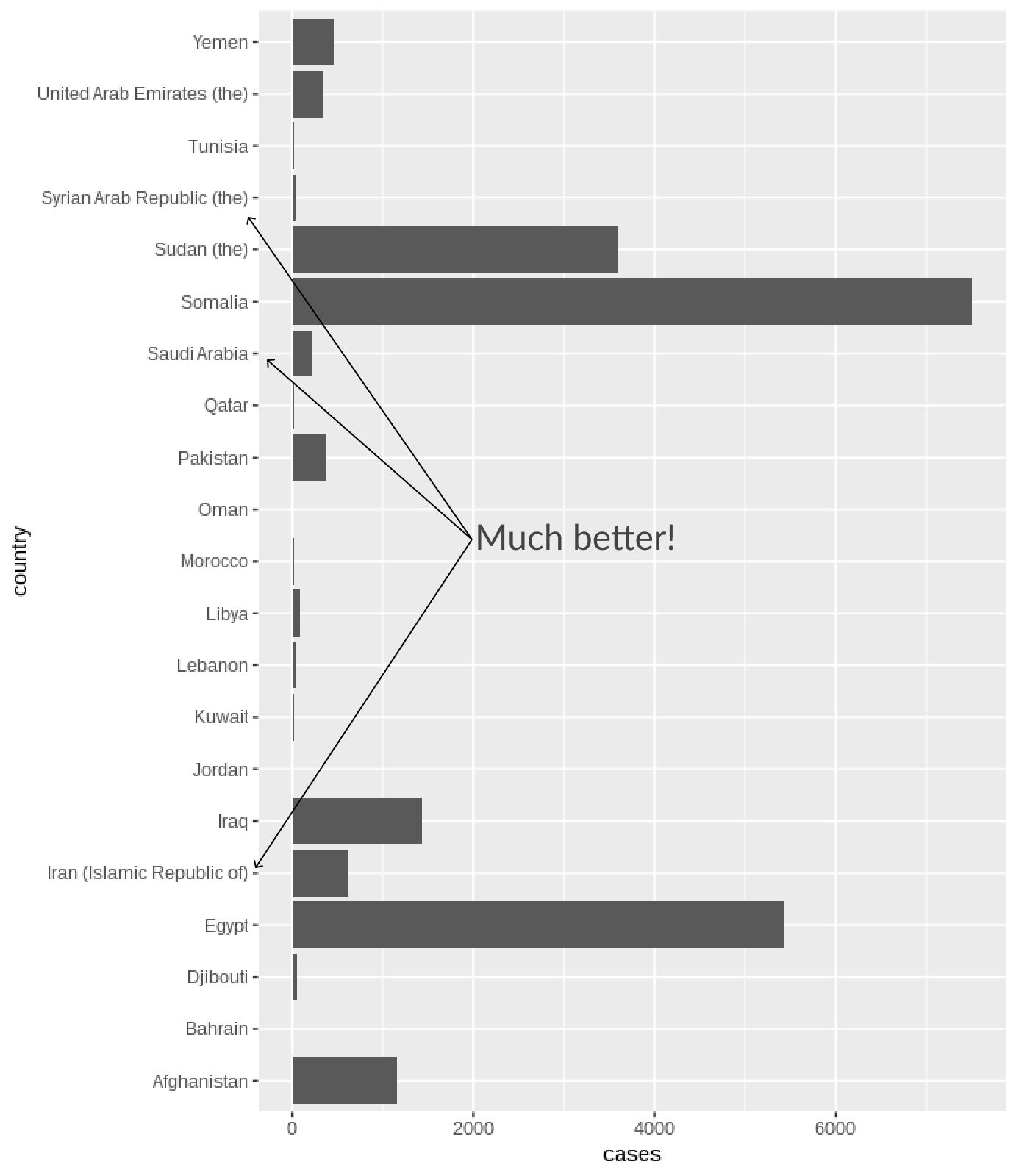
Staafdiagram omdraaien

  • geom_bar() en geom_col() zetten geen categorieën op de y-as
    busy_bars <- who_disease %>% 
    filter(region == 'EMR', disease == 'measles', year == 2015) %>% 
    ggplot(aes(x = country, y = cases)) +
    geom_col() 
    
  • Dus we moeten flippen!
busy_bars + coord_flip() # swap x and y axes!
Best practices voor visualisaties in R

Best practices voor visualisaties in R

Te veel raster

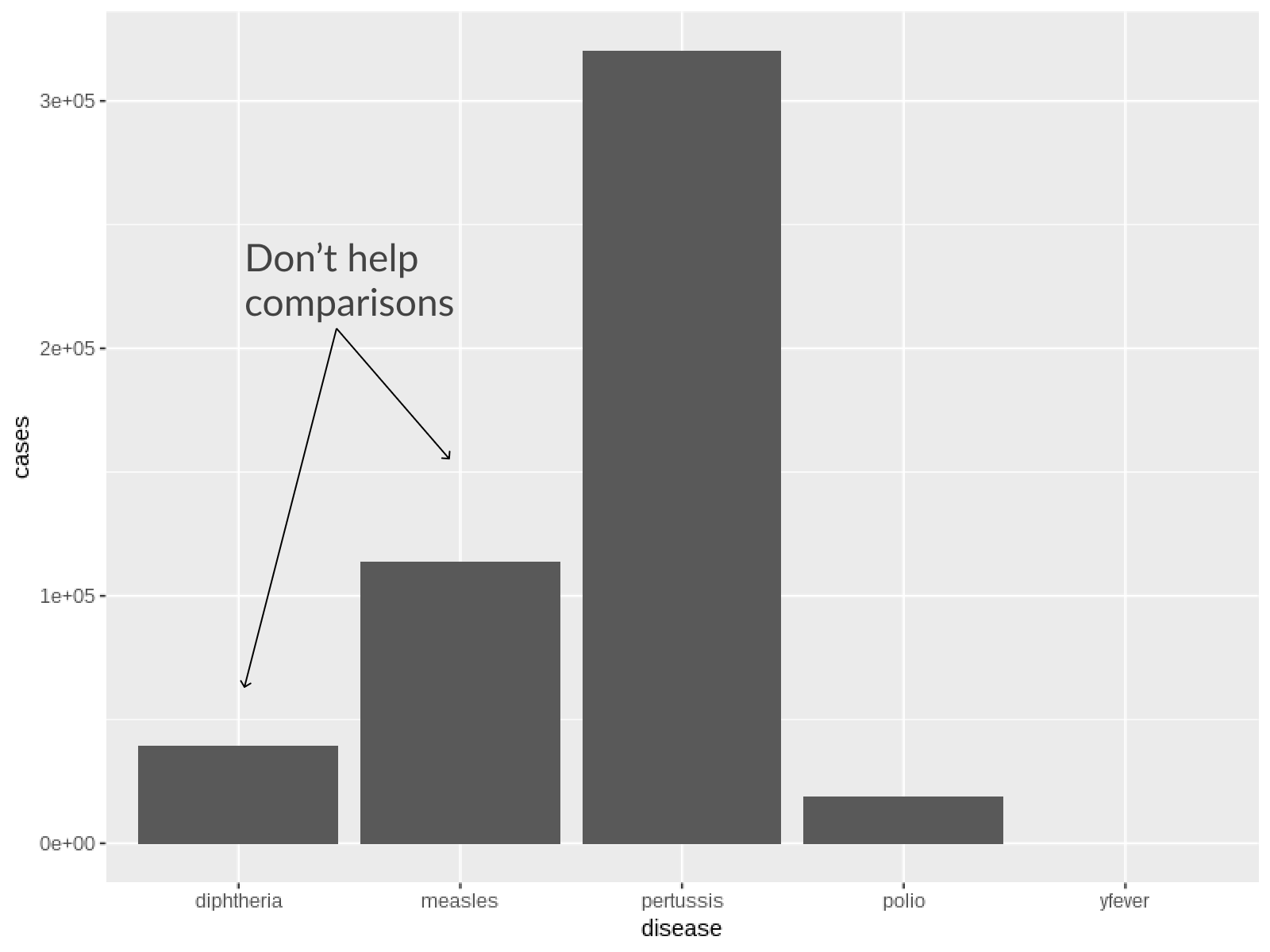
  • Geen parallelle rasters nodig bij staven
  • In puntdiagrammen volstaat raster op puntposities
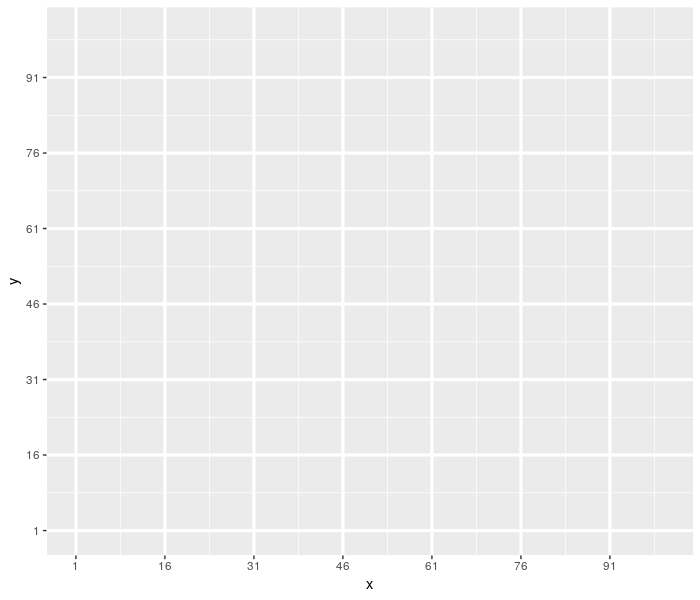
Best practices voor visualisaties in R

Best practices voor visualisaties in R

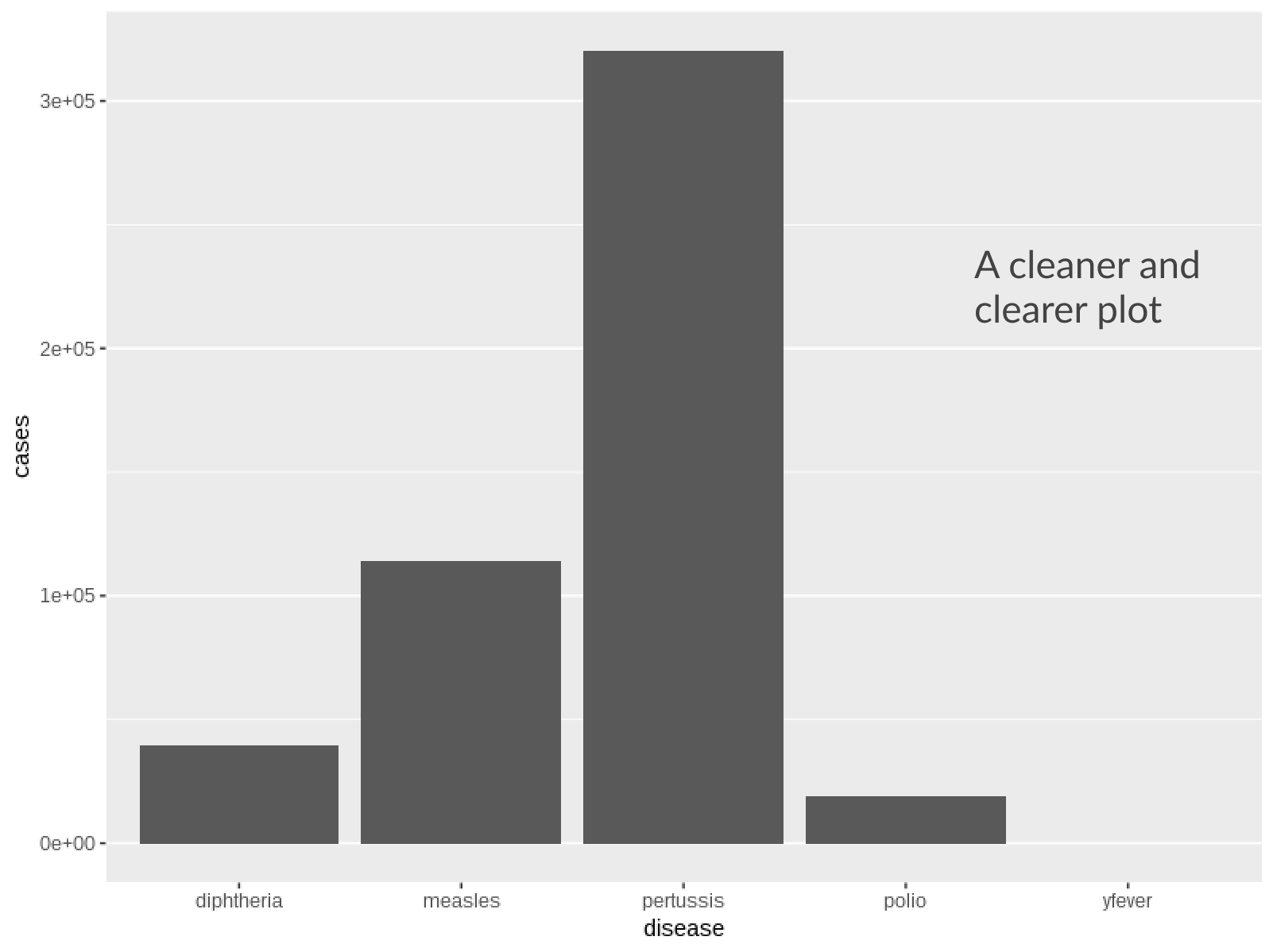
Verticale rasterlijnen verwijderen

plot <- who_disease %>% 
  filter(country == "India", year == 1980) %>% 
  ggplot(aes(x = disease, y = cases)) +
    geom_col()
# Remove vertical grid lines
 plot + theme(
    panel.grid.major.x = element_blank()
  )
Best practices voor visualisaties in R

Best practices voor visualisaties in R

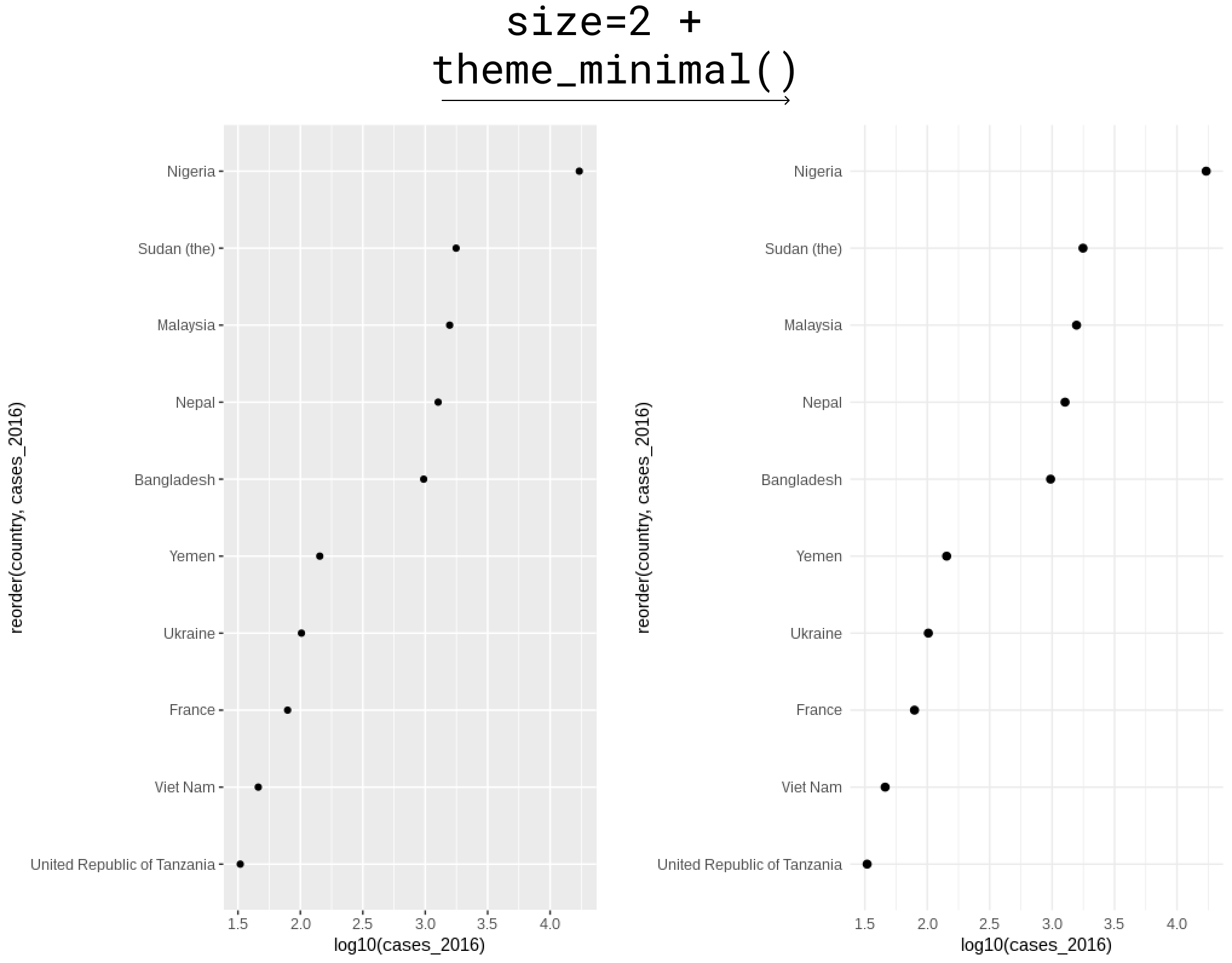
Lichtere achtergrond voor puntdiagrammen

  • Standaard grijze achtergrond kan te weinig contrast geven voor punten
  • theme_minimal() is een snelle fix
  • Grotere punten helpen ook
who_subset %>% 
  ggplot(aes(y = reorder(country, cases_2016), x = log10(cases_2016))) +
  # Point size increased
  geom_point(size = 2) +
  # Theme minimal for light background
  theme_minimal()
Best practices voor visualisaties in R

Best practices voor visualisaties in R

Laten we oefenen!

Best practices voor visualisaties in R

Preparing Video For Download...