Introductie tot datavisualisatie met Plotly in Python
Alex Scriven
Data Scientist
Zo pas je plots aan:
color)update_layout()fig.update_layout({"title":{"text":"A New Title"}})
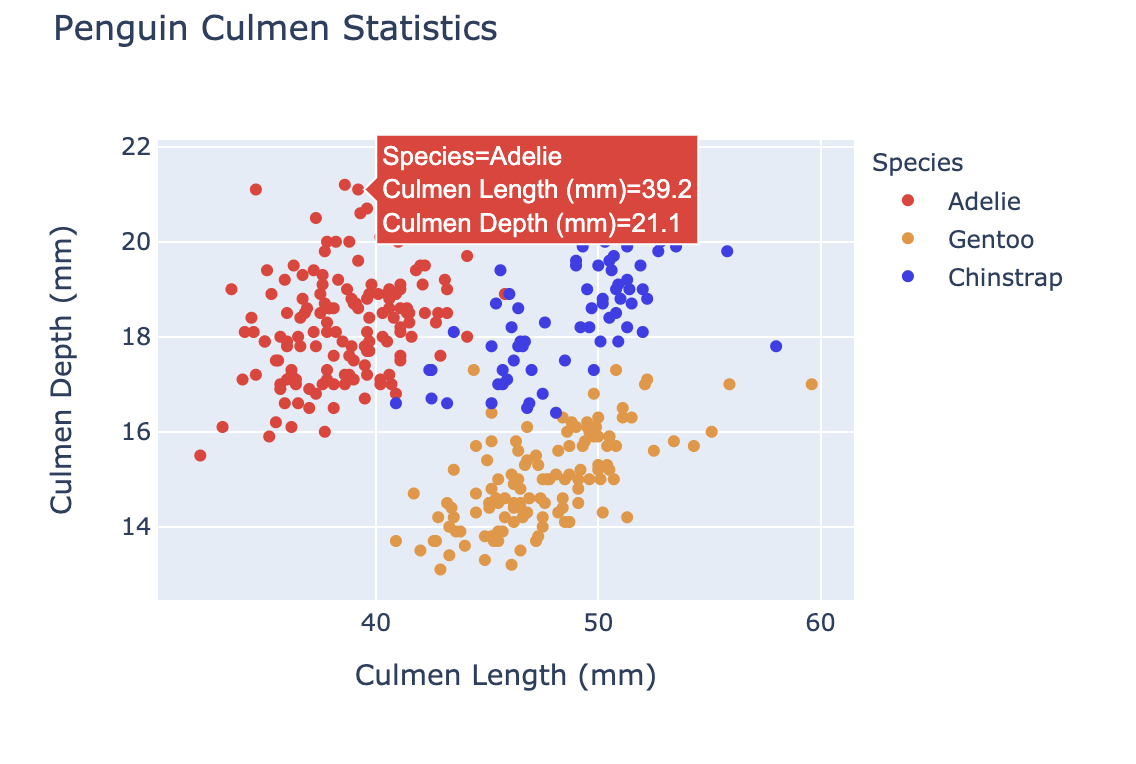
Kleur aanpassen helpt:

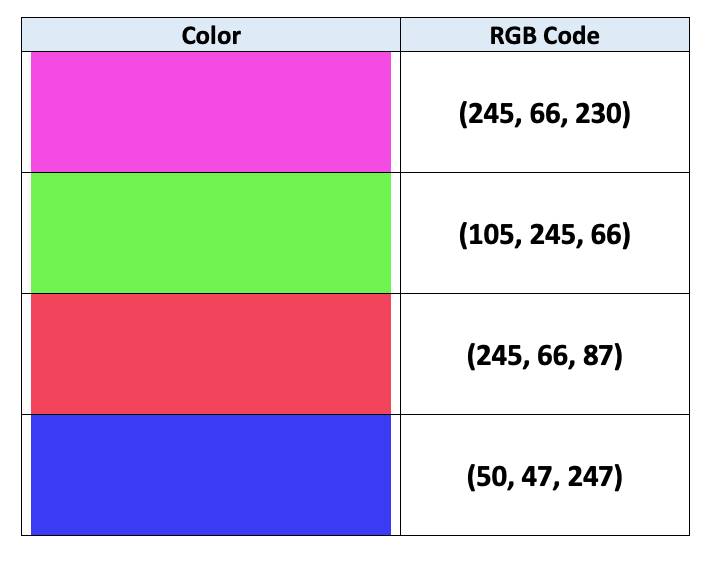
Computers gebruiken RGB-codering om kleuren te specificeren:
$$
$$
Zie meer in dit artikel

color-argument (DataFrame-kolom)
fig = px.bar(data_frame=student_scores,
x="student_name",
y="score",
title="Student Scores by Student"
color="city")
fig.show()
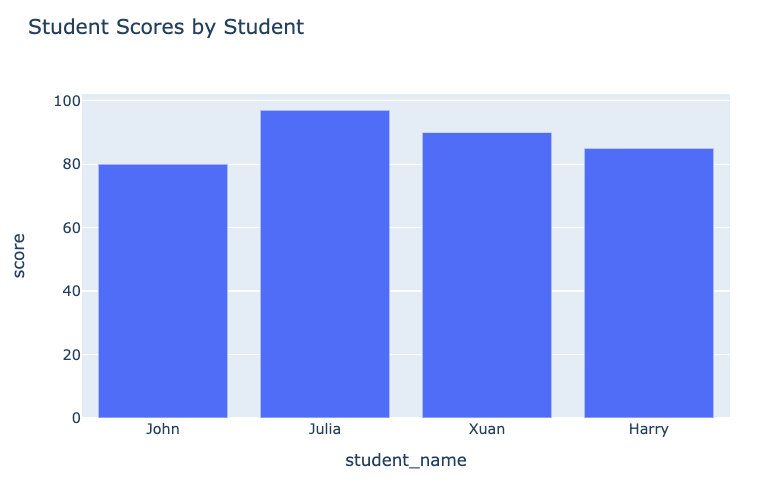
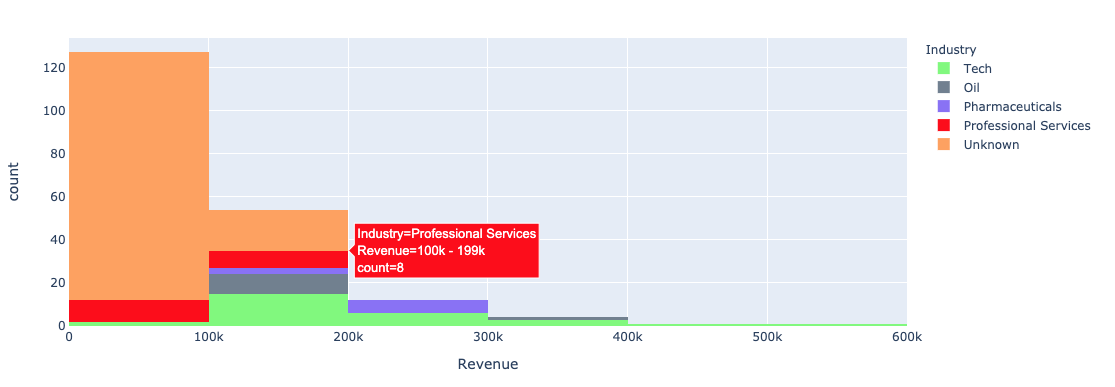
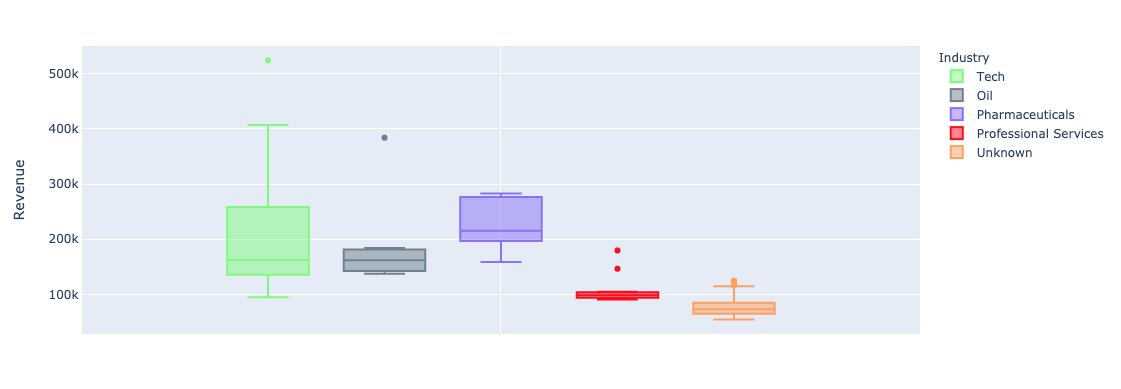
De plot vóór:

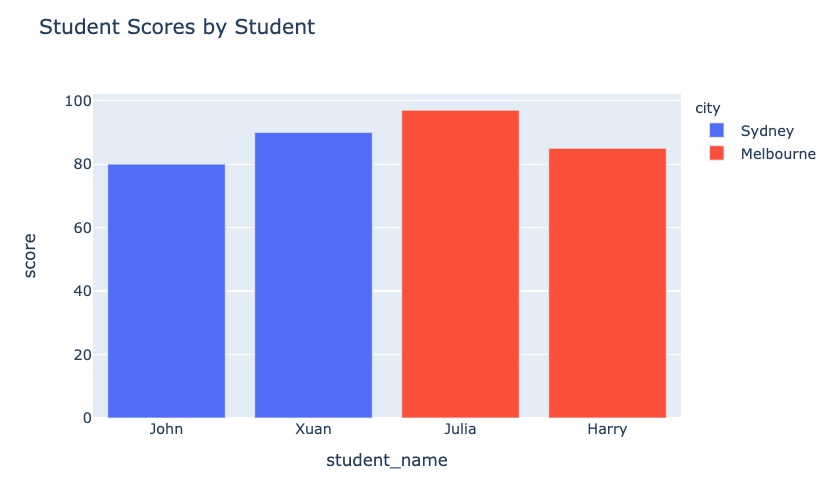
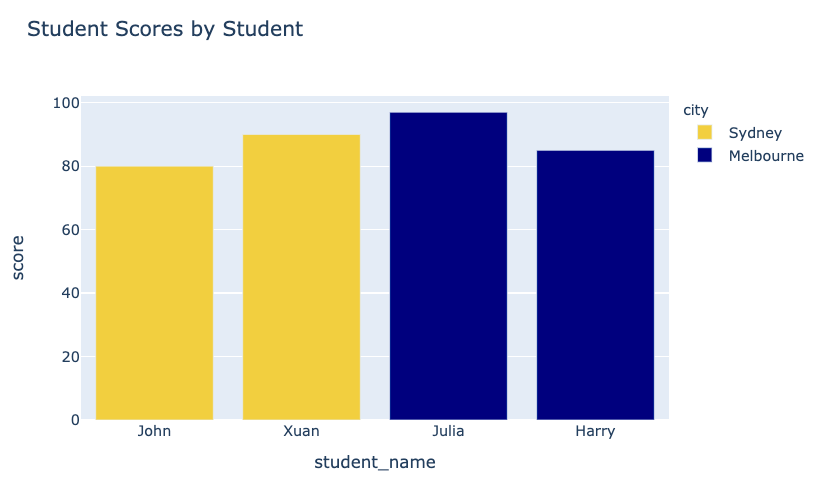
Onze plot na:

plotly.express-argument color bij univariate (staaf, histogram) plots:


color_discrete_map: een dictionary die categoriewaarden aan kleuren koppelt"red", "green" enz.$$
fig = px.bar( data_frame=student_scores, x="student_name", y="score", title="Student Scores by Student",color_discrete_map={ "Melbourne": "rgb(0,0,128)", "Sydney": "rgb(235, 207, 52)"},color="city")


$$
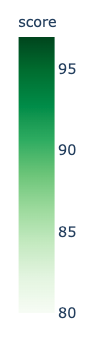
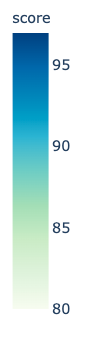
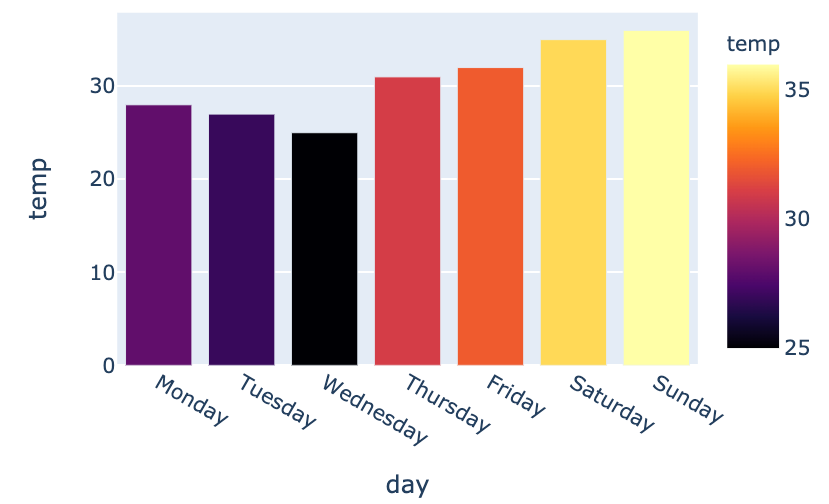
color_continuous_scale voor kleurenschalen.
fig = px.bar(data_frame=weekly_temps,
x="day", y="temp",
color="temp",
color_continuous_scale="inferno")
fig.show()
$$

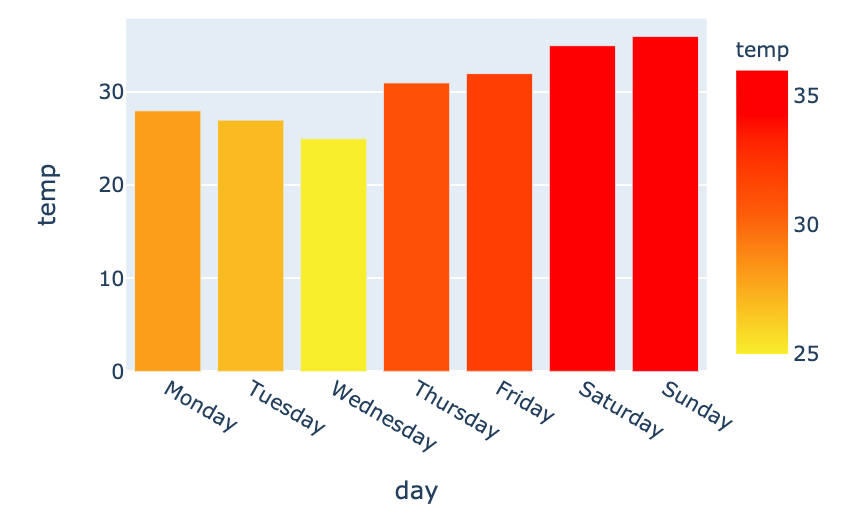
my_scale=[("rgb(242, 238, 10)"), ("rgb(242, 95, 10)"), ("rgb(255,0,0)")]fig = px.bar(data_frame=weekly_temps, x="day", y="temp",color_continuous_scale=my_scale, color="temp")

Introductie tot datavisualisatie met Plotly in Python