Introductie tot datavisualisatie met Plotly in Python
Alex Scriven
Data Scientist
Aangepaste knoppen kunnen:
Data of layout van een plot updaten
update_layout()-aanpassingen kunnen in een knop!Helpen bij animaties (buiten de scope van deze cursus)
Toegevoegd via een updatemenus-argument met parameters:
type: buttons of dropdowndirection: Knoporiëntatieleft) of boven elkaar (down) staanx/y: Floats voor positieshowactive: True/False om active (index van knop) als ingedrukt te tonen of nietbuttons: Een lijst met button-objecten$$
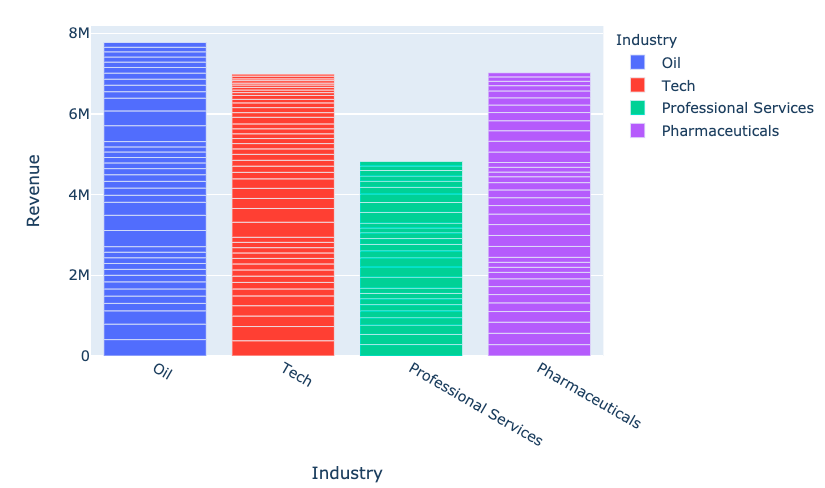
fig = px.bar(
data_frame=revenues,
x='Industry', y='Revenue',
color='Industry')
fig.show()

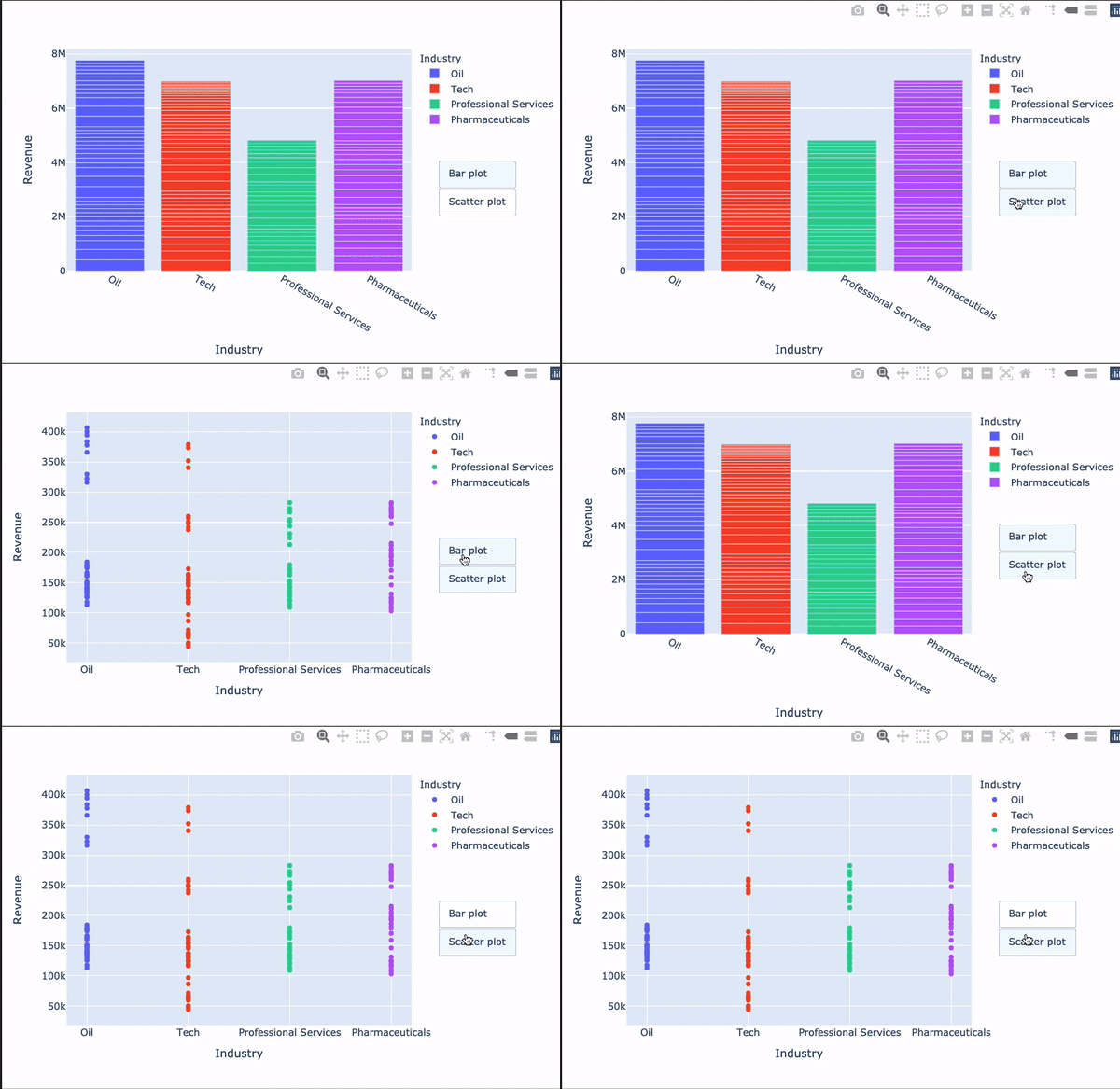
my_buttons = [{'label': "Staafdiagram",'method': "update",'args': [{"type": "bar"}]},{'label': "scatterplot",'method': "update",'args': [{"type": "scatter", 'mode': 'markers'}]}]
Een van de meest verwarrende onderdelen van Plotly!
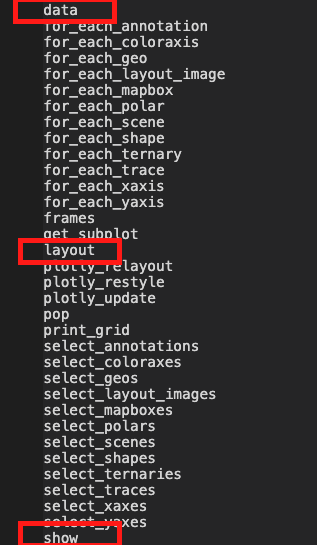
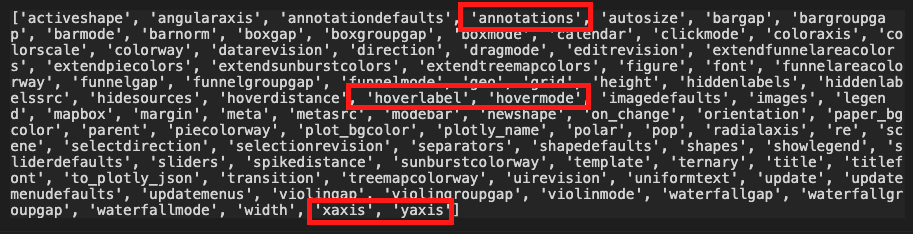
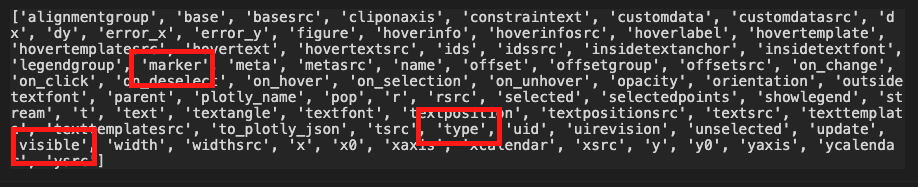
[{dictionary naar data}, {dictionary naar layout}]

dir(fig.layout)

dir(fig.data[0])

$$
fig.update_layout({ 'updatemenus': [{'type': "buttons",'direction': 'down', 'x': 1.3, 'y': 0.5,'showactive': True, 'active': 0,'buttons': my_buttons}] }) fig.show()
$$

Introductie tot datavisualisatie met Plotly in Python