Statussen, kleuren en skins
Dashboards bouwen met shinydashboard

Png Kee Seng
Researcher
Een restaurant verfraaien

1 Afbeelding door Freepik
Statussen in shinydashboard
- Sommige shinydashboard-objecten hebben een
status-eigenschap - Deze kun je instellen met het argument
status<object>(status = <status>, ...)

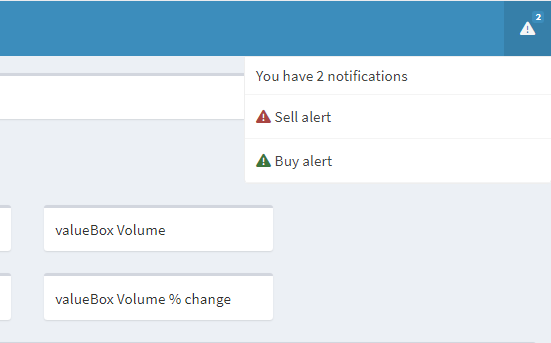
Statussen in notificationItems
- Laten we twee notificaties aan de header toevoegen
- Zet buy alert als success-bericht
- Zet sell alert als danger-bericht
- Standaardstatus voor
notificationItem()is"success"
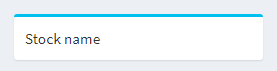
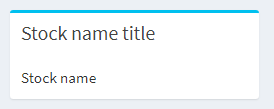
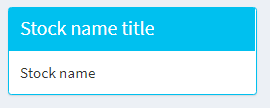
Statussen in boxes
Kleur toevoegen aan shinydashboard
- In sommige shinydashboard-objecten kun je
colorzetten - Stel dat de
close-prijs sinds gisteren 2% daalde- Render
valueBox()rood om Sally te waarschuwen
- Render

Meer kleuren
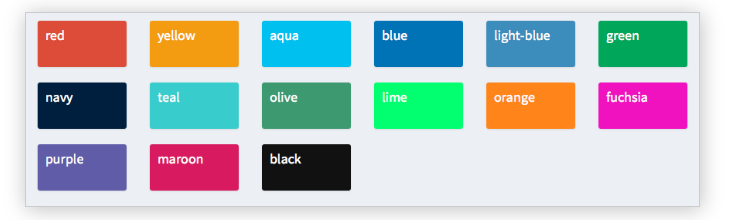
- Beschikbare kleuren in shinydashboard:
- Check statussen en kleuren met
?validStatusesen?validColors
Verschillende skins proberen


