Geavanceerde functies om je plot te verbeteren

Casestudies: webapplicaties bouwen met Shiny in R

Dean Attali

Shiny Consultant

Kleuringave

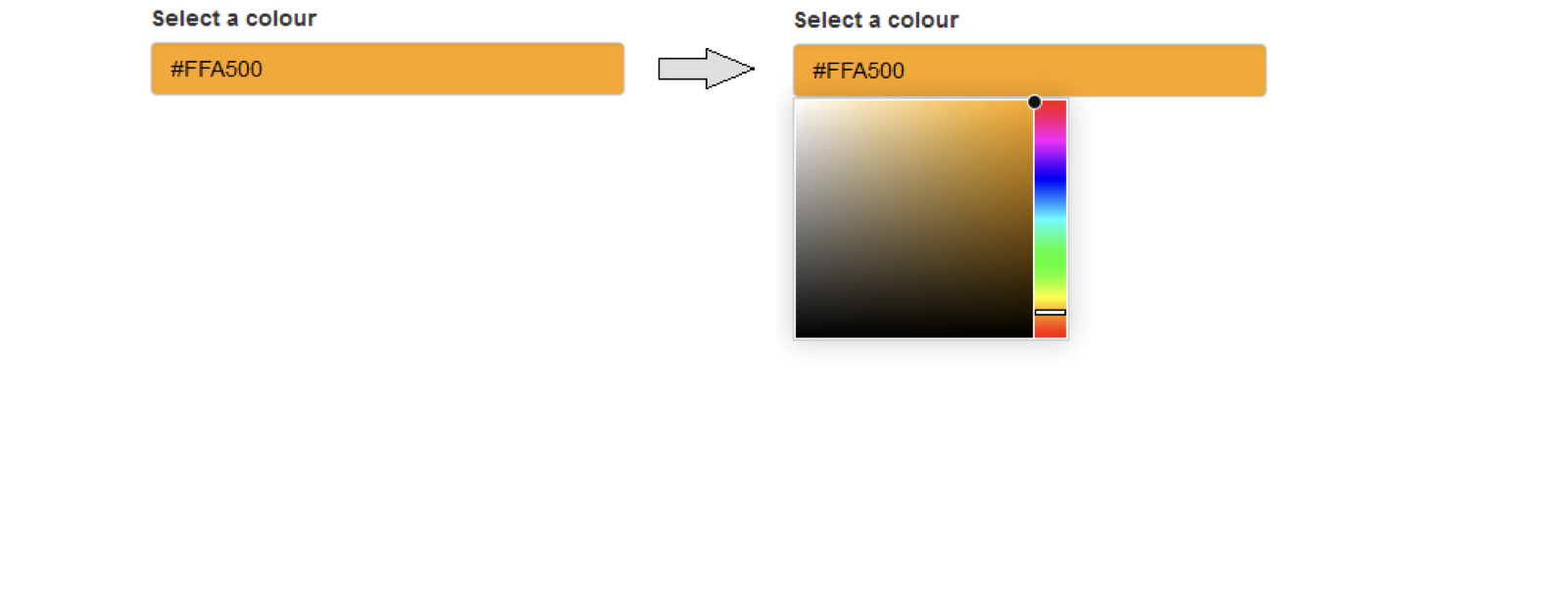
library(colourpicker)

colourInput("col", "Select a colour", value = "orange")
chapter2_4_advanced_features_to_improve_your_plot.006.png

Casestudies: webapplicaties bouwen met Shiny in R

Outputs kunnen argumenten hebben

plotOutput(outputId, width = "100%", height = "400px",
           click = NULL, dblclick = NULL, hover = NULL,
           hoverDelay = NULL, hoverDelayType = NULL, 
           brush = NULL, clickId = NULL, hoverId = NULL,
           inline = FALSE)
Casestudies: webapplicaties bouwen met Shiny in R

Argumenten voor plotoutput

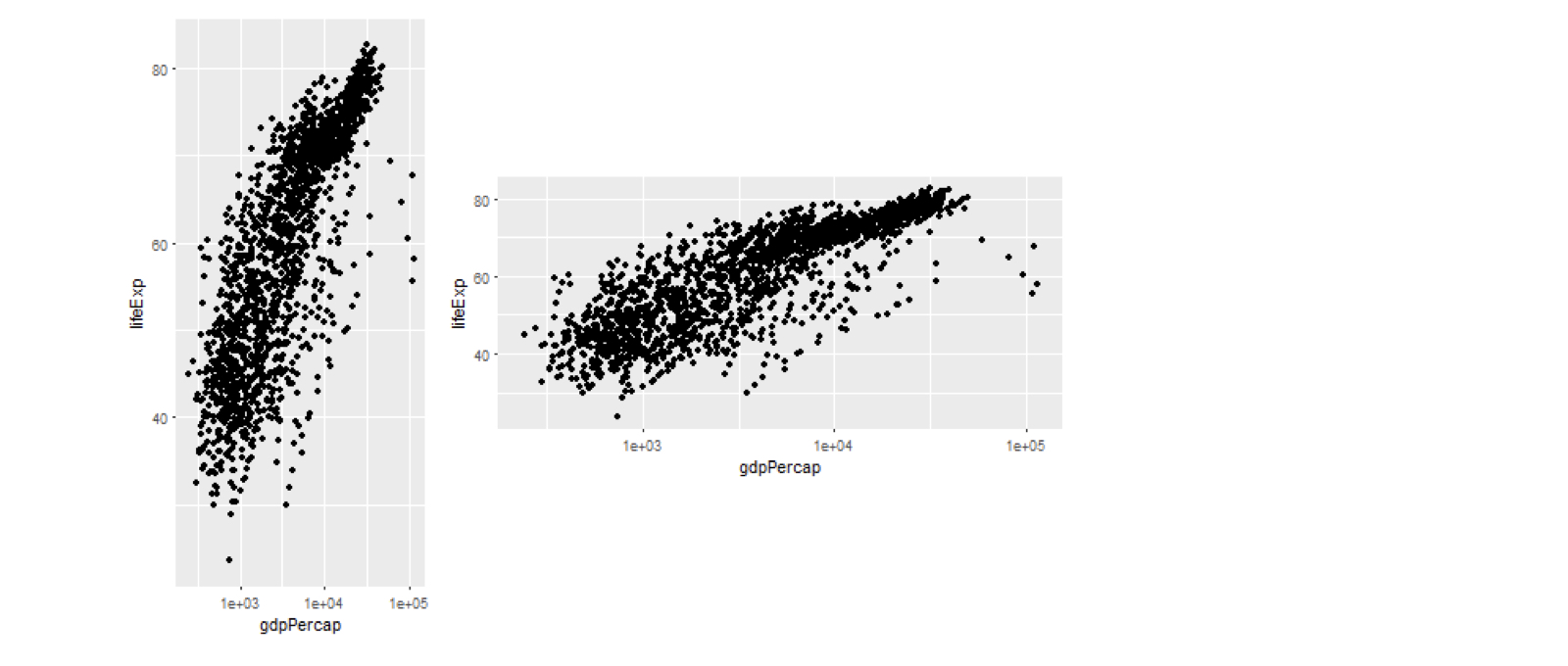
plotOutput("plot1", width = 200, height = 400)
plotOutput("plot2", width = 400, height = 200)
chapter2_4_advanced_features_to_improve_your_plot.008.png

Casestudies: webapplicaties bouwen met Shiny in R

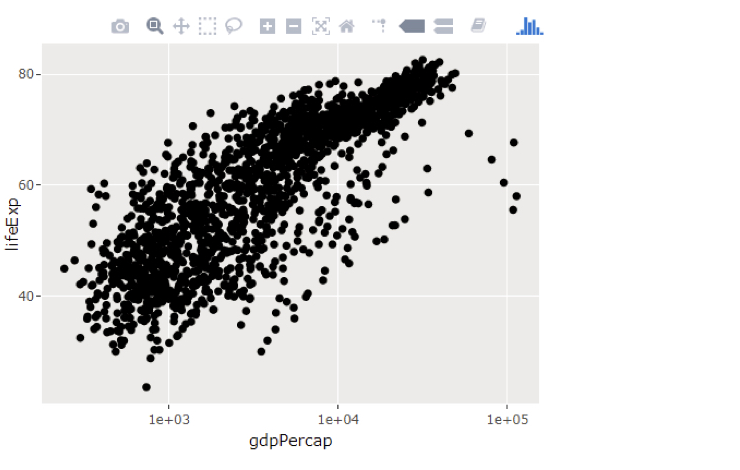
Interactieve plots met plotly

  • Veel pakketten voor interactieve plots
  • plotly is een populaire keuze
  • ggplotly():
    • ggplot2-plot ⇒ interactief
p <- ggplot(gapminder, 
          aes(gdpPercap, lifeExp)) +
     geom_point() +
     scale_x_log10()

library(plotly)
ggplotly(p)

chapter2_4_advanced_features_to_improve_your_plot.015.png

Casestudies: webapplicaties bouwen met Shiny in R

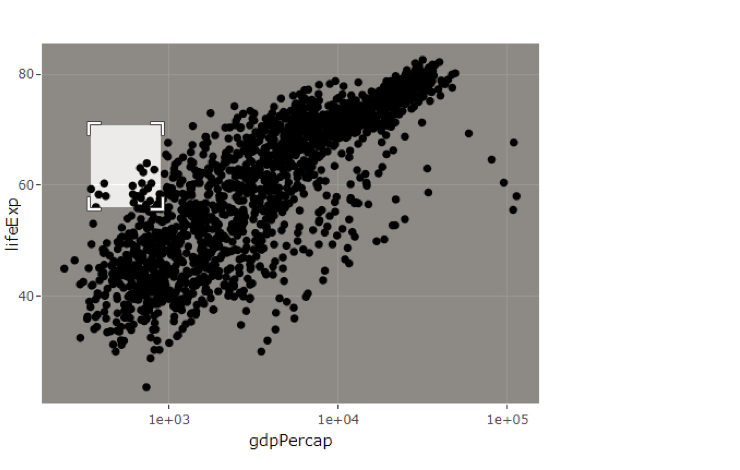
Interactieve plots met plotly

  • Veel pakketten voor interactieve plots
  • plotly is een populaire keuze
  • ggplotly():
    • ggplot2-plot ⇒ interactief
p <- ggplot(gapminder, 
          aes(gdpPercap, lifeExp)) +
     geom_point() +
     scale_x_log10()

library(plotly)
ggplotly(p)

chapter2_4_advanced_features_to_improve_your_plot.016.png

Casestudies: webapplicaties bouwen met Shiny in R

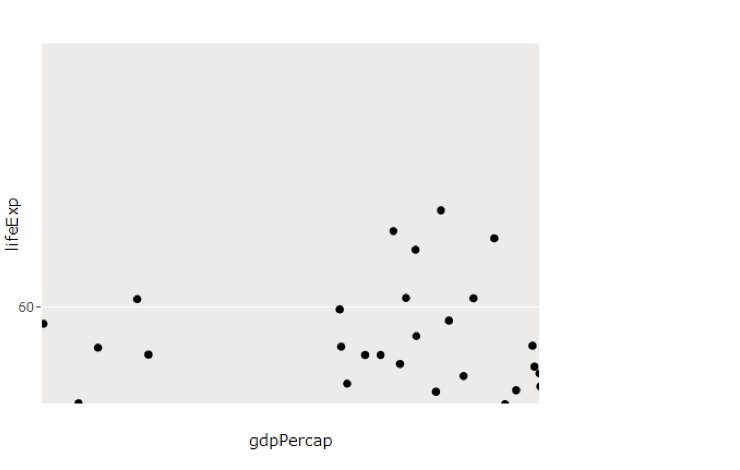
Interactieve plots met plotly

  • Veel pakketten voor interactieve plots
  • plotly is een populaire keuze
  • ggplotly():
    • ggplot2-plot ⇒ interactief
p <- ggplot(gapminder, 
          aes(gdpPercap, lifeExp)) +
     geom_point() +
     scale_x_log10()

library(plotly)
ggplotly(p)

chapter2_4_advanced_features_to_improve_your_plot.017.png

Casestudies: webapplicaties bouwen met Shiny in R

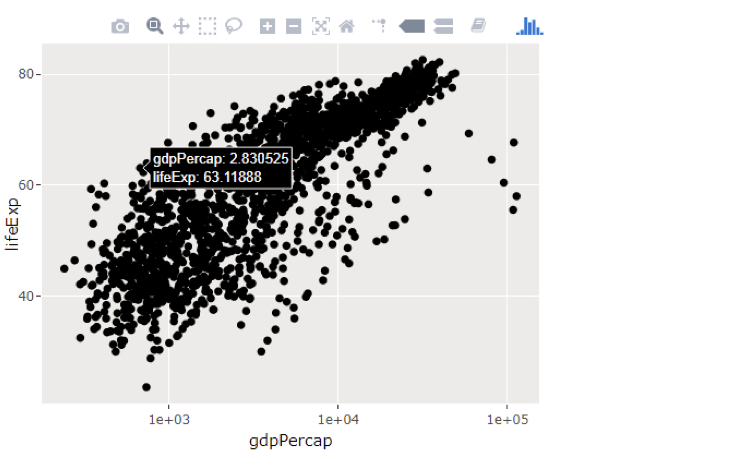
Interactieve plots met plotly

  • Veel pakketten voor interactieve plots
  • plotly is een populaire keuze
  • ggplotly():
    • ggplot2-plot ⇒ interactief
p <- ggplot(gapminder, 
          aes(gdpPercap, lifeExp)) +
     geom_point() +
     scale_x_log10()

library(plotly)
ggplotly(p)

chapter2_4_advanced_features_to_improve_your_plot.018.png

Casestudies: webapplicaties bouwen met Shiny in R

Plotly in Shiny

  • Onjuist
plotOutput("plot")
renderPlot(ggplotly(p))
  • Juist
plotlyOutput("plot")
renderPlotly(ggplotly(p))
Casestudies: webapplicaties bouwen met Shiny in R

Laten we oefenen!

Casestudies: webapplicaties bouwen met Shiny in R

Preparing Video For Download...