Twee grafieken koppelen

Gemiddeld gevorderde interactieve datavisualisatie met plotly in R

Adam Loy

Statistician, Carleton College

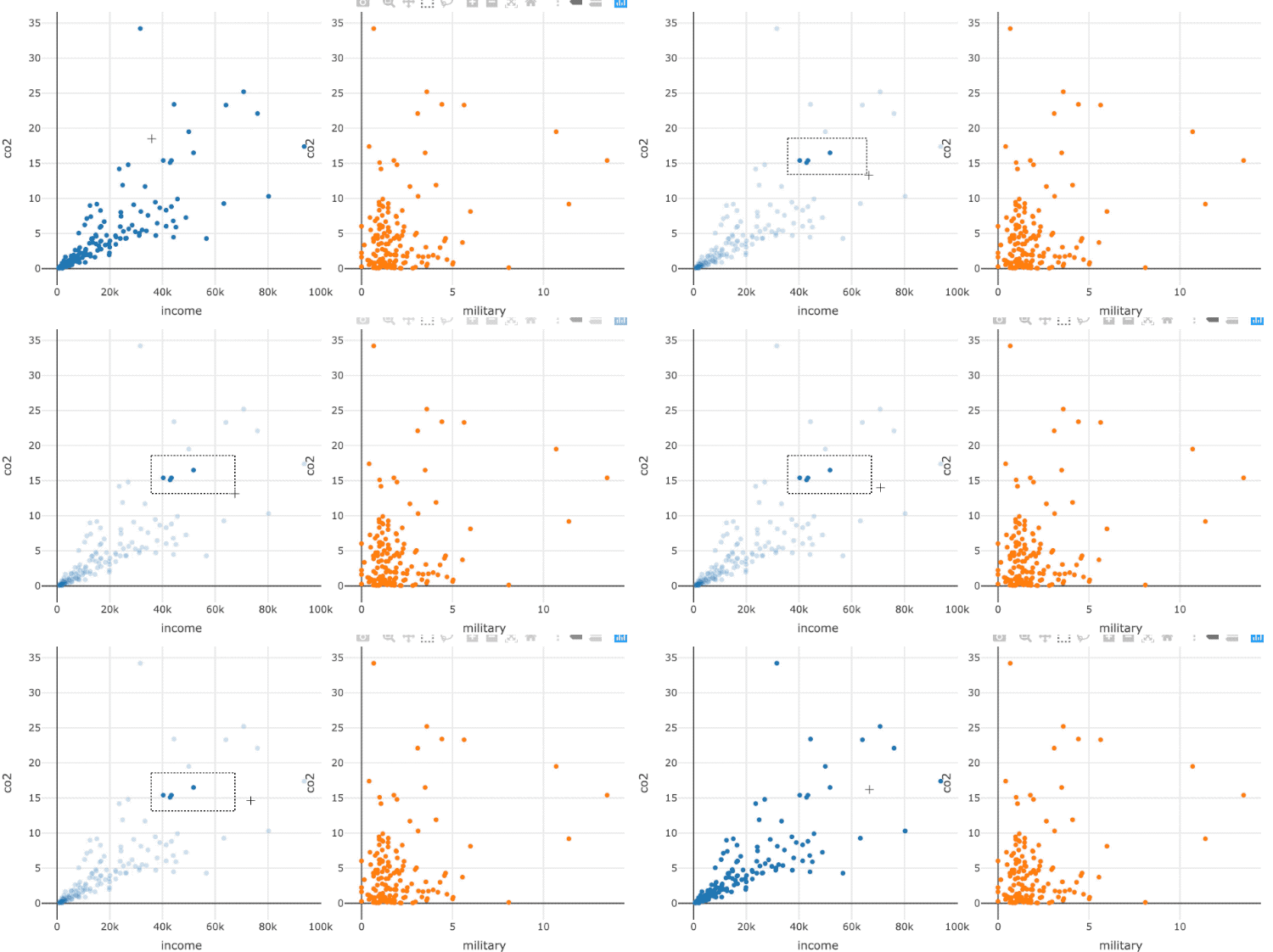
Clusters verkennen
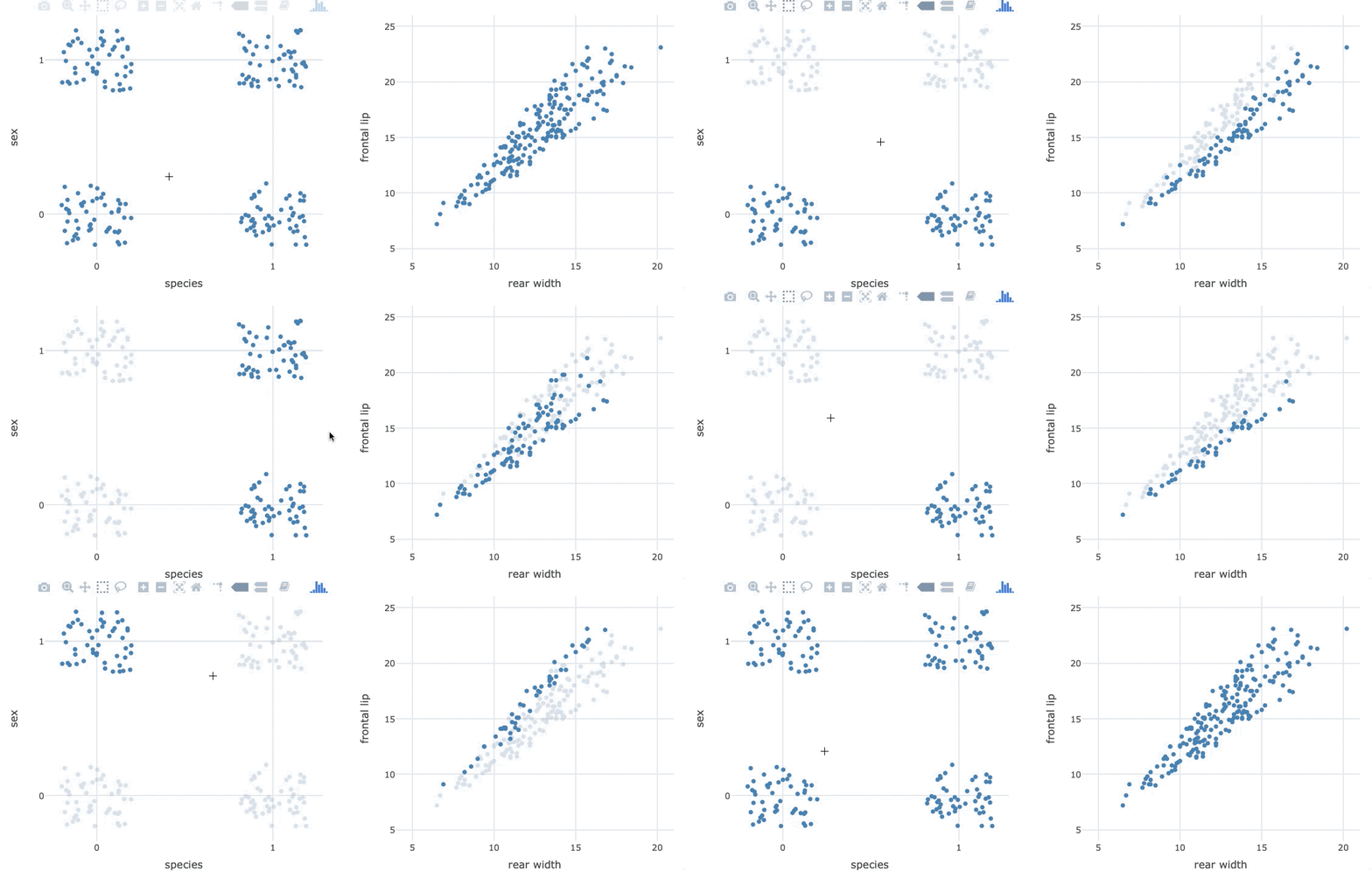
clusters_verkennen.gif

Gemiddeld gevorderde interactieve datavisualisatie met plotly in R

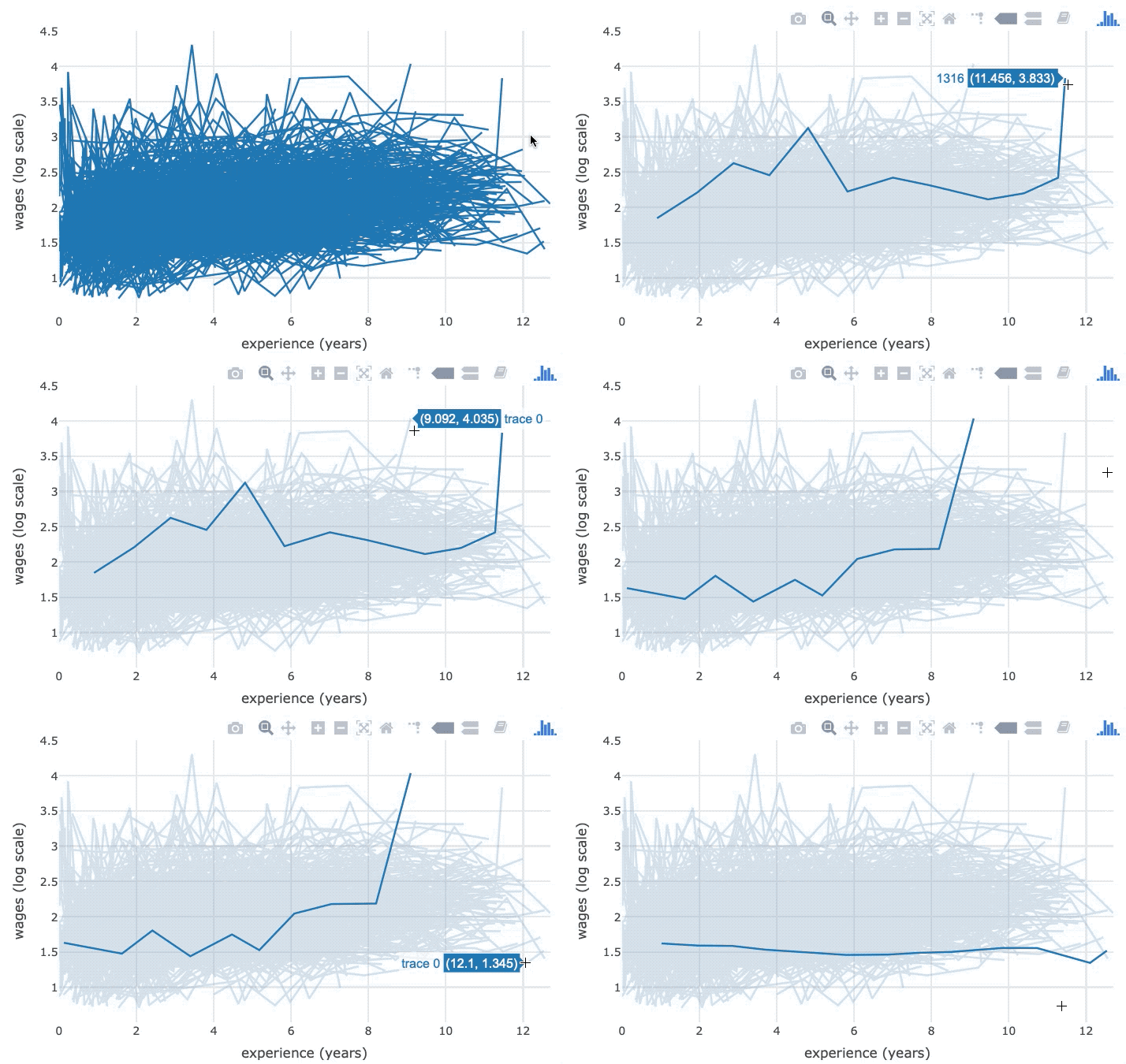
Longitudinale data verkennen

longitudinale_data_verkennen.gif

Gemiddeld gevorderde interactieve datavisualisatie met plotly in R

Crosstalk

  • Maakt gekoppelde plots mogelijk via JavaScript
  • Maakt statische HTML-bestanden die je makkelijk kunt hosten
  • Toont in het RStudio Viewer-paneel
Gemiddeld gevorderde interactieve datavisualisatie met plotly in R

Wereldindicatoren 2014

world2014
# A tibble: 193 x 11
  country  year income   co2 military population  urban life_expectancy four_regions
  <chr>   <dbl>  <dbl> <dbl>    <dbl>      <dbl>  <dbl>           <dbl> <chr>       
1 Afghan…  2014   1780 0.299     1.3    32800000 8.05e6            57.8 asia        
2 Albania  2014  10700 1.96      1.35    2920000 1.63e6            77.4 europe      
3 Algeria  2014  13500 3.72      5.55   39100000 2.75e7            77.1 africa      
4 Andorra  2014  44900 5.83     NA         79200 7.01e4            82.6 europe      
5 Angola   2014   6260 1.29      4.7    26900000 1.69e7            63.3 africa      
6 Antigu…  2014  19500 5.38     NA         98900 2.49e4            77.1 americas    
# … with 187 more rows, and 2 more variables: eight_regions <chr>, six_regions <chr>
Gemiddeld gevorderde interactieve datavisualisatie met plotly in R

Afzonderlijke views

niet-gekoppeld.gif

p1 <- world2014 %>% plot_ly(x = ~income, y = ~co2) %>% add_markers()
p2 <- world2014 %>% plot_ly(x = ~military, y = ~co2) %>% add_markers()
subplot(p1, p2, titleX = TRUE, titleY = TRUE) %>% 
  hide_legend()
Gemiddeld gevorderde interactieve datavisualisatie met plotly in R

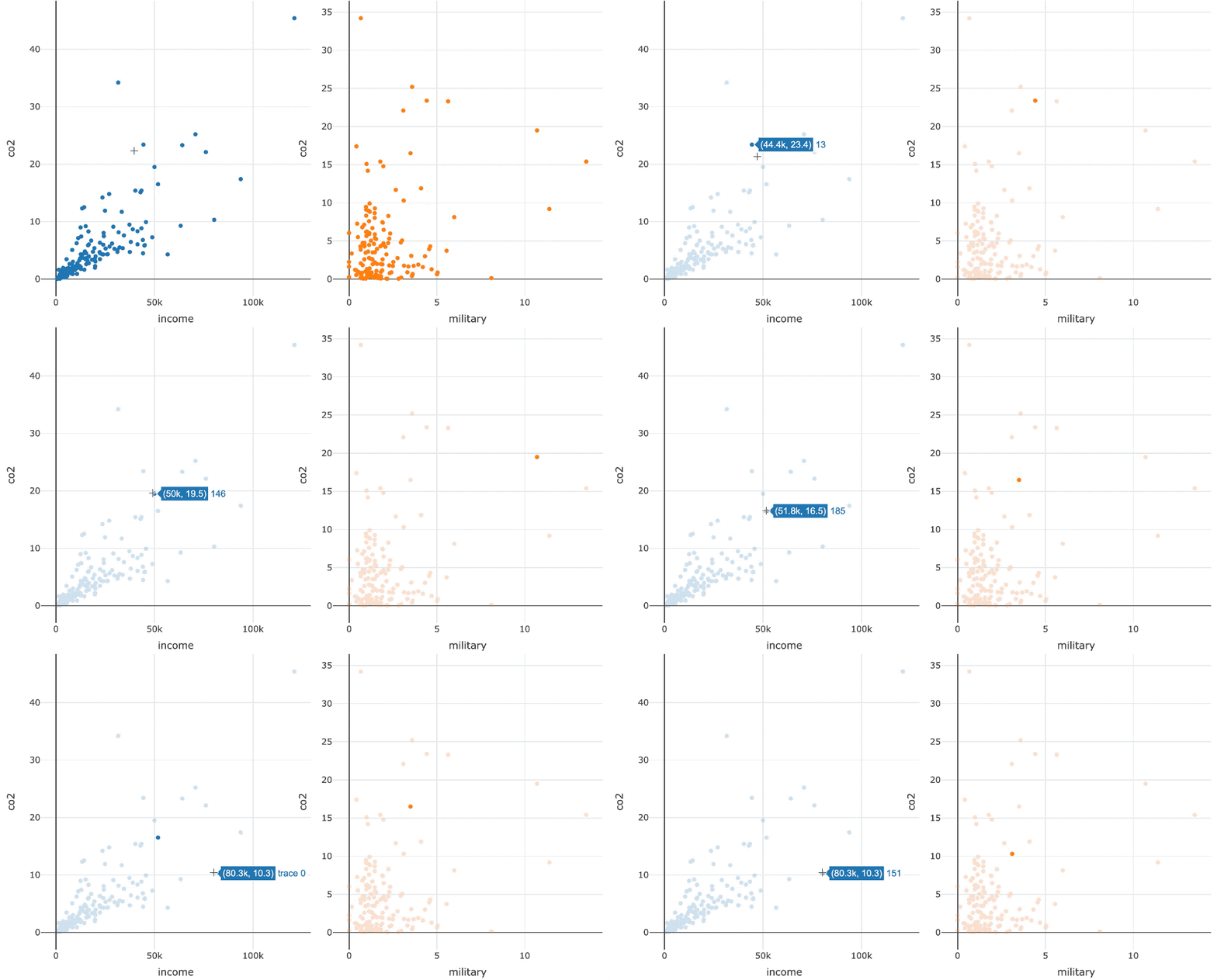
Gekoppelde views

gelinkte_punten.gif

Gemiddeld gevorderde interactieve datavisualisatie met plotly in R

Gekoppelde views

library(crosstalk)
shared_data <- SharedData$new(world2014)

p1 <- shared_data %>% plot_ly(x = ~income, y = ~co2) %>% add_markers() p2 <- shared_data %>% plot_ly(x = ~military, y = ~co2) %>% add_markers()
subplot(p1, p2, titleX = TRUE, titleY = TRUE) %>% hide_legend()
Gemiddeld gevorderde interactieve datavisualisatie met plotly in R

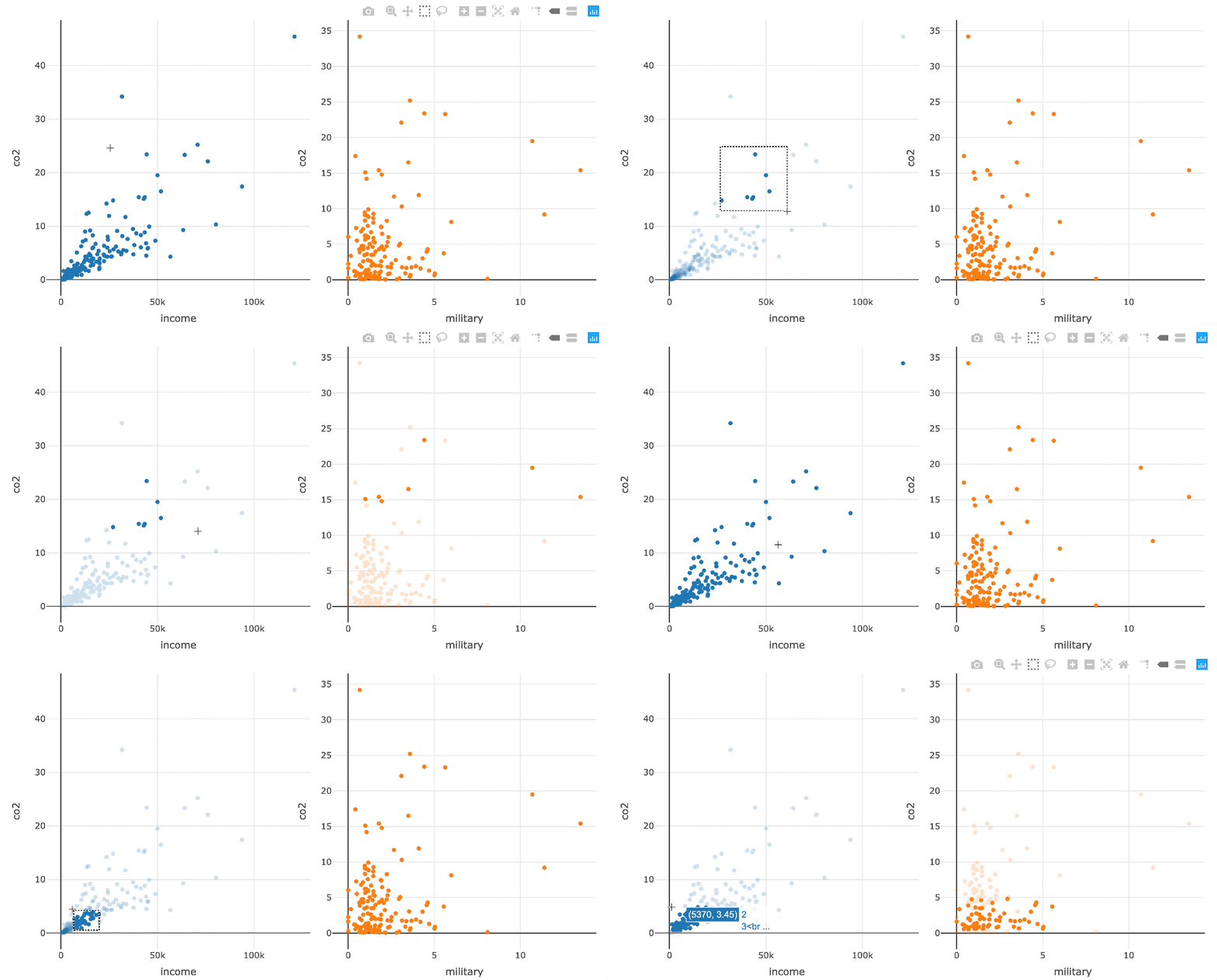
Gekoppeld brushen

gelinkt_brushen.gif

Schakel gekoppeld brushen in met highlight()

subplot(p1, p2, titleX = TRUE, titleY = TRUE) %>% 
  hide_legend() %>%
  highlight(on = "plotly_selected")
Gemiddeld gevorderde interactieve datavisualisatie met plotly in R

Laten we oefenen!

Gemiddeld gevorderde interactieve datavisualisatie met plotly in R

Preparing Video For Download...