Configuratietools

Interactieve datavisualisatie met Bokeh

George Boorman

Core Curriculum Manager, DataCamp

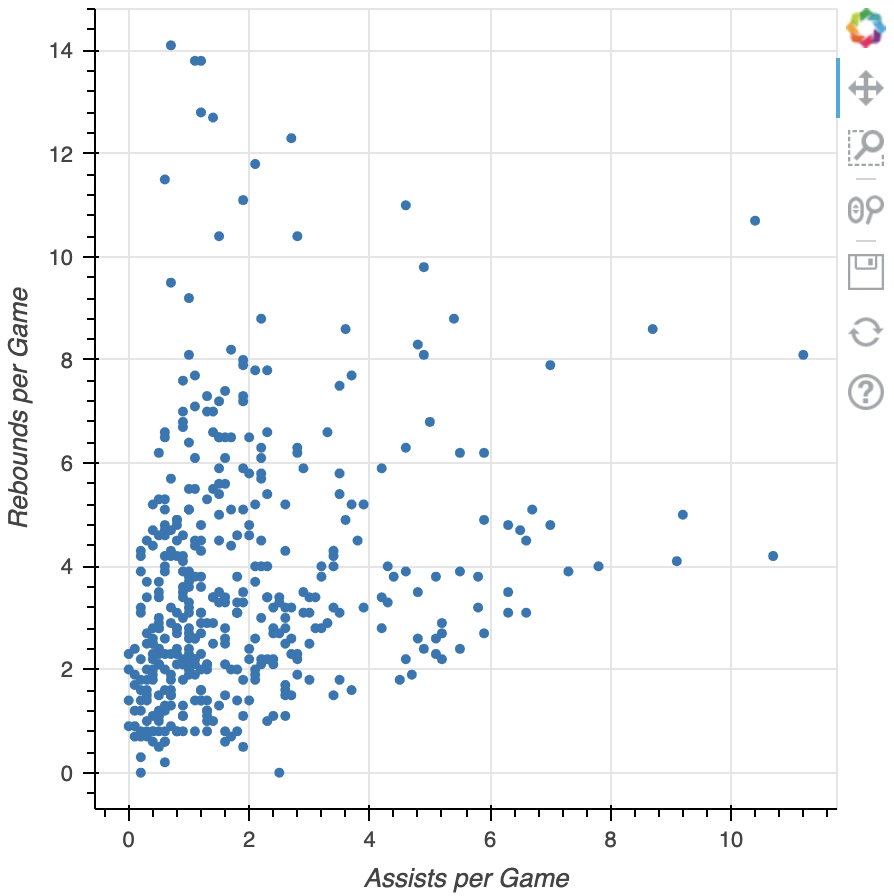
De standaardwerkbalk

  • PanTool
    • pan Pannen
  • BoxZoomTool
    • box_zoom Kaderzoomen
  • WheelZoomTool
    • wheel_zoom Wielzoomen
  • Opslaan
    • save Opslaan
  • Reset
    • reset Resetten

standaardwerkbalk

Interactieve datavisualisatie met Bokeh

Configuratietools

We behandelen:

  • Pan-/sleeptools

  • Klik-/tiktools

  • Scroll-/knijptools


Andere tools buiten de cursus:

  • Acties

  • Inspectors

  • Bewerktools

1 http://docs.bokeh.org/en/latest/docs/user_guide/tools.html
Interactieve datavisualisatie met Bokeh

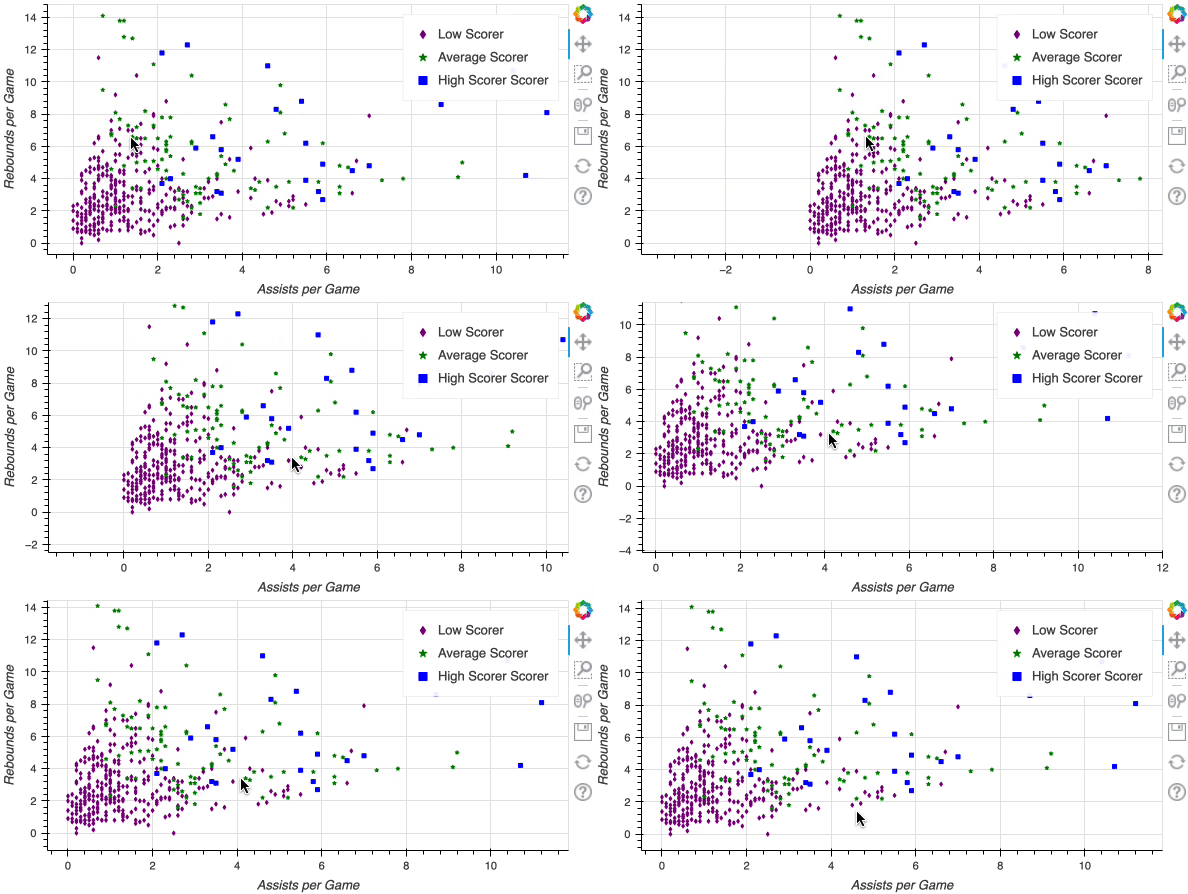
Pan-/sleeptools

  • PanTool

    • pan Pannen
  • BoxSelectTool

    • box_select Kaderselectie
  • BoxZoomTool

    • box_zoom Kaderzoomen
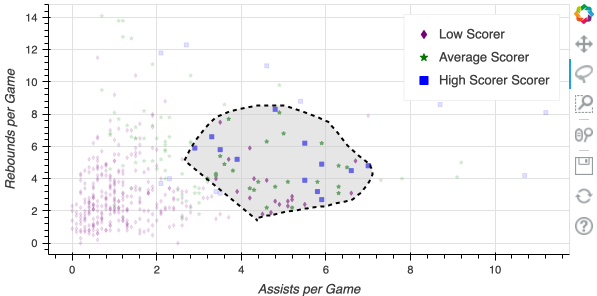
  • LassoSelectTool

    • lasso_select Lassoselectie

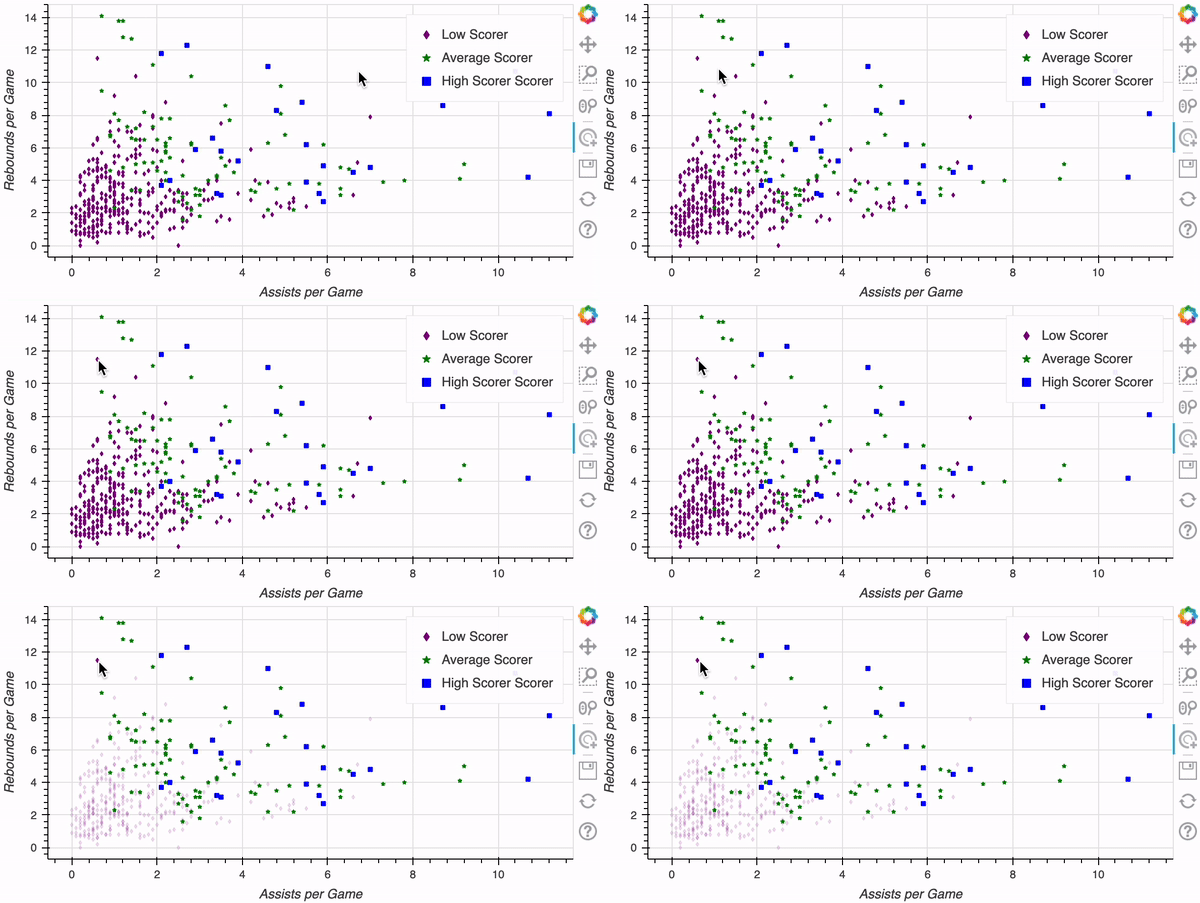
Pan-video

Lassoselectie

Interactieve datavisualisatie met Bokeh

Klik-/tikhulpmiddelen


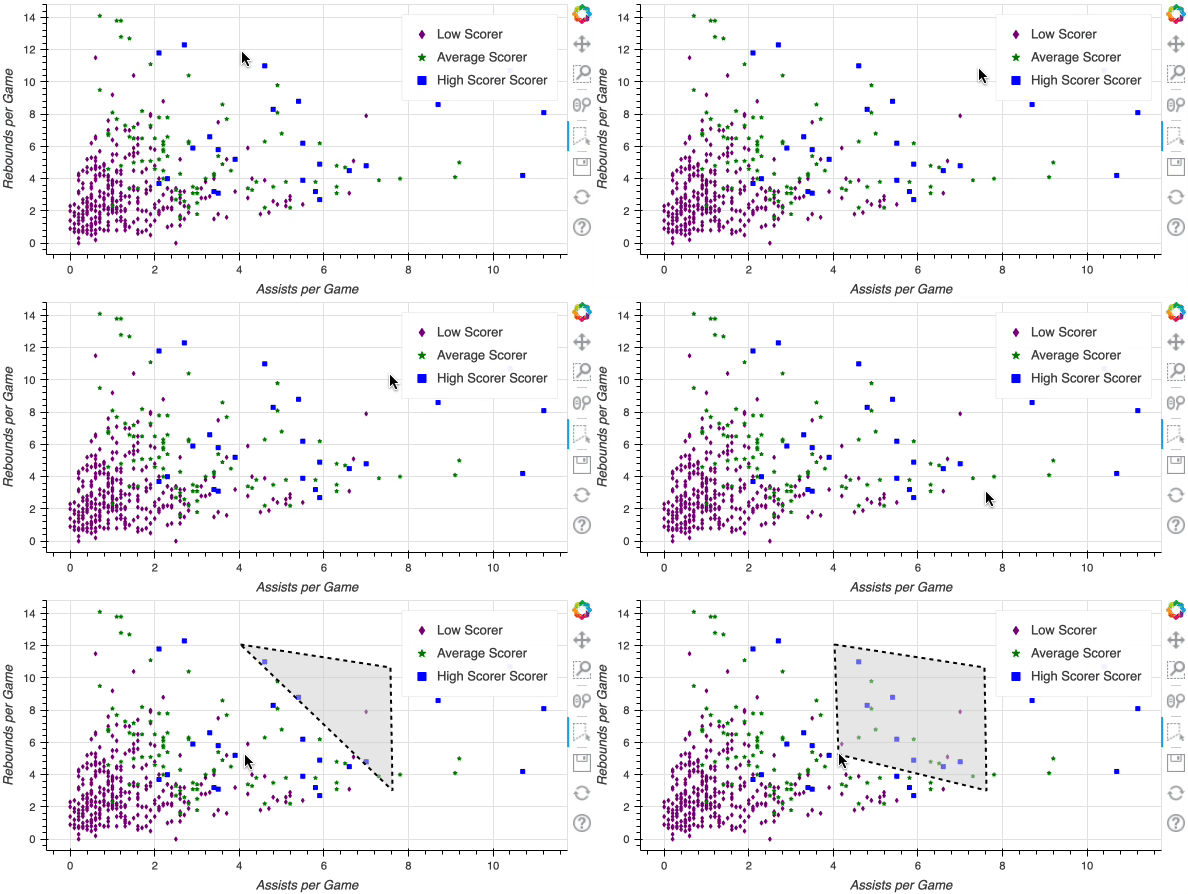
  • PolySelectTool
    • poly_select PolySelect


  • TapTool
    • tap Tik

Poly Select-demo


Tik-demo

Interactieve datavisualisatie met Bokeh

Scroll-/knijphulpmiddelen

  • WheelZoomTool
    • wheel_zoom Wielzoomen


  • WheelPanTool Wielpannen
    • xwheel_pan
    • ywheel_pan

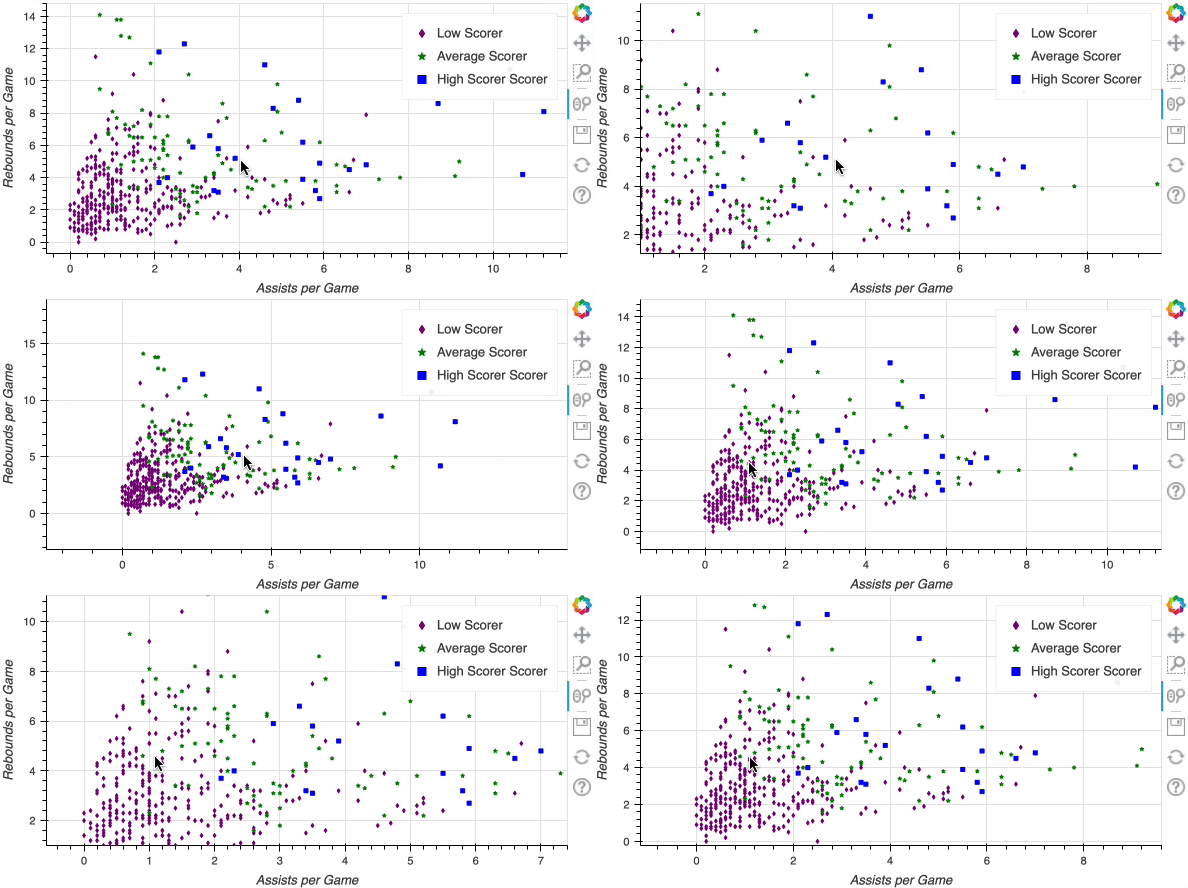
Wielzoom-demo

Interactieve datavisualisatie met Bokeh

De werkbalk aanpassen

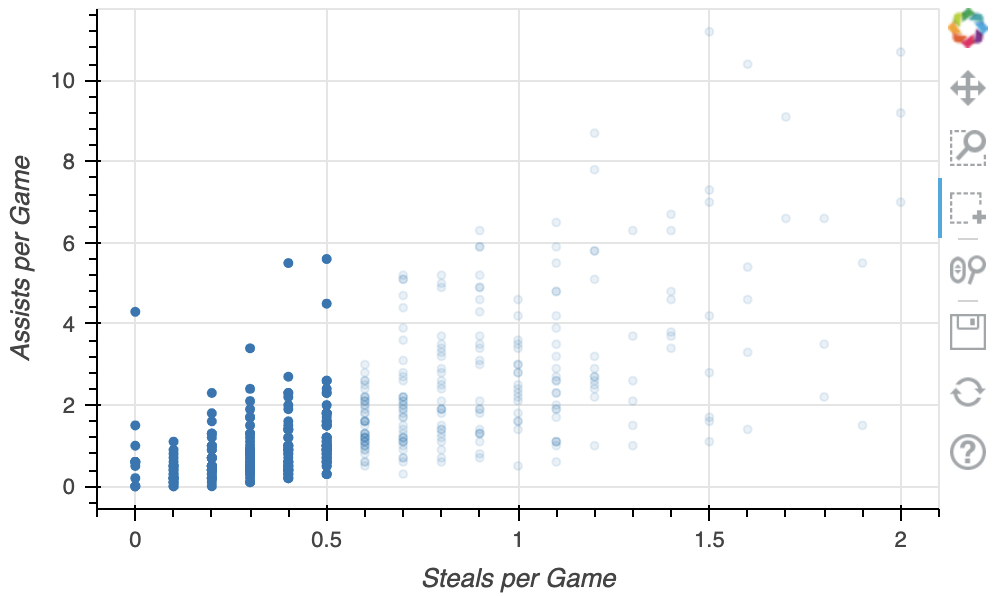
from bokeh.models import BoxSelectTool

fig = figure(x_axis_label="Steals per Game", y_axis_label="Assists per Game") fig.circle(x=nba["steals"], y=nba["assists"])
fig.add_tools(BoxSelectTool())
output_file(filename="adding_box_select.html") show(fig)

BoxSelect toevoegen

Interactieve datavisualisatie met Bokeh

Aangepaste lijst met tools

tools = ["lasso_select", "box_zoom", "tap"]

fig = figure(x_axis_label="Steals", y_axis_label="Assists",
tools=tools)
fig.circle(x=nba["steals"], y=nba["assists"]) output_file(filename="custom_tools.html") show(fig)
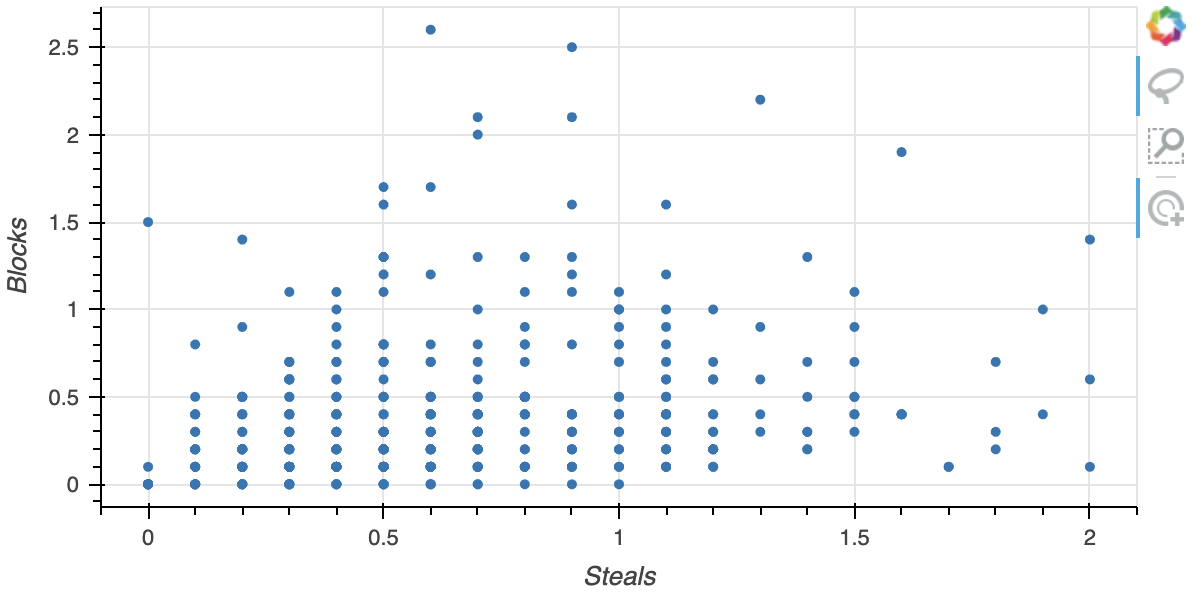
  Tools-lijst

Interactieve datavisualisatie met Bokeh

Laten we oefenen!

Interactieve datavisualisatie met Bokeh

Preparing Video For Download...