Toegang tot data en bestanden in DataLab

Introductie tot DataLab

Jason Mak

Product Lead

DataLab-workbooks vs. notebooks

Notebooks

  • Bevatten cellen
  • Voor het reproduceren en draaien van analyses

DataLab-workbooks

  • Container voor notebooks
  • Container voor bestanden en outputs
  • Bevatten dataverbindingen

Workbook-bestandsmenu

Introductie tot DataLab

Een nieuw workbook maken

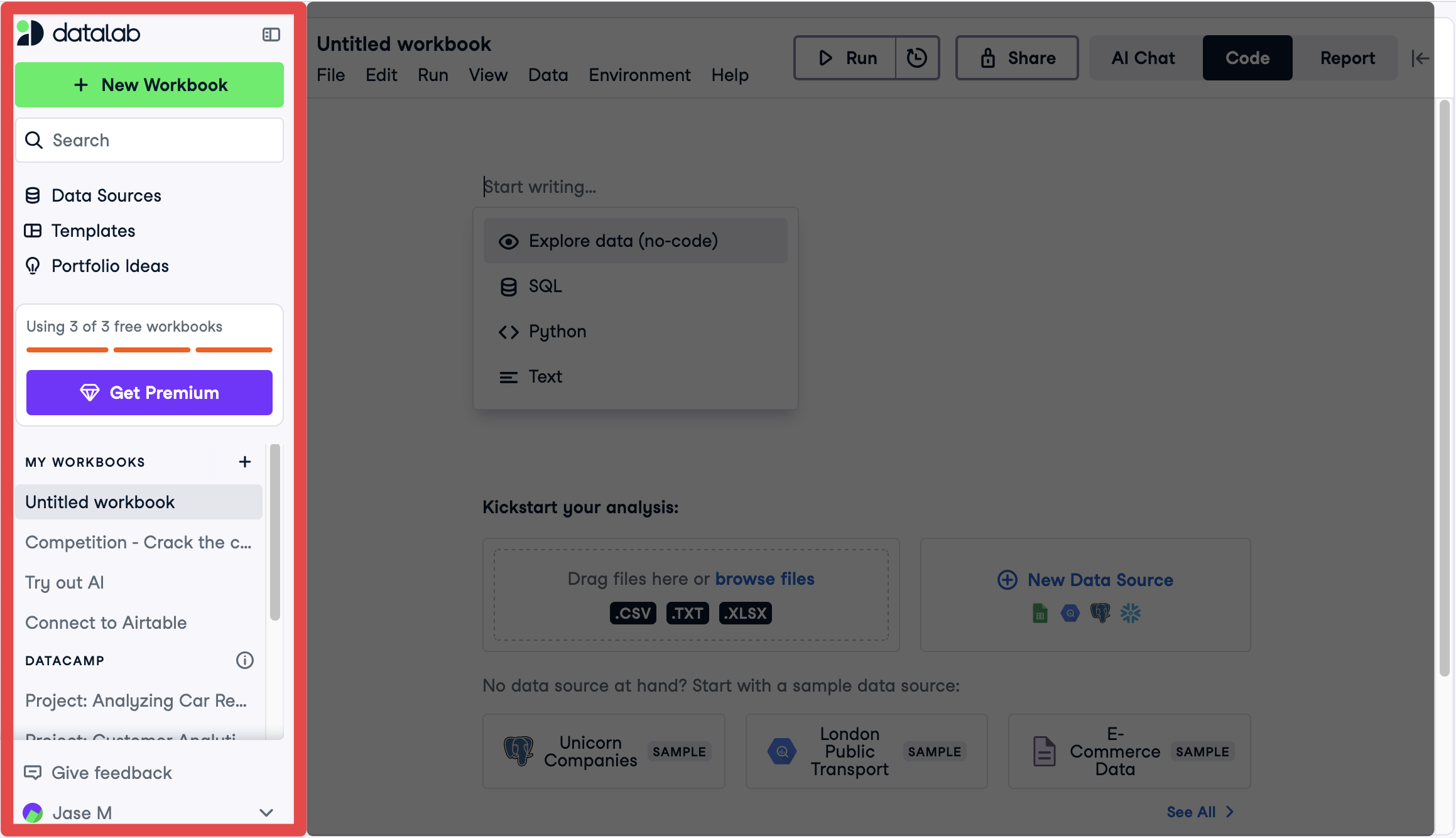
Zijmenu

Introductie tot DataLab

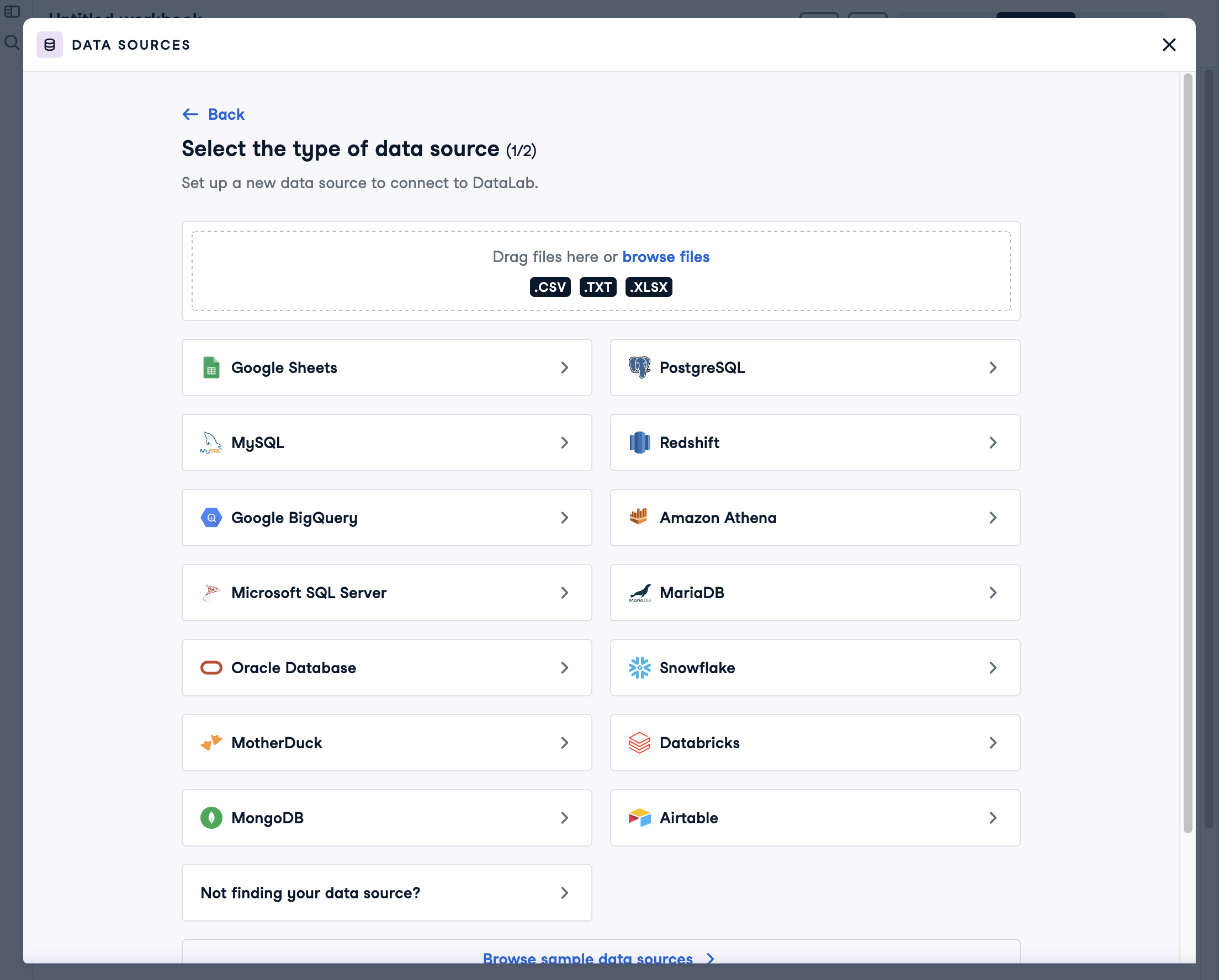
Databronnen in DataLab

DataLab-databronnen

Introductie tot DataLab

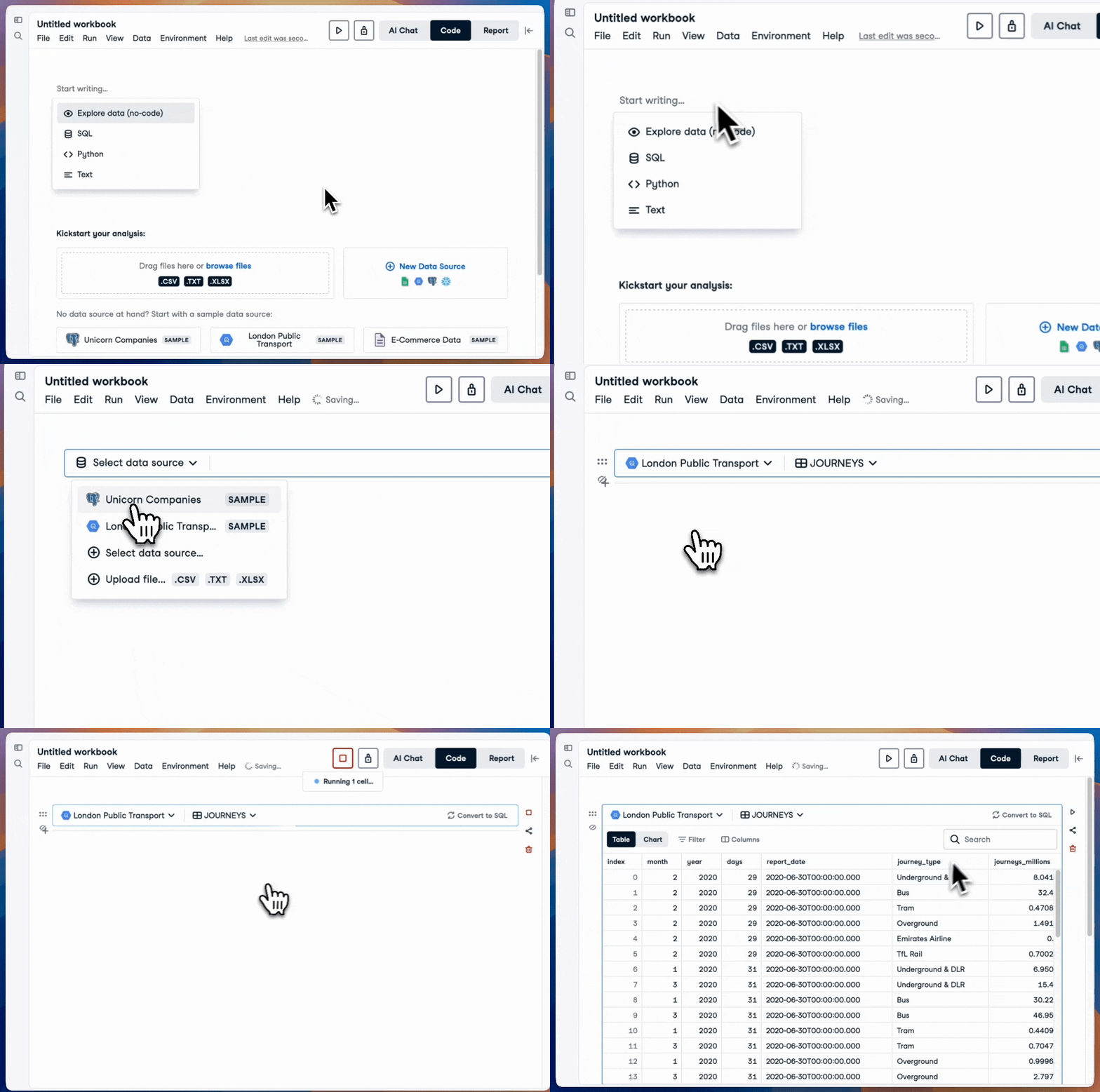
Een Explore-cel toevoegen

Explore-cel toevoegen

Introductie tot DataLab

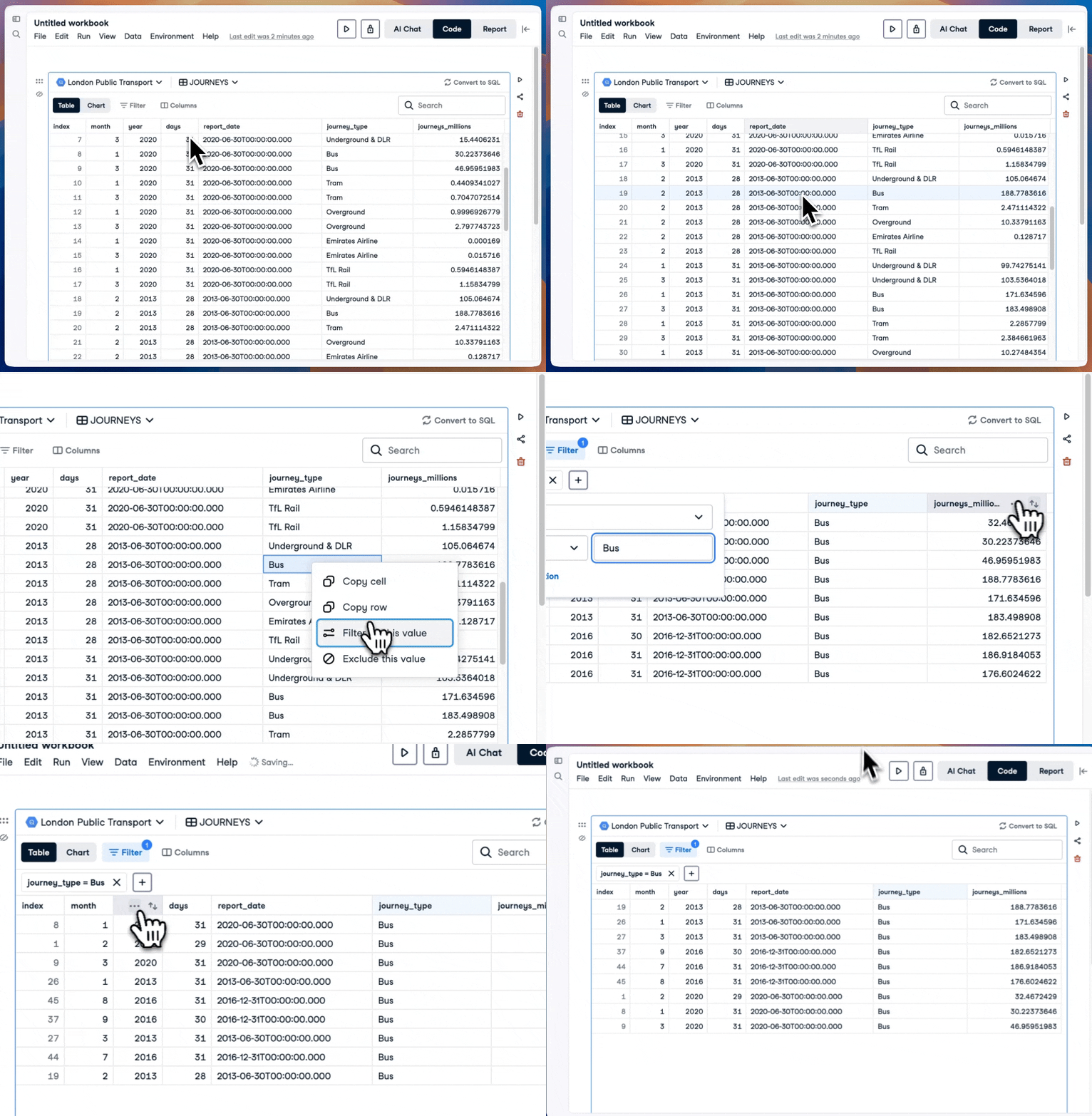
Data bekijken met een Explore-cel

Datalab Explore-cel

Introductie tot DataLab

Een Explore-cel omzetten naar een query
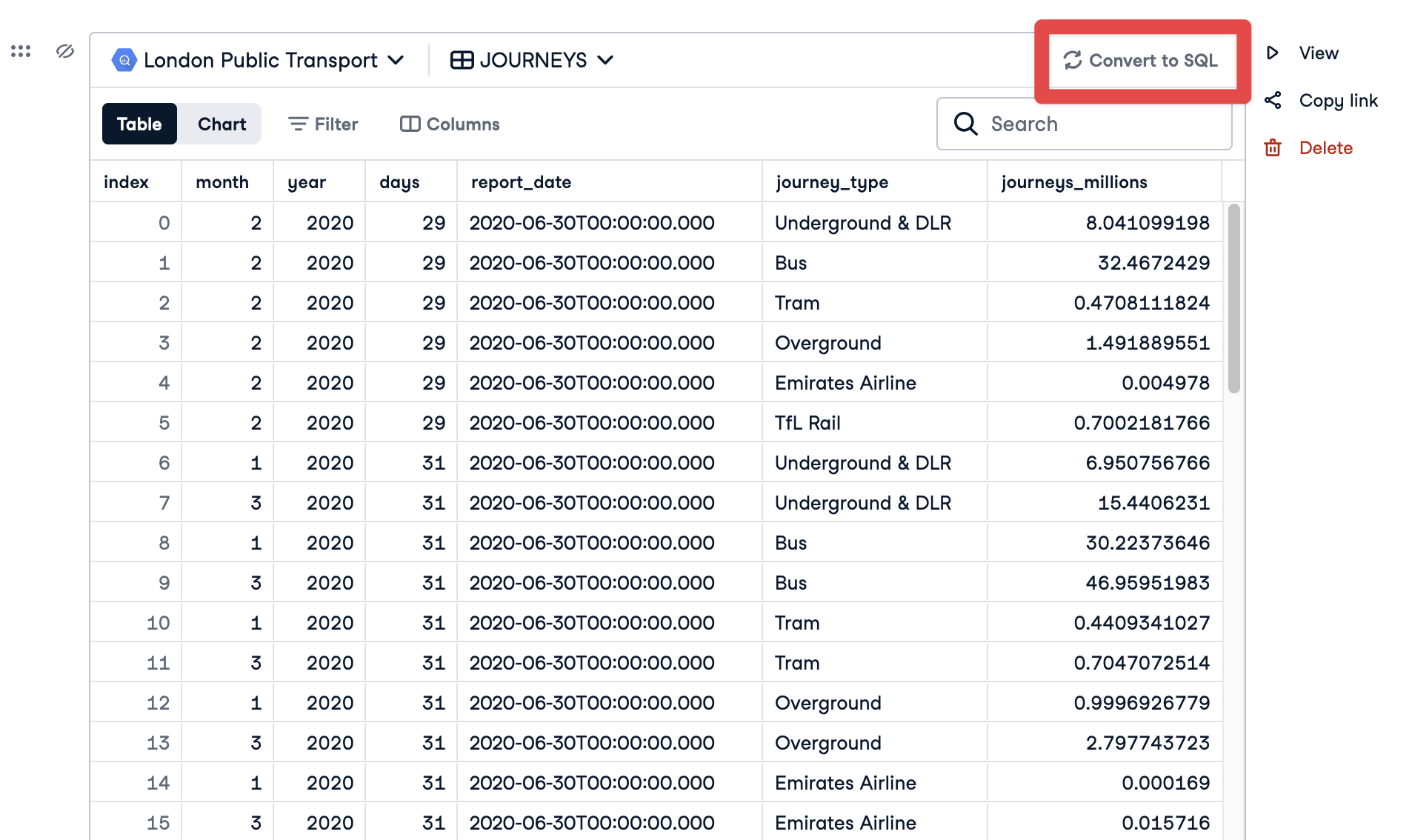
Explore-cel omzetten naar een SQL-cel

Introductie tot DataLab

Een Explore-cel omzetten naar een query
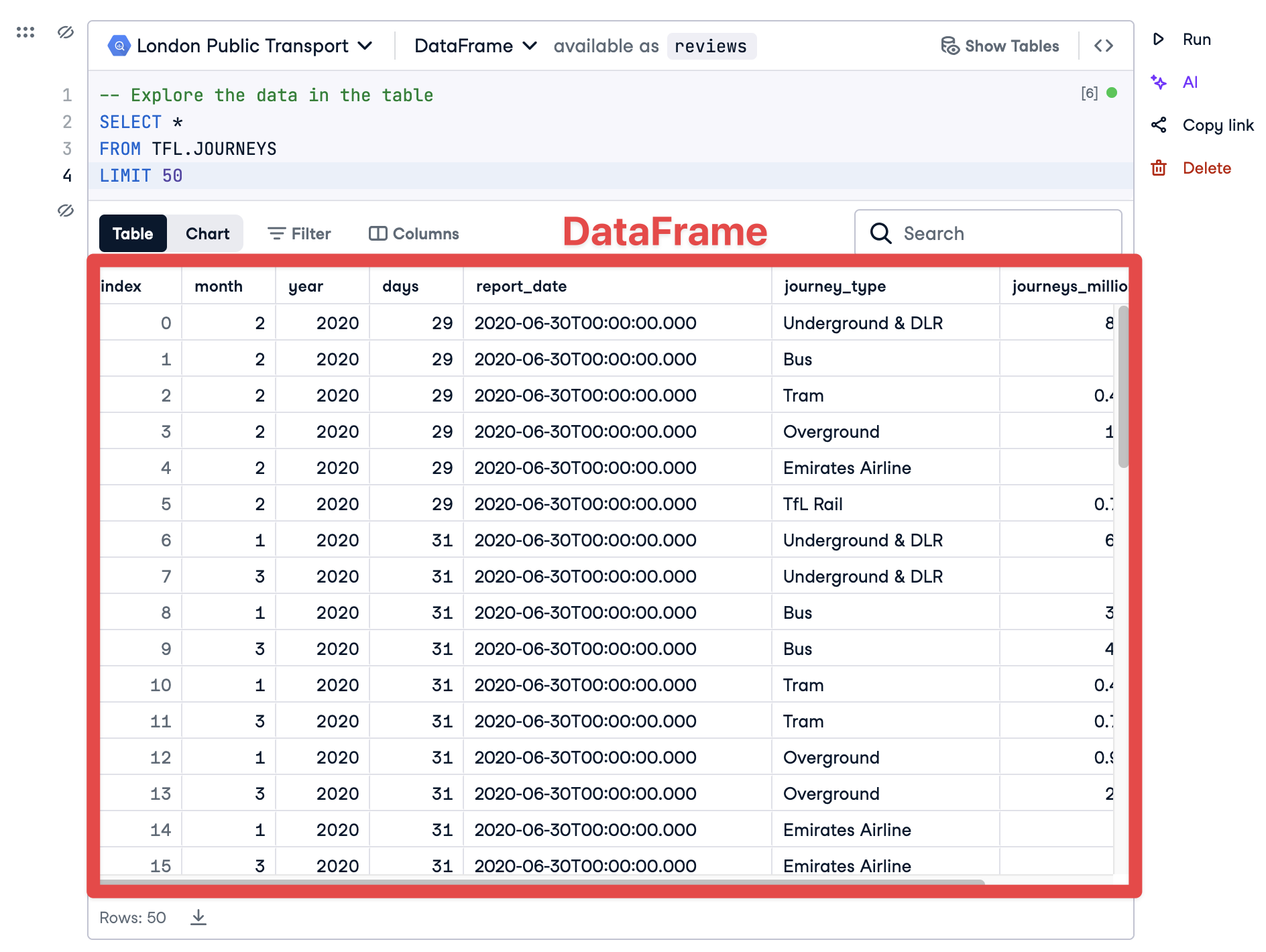
DataFrame uit SQL

Introductie tot DataLab

Een Explore-cel omzetten naar een query
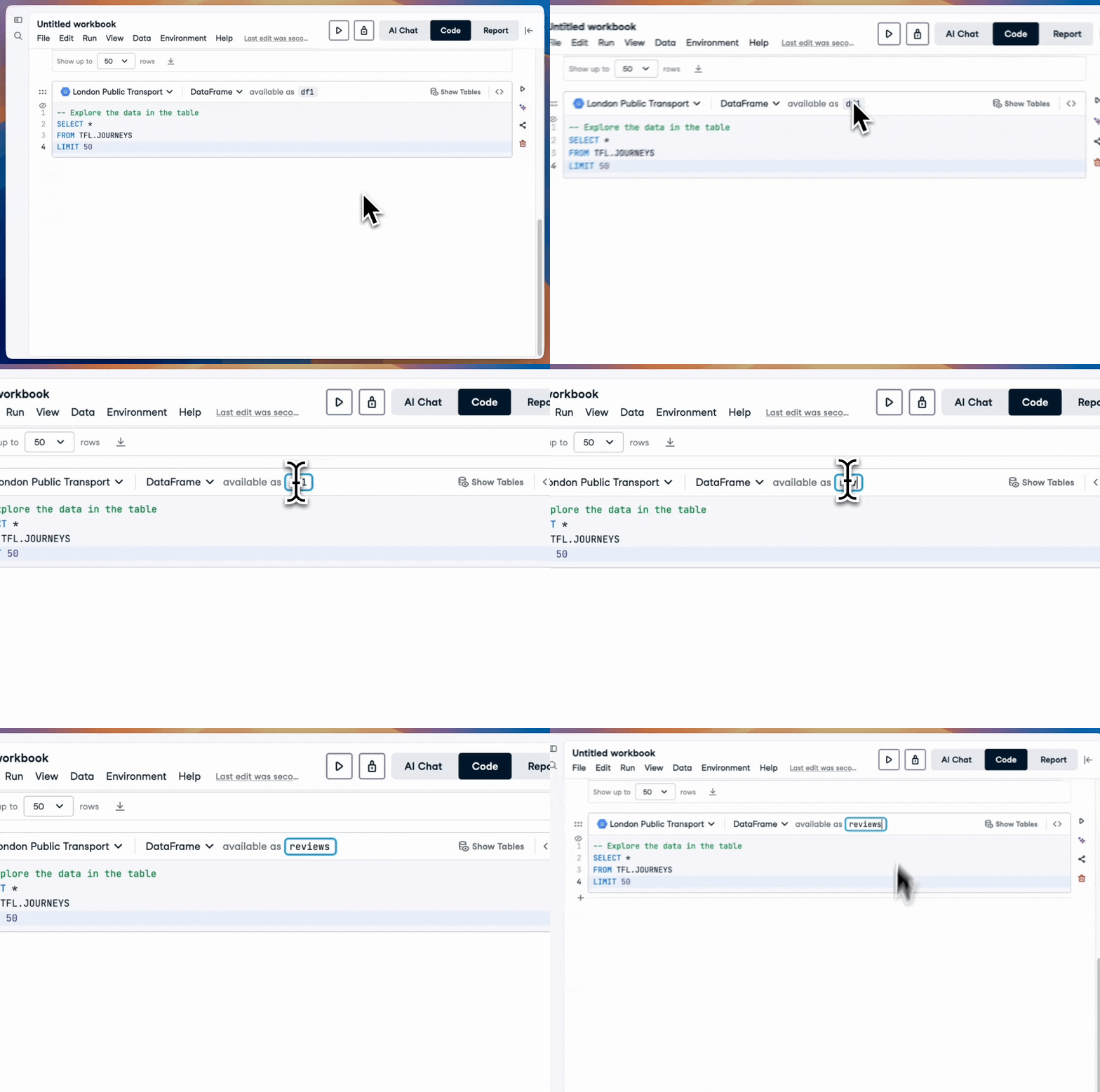
SQL naar dataframe

Introductie tot DataLab

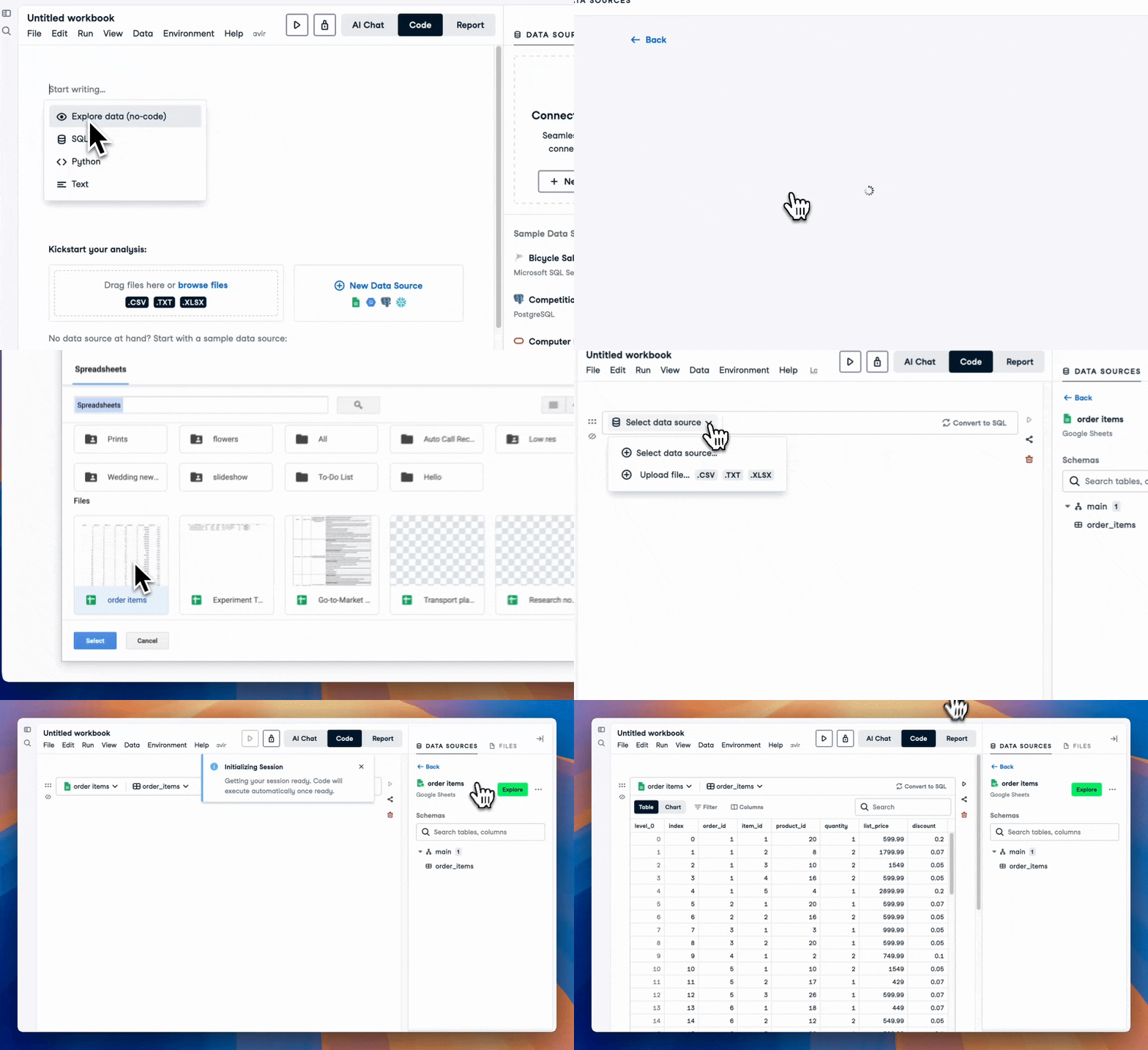
Verbinden met een Google-spreadsheet

Verbinding met Google Spreadsheets

Introductie tot DataLab

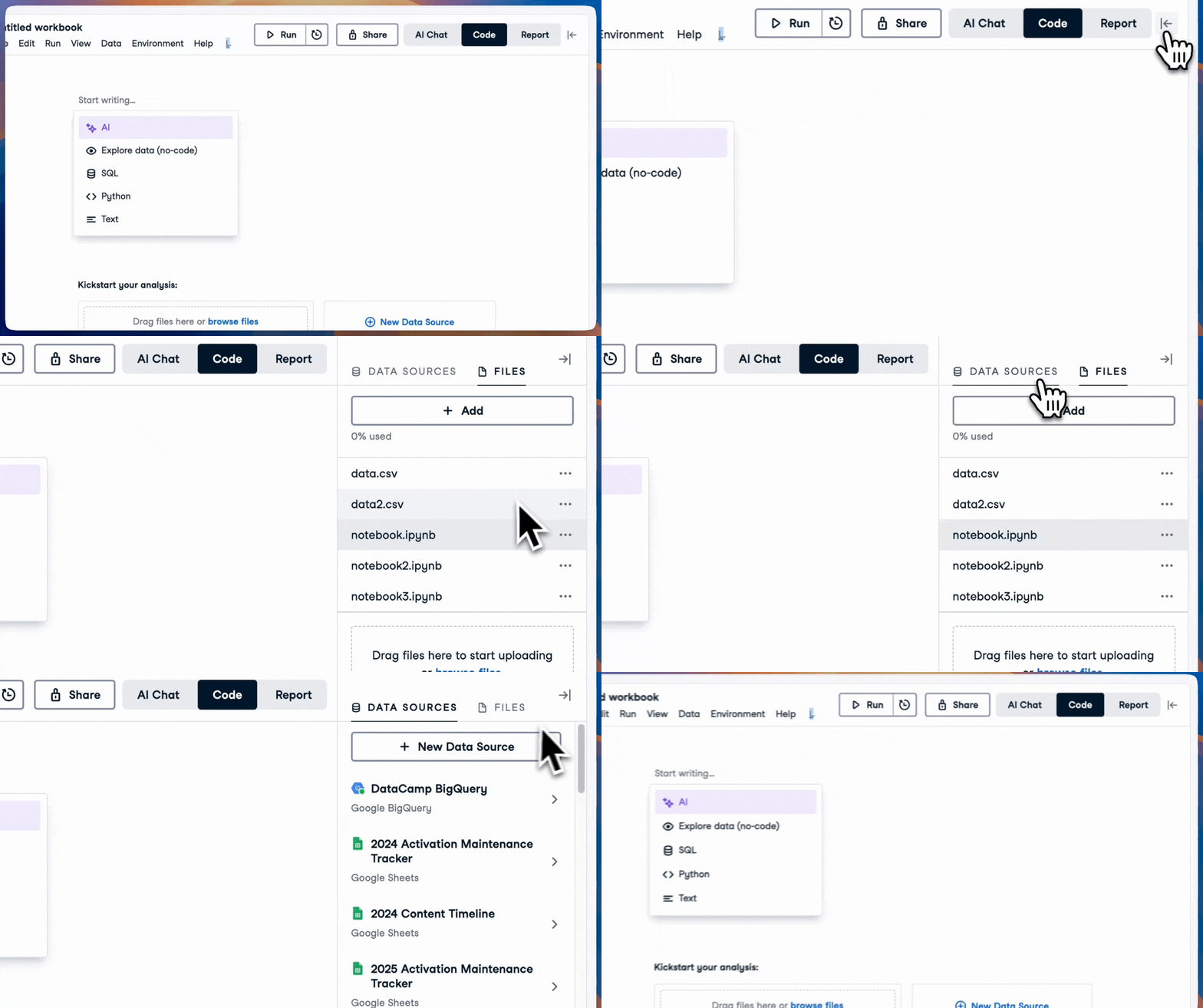
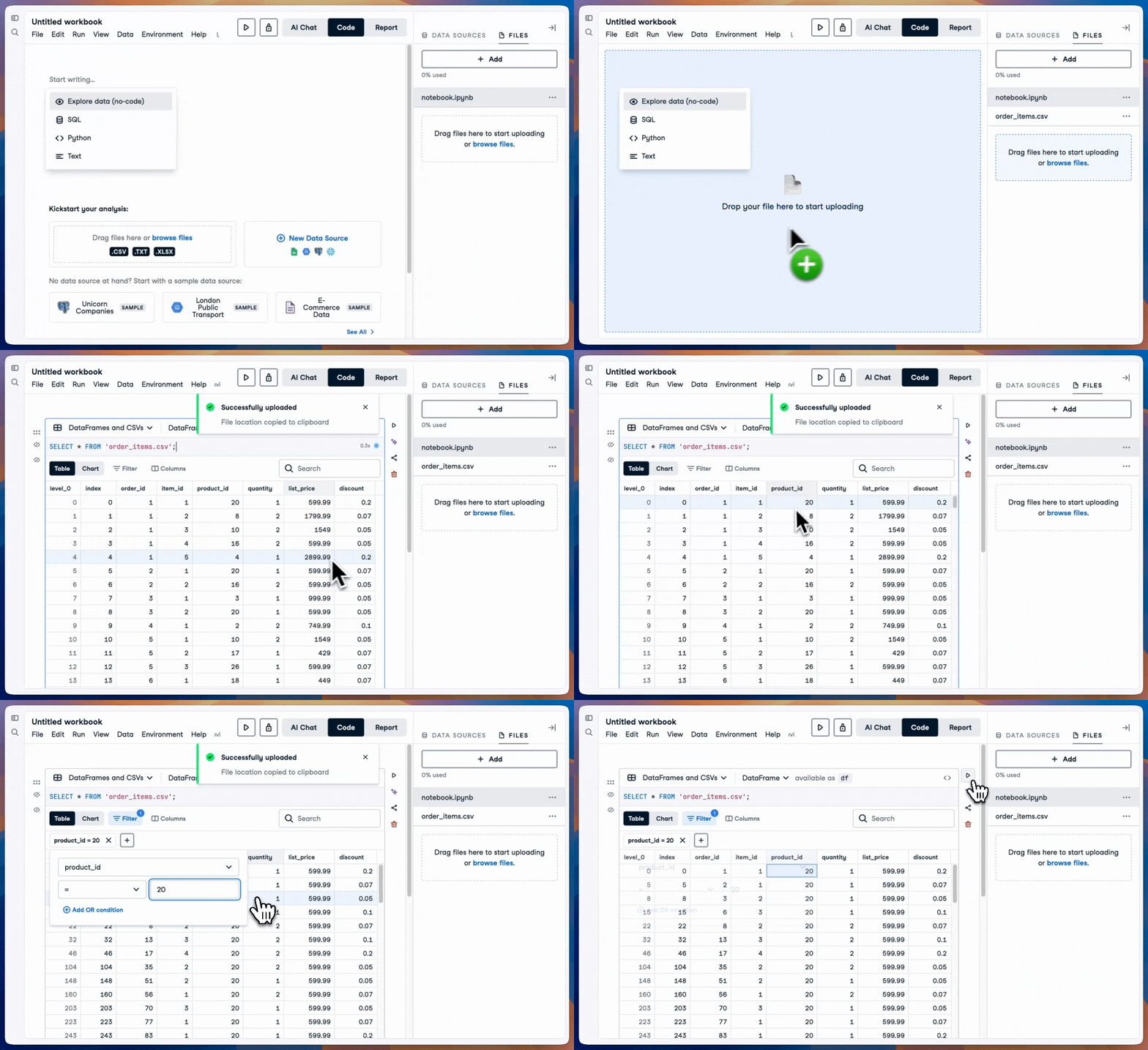
Bestanden toevoegen en openen

CSV-bestand uploaden

Introductie tot DataLab

Een lokaal bestand bevragen


Een SQL-cel gebruiken
SELECT * 
FROM 'our_file.csv'


Een codecel gebruiken (Python)
import pandas as pd
df = pd.read_csv('our_file.csv')
Introductie tot DataLab

Laten we oefenen!

Introductie tot DataLab

Preparing Video For Download...