Introductie tot datavisualisatie met Julia
Gustavo Vieira Suñe
Data Analyst

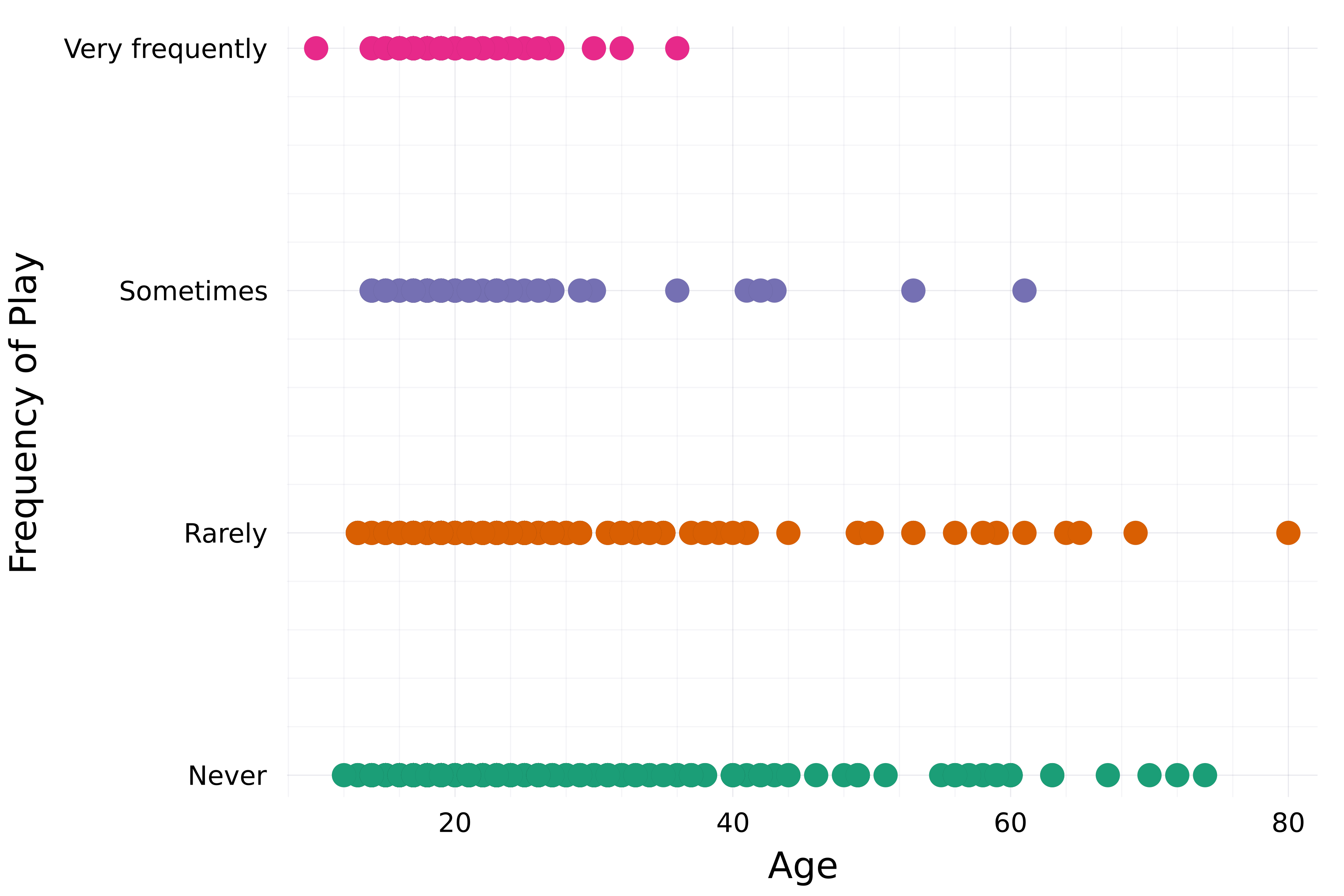
# Stel het thema in theme(:bright)# Maak een scatterplot scatter( streaming.Age, streaming."Frequency [K pop]", group=streaming."Frequency [K pop]", label=false,# Stel kleurenpalet in palette=:Dark2_5 )xlabel!("Age") ylabel!("Frequency of Play")

Eerder gezien:
title, xlabel, ylabelxticks, ytickscolorlinecolor, linewidthmarkercolorframestyleVeel meer:
xlims, ylimsalphalinestylelegend_title, legend_positionmarkersize, markershape...
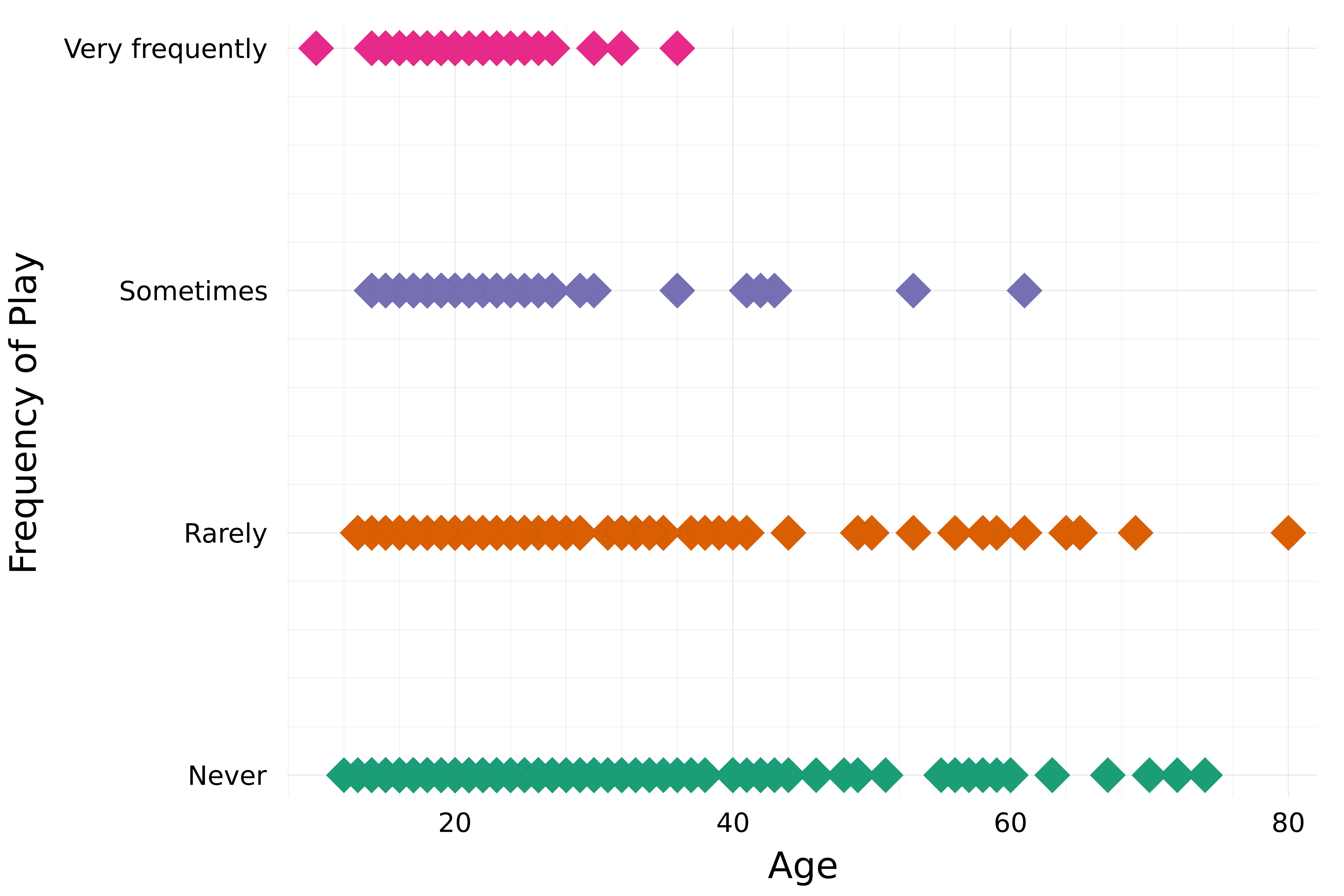
theme(:bright) scatter( streaming.Age, streaming."Frequency [K pop]", group=streaming."Frequency [K pop]", label=false, palette=:Dark2_5# Markerattributen markershape=:diamond, markersize=8, )xlabel!("Age") ylabel!("Frequency of Play")

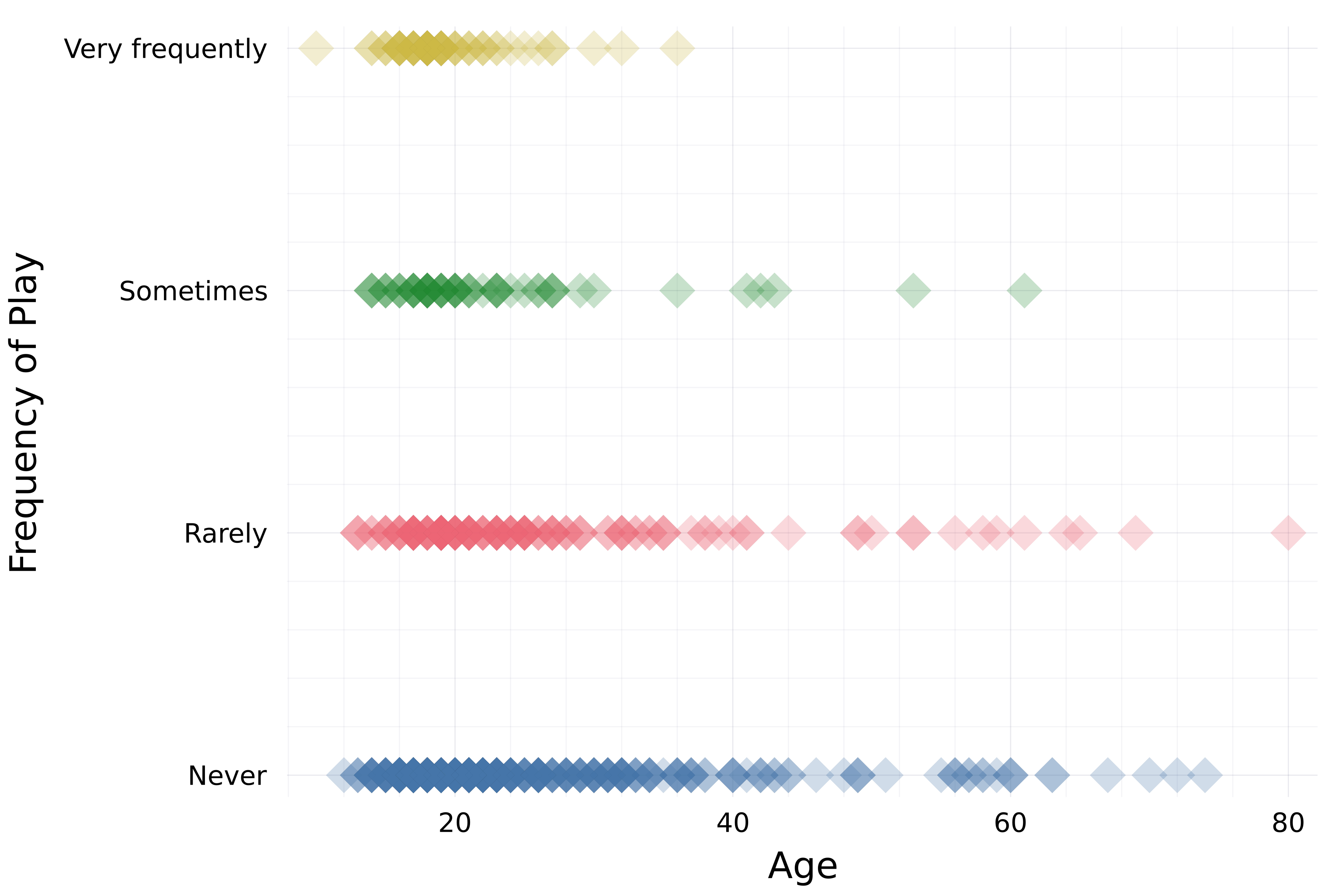
theme(:bright) scatter( streaming.Age, streaming."Frequency [K pop]", group=streaming."Frequency [K pop]", label=false, palette=:Dark2_5 markershape=:diamond, markersize=8,# Opaciteit alpha=0.25 )xlabel!("Age") ylabel!("Frequency of Play")

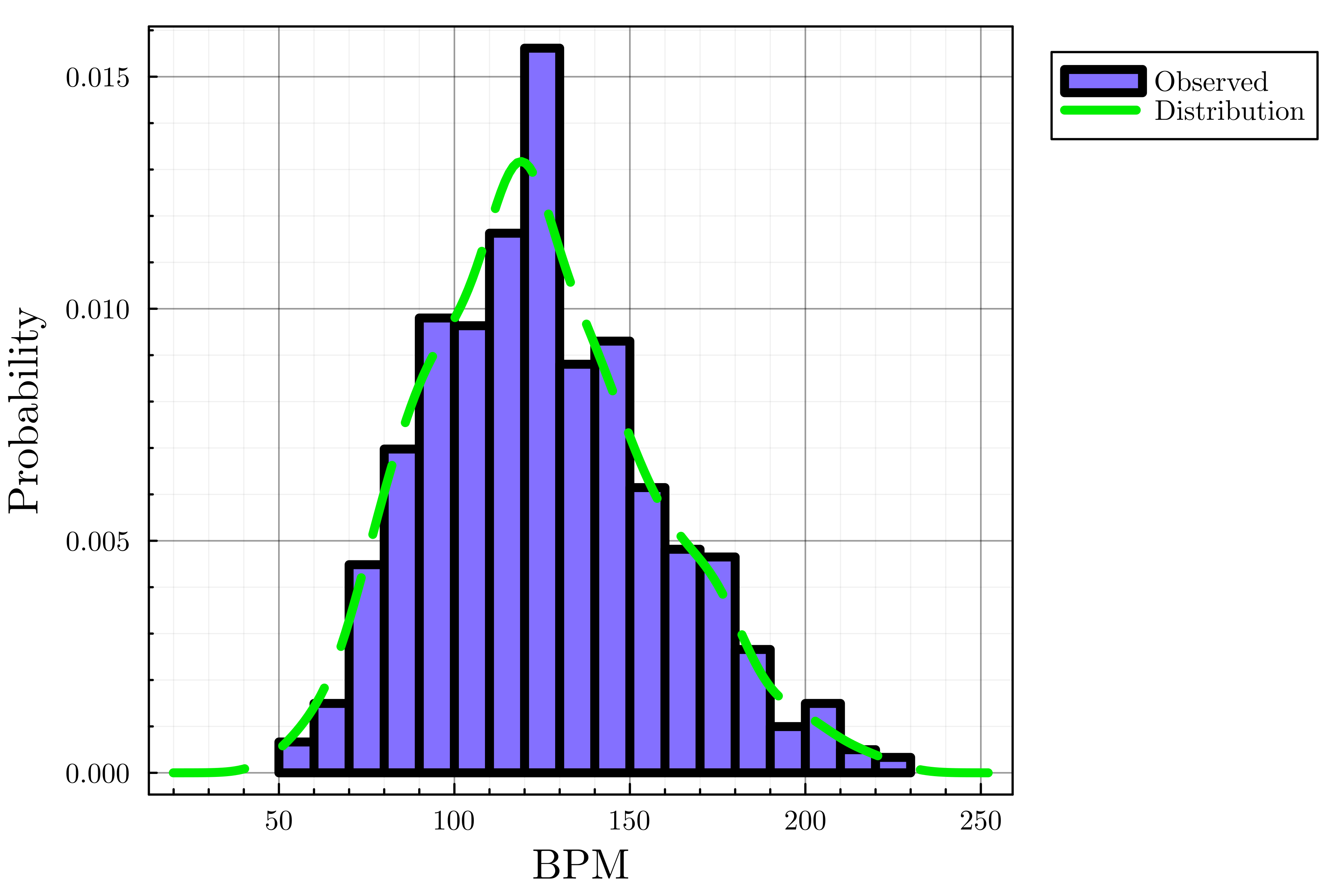
# Stel thema en standaard lijndikte in theme(:dao, linewidth=4)# Maak histogram histogram(streaming.BPM, label="Observed", color=:lightslateblue, normalize=true)# Voeg dichtheidsplot toe density!(streaming.BPM, label="Distribution", linecolor=:green2,# Lijnstijl linestyle=:dash)xlabel!("BPM") ylabel!("Probability")

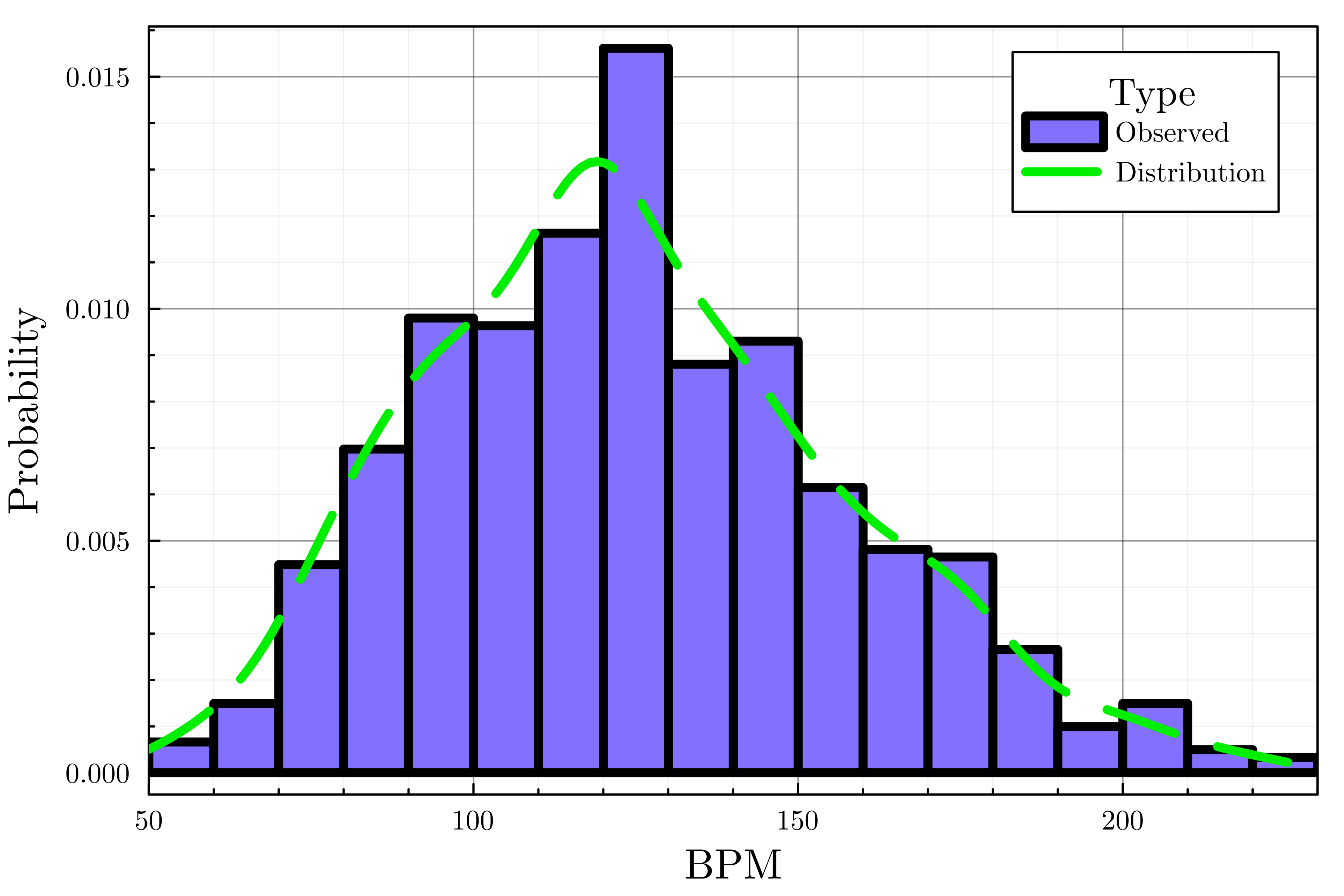
theme(:dao, linewidth=4) histogram(streaming.BPM, label="Observed", color=:lightslateblue, normalize=true) density!(streaming.BPM, label="Distribution", linecolor=:green2, linestyle=:dash# Legenda aanpassen legend_title="Type", legend_position=:topright)# Stel de x-as grenzen in xlims!(50, 230)xlabel!("BPM") ylabel!("Probability")

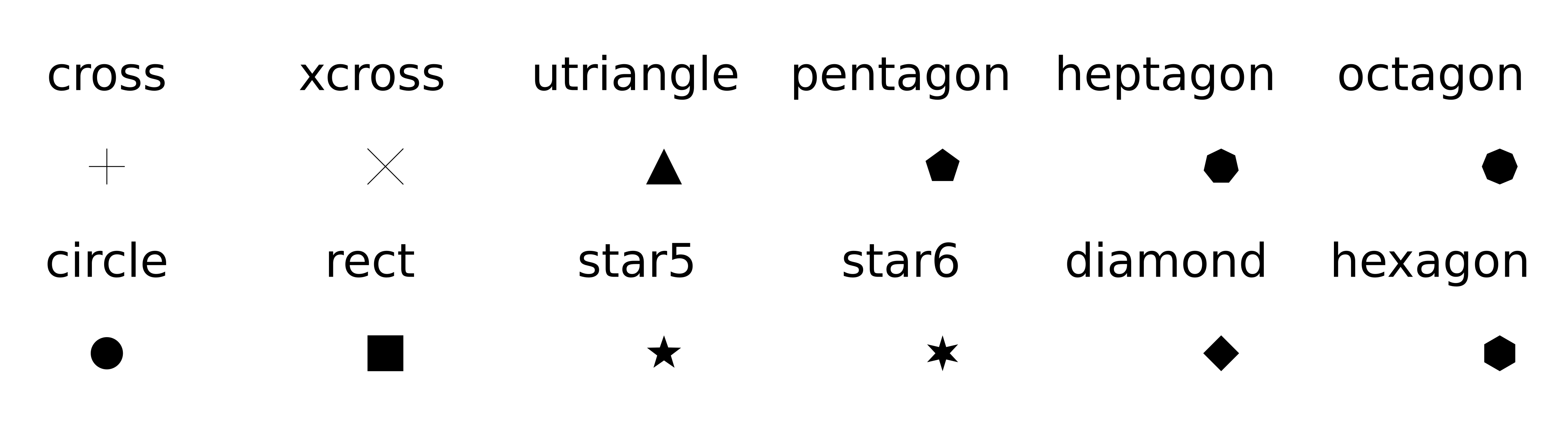
plot(..., palette=palette_symbol)markersizemarkershape
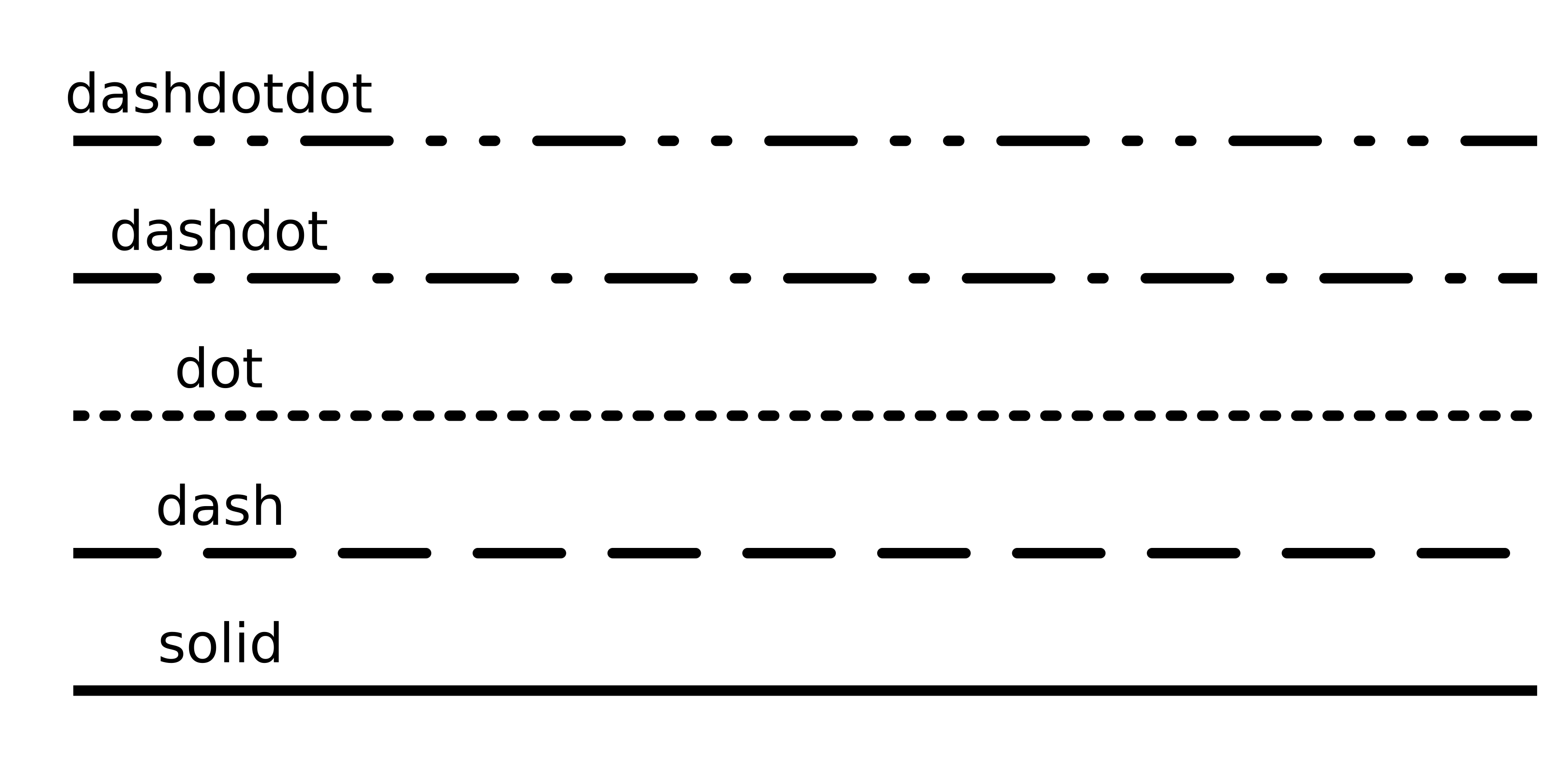
alpha=opacity_valuexlims!(), ylims!()Lijnattribuut: linetyle

Legenda-attributen
legend_titlelegend_position (:right, :left, :top, :bottom, :topright, :topleft, ...)Introductie tot datavisualisatie met Julia