Tekst genereren met taalmodellen

Introductie tot Amazon Bedrock

Nikhil Rangarajan

Data Scientist

Prompts naar taalmodellen sturen

  • Prompt: de invoertekst die je naar het model stuurt
    • "Explain how AWS Lambda works"

Een pictogram dat de prompt voorstelt.

Introductie tot Amazon Bedrock

Prompts naar taalmodellen sturen

  • Prompt: de invoertekst die je naar het model stuurt
    • "Explain how AWS Lambda works"
  • Completion: de tekst die het model genereert
    • "AWS Lambda is a serverless compute service that..."

Pictogrammen die de prompt en completion voorstellen.

Introductie tot Amazon Bedrock

Prompts naar taalmodellen sturen

  • Prompt: de invoertekst die je naar het model stuurt
    • "Explain how AWS Lambda works"
  • Completion: de tekst die het model genereert
    • "AWS Lambda is a serverless compute service that..."
  • Response:
    • Gegenereerde tekst (completion)
    • Metadata (tokens, modelinfo)
    • Statusinformatie

Drie pictogrammen op rij die prompt, completion en response voorstellen.

Introductie tot Amazon Bedrock

Basisprincipes van prompt engineering toepassen

  • Technieken voor betere resultaten:
    • Duidelijk en specifiek: geef gedetailleerde, precieze instructies
    • Roltoewijzing: geef een persona voor meer contextbegrip
    • Opmaakregels: voeg beperkingen toe om het antwoord te sturen
"Explain the benefits of exercise 
in simple terms."
"You are a nutritionist. Explain the 
benefits of a balanced diet."
"List the top 3 benefits of cloud 
computing in bullet points."
Introductie tot Amazon Bedrock

Geavanceerde tekstparsingtechnieken

  • Ontbrekende of onverwachte keys afvangen
data = json.loads(response['body'].read())
if 'completion' in data:
    output = data['completion']

else: output = "Key not found"
  • Meervoudige JSON-niveaus parsen voor diep geneste structuren
try:
    nova_output = data.decode()["output"]

except (KeyError, IndexError) as e: nova_output = f"Error: {str(e)}"
Introductie tot Amazon Bedrock

Antwoordverwerking en tekstateliering

  • Unicode-/coderingproblemen: ga om met speciale tekens in tekstantwoorden
    # Ensure proper encoding
    output = data['completion'].encode('utf-8').decode('unicode_escape')
    print(output)
    
  • Grote antwoorden verwerken: splits of truncate voor bruikbaarheid
    # Truncate response for display
    output = data['completion'][:500]  # Limit to 500 characters
    print(output)
    
Introductie tot Amazon Bedrock

Categorie-extractie met Bedrock

  • Voorbeeld: tekst classificeren
  • Gebruik gestructureerde prompts met duidelijke categorieën
  • Geef expliciete instructies voor één categorie als output
  • Verwerk modelantwoorden efficiënt
  • Resultaat: nauwkeurige tekston indeling
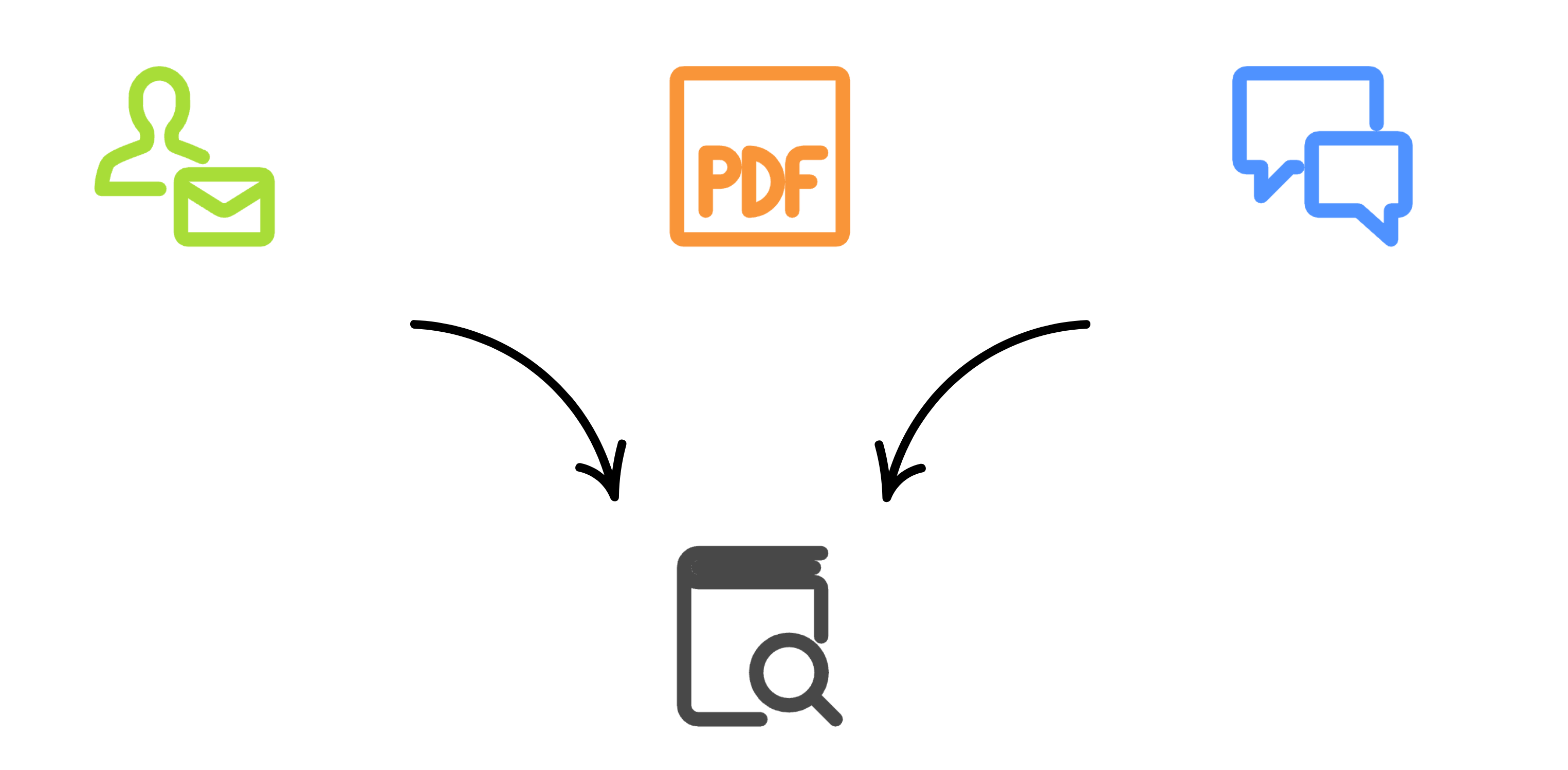
Pictogrammen die tekstclassificatie voorstellen

Introductie tot Amazon Bedrock

Categorie-extractie met Bedrock

def categorize_ticket(ticket, categories):
  prompt = f"Categorize into one: {', '.join(categories)}. 
  Ticket: {ticket}"
  response = bedrock.invoke_model(
    modelId='amazon.nova-micro-v1:0',
    body=json.dumps({"messages": [{"role": "user", "content": 
                                   [{"text": prompt}]}]}))

return json.loads(nova_response.get("body").read().decode())["output"]
{"output": {"message": {"role": "assistant","content": [
        {
          "text": "Customer Service"
        }]}, "stop_reason": "stop_sequence"}}
Introductie tot Amazon Bedrock

Laten we oefenen!

Introductie tot Amazon Bedrock

Preparing Video For Download...