Toegang tot Amazon Bedrock

Introductie tot Amazon Bedrock

Nikhil Rangarajan

Data Scientist

Maak kennis met je docent!

  • Machine learning engineer
  • Cloudtechnologie (AWS, Azure)
  • Data-, cloud- en computerengineering

De profielfoto van de docent

Introductie tot Amazon Bedrock

Wat is Amazon Bedrock?

  • Amazon-service

De logo’s van AWS en Amazon Bedrock

Introductie tot Amazon Bedrock

Wat is Amazon Bedrock?

  • Amazon-service
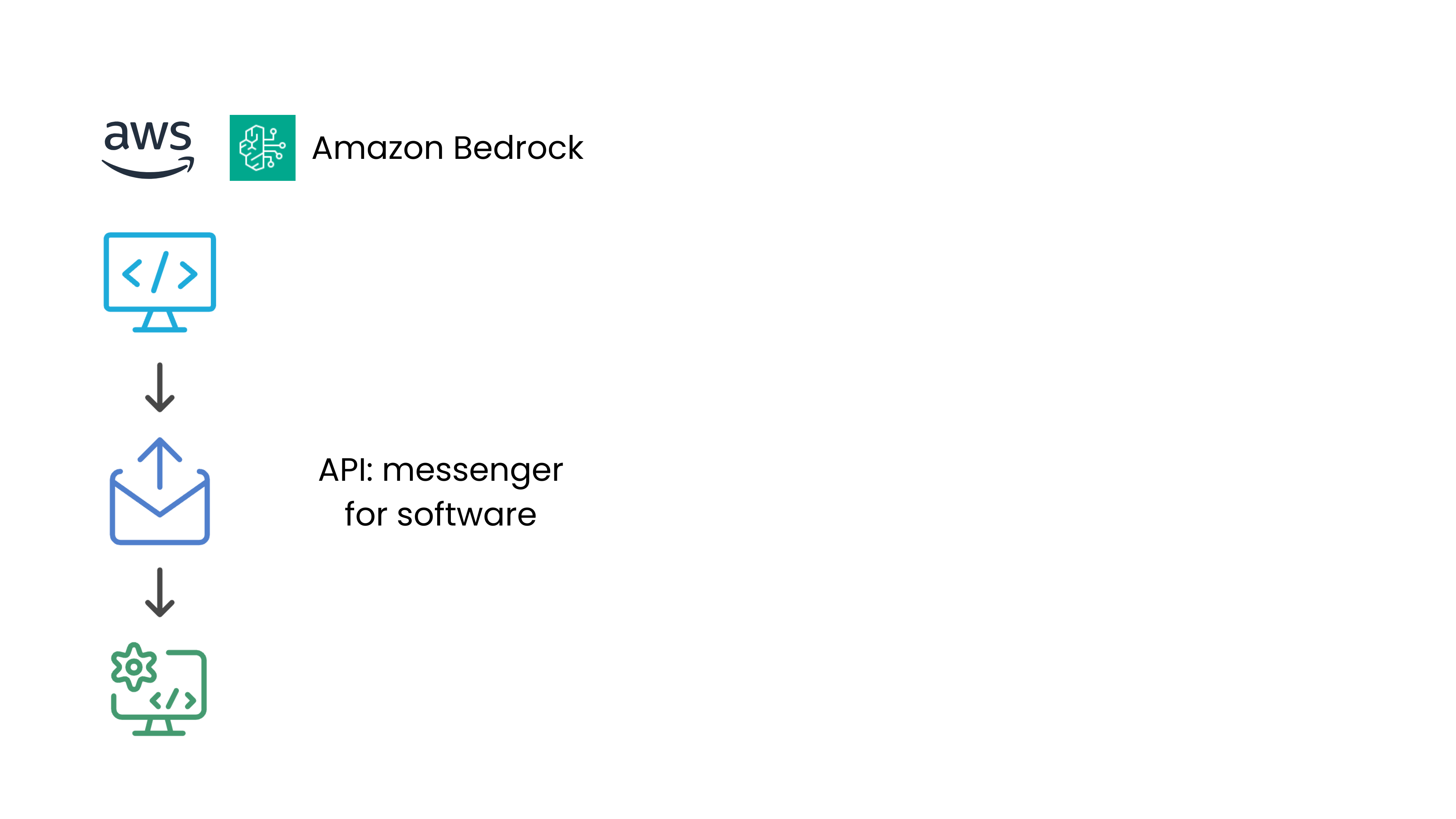
  • AI-modellen aangeroepen via API
    • API: een boodschapper tussen softwaresystemen
  • Bedrock biedt toegang tot modellen van o.a. Anthropic, Meta, enz.
  • Geen modelsetup of training nodig – betaal per gebruik

De logo’s van AWS en Amazon Bedrock, en een diagram van een API.

Introductie tot Amazon Bedrock

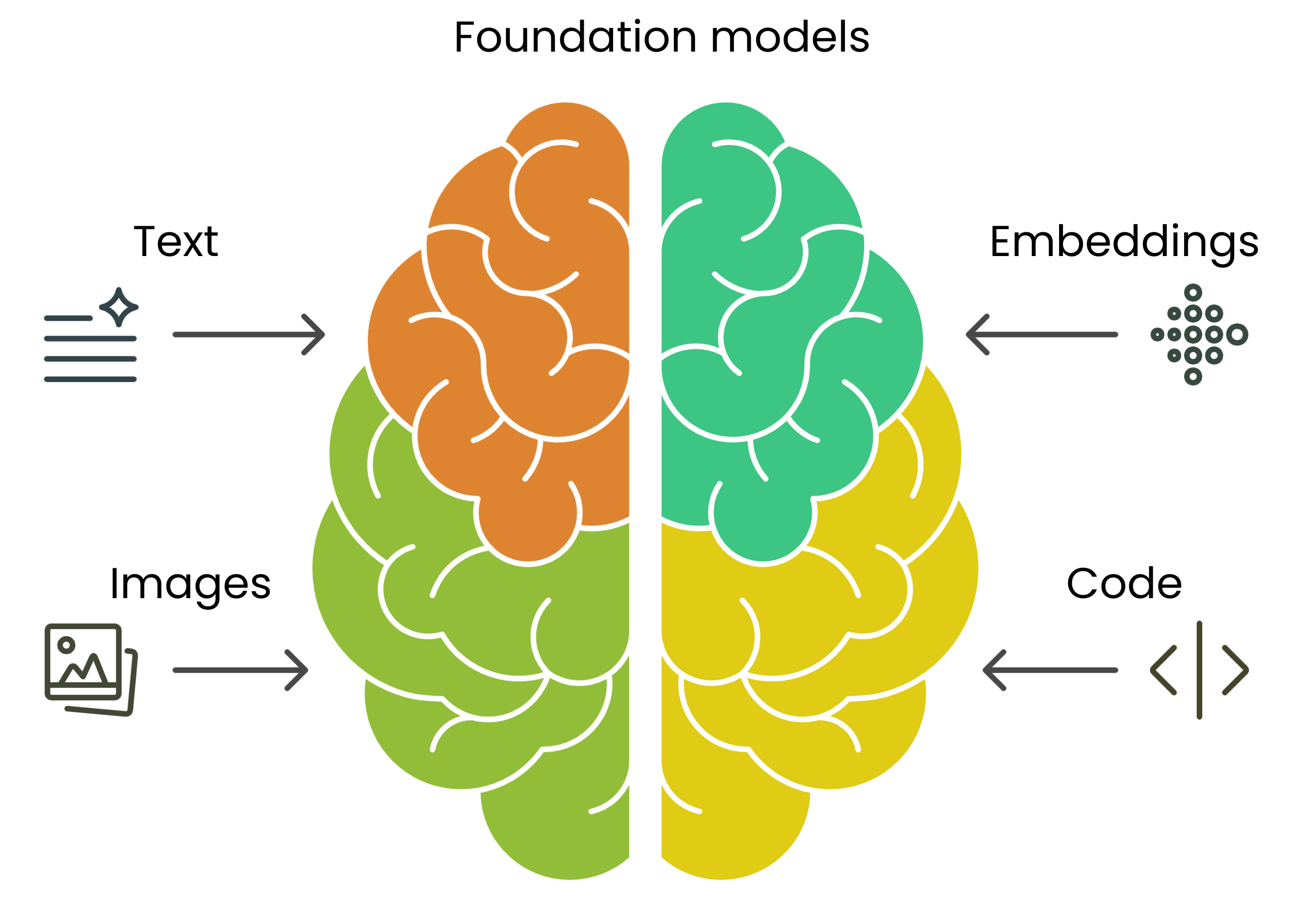
Foundation models in Generatieve AI

  • Voorgetrainde modellen
  • Basis voor meerdere AI-taken
  • Genereren tekst, code, beelden op basis van prompts
    • Tekst/Chat: Claude, Jurassic
    • Beeld: Stable Diffusion
    • Embeddings: Titan


Een diagram met een Foundation Model in het midden en vier pijlen naar: Text/Chat, Embeddings, Code en Images.

Introductie tot Amazon Bedrock

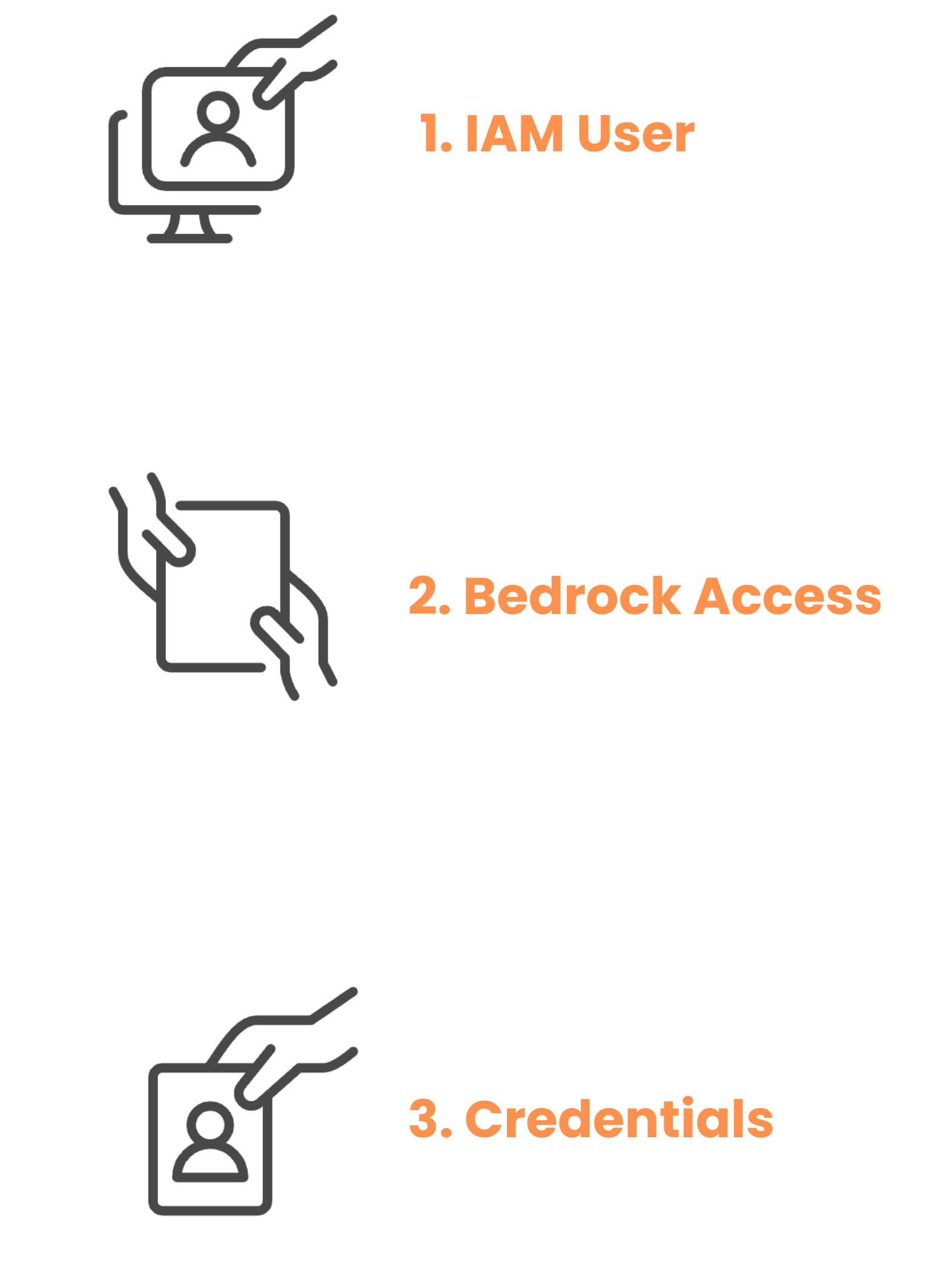
Toegang tot Amazon Bedrock begrijpen

Let op: In deze cursus zijn Access Key en Secret Key vooraf geladen.


  • Bedrock-toegang inschakelen in AWS:
    • Maak een IAM-gebruiker in de AWS-console
    • Voeg Amazon Bedrock Full Access toe
    • Haal je toegangssleutels op:
      • Access Key
      • Secret Key
      • Regio (bijv. 'us-east-1')

Een stroomschema met drie stappen om Amazon Bedrock-toegang in AWS te activeren. Stap 1: Maak IAM-gebruiker, Stap 2: Voeg Bedrock-toegang toe, Stap 3: Haal inloggegevens op.

Introductie tot Amazon Bedrock

Bedrock runtime-toegang instellen

  • Configureer AWS-gegevens in je omgeving
# Niet veilig voor productie, alleen voor lesdoeleinden
AWS_REGION = 'us-east-1'

AWS_ACCESS_KEY = 'your-access-key'
AWS_SECRET_KEY = 'your-secret-key'
  • Initialiseer Bedrock-client
  • Gebruik 'bedrock-runtime' voor modelinference
    import boto3 
    bedrock = boto3.client('bedrock-runtime', # use -runtime
      region_name=AWS_REGION,
      aws_access_key_id=AWS_ACCESS_KEY,
      aws_secret_access_key=AWS_SECRET_KEY)
    
Introductie tot Amazon Bedrock

Bedrock-toegang instellen

  • Controleer of de client is geïnitialiseerd
  • Gebruik 'bedrock' voor operationele requests


# Verifieer Bedrock-clientconfiguratie
import boto3
bedrock_client = boto3.client('bedrock', region_name='us-east-1')

models = bedrock_client.list_foundation_models() print(f"Connected successfully! Found {len(models['modelSummaries'])} available models.")
Connected successfully!  Found 13 available models.
Introductie tot Amazon Bedrock

Informatie over foundation models

  • Gebruik get_foundation_model() om modeldetails op te halen


  • Je hebt een ModelID nodig, een unieke identifier
    • Voorbeeld: amazon.nova-micro-v1:0, anthropic.claude-3-5-sonnet-v2:0


response = bedrock_client.get_foundation_model
    (modelIdentifier='anthropic.claude-3-5-sonnet-v2:0')
print(response)
Introductie tot Amazon Bedrock

Informatie over foundation models

{
 'modelDetails': {

'modelName': 'anthropic.claude-3-5-sonnet-v2:0', 'modelId': 'anthropic.claude-3-5-sonnet-v2:0', 'providerName': 'Anthropic', 'modelArn': 'arn:aws:bedrock:us-east-1::foundation-model/anthropic.claude-3-5-sonnet',
'inputModalities': ['TEXT'], 'outputModalities': ['TEXT'], 'responseStreamingSupported': True, 'inferenceTypesSupported': ['ON_DEMAND'], 'modelLifecycle': {'status': 'ACTIVE'}
} }
Introductie tot Amazon Bedrock

Laten we oefenen!

Introductie tot Amazon Bedrock

Preparing Video For Download...