Menyesuaikan scatter plot
Pengantar Visualisasi Data dengan Seaborn

Content Team
DataCamp
Subkelompok dengan ukuran titik

1 Waskom, M. L. (2021). seaborn: statistical data visualization. https://seaborn.pydata.org/
Ukuran titik dan hue

1 Waskom, M. L. (2021). seaborn: statistical data visualization. https://seaborn.pydata.org/
Subkelompok dengan gaya titik

1 Waskom, M. L. (2021). seaborn: statistical data visualization. https://seaborn.pydata.org/
Mengubah transparansi titik
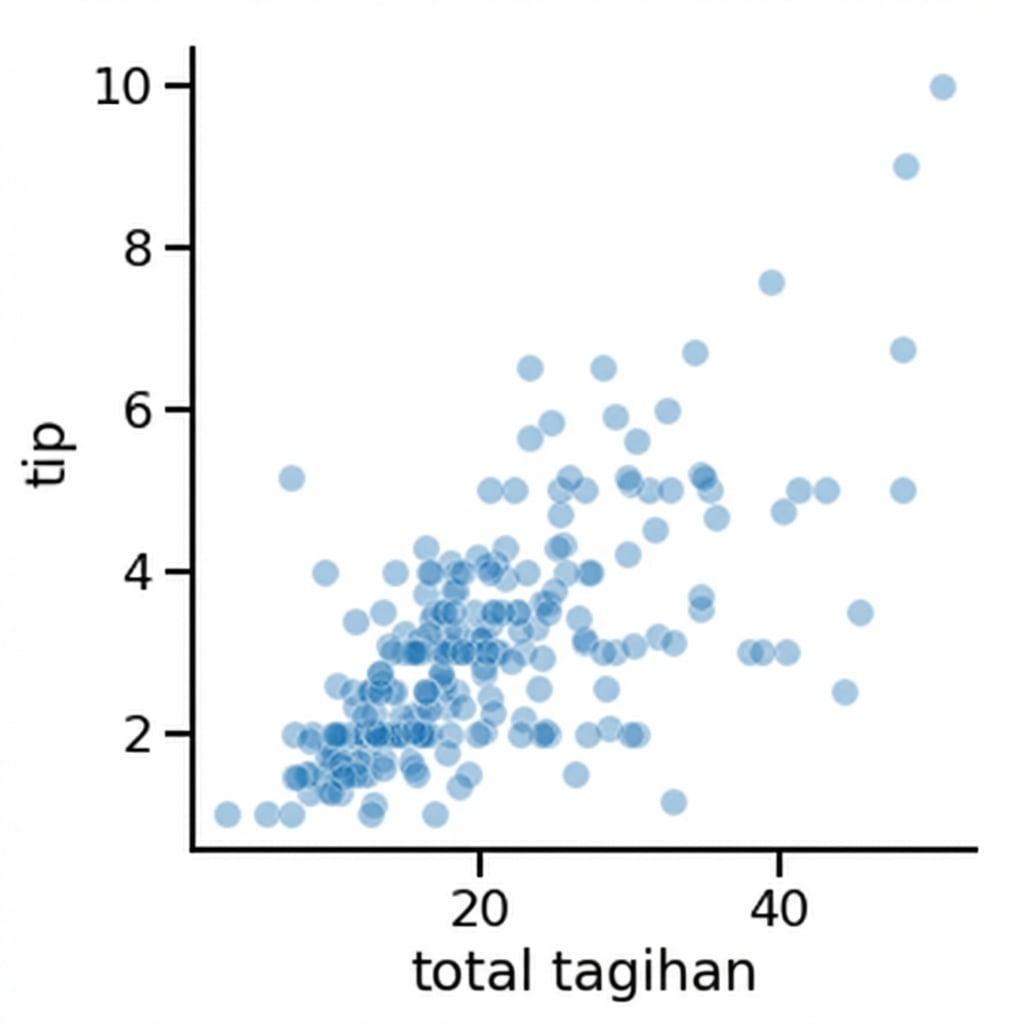
1 Waskom, M. L. (2021). seaborn: statistical data visualization. https://seaborn.pydata.org/

