Pengantar Python untuk Keuangan
Adina Howe
Instructor
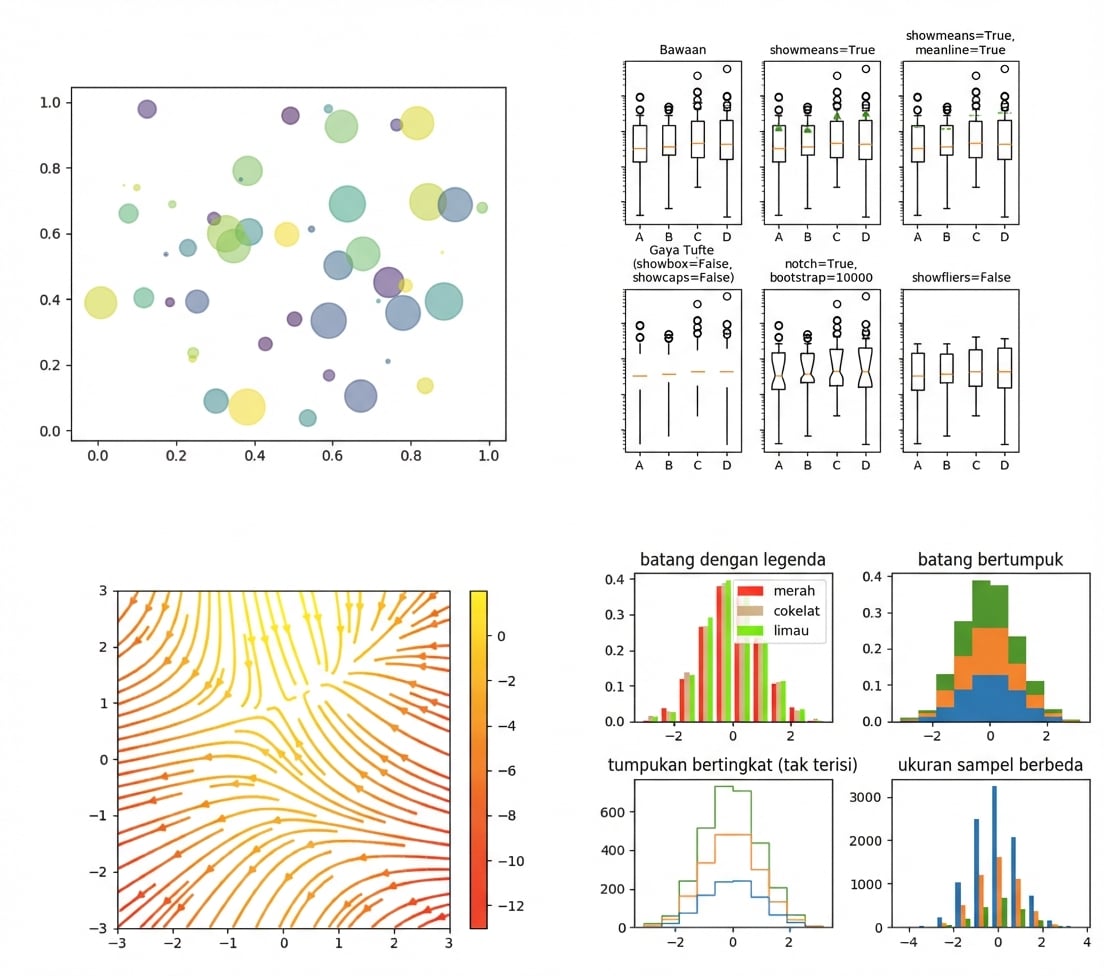
Lihat galeri Matplotlib selengkapnya lewat tautan ini.
import matplotlib.pyplot as plt
plt.plot()
plt.show()
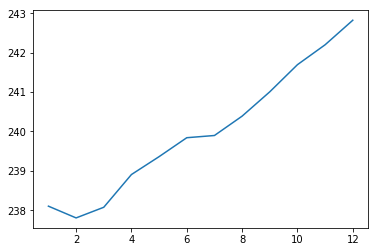
import matplotlib.pyplot as plt
plt.plot(months, prices)
plt.show()

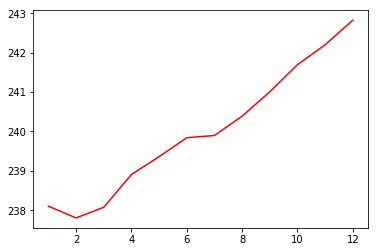
import matplotlib.pyplot as plt
plt.plot(months, prices, color = 'red')
plt.show()

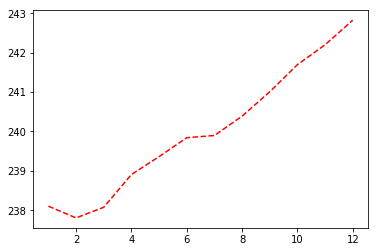
import matplotlib.pyplot as plt
plt.plot(months, prices, color = 'red', linestyle = '--')
plt.show()

| warna | |
|---|---|
| 'green' | hijau |
| 'red' | merah |
| 'cyan' | sian |
| 'blue' | biru |
| gaya garis | |
|---|---|
| '-' | solid |
| '--' | putus-putus |
| '-.' | putus-titik |
| ':' | titik-titik |
Dokumentasi warna dan garis selengkapnya di sini.
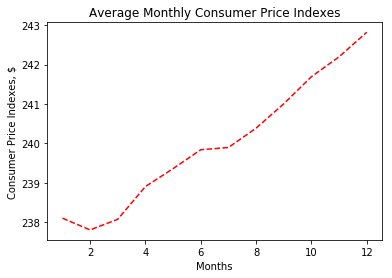
import matplotlib.pyplot as plt
plt.plot(months, prices, color = 'red', linestyle = '--')
# Add labels
plt.xlabel('Months')
plt.ylabel('Consumer Price Indexes, $')
plt.title('Average Monthly Consumer Price Indexes')
# Show plot
plt.show()

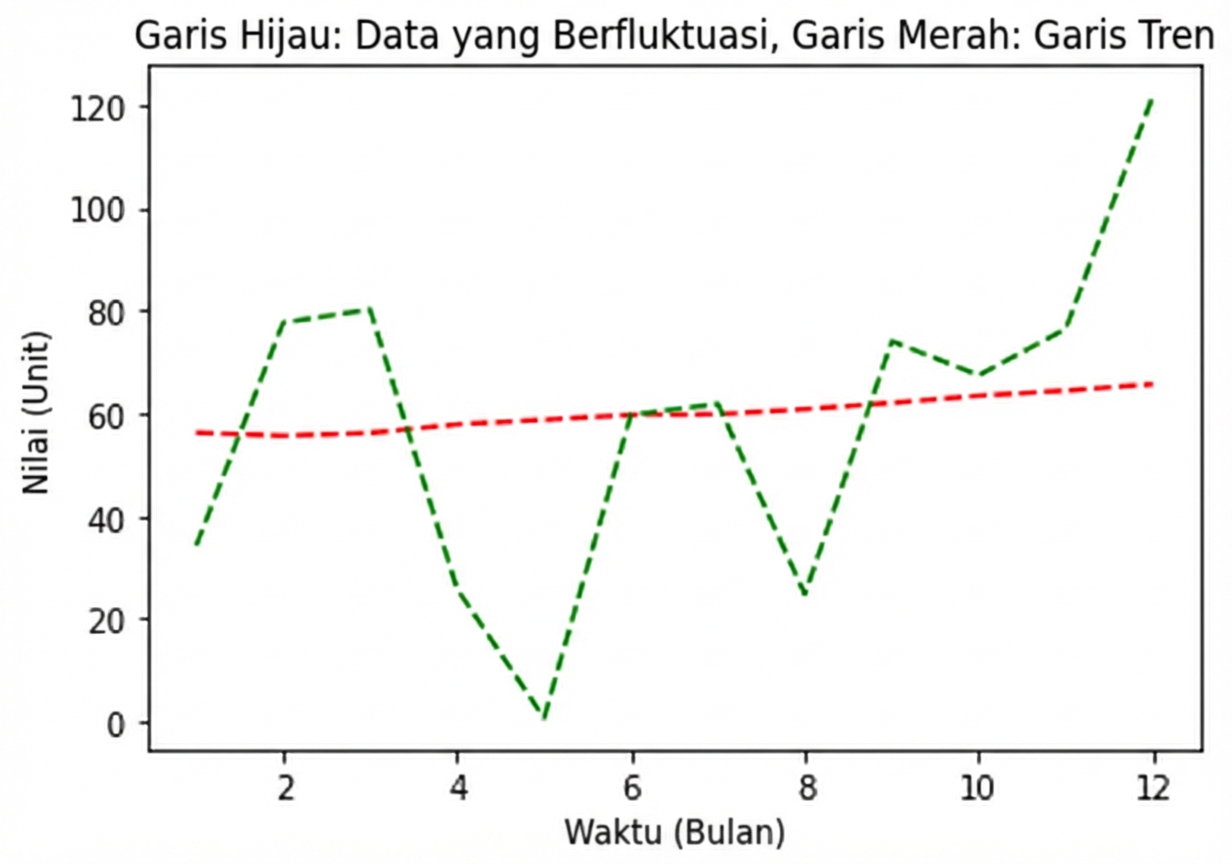
import matplotlib.pyplot as plt
plt.plot(months, prices, color = 'red', linestyle = '--')
# adding an additional line
plt.plot(months, prices_new, color = 'green', linestyle = '--')
plt.xlabel('Months')
plt.ylabel('Consumer Price Indexes, $')
plt.title('Average Monthly Consumer Price Indexes')
plt.show()

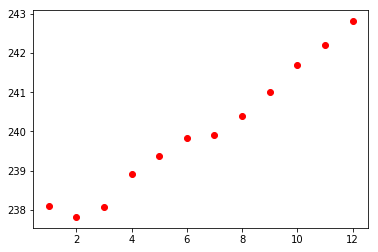
import matplotlib.pyplot as plt
plt.scatter(x = months, y = prices, color = 'red')
plt.show()

Pengantar Python untuk Keuangan