Introduction to notebooks in Fabric

Introduction to Microsoft Fabric

Fiodar Sazanavets

Senior Software Engineer

What is a notebook?
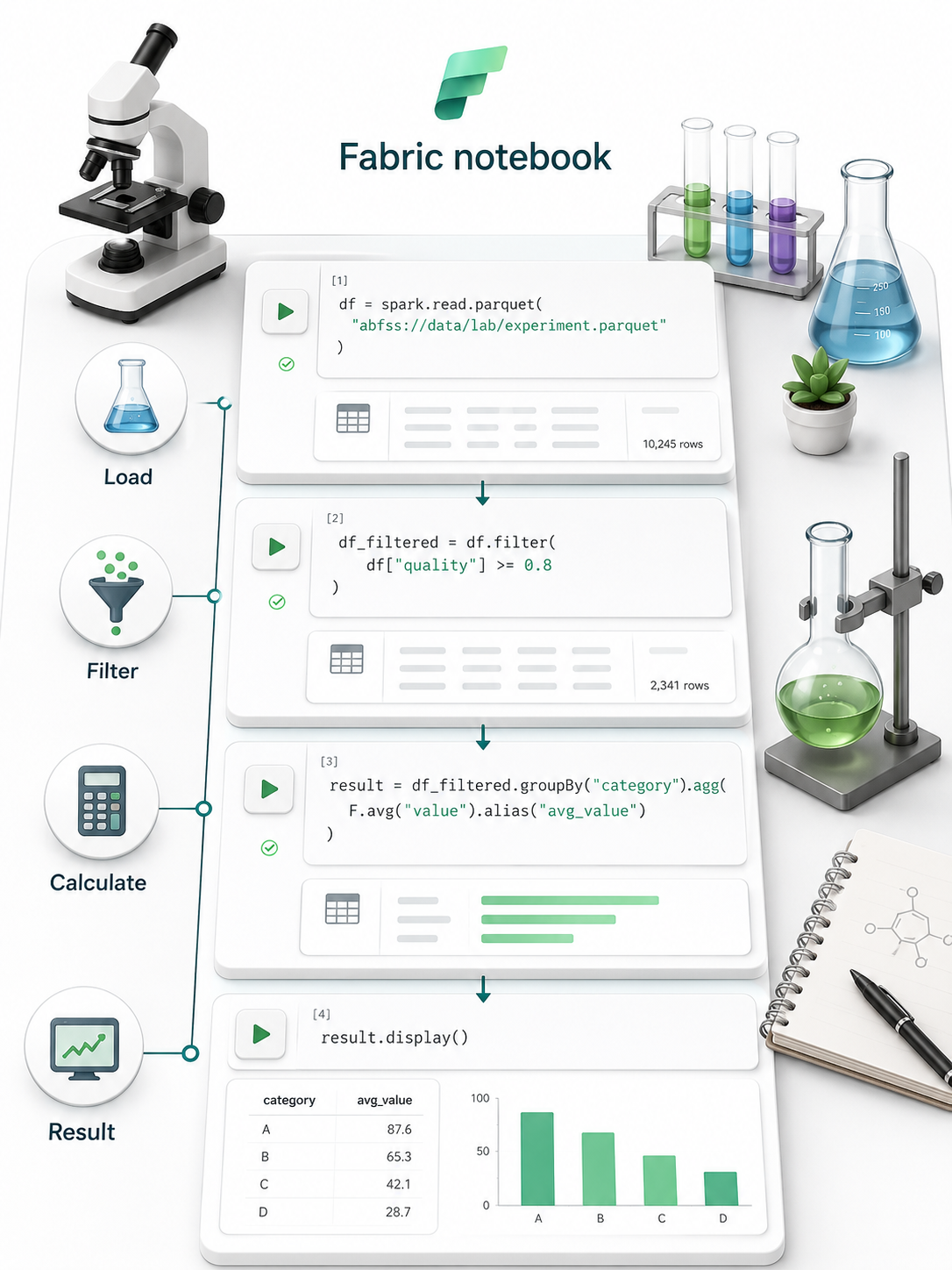
Fabric notebook shown as a lab bench, with code cells that load, filter, and calculate data, then display a result chart

  • Like an interactive laboratory
  • Code cells, one task each (load, filter, calculate)
  • Step-by-step exploration and transformation
Introduction to Microsoft Fabric

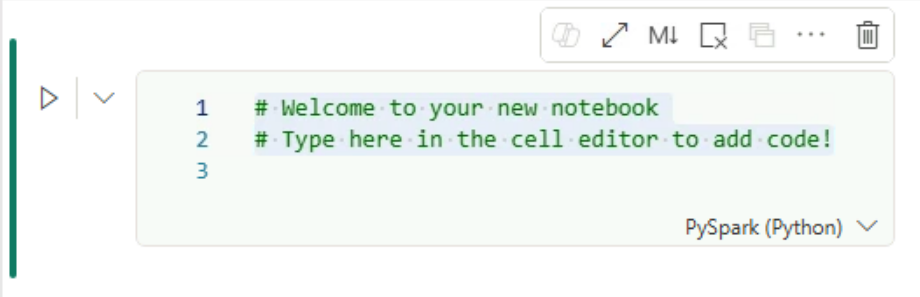
Code cells

Empty Fabric notebook code cell with a run button on the left and a PySpark (Python) language selector

  • Each cell performs one task
  • Cells can be run individually
  • Results appear below the cell
Introduction to Microsoft Fabric

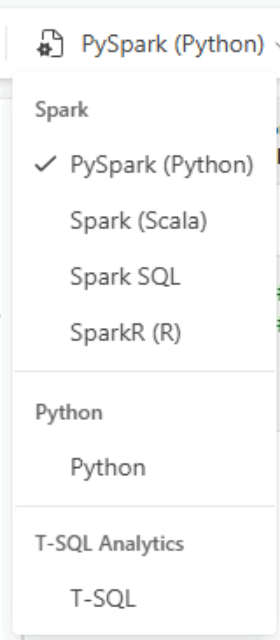
The role of kernels in a notebook

  • Kernel: runs code, returns results
  • Three types:
    • Spark (default)
    • Python
    • T-SQL

Notebook language dropdown with Spark options (PySpark selected), a Python kernel, and a T-SQL kernel

Introduction to Microsoft Fabric

Spark and PySpark

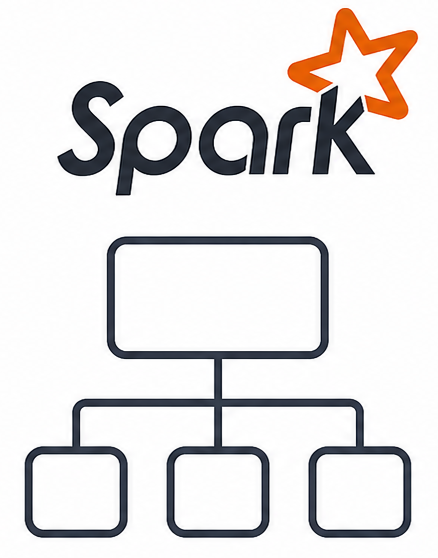
Spark
  • Designed for very large datasets
  • Runs smaller tasks in parallel
  • Also supports Scala, SQL, and R
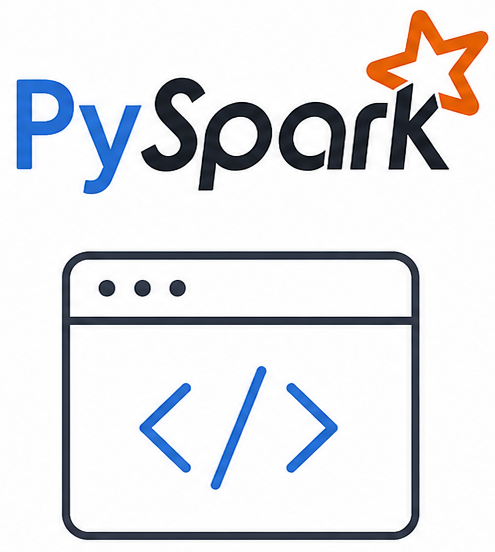
PySpark
  • Python instructions for Spark
  • Used in notebooks and workflows

Apache Spark logo above a diagram of one task splitting into three parallel tasks

PySpark logo above a code window icon, standing for Python instructions sent to Spark

Introduction to Microsoft Fabric

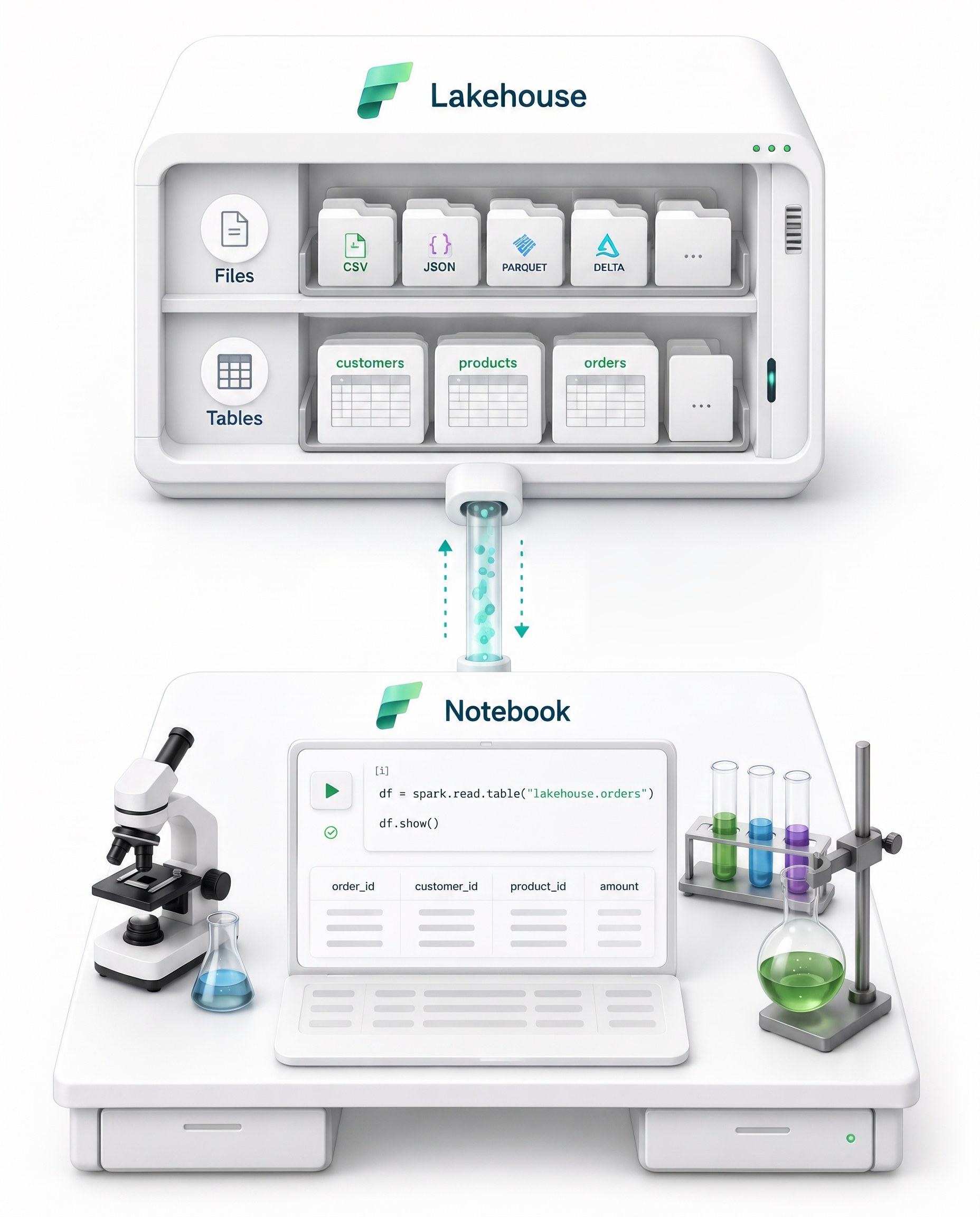
Lakehouse attachment

Notebook lab bench linked to a lakehouse of files and tables, reading orders data into a code cell

  • Connects a notebook to stored data
  • Read and write files and tables
  • Data stays in place
Introduction to Microsoft Fabric

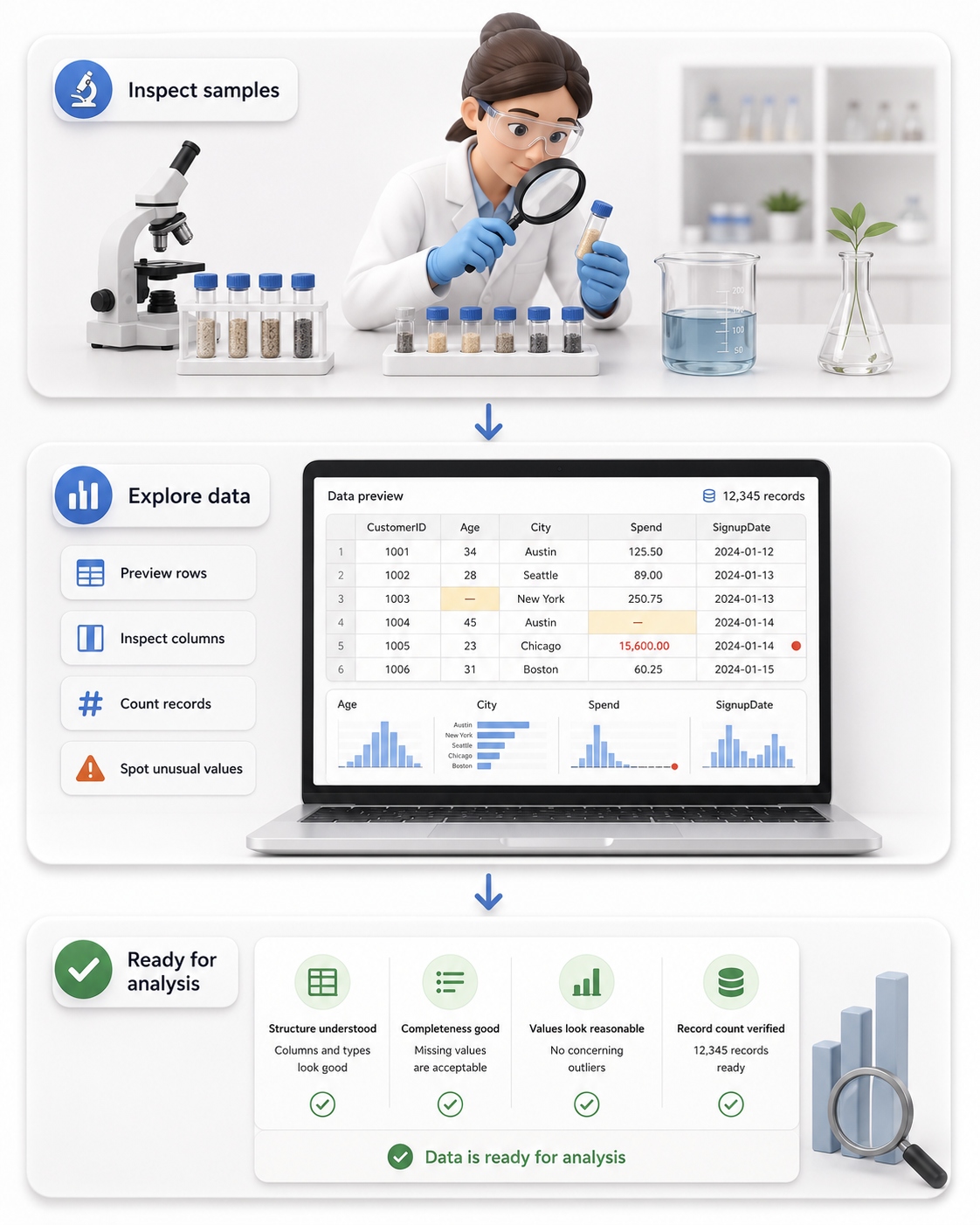
Data exploration

  • Inspect a sample of the data
  • Check available fields
  • Count records
  • Look for missing or unusual values

Exploration flow: inspect samples, preview a table with missing and unusual values flagged, then confirm the data is ready

Introduction to Microsoft Fabric

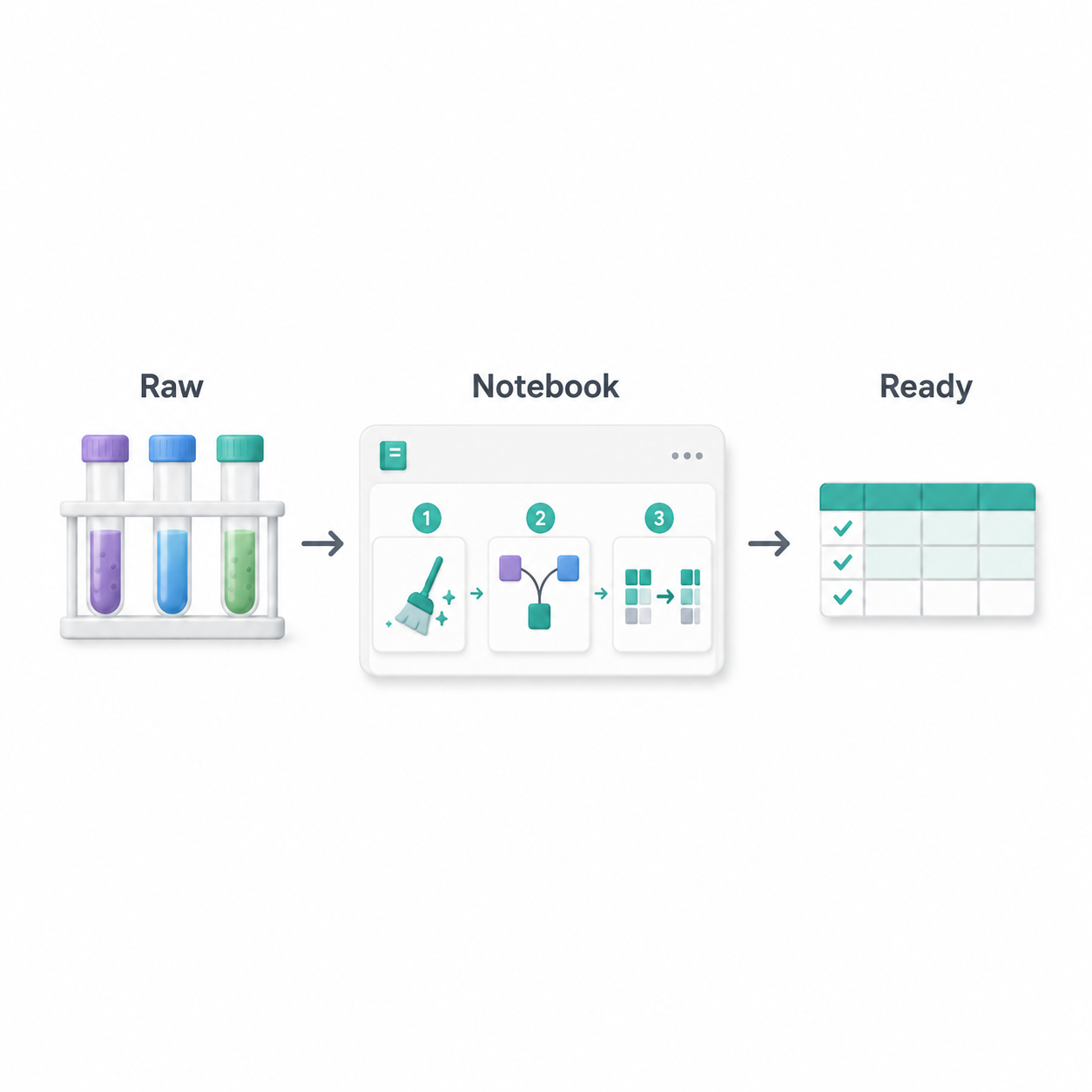
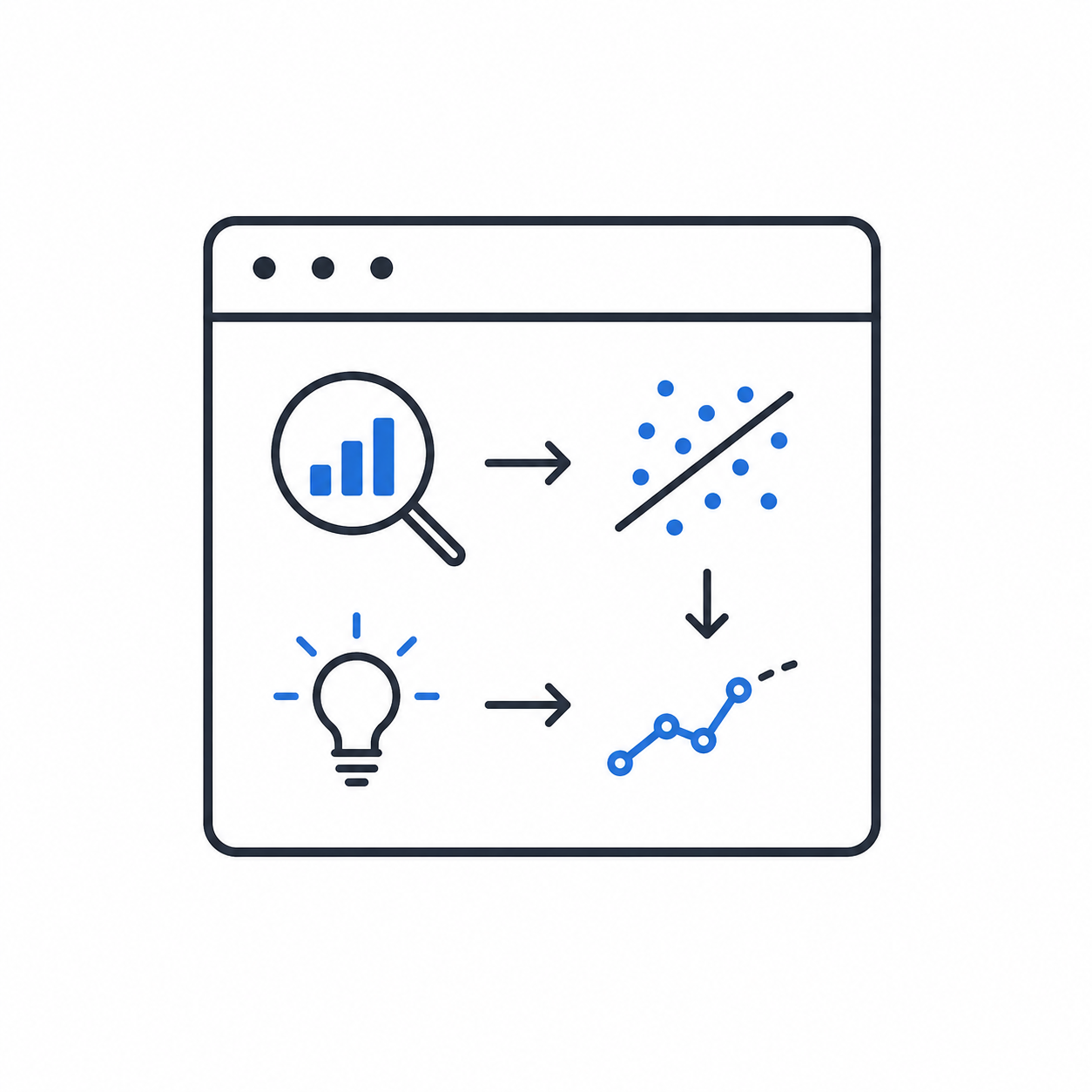
Transformation and data science

Transformation
  • Clean errors, combine sources
  • Create prepared tables
Data science
  • Test hypotheses, find patterns
  • Build predictive models

Raw test tubes go through notebook steps that clean, combine, and restructure data into a validated table

Notebook window where data analysis leads to finding patterns, an idea, and a predictive trend line

Introduction to Microsoft Fabric

Recap of notebook features

  • Notebook: interactive coding environment
  • Code cells: separate analysis steps
  • Lakehouse attachment: access to stored data
  • Supports exploration, transformation, and data science
Introduction to Microsoft Fabric

Let's practice!

Introduction to Microsoft Fabric

Preparing Video For Download...