Pemasukan Data yang Efisien dengan pandas
Amany Mahfouz
Instructor


requests.get() untuk mengambil data dari URL
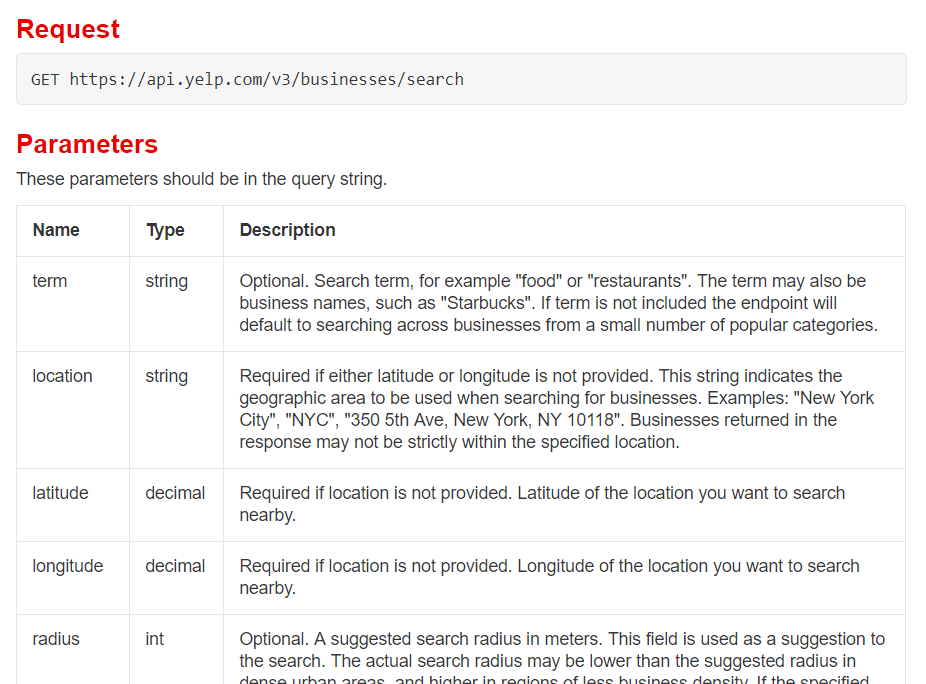
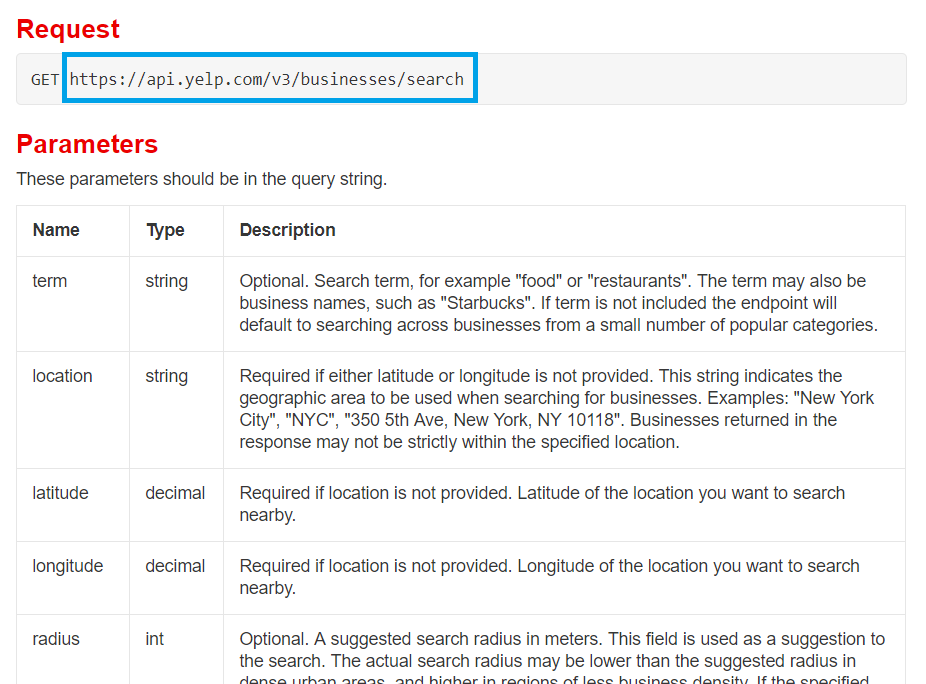
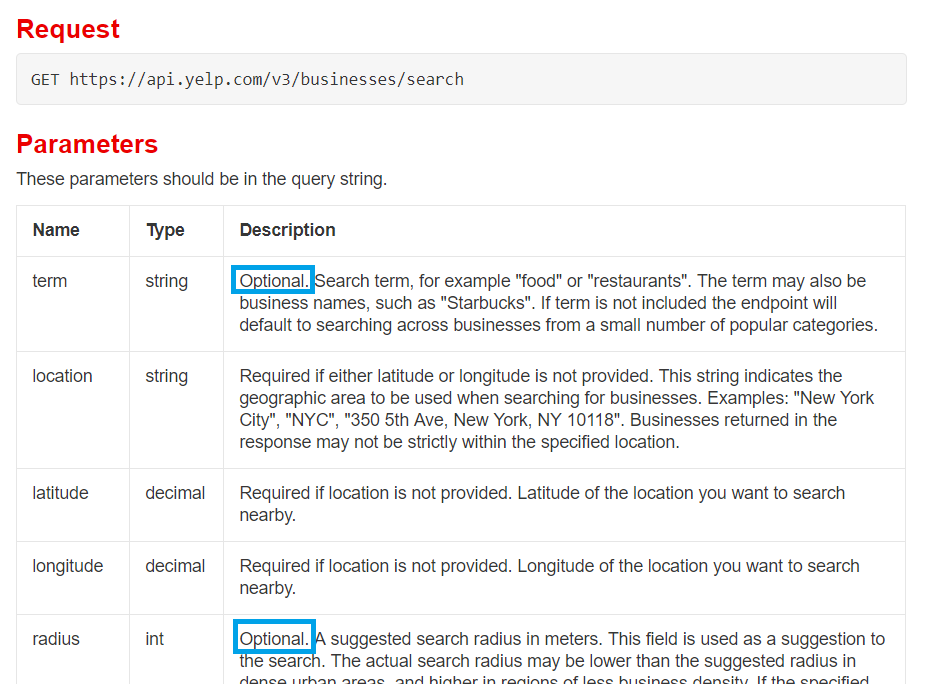
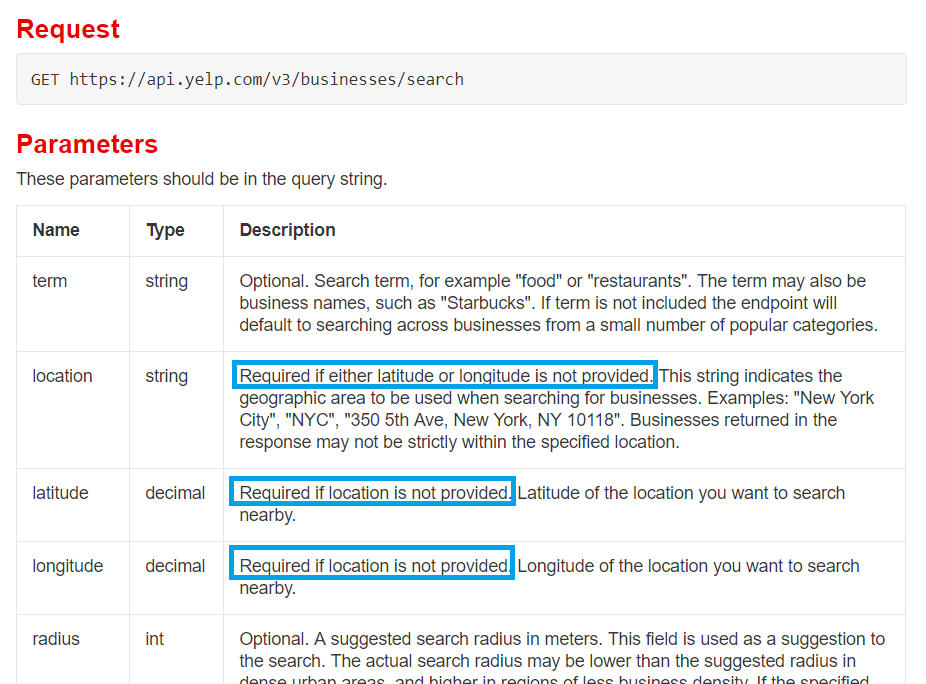
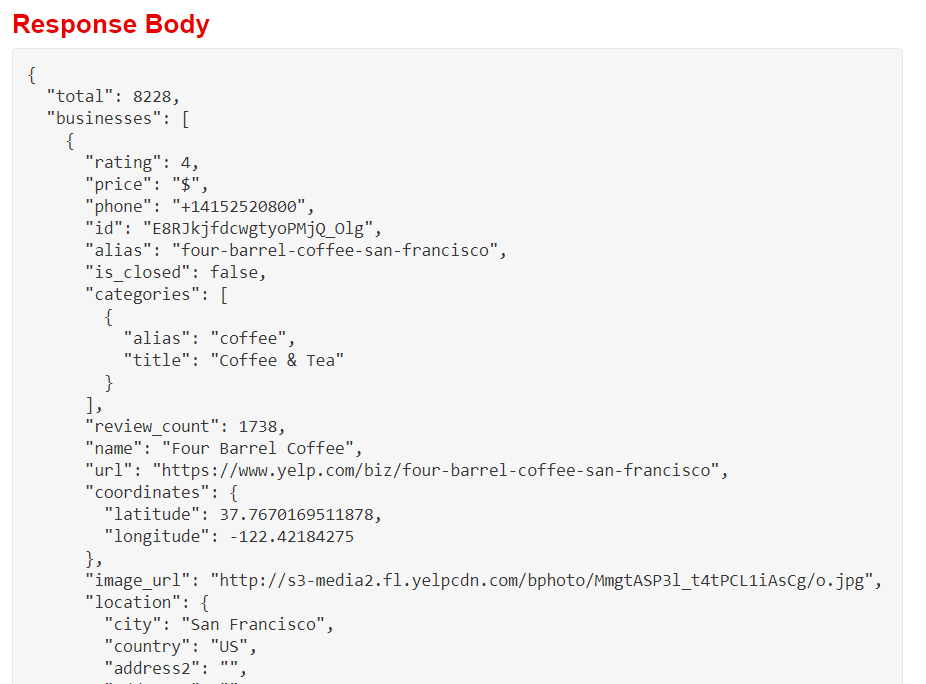
requests.get(url_string) untuk mengambil data dari URLparams: menerima dictionary parameter dan nilai untuk menyesuaikan permintaan APIheaders: menerima dictionary, dapat digunakan untuk autentikasi pengguna ke APIresponse berisi data dan metadataresponse.json() hanya mengembalikan data JSONresponse.json() mengembalikan dictionaryread_json() mengharapkan string, bukan dictionarypd.DataFrame()read_json() akan error!


import requests import pandas as pdapi_url = "https://api.yelp.com/v3/businesses/search"# Set up parameter dictionary according to documentation params = {"term": "bookstore", "location": "San Francisco"}# Set up header dictionary w/ API key according to documentation headers = {"Authorization": "Bearer {}".format(api_key)}# Call the API response = requests.get(api_url, params=params, headers=headers)
# Isolate the JSON data from the response object
data = response.json()
print(data)
{'businesses': [{'id': '_rbF2ooLcMRA7Kh8neIr4g', 'alias': 'city-lights-bookstore-san-francisco', 'name': 'City Lights Bookstore', 'image_url': 'https://s3-media1.fl.yelpcdn.com/bphoto/VRydkkpVbA3CeVLBKzs2Vw/o.jpg', 'is_closed': False,
# Load businesses data to a dataframe
bookstores = pd.DataFrame(data["businesses"])
print(bookstores.head(2))
alias ... url
0 city-lights-bookstore-san-francisco ... https://www.yelp.com/biz/city-lights-bookstore...
1 alexander-book-company-san-francisco ... https://www.yelp.com/biz/alexander-book-compan...
[2 rows x 16 columns]
Pemasukan Data yang Efisien dengan pandas