Organizing complex Dags with Task Groups

Building Data Pipelines with Airflow

Volker Janz

Senior Developer Advocate at Astronomer

The complexity problem
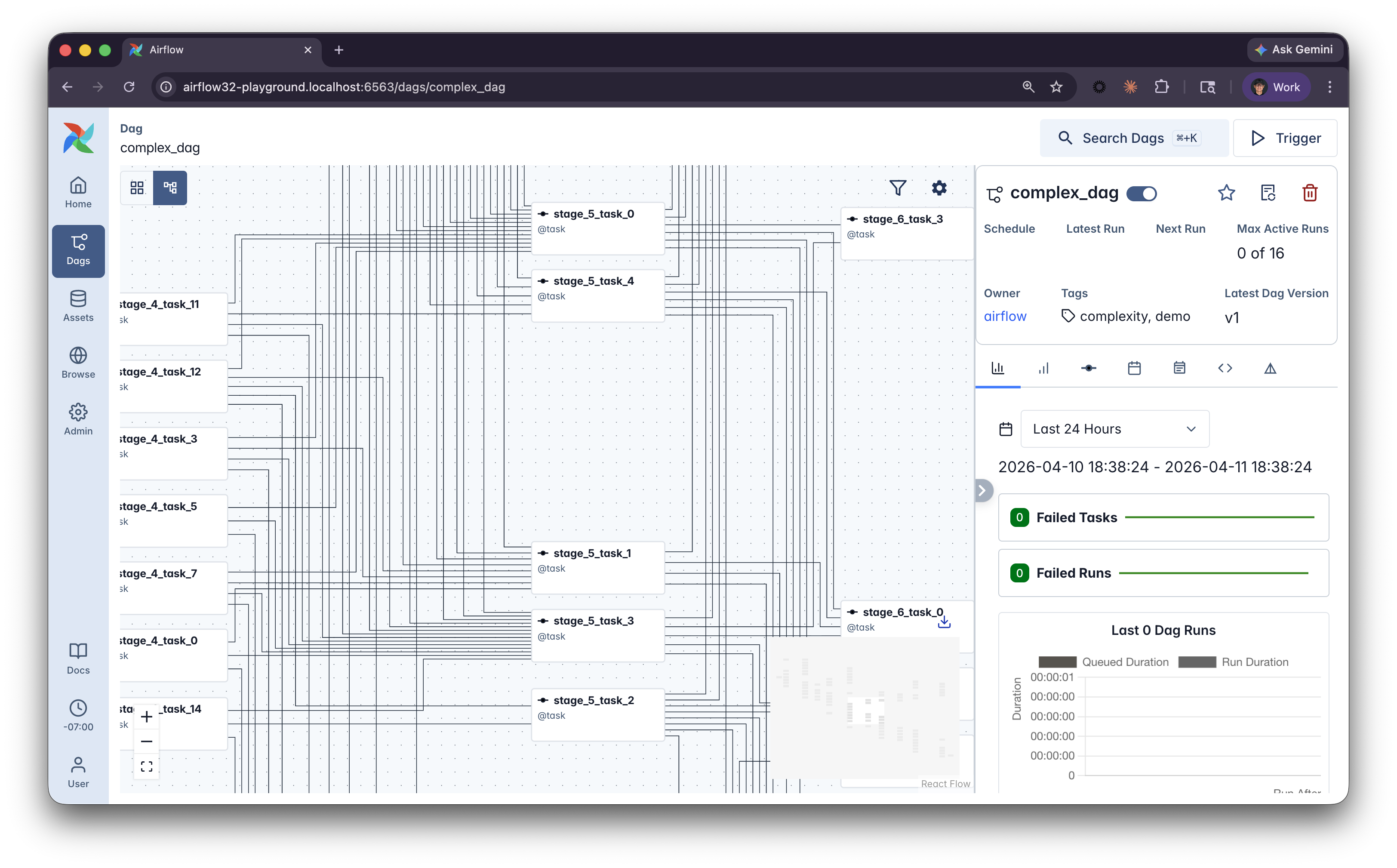
Complex Dag

  • Large Dags become hard to navigate in the Graph view
  • Task names blur together
  • New team members struggle to find what they own
Building Data Pipelines with Airflow

@task_group

from airflow.sdk import dag, task, task_group

@task_group(
    group_id="ingest_orders",
    default_args={"retries": 3},
)

def process_orders(): @task def extract_orders(): return [{"id": 1, "amount": 99.99}] @task def transform_orders(orders): return [{"id": o["id"], "total": o["amount"] * 1.08} for o in orders] return transform_orders(extract_orders())
  • group_id sets a custom identifier, defaults to the function name
  • default_args applies to all tasks in the group to avoid repeated configuration code
  • Task groups appear as expandable blocks in the UI
Building Data Pipelines with Airflow

How it looks in the Airflow UI

Without task groups

Simple graph showing three tasks in a line: extract_orders, transform_orders, load, all at the same level

  • All tasks at the same level

With task groups
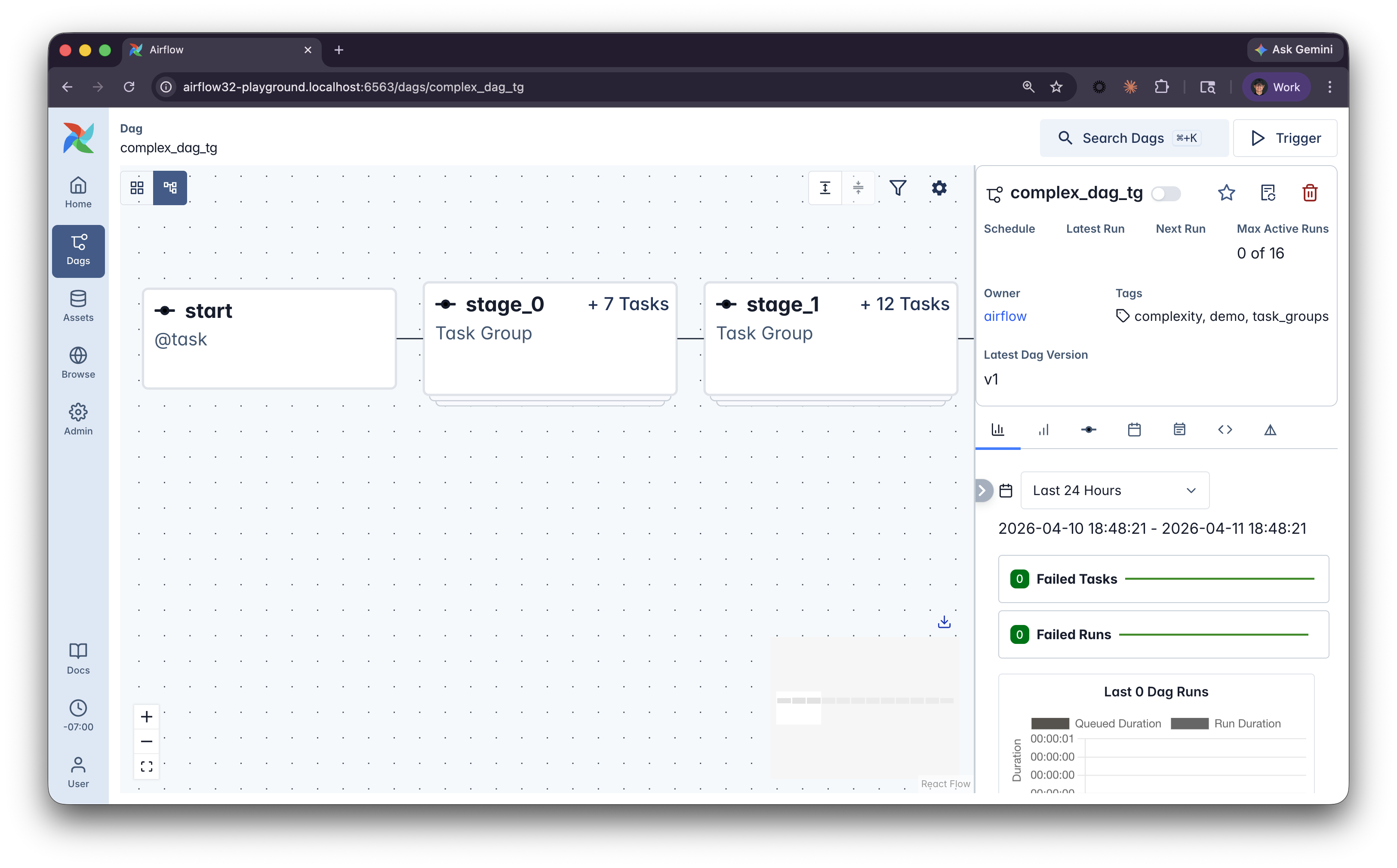
Graph showing a collapsed block called process_orders containing extract and transform, followed by a load task outside the group

  • Collapsible blocks in the UI
Building Data Pipelines with Airflow

Nesting and custom display names

@task_group(group_display_name="Process All")
def process_all():

    @task_group(group_display_name="Ingest Orders")
    def orders():
        return transform(extract())

    @task_group(group_display_name="Process Returns")
    def returns():
        return transform(extract())

    return {
        "orders": orders(),
        "returns": returns(),
    }
  • Task groups can be nested for more complex pipelines
  • group_display_name sets a human-readable label in the UI (even supports emojis)
Building Data Pipelines with Airflow

The factory pattern

@task_group
def process_source(source_name, source_path):

    @task
    def extract():
        return read_data(source_path)

    @task
    def transform(data):
        return clean_data(data)

    return transform(extract())

# Reuse the same pattern for different sources orders = process_source("orders", "/data/orders.csv") returns = process_source("returns", "/data/returns.csv") events = process_source("events", "/data/events.csv")
  • Task groups are decorated Python functions
  • You can call them multiple times with different parameters
  • This factory pattern allows to reuse pipeline logic
Building Data Pipelines with Airflow

Guidelines for grouping

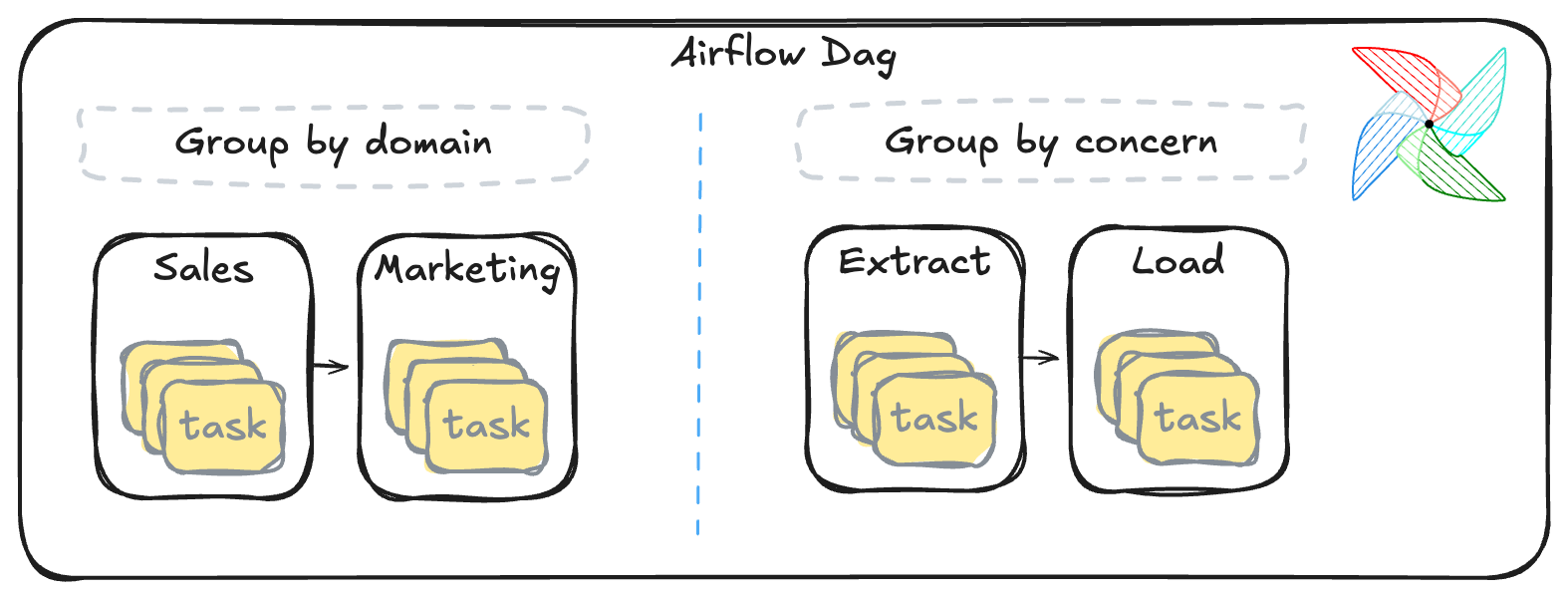
Group by domain or concern

  • Group by domain or concern, not by operator type
  • Use group_id for clear programmatic names, group_display_name for UI labels
  • Use default_args to share config like retries across all tasks in a group
  • Apply Miller's Law, more than 7 top-level items can be an indicator that you need a task group
Building Data Pipelines with Airflow

Let's practice!

Building Data Pipelines with Airflow

Preparing Video For Download...