Operasi lanjutan
Pendahuluan TensorFlow di Python

Isaiah Hull
Visiting Associate Professor of Finance, BI Norwegian Business School
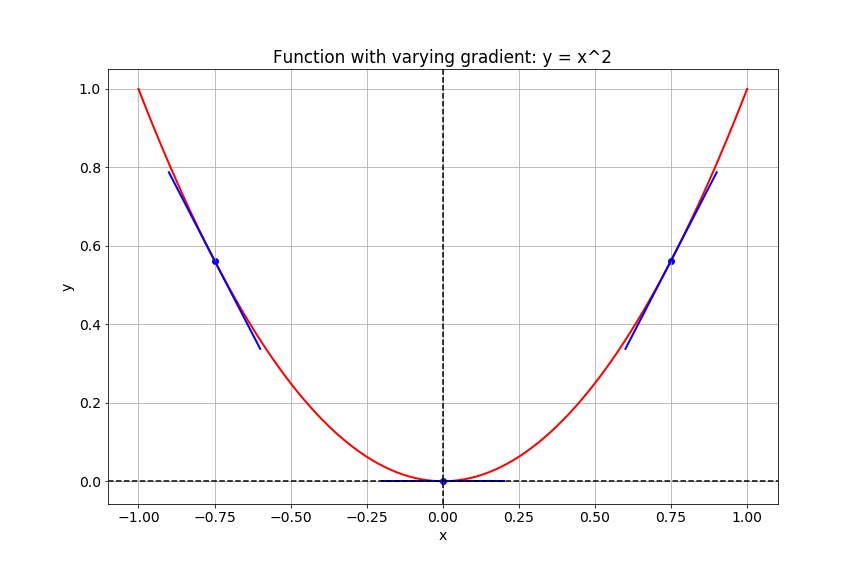
Menghitung gradien
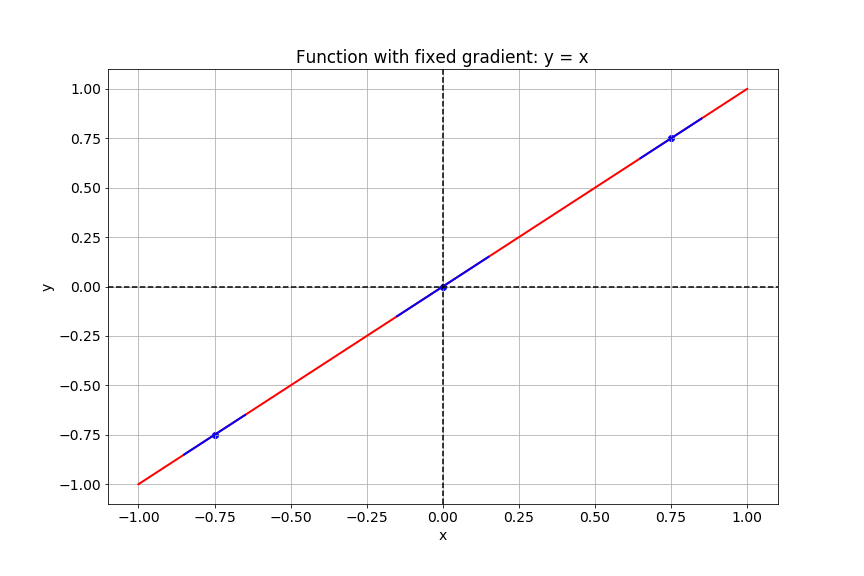
Menghitung gradien
Gambar sebagai tensor
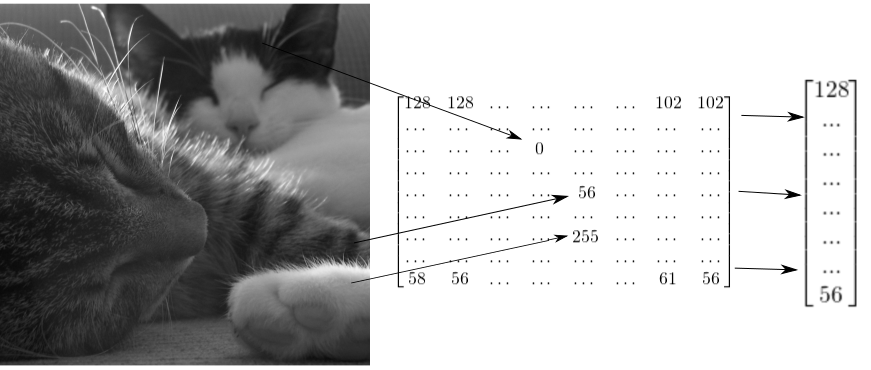
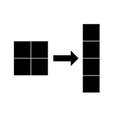
Cara reshape citra grayscale
# Import tensorflow as alias tf
import tensorflow as tf

# Generate grayscale image
gray = tf.random.uniform([2, 2], maxval=255, dtype='int32')

# Reshape grayscale image
gray = tf.reshape(gray, [2*2, 1])
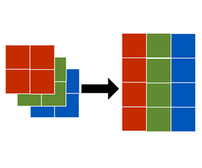
Cara reshape citra warna
# Import tensorflow as alias tf
import tensorflow as tf

# Generate color image
color = tf.random.uniform([2, 2, 3], maxval=255, dtype='int32')

# Reshape color image
color = tf.reshape(color, [2*2, 3])