Pemrosesan Data di Shell
Susan Sun
Data Person
Python
Dokumentasi:
man python
...
-V , --version
Prints the Python version number of the executable and exits.
python --version
Python 3.5.2
Contoh: menggunakan Python bawaan
which python
/usr/bin/python
Untuk memulai sesi interaktif Python di terminal:
python
Python 3.5.2 (default, Nov 23 2017, 16:37:01)
[GCC 5.4.0 20160609] on linuxType "help", "copyright", "credits" or
"license" for more information.
>>>
Di dalam sesi interaktif, hanya gunakan sintaks Python:
>>> print('hello world')
hello world
Untuk keluar dari sesi Python dan kembali ke terminal:
>>> exit()
$
Sesi interaktif Python:
Alternatif:
.pypython + nama skripMetode 1
.py dengan editor teks di command line (mis. nano, Vim, Emacs)
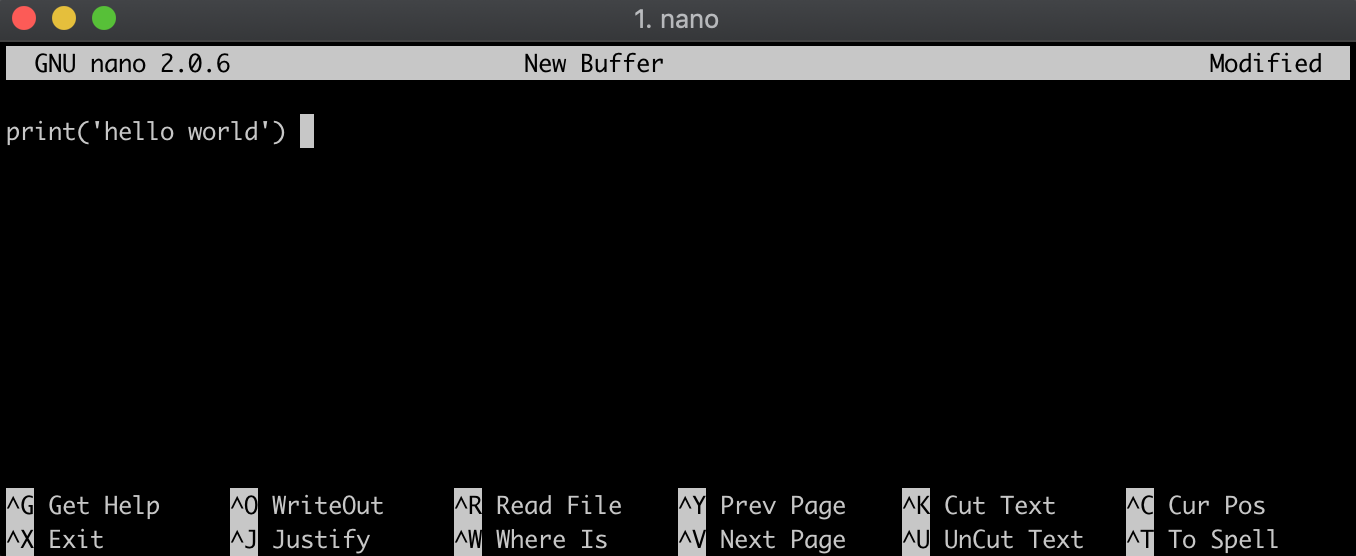
Metode 2
.py dengan echo sintaks Python ke file hello_world.py, sekaligus membuat file tersebut.echo "print('hello world')" > hello_world.py
Periksa isi file:
cat hello_world.py
print('hello world')
Pastikan berada di direktori yang sama dengan file .py:
ls
hello_world.py
Jalankan file .py dengan mendahului nama file dengan python:
python hello_world.py
hello world
Pemrosesan Data di Shell