Fitur lanjutan untuk memperbaiki plot Anda

Studi Kasus: Membangun Aplikasi Web dengan Shiny di R

Dean Attali

Shiny Consultant

Input warna

library(colourpicker)

colourInput("col", "Pilih warna", value = "orange")
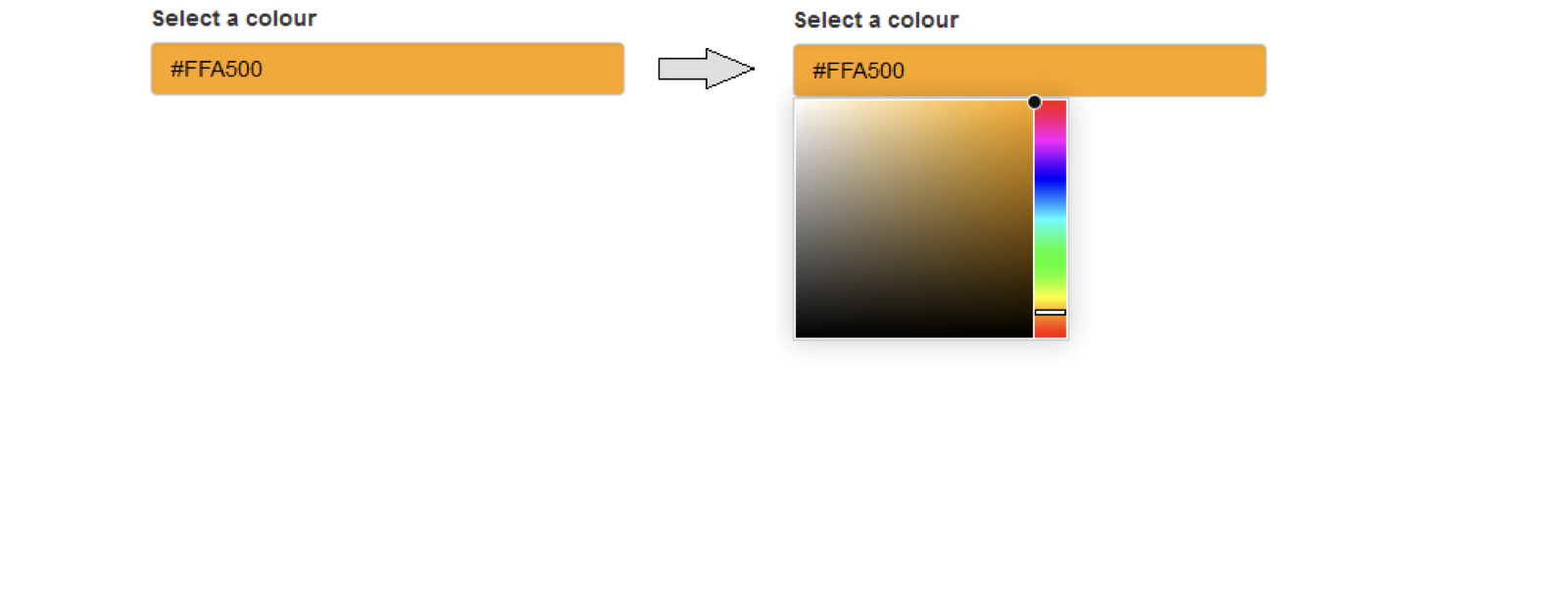
Input warna

Studi Kasus: Membangun Aplikasi Web dengan Shiny di R

Output dapat memiliki argumen

plotOutput(outputId, width = "100%", height = "400px",
           click = NULL, dblclick = NULL, hover = NULL,
           hoverDelay = NULL, hoverDelayType = NULL, 
           brush = NULL, clickId = NULL, hoverId = NULL,
           inline = FALSE)
Studi Kasus: Membangun Aplikasi Web dengan Shiny di R

Argumen output plot

plotOutput("plot1", width = 200, height = 400)
plotOutput("plot2", width = 400, height = 200)
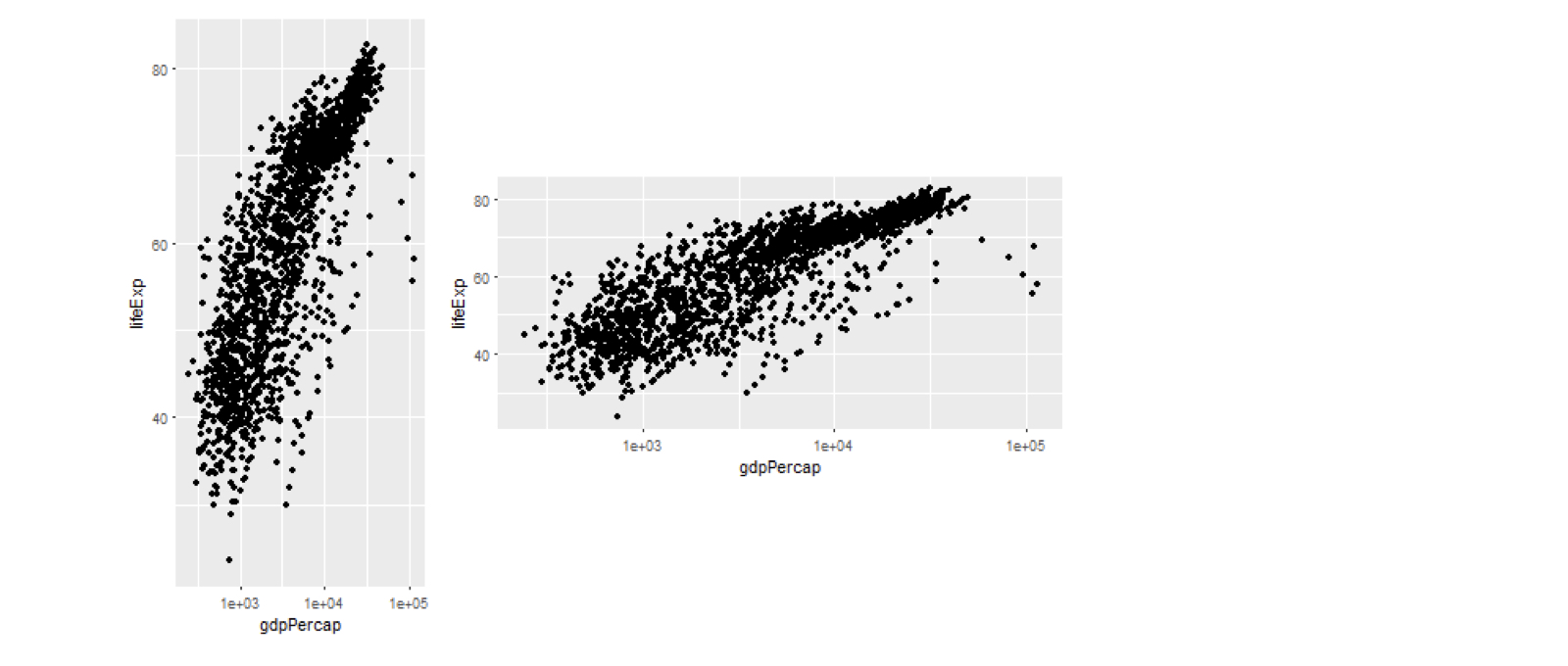
Argumen output plot

Studi Kasus: Membangun Aplikasi Web dengan Shiny di R

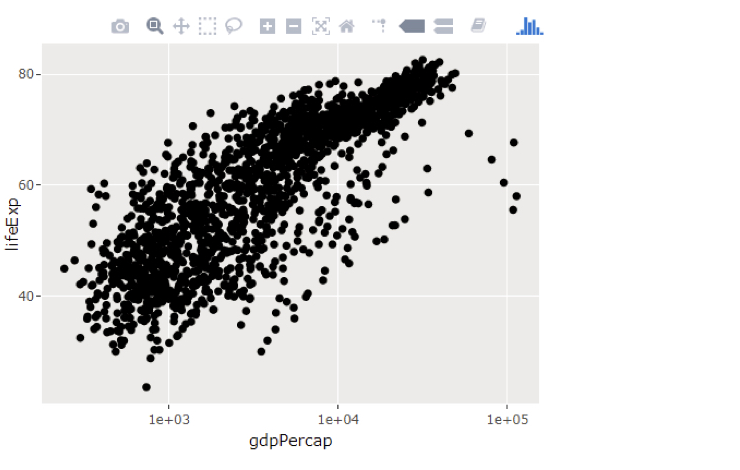
Plot interaktif dengan plotly

  • Banyak paket untuk plot interaktif
  • plotly adalah pilihan populer
  • ggplotly():
    • Plot ggplot2 ⇒ interaktif
p <- ggplot(gapminder, 
          aes(gdpPercap, lifeExp)) +
     geom_point() +
     scale_x_log10()

library(plotly)
ggplotly(p)

Plot interaktif dengan plotly

Studi Kasus: Membangun Aplikasi Web dengan Shiny di R

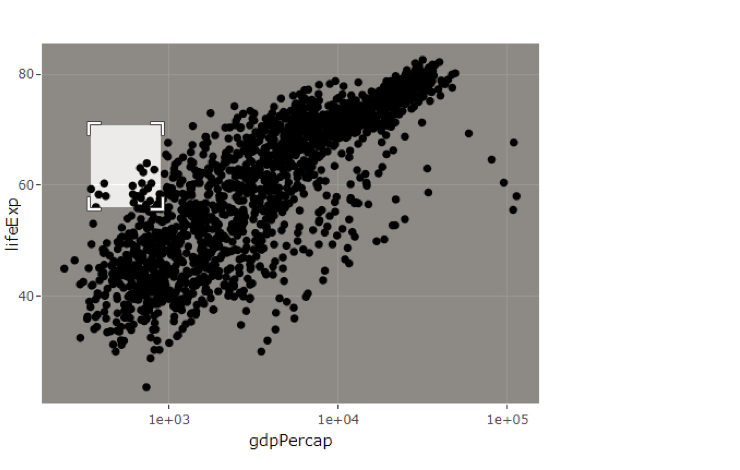
Plot interaktif dengan plotly

  • Banyak paket untuk plot interaktif
  • plotly adalah pilihan populer
  • ggplotly():
    • Plot ggplot2 ⇒ interaktif
p <- ggplot(gapminder, 
          aes(gdpPercap, lifeExp)) +
     geom_point() +
     scale_x_log10()

library(plotly)
ggplotly(p)

Plot interaktif dengan plotly

Studi Kasus: Membangun Aplikasi Web dengan Shiny di R

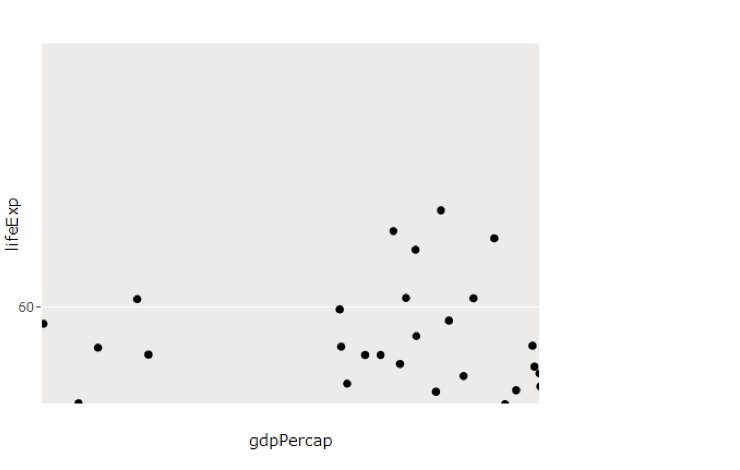
Plot interaktif dengan plotly

  • Banyak paket untuk plot interaktif
  • plotly adalah pilihan populer
  • ggplotly():
    • Plot ggplot2 ⇒ interaktif
p <- ggplot(gapminder, 
          aes(gdpPercap, lifeExp)) +
     geom_point() +
     scale_x_log10()

library(plotly)
ggplotly(p)

Plot interaktif dengan plotly

Studi Kasus: Membangun Aplikasi Web dengan Shiny di R

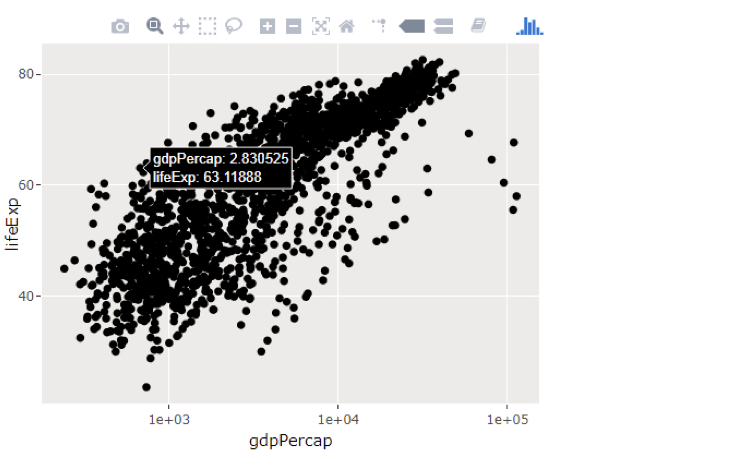
Plot interaktif dengan plotly

  • Banyak paket untuk plot interaktif
  • plotly adalah pilihan populer
  • ggplotly():
    • Plot ggplot2 ⇒ interaktif
p <- ggplot(gapminder, 
          aes(gdpPercap, lifeExp)) +
     geom_point() +
     scale_x_log10()

library(plotly)
ggplotly(p)

Plot interaktif dengan plotly

Studi Kasus: Membangun Aplikasi Web dengan Shiny di R

Plotly di Shiny

  • Salah
plotOutput("plot")
renderPlot(ggplotly(p))
  • Benar
plotlyOutput("plot")
renderPlotly(ggplotly(p))
Studi Kasus: Membangun Aplikasi Web dengan Shiny di R

Ayo berlatih!

Studi Kasus: Membangun Aplikasi Web dengan Shiny di R

Preparing Video For Download...