Menambahkan layer

Visualisasi Data Interaktif Tingkat Menengah dengan plotly di R

Adam Loy

Statistician, Carleton College
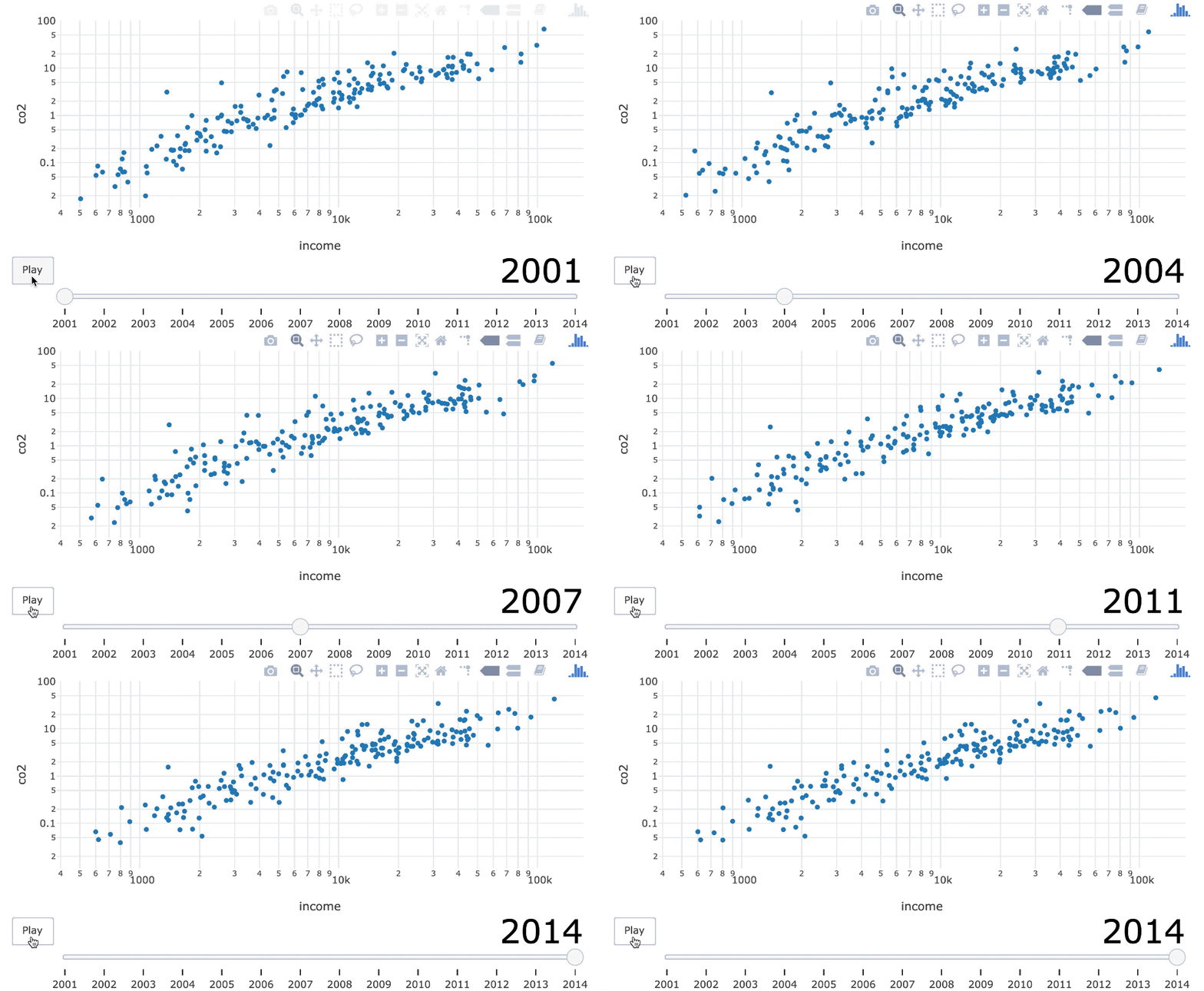
Mengatur slider teks ke 40 dan mengubah warna menjadi hitam.

Visualisasi Data Interaktif Tingkat Menengah dengan plotly di R

Layer teks

world_indicators %>%
  plot_ly(x = ~income, y = ~co2) %>%
  add_text(
    x = 6500, y = 1, text = ~year, frame = ~year,
    textfont = list(size = 150, color = toRGB("gray80"))
  )
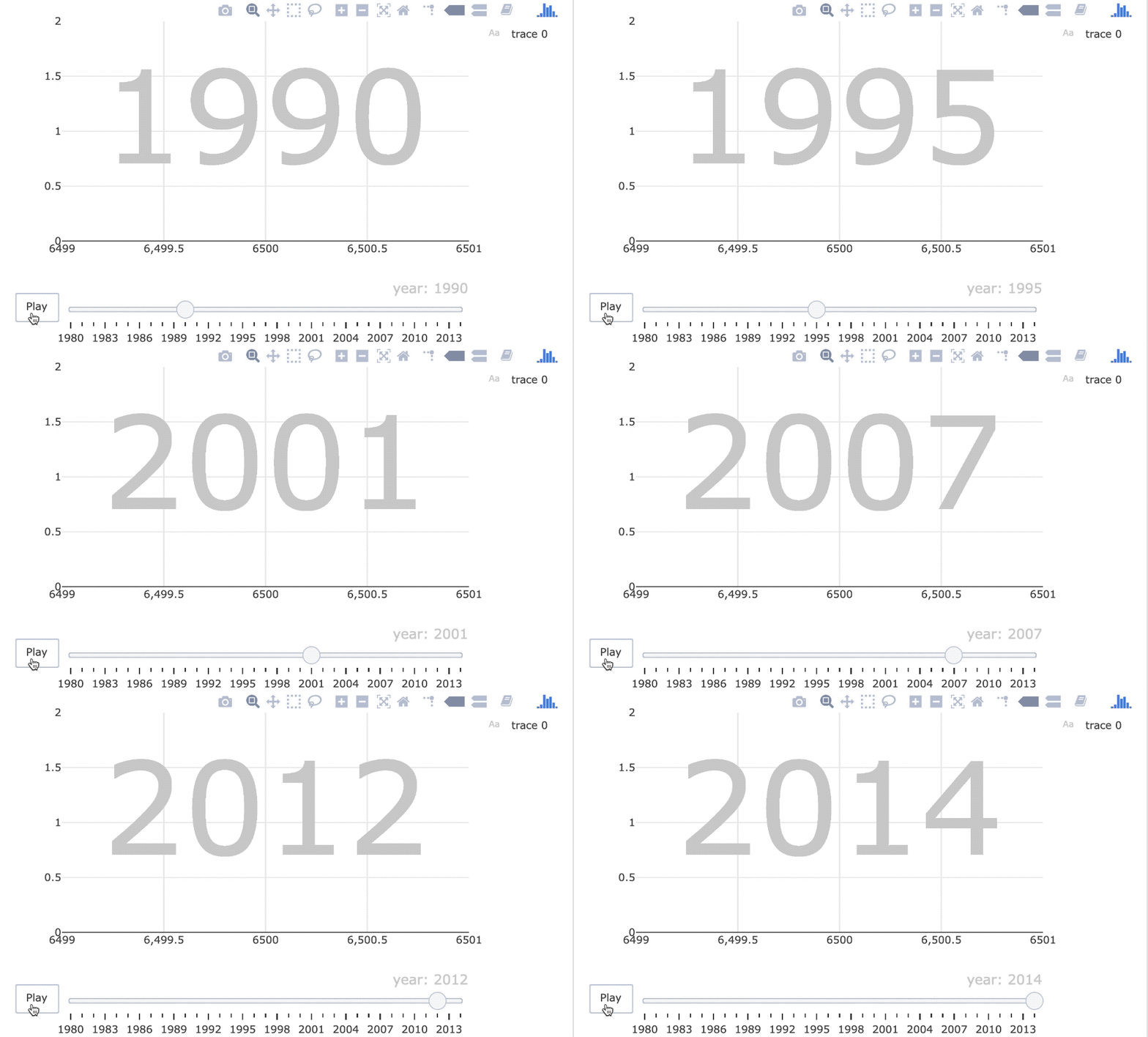
23-teks-saja-animasi.gif

Visualisasi Data Interaktif Tingkat Menengah dengan plotly di R

Layer titik

world_indicators %>%
  plot_ly(x = ~income, y = ~co2) %>%
  add_text(
    x = 6500, y = 1, text = ~year, frame = ~year,
    textfont = list(size = 150, color = toRGB("gray80"))
  ) %>%
  add_markers(frame = ~year, ids = ~country) %>%
  layout(
    xaxis = list(type = "log"), yaxis = list(type = "log")
  )
Visualisasi Data Interaktif Tingkat Menengah dengan plotly di R

Pemolesan

world_indicators %>%
  plot_ly(x = ~income, y = ~co2) %>%
  add_text(
    x = 6500, y = 1, text = ~year, frame = ~year,
    textfont = list(size = 150, color = toRGB("gray80"))
  ) %>%
  add_markers(frame = ~year, ids = ~country) %>%
  layout(
    xaxis = list(type = "log"), yaxis = list(type = "log"),
    showlegend = FALSE
  ) %>%
  animation_slider(hide = TRUE)
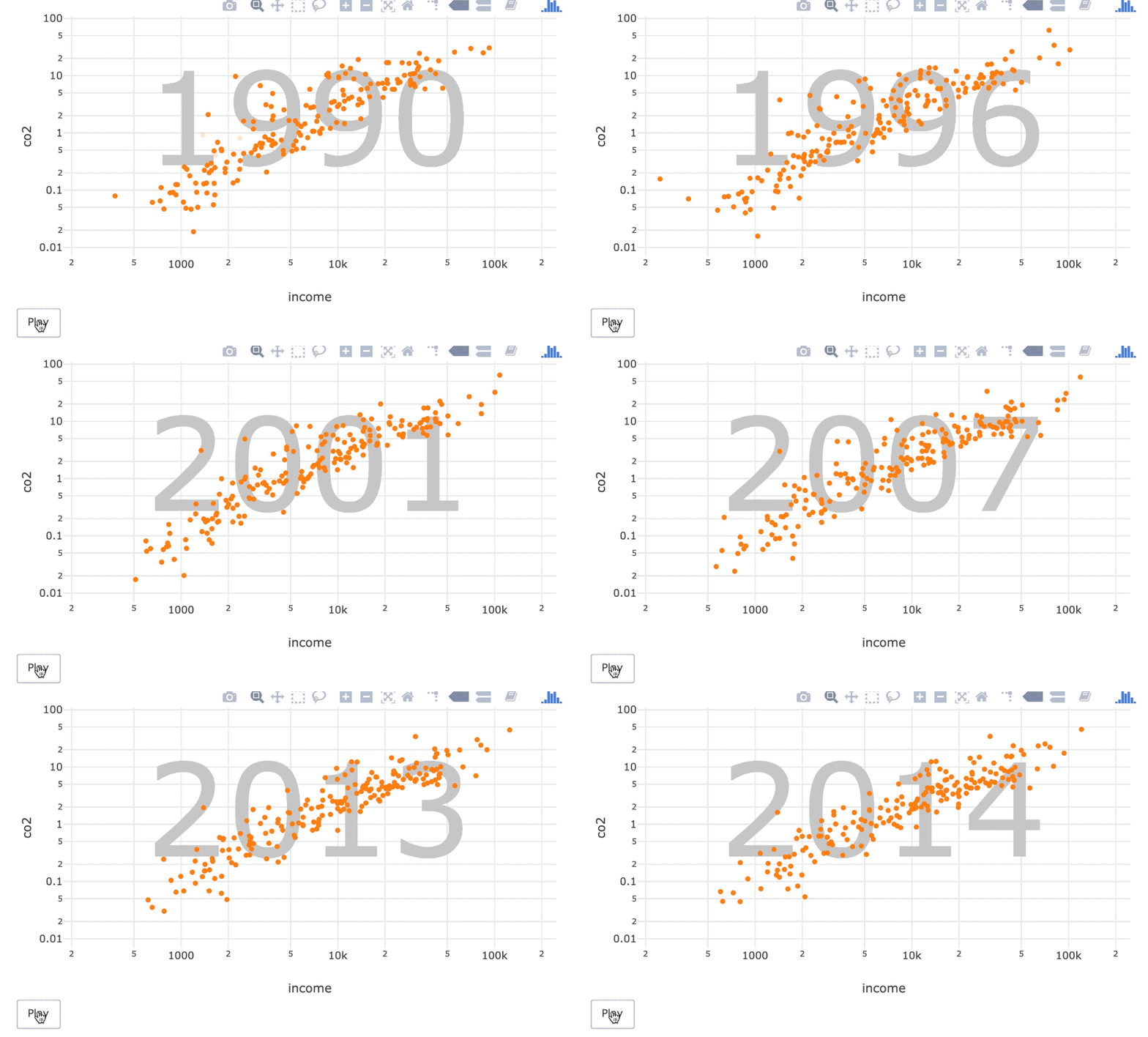
23-polished.gif

Visualisasi Data Interaktif Tingkat Menengah dengan plotly di R

23-polished.gif

Visualisasi Data Interaktif Tingkat Menengah dengan plotly di R

Ayo berlatih!

Visualisasi Data Interaktif Tingkat Menengah dengan plotly di R

Preparing Video For Download...