Visualisasi Data Interaktif Tingkat Menengah dengan plotly di R
Adam Loy
Statistician, Carleton College
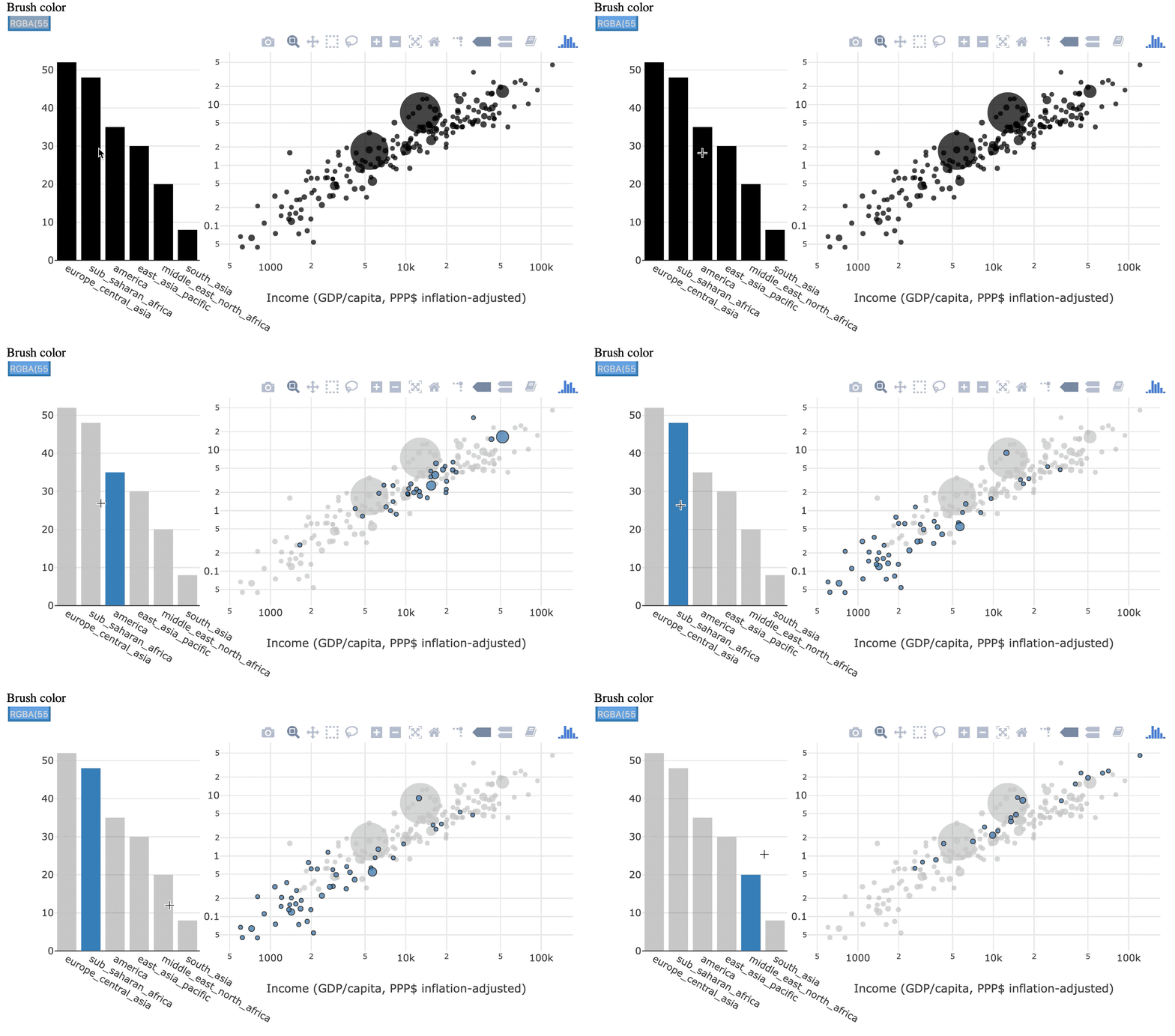
Seleksi sementara
kasus yang dipilih sebelumnya dilupakan

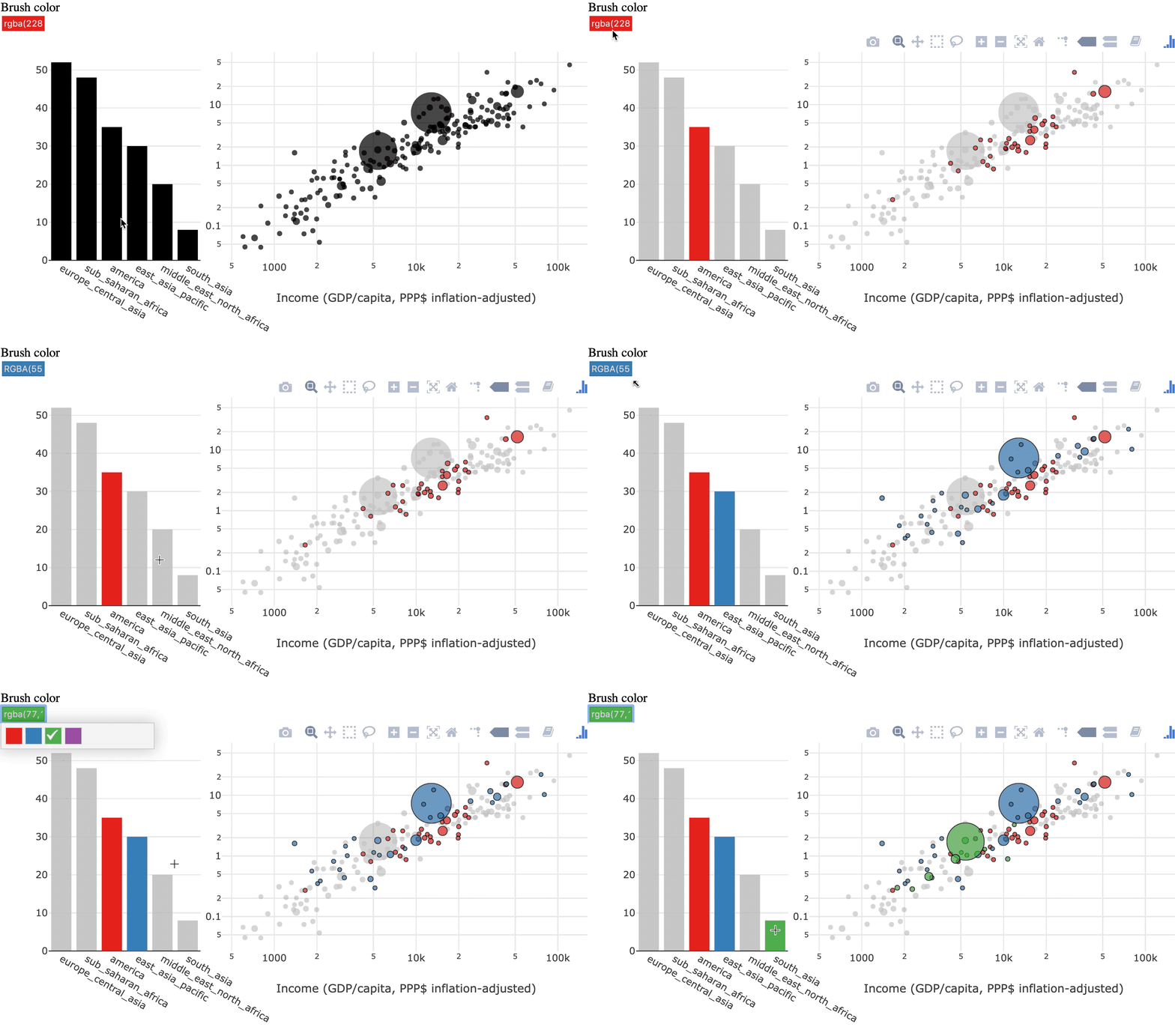
Seleksi persisten
kasus yang dipilih akan menumpuk


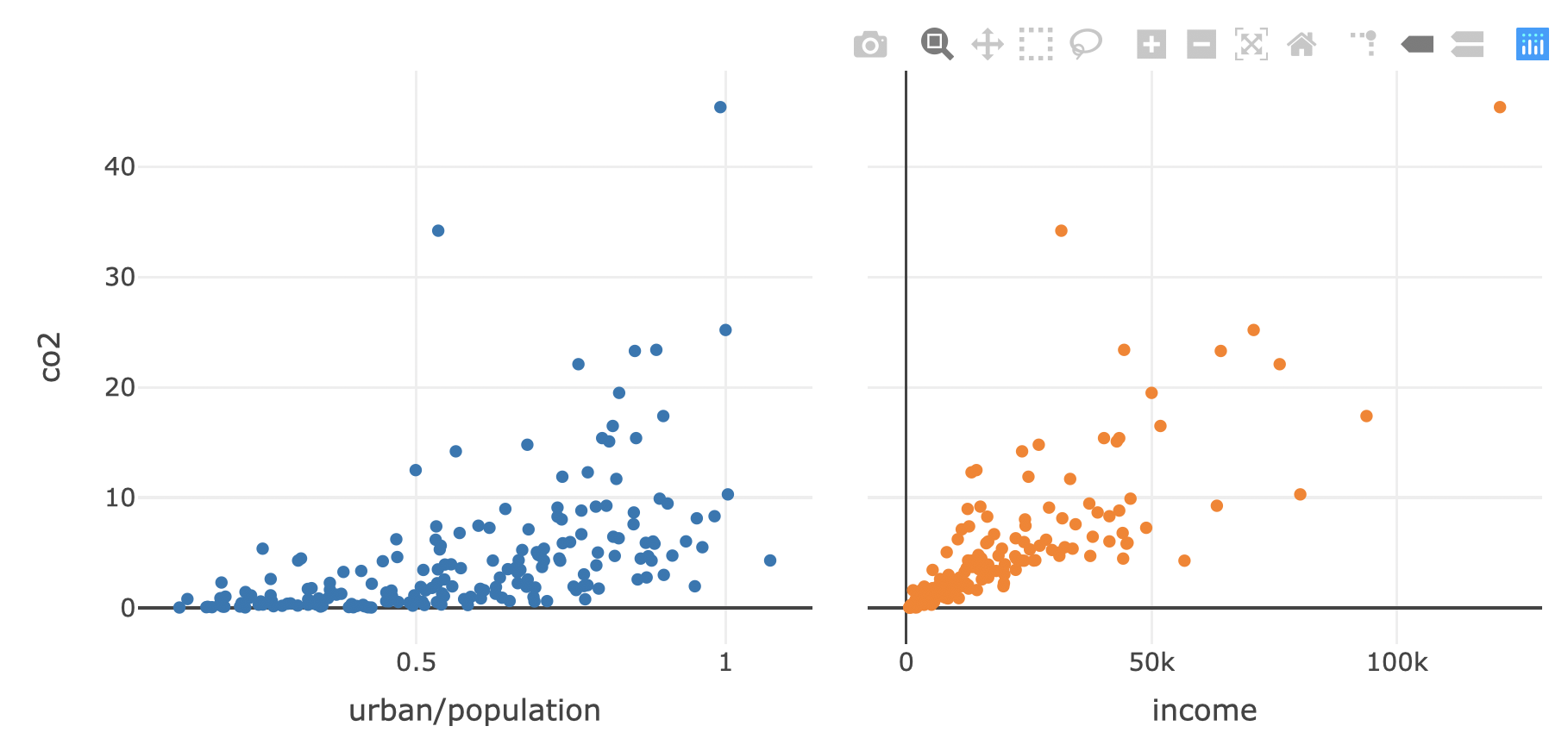
shared_data <- world2014 %>% SharedData$new()
p1 <- shared_data %>%
plot_ly(x=~urban/population, y = ~co2, text = ~country) %>%
add_markers()
p2 <- shared_data %>%
plot_ly(x=~income, y = ~co2, text = ~country) %>%
add_markers()
subplot(p1, p2, titleX = TRUE, shareY = TRUE) %>%
hide_legend()
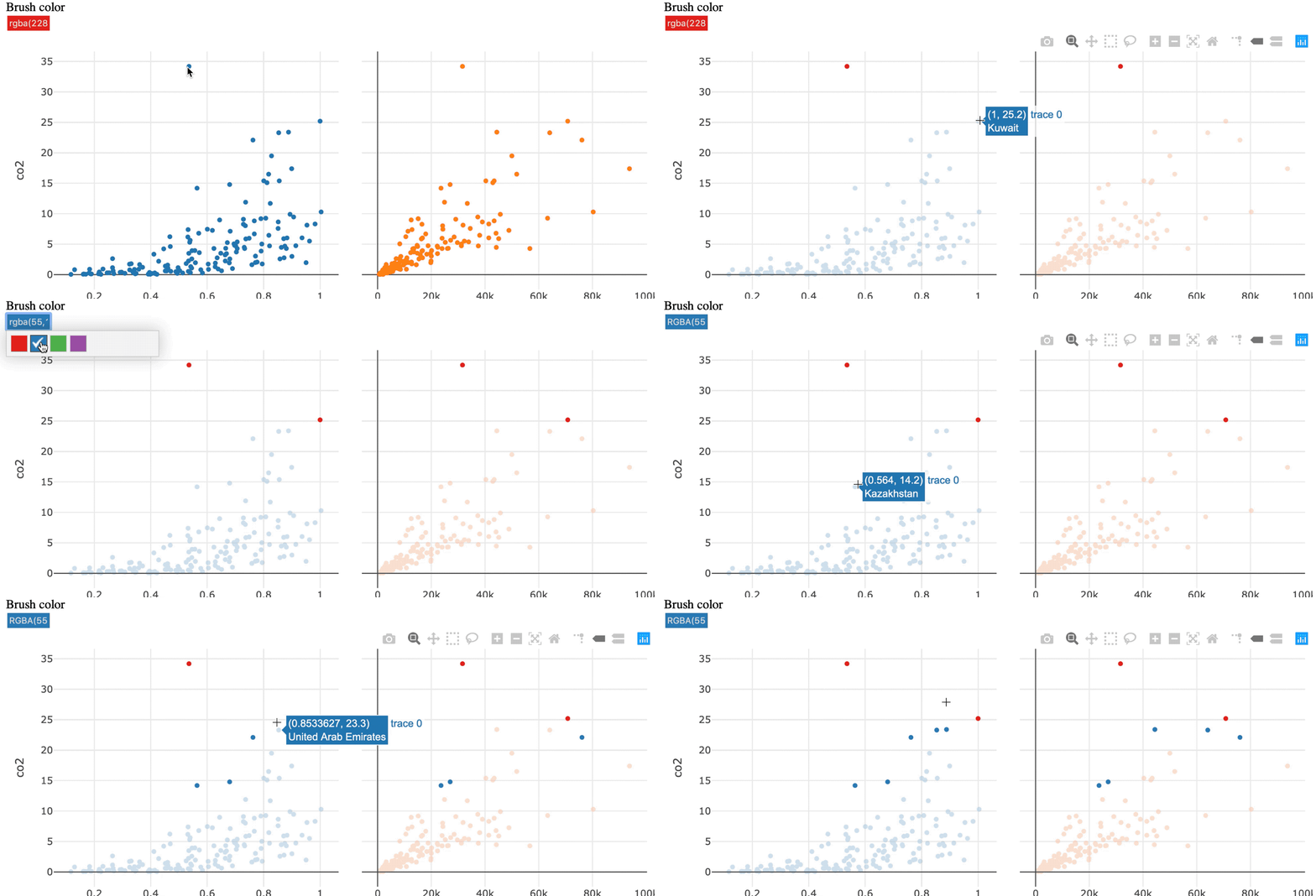
Aktifkan seleksi persisten dengan highlight()
subplot(p1, p2, titleX = TRUE, shareY = TRUE) %>%
hide_legend() %>%
highlight(persistent = TRUE)
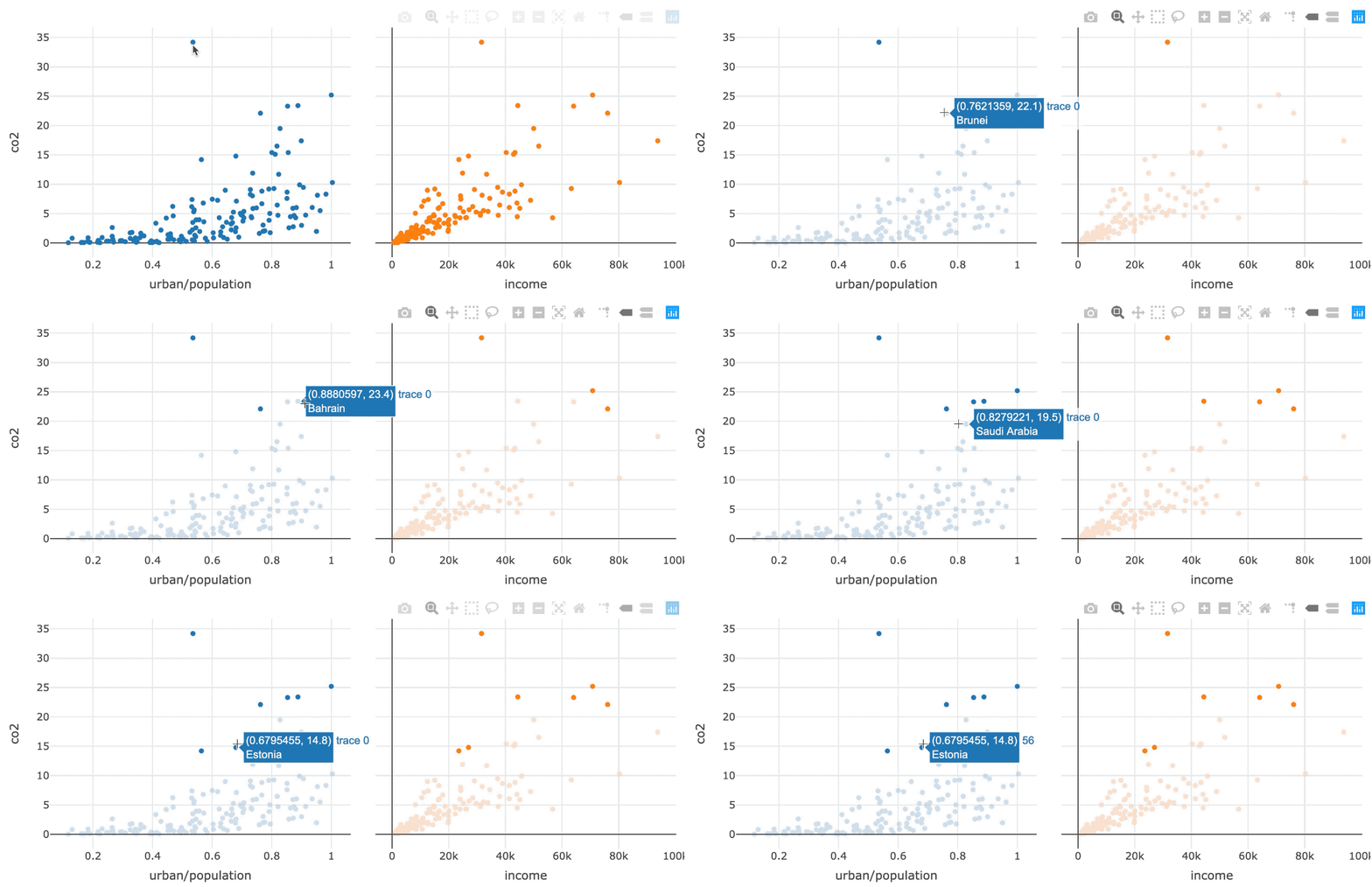

Tambahkan dynamic = TRUE untuk mengaktifkan pemilih warna
subplot(p1, p2, titleX = TRUE, shareY = TRUE) %>%
hide_legend() %>%
highlight(persistent = TRUE, dynamic = TRUE)
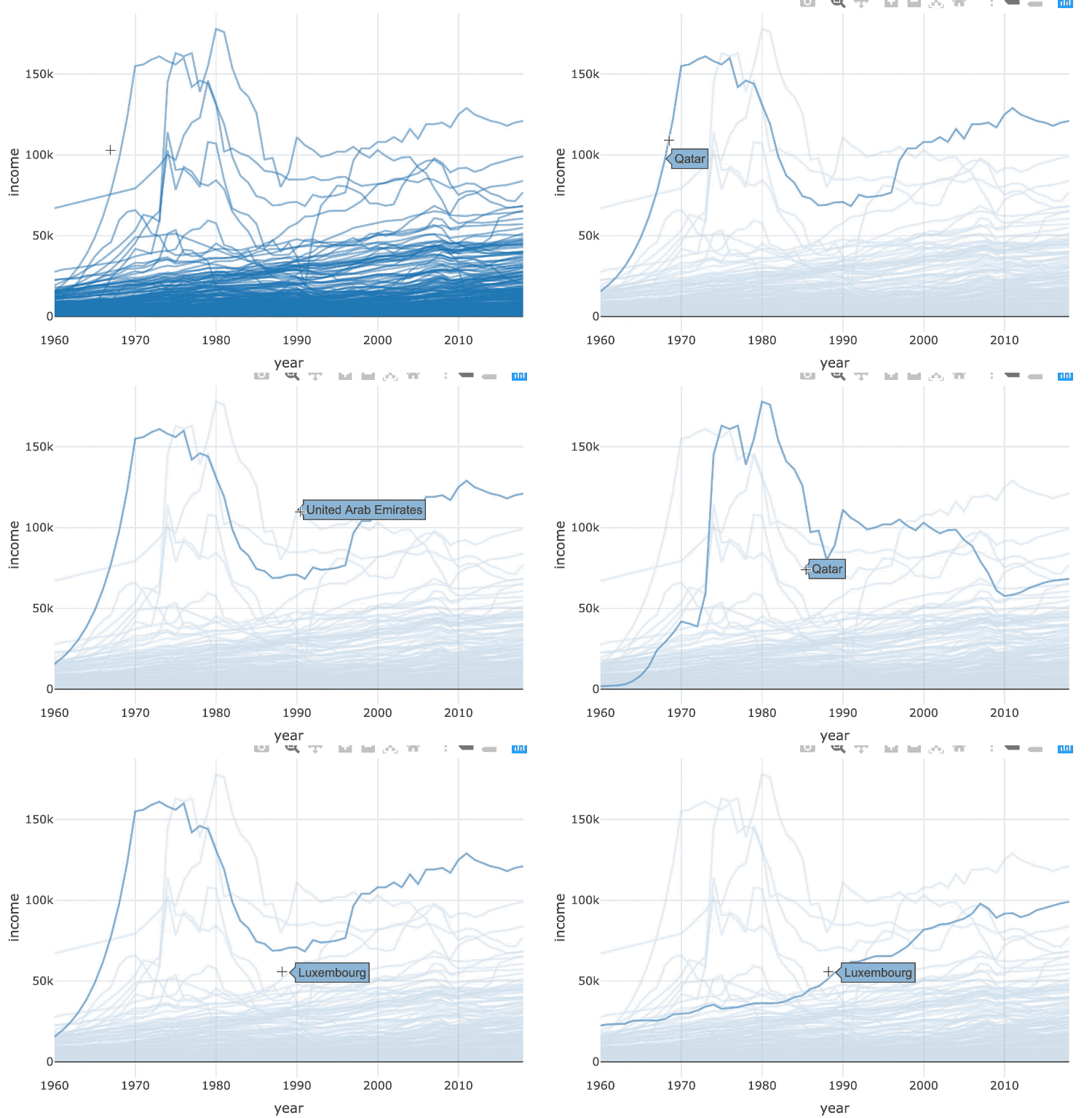
Manipulasi langsung
seleksi dilakukan dengan berinteraksi pada elemen grafik

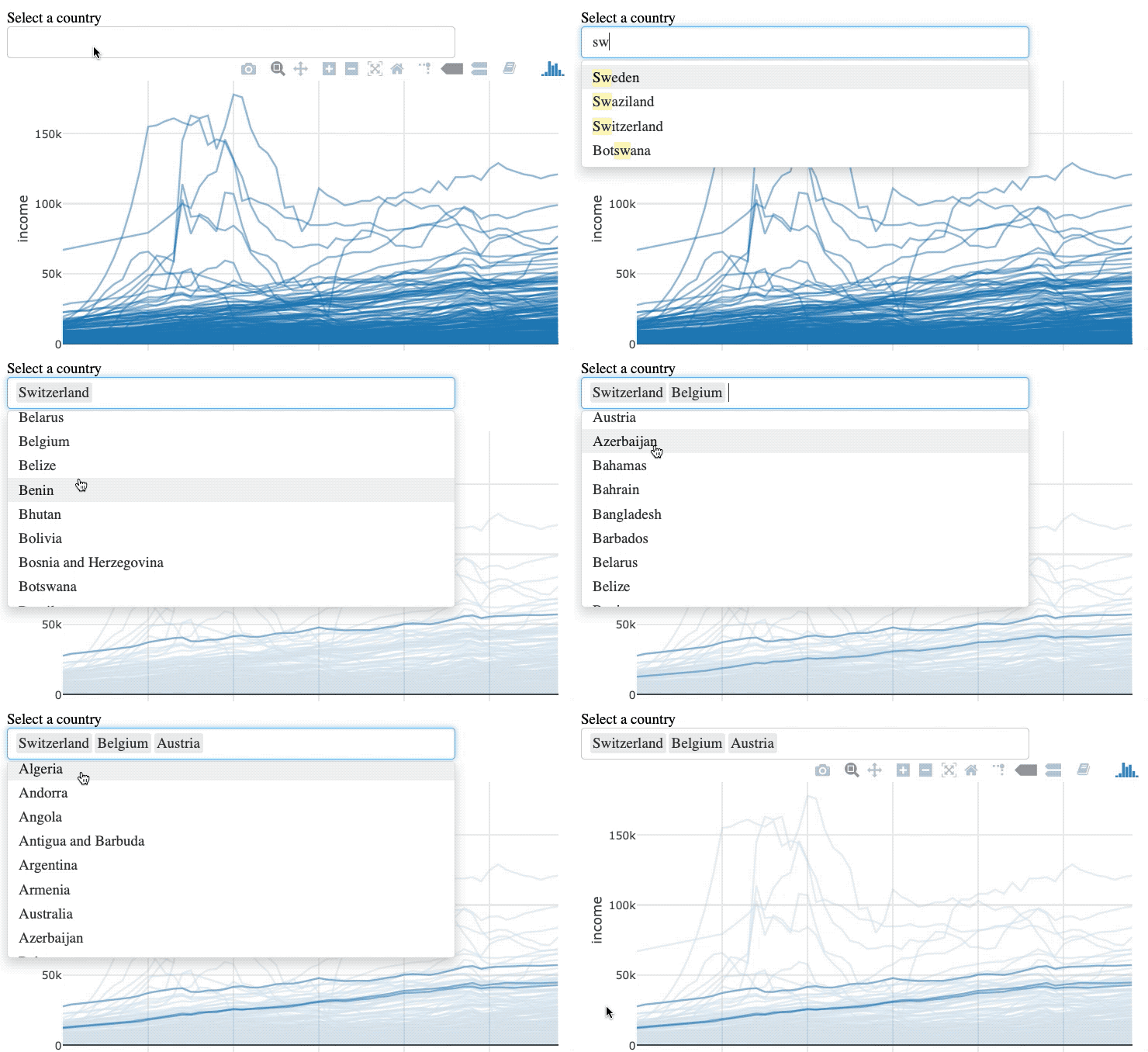
Manipulasi tidak langsung
seleksi dilakukan melalui kueri di luar grafik


world_indicators %>%
SharedData$new(key = ~country) %>%
plot_ly(x = ~year, y = ~income, alpha = 0.5) %>%
group_by(country) %>%
add_lines()
world_indicators %>%
SharedData$new(key = ~country, group = "Select a country") %>%
plot_ly(x = ~year, y = ~income, alpha = 0.5) %>%
group_by(country) %>%
add_lines() %>%
highlight(selectize = TRUE)

Visualisasi Data Interaktif Tingkat Menengah dengan plotly di R